Construction companies communicate through email about estimates, proposals, drawings, schedules, site questions, purchase orders, invoices, inspections, contracts, change requests, progress updates, and project coordination. Because these conversations can continue for weeks or months, it is useful for recipients to know exactly who sent a message and how that person can be contacted.
The best signature is rarely the most complicated one. A simple layout with strong hierarchy is generally easier to read than a crowded footer filled with promotional statements, oversized logos, multiple photographs, excessive social icons, and unrelated links. The objective is to make important information immediately accessible without competing with the actual email.
A construction email signature can also help establish a consistent company identity. When employees use the same basic structure, clients can move between a project manager, estimator, superintendent, salesperson, and administrator without encountering completely different branding styles.
This guide explains how to create a useful construction signature, what information to include, how to adapt it for different roles, how to use Word and Google Docs as design tools, how to implement it in common email platforms, and how to maintain a consistent system across a construction team.
What Is a simple construction email signature Template?
A simple construction email signature Template is a reusable design or layout for the information placed at the end of a professional email. It may exist as a Word document, Google Docs design, PDF reference, graphic mockup, HTML layout, or directly formatted signature inside an email application.
The template normally separates information into clear groups. The sender’s name and job title identify the individual. The company name establishes the organization. Telephone and email details provide direct contact options. A website, office location, logo, or selected professional link can provide additional context.
The word “simple” does not mean the signature needs to look plain or unfinished. It means that every element has a reason for being there. A thin brand-color divider, a compact logo, a clear job title, or a single website link can make a signature look polished without making it difficult to scan.
For construction companies, simplicity is particularly useful because employees often work across desktops, laptops, tablets, and phones. A layout that looks attractive on a large monitor can become awkward when viewed in a narrow mobile email window.
A good template should therefore be designed around communication first and decoration second. The recipient should be able to identify the sender and find a useful contact method without searching through a large graphic.
Why a Professional Construction Email Signature Matters
An email signature is repeated brand exposure, but its more important function is identification. Every message can contain the sender’s professional role and contact information without requiring the recipient to search through an old email, business card, proposal, or company directory.
Construction projects often involve many stakeholders. A general contractor may communicate with an owner, architect, engineer, subcontractor, supplier, inspector, lender, consultant, and internal project team. A clear signature helps each recipient understand the sender’s position in that communication chain.
Consistency also helps a company appear organized. Imagine receiving one email with a large colorful banner, another with only a name and phone number, and another with an outdated company logo. Even when the underlying business is well managed, inconsistent signatures can make the communication experience feel fragmented.
A shared structure makes updates easier as well. If the company changes its website, office address, logo, telephone system, or branding, the master signature can be revised and then distributed to employees rather than requiring everyone to redesign their own footer.
The most effective approach is to establish a standard framework while allowing employee-specific information to change. The company should look consistent, but the individual should still have an accurate name, title, phone number, and role.
Essential Components of a Construction Email Signature
1. Employee name
The full name should be immediately recognizable. It is usually the strongest typographic element in the signature. Use the professional spelling that appears on company records and other official communication.
2. Job title
The job title gives the recipient immediate context. Titles such as Project Manager, Estimator, Construction Superintendent, Operations Manager, Project Engineer, Site Supervisor, or Business Development Manager help explain the sender’s role.
3. Company name
The company name should remain visible even if a logo is included. Do not assume every recipient will recognize a symbol or graphic by itself.
4. Telephone number
A direct telephone number is usually more useful than a long list of phone numbers. If the employee has a mobile number that clients regularly use, it can be included. A general office number can be added when appropriate.
5. Email address
The email address can be included for clarity, especially when messages are forwarded or printed. It also reinforces the company’s domain and makes the contact block easier to understand.
6. Website
The company website provides a simple way for recipients to learn about services, projects, locations, and business capabilities. Use a short display label rather than a long technical URL when possible.
7. Company logo
A logo can reinforce branding, but it should remain secondary to the information. The recipient should still be able to understand the signature if the logo does not load.
8. Location
An office location or service area can be useful for contractors working in defined regions. Do not automatically include a lengthy address if it adds unnecessary height to the signature.
9. Optional professional links
A portfolio, project gallery, company profile, or professional social profile may be useful. Limit optional links to destinations that are active, relevant, and maintained.
Construction templates frequently demonstrate several different approaches to combining the person’s identity, company branding, contact information, and visual hierarchy. The useful lesson is not to copy every decorative element, but to observe how the information is grouped.
A signature with a strong information hierarchy can remain effective even when viewed quickly. The name should be obvious, the role should be easy to understand, and the contact options should be visually separated from decorative elements.
When evaluating a template, first remove the colors mentally and look only at its structure. If the information still makes sense in plain black text, the underlying layout is probably sound.
After the information hierarchy works, branding can be added carefully through a logo, divider, accent color, or small visual element. This approach prevents decoration from determining the entire structure.
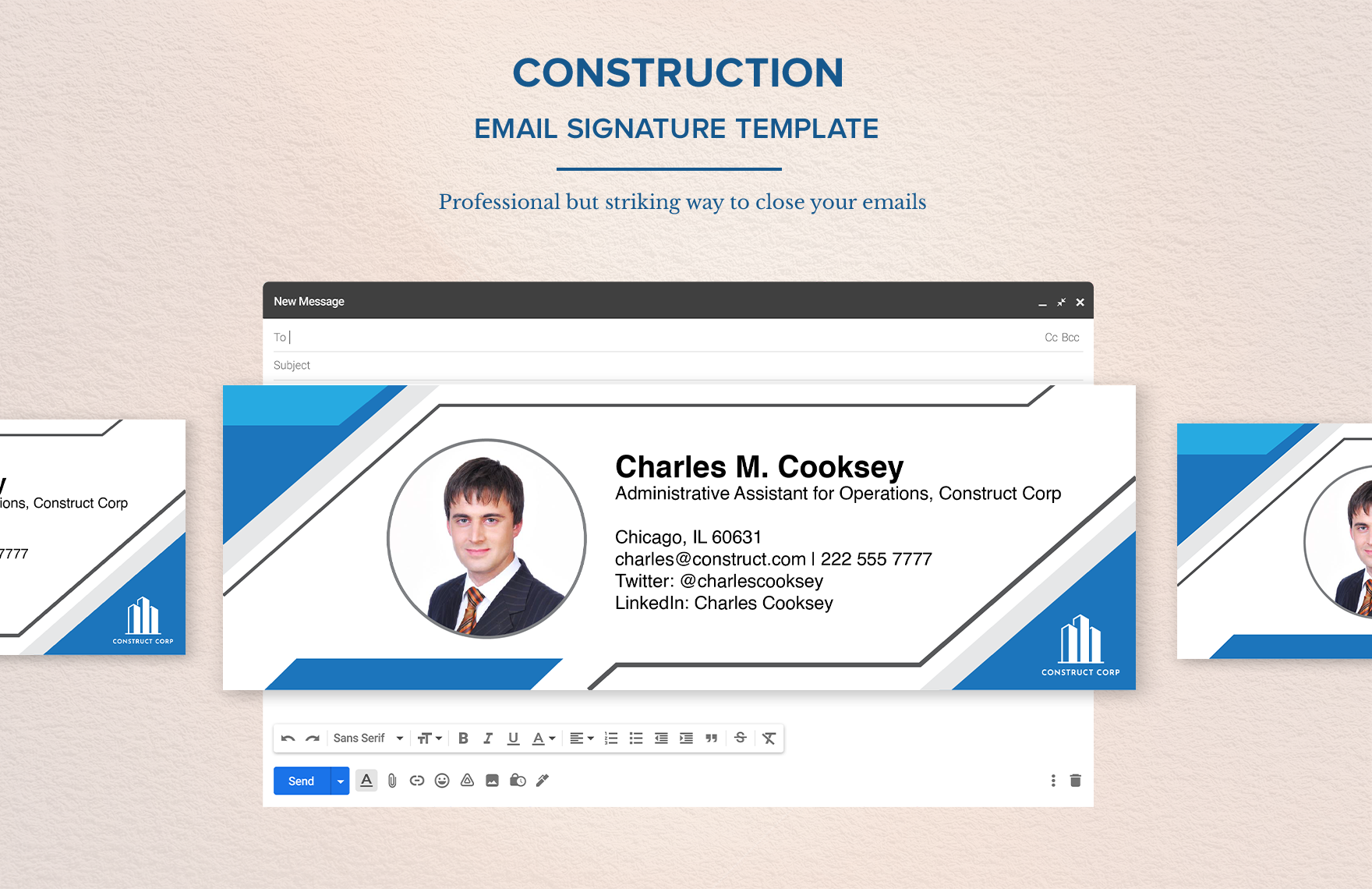
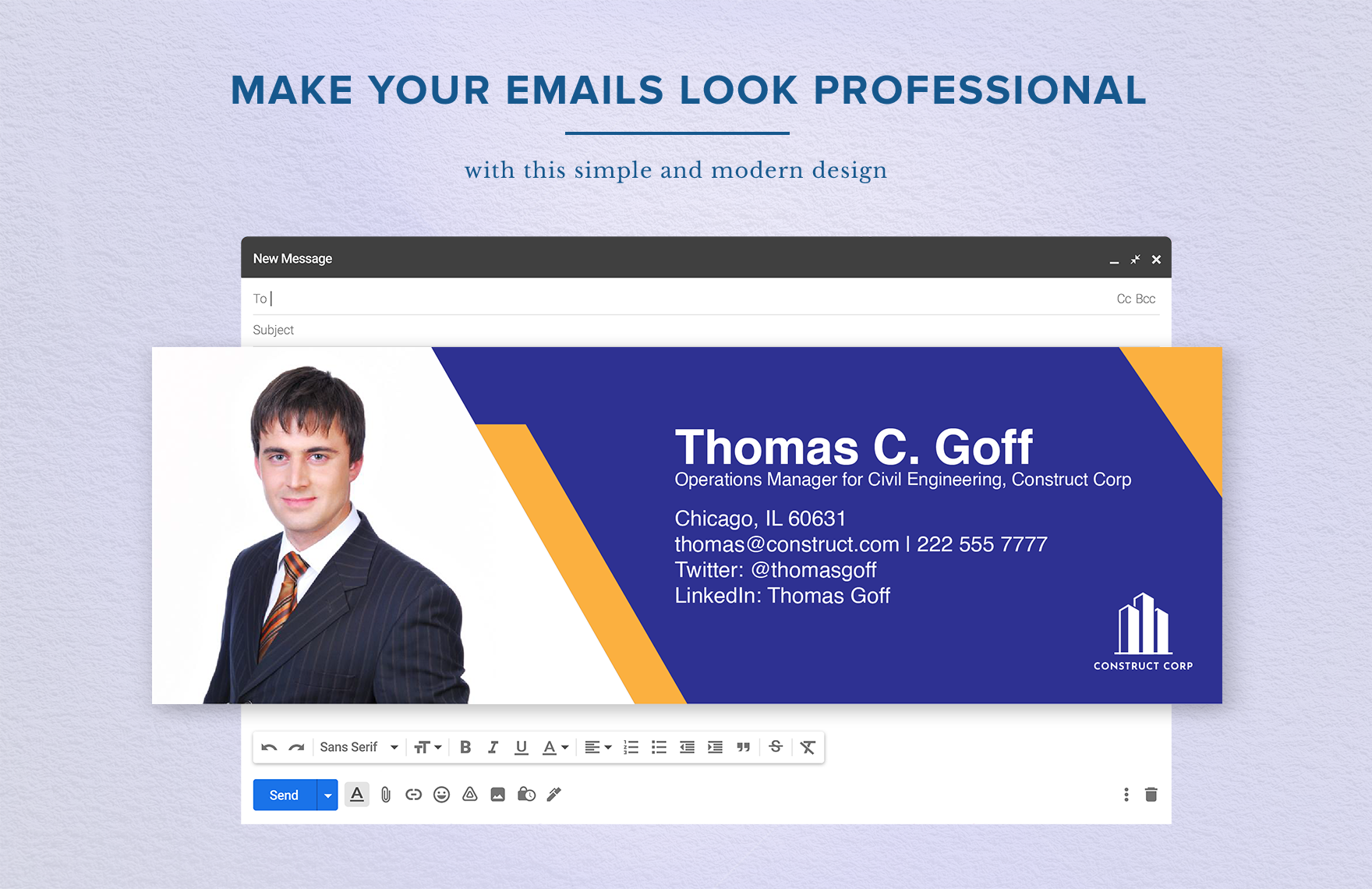
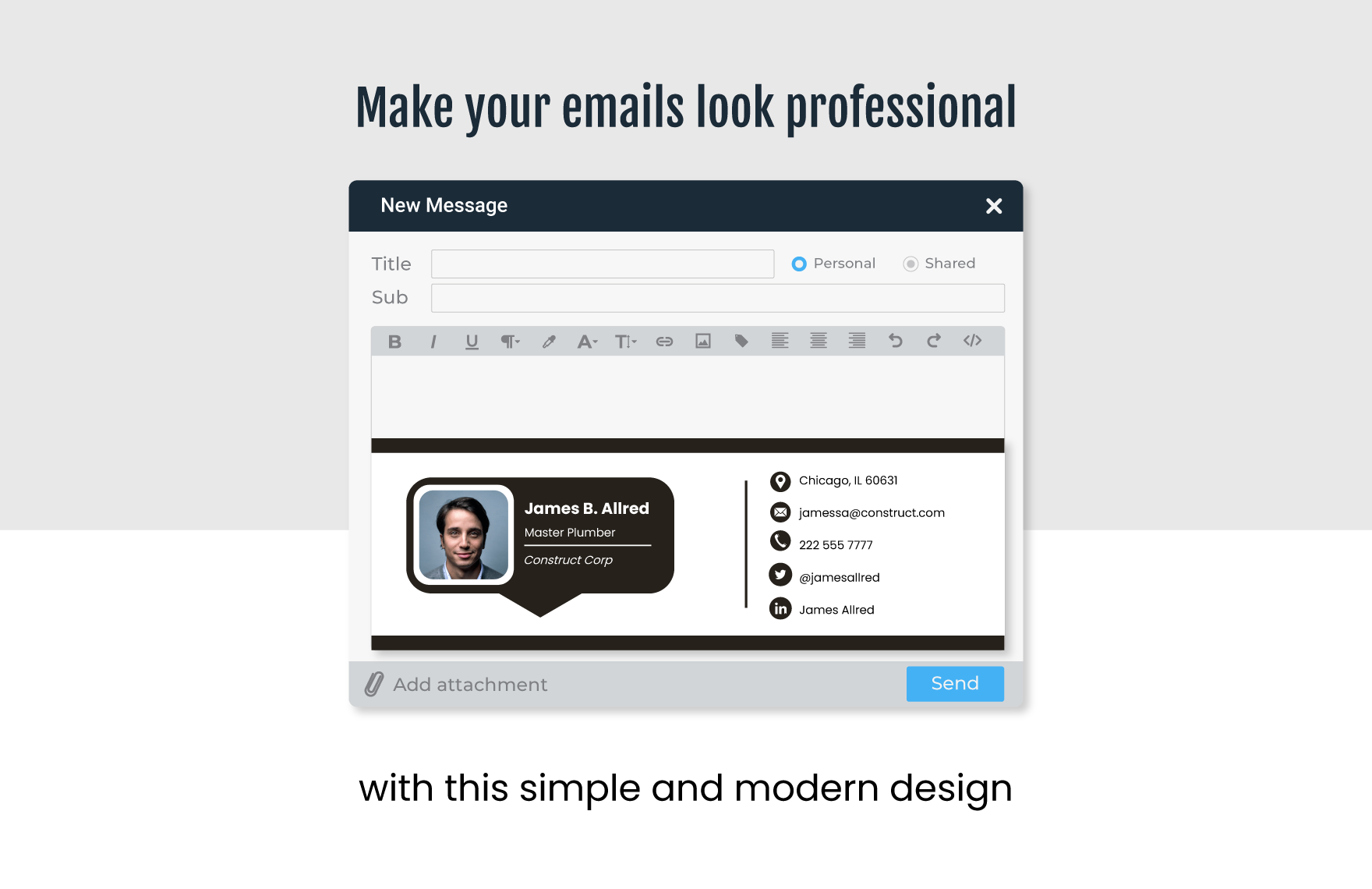
The following construction-oriented reference illustrates how a signature can be presented inside an email composition environment while keeping the identity block visually separate from the message itself.
Choosing the Right Layout
The horizontal layout is one of the most practical choices for business email because it keeps the signature relatively compact. The employee name and contact information can occupy one area while the logo occupies another.
A stacked layout can work better for mobile-heavy communication. The name appears first, followed by the job title, company, phone, email, and website. This format is easy to read and generally requires less complicated formatting.
A two-column layout can create a polished appearance, but it needs more testing. Narrow email windows can force columns to become cramped, especially when company names or job titles are long.
A graphic banner can provide stronger visual branding, but essential information should not exist only inside the graphic. A recipient should still be able to read the person’s name, role, and contact information as text.
The safest approach for a construction company is usually a compact hybrid: real text for essential contact information plus restrained branding for recognition.
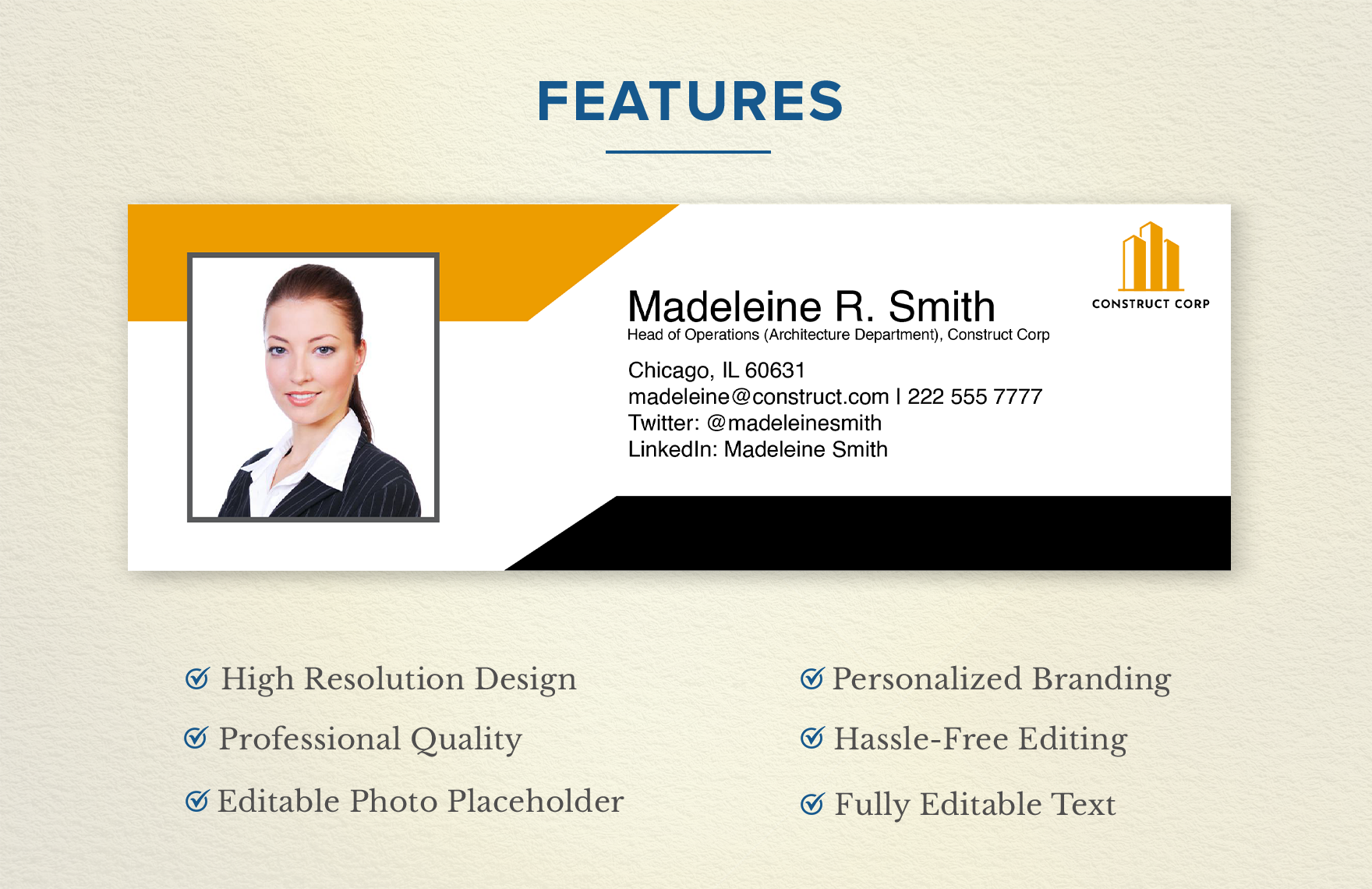
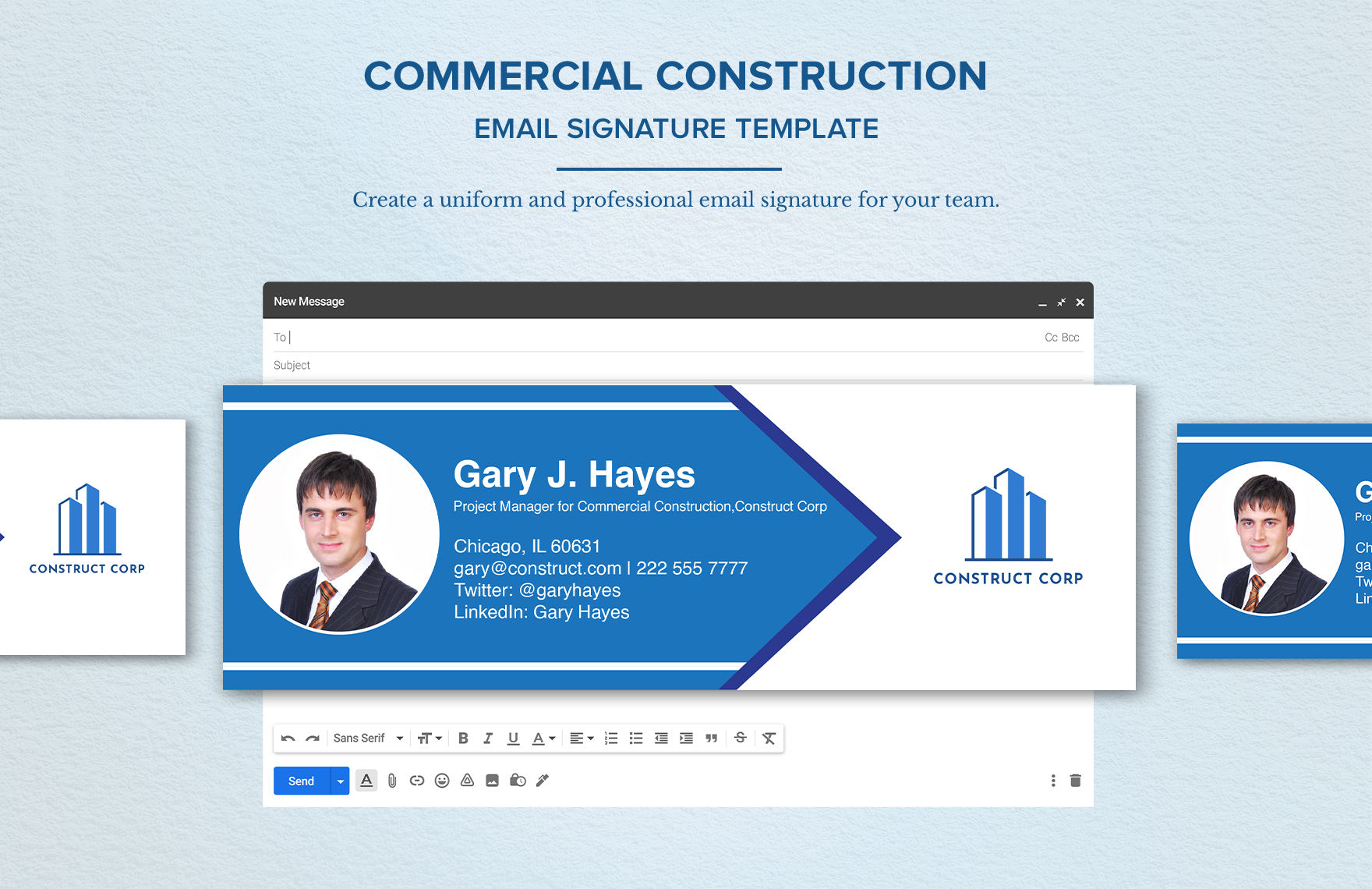
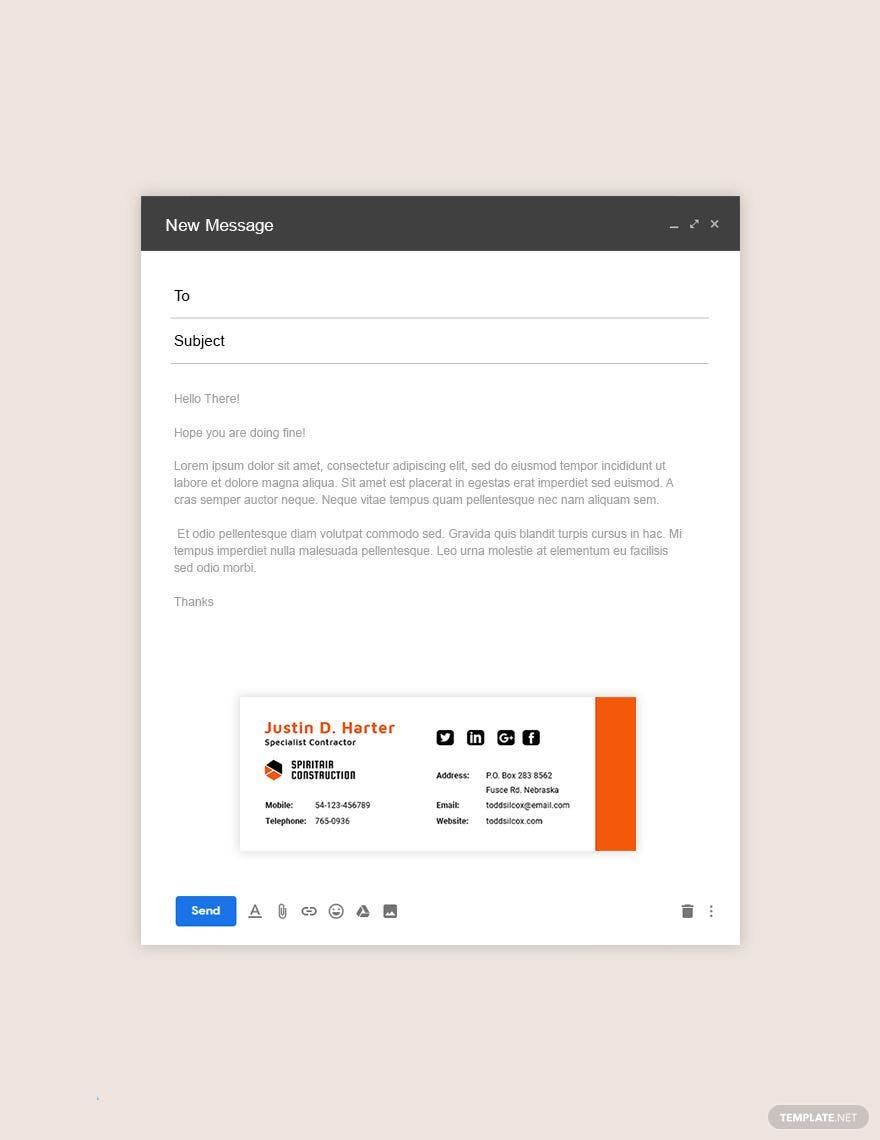
Different templates can communicate very different visual personalities. A blue-and-white layout may feel corporate, while a black-and-orange design can feel more industrial. The important question is whether the design matches the company’s existing brand materials.
A signature should not look completely disconnected from the company’s proposals, business cards, invoices, website, or letterhead. It does not need to duplicate those materials, but using compatible typography and brand colors can create a more coherent experience.
Color should also be used with restraint. One primary accent color is often enough. A second neutral color can support headings or dividers, while the majority of the contact information remains easy to read.
Whitespace is equally important. If every available area is filled with text, icons, and lines, the signature becomes visually heavy. Leaving some empty space helps the important details stand out.
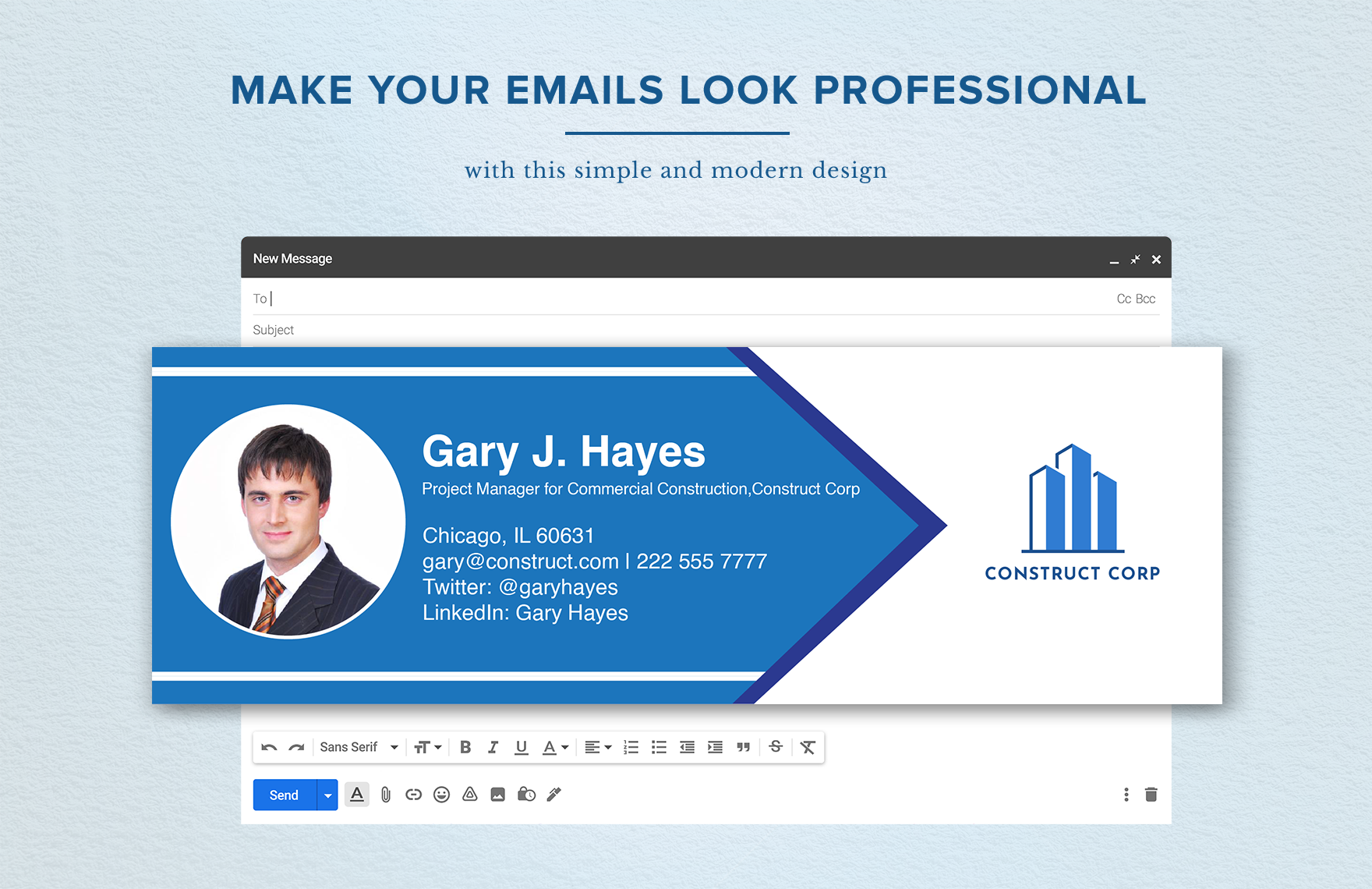
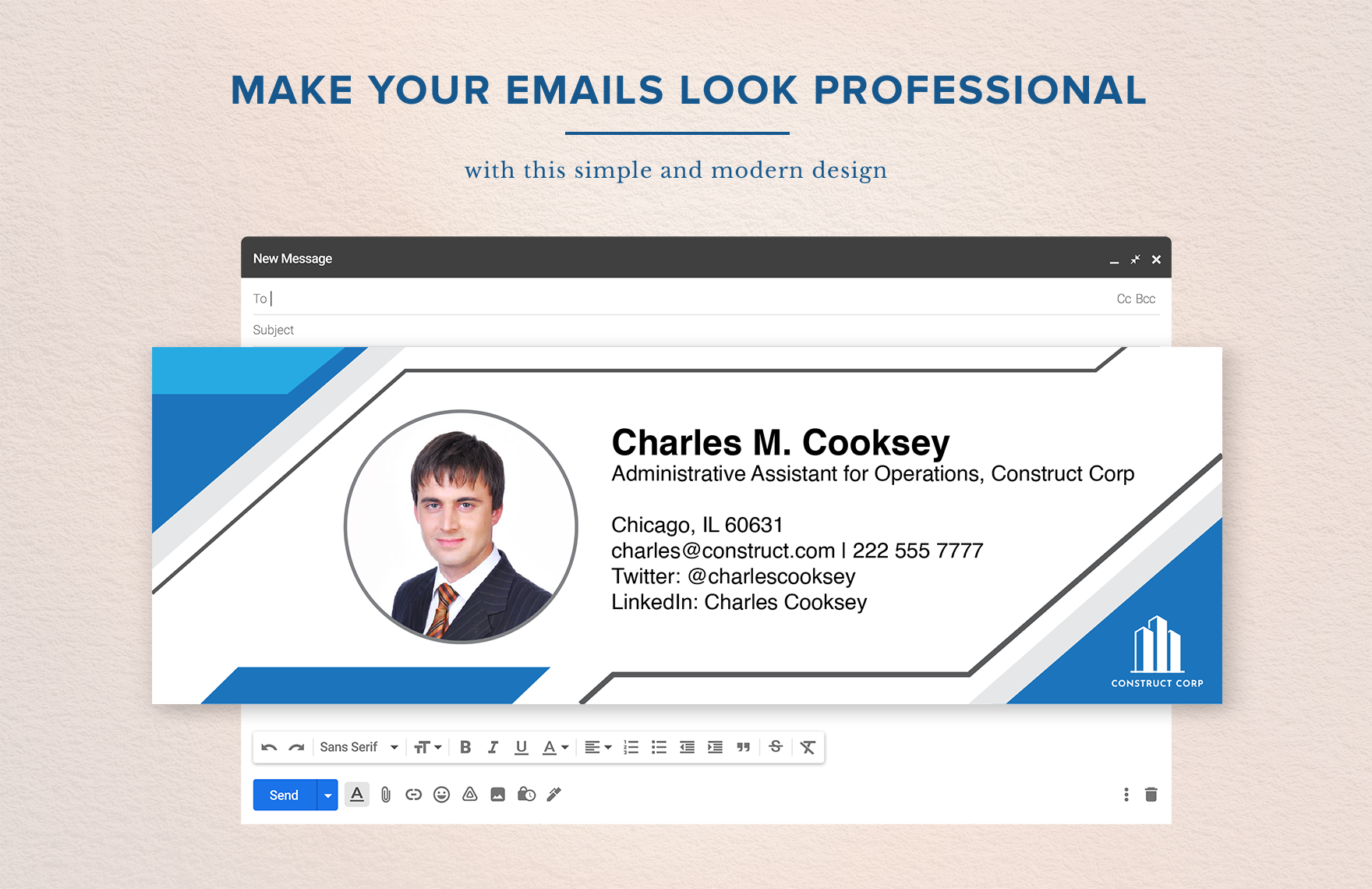
The example below demonstrates a more corporate construction treatment in which the identity area and company branding are integrated into a single horizontal signature.
simple construction email signature Template for Different Roles
A construction company should not necessarily give every employee an identical signature. The overall design can remain standardized while the information changes according to the person’s responsibilities.
A project manager may need a direct mobile number because clients and subcontractors frequently need quick contact. The title should clearly communicate project responsibility without adding unnecessary promotional language.
An estimator may emphasize the company’s website and estimating contact information. If the business has a dedicated inquiry page, that can be a useful secondary link.
A superintendent or site supervisor generally benefits from a compact design. Field personnel may send messages from mobile devices, so a short signature is usually more practical than a large graphic footer.
An office administrator may need a general office number, company address, billing contact, or customer-service route. The signature should reflect the role rather than copying the information used by a project manager.
Construction signature examples can therefore be grouped into role families. The branding remains stable, while the contact fields are customized according to the employee’s responsibilities.
For an executive, the company name and website may receive slightly more emphasis. For an engineer, professional credentials may be appropriate when they are accurate and relevant.
For a salesperson or business-development employee, a company portfolio or project page can be useful. The link should support the recipient’s next action rather than simply adding another destination.
For a field employee, the best signature may contain only a name, role, company, and phone number. The absence of extra information is not a weakness when the simpler structure is better suited to the job.
One useful design principle is to ask what information a recipient is most likely to need after reading the email. The answer should influence which fields receive emphasis.
Typography and Readability
Typography has a major effect on whether a signature feels professional. Standard, highly readable fonts are generally safer than decorative typefaces because email clients may not reproduce every font consistently.
The employee name should normally have the strongest visual weight. The job title can be slightly smaller, while contact information can use a comfortable body size that remains readable on mobile screens.
Avoid using too many font styles. Combining several unrelated fonts, bold treatments, italics, underlines, and uppercase headings can make the footer look more like a promotional poster than a professional email signature.
Line spacing should provide enough separation between information groups. A phone number should not appear so close to the email address that the two lines visually merge.
Links should also be visually identifiable without overwhelming the signature. A single brand color can be used to distinguish clickable elements while keeping ordinary text neutral.
A template may show a particular typeface or decorative treatment, but the design should be adapted to the actual email environment. What looks perfect in a design application may render differently after being pasted into an email editor.
When creating a signature in a document editor, check the text after copying it into the email client. Line breaks, spacing, table behavior, and image placement can change.
It is also useful to read the signature from a distance. If the recipient can identify the name and company immediately, the hierarchy is probably working.
The signature should complement the email rather than becoming the dominant visual element on the page.
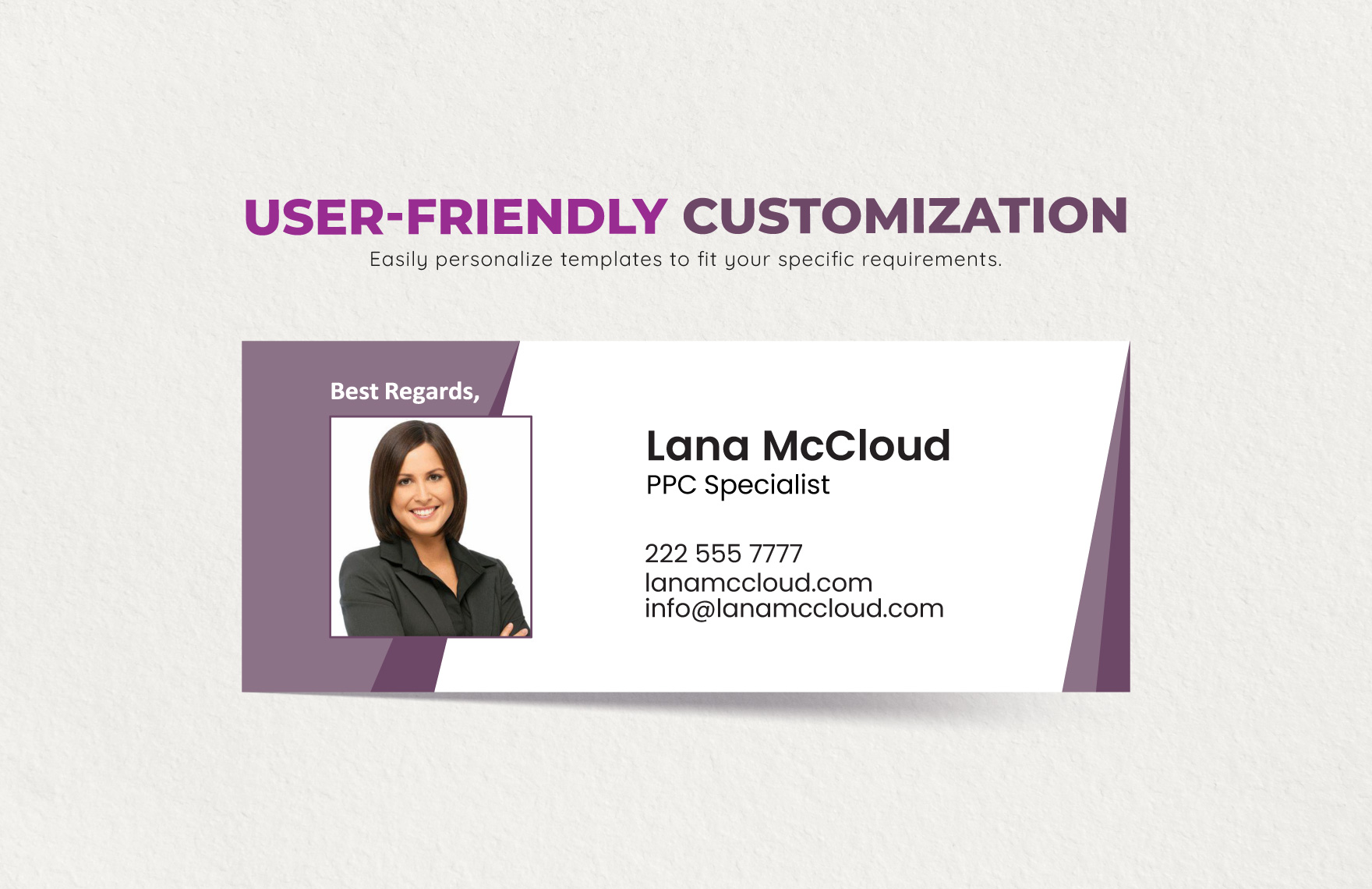
Another useful reference is the way professional signature designs separate identity, contact details, and branding into distinct visual zones.
Using Word to Create a Construction Email Signature
Word can be useful for designing a signature before it is transferred into an email application. It provides familiar tools for text formatting, alignment, tables, borders, and image placement.
A simple construction email signature template word document can therefore function as a master design file. The administrator can create the basic structure, save it, and use it as the reference when preparing individual employee signatures.
Word is especially useful when multiple people need to review the content before deployment. A manager can check the company name, another employee can verify contact information, and the final design can then be copied into the email platform.
However, a Word document should not automatically be considered the final email signature. Page margins, paragraph spacing, headers, and other document features may not behave the same way inside an email.
The best workflow is to use Word for design and review, then test the copied result inside the actual email application.
A good Word master can contain clearly marked fields such as Employee Name, Job Title, Direct Phone, Mobile, Email, Website, and Office Location. Those fields can then be replaced with real information.
Keep the master file free from unnecessary sample information. If sample content is used, make it visually obvious that the values are examples so employees do not accidentally leave them in place.
Store the master file in a location that employees can identify easily. A clear filename and revision date can prevent multiple outdated versions from circulating internally.
When the company updates its logo or branding, update the master file before employees make individual changes.
The following visual shows a design concept that demonstrates how a structured email signature can be presented as a professional document-style asset.
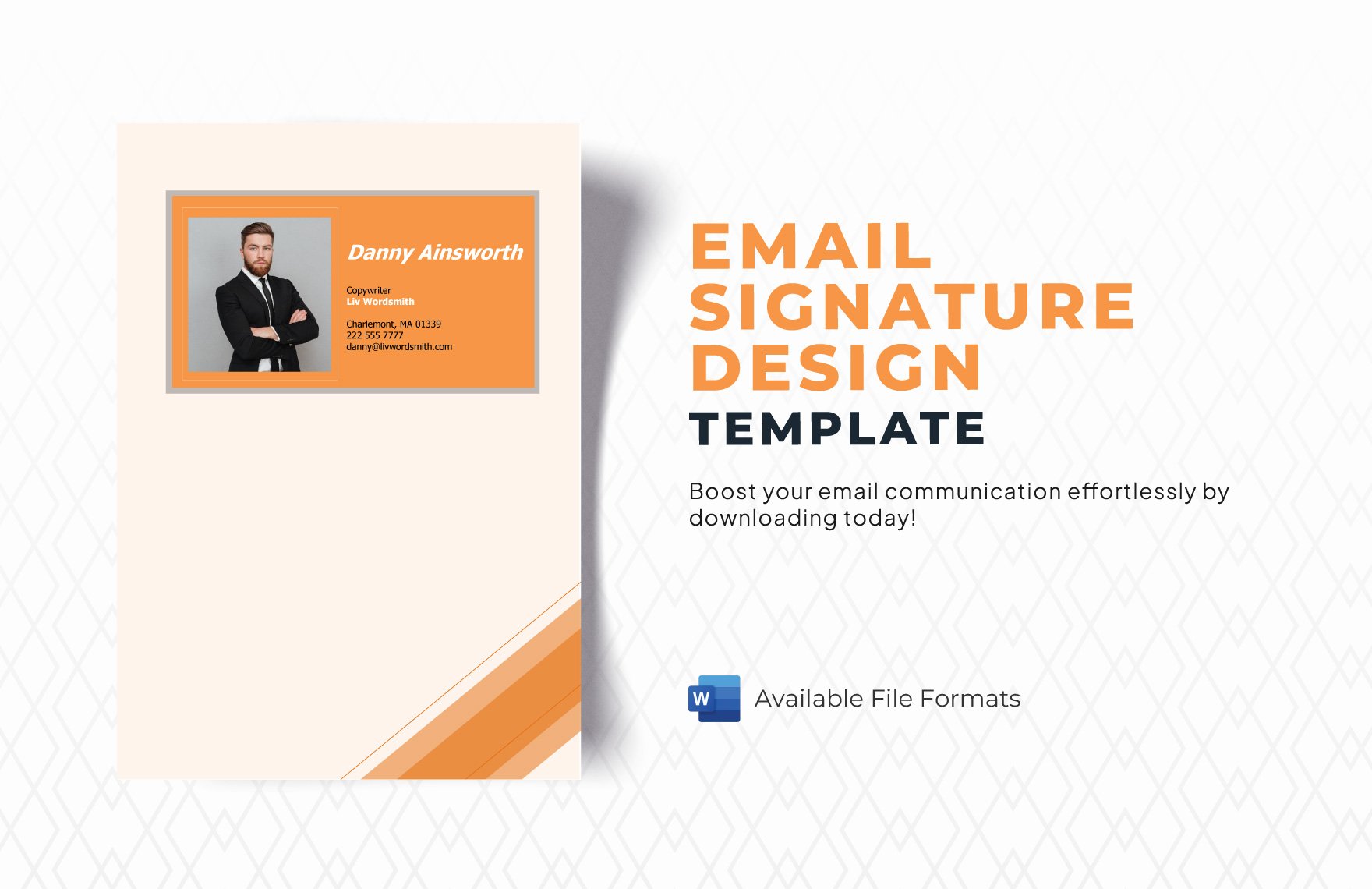
simple construction email signature template google docs
Google Docs can be useful when a construction company wants several people to collaborate on a signature design. Instead of emailing multiple versions of a Word file, the team can work from one shared document.
A simple construction email signature template google docs workflow is especially practical when the company already uses cloud-based collaboration for proposals, project documentation, and internal procedures.
One person can create the structure, another can check branding, and a manager can approve the final wording. Once approved, the content can be transferred into the email service used by the organization.
Google Docs should be viewed as the preparation environment rather than the email system itself. The signature still needs to be configured in Gmail or another email platform before it becomes automatic.
This distinction prevents a common mistake: assuming that because a design looks correct in a document, it will automatically behave correctly in an email.
A simple shared document can include the approved company logo, brand colors, employee fields, and a short set of instructions. It can also show examples for different roles.
If the company has multiple departments, create separate examples rather than allowing every employee to invent a different variation.
Cloud collaboration is particularly helpful when the business has remote administrative staff or multiple offices that need access to the same master information.
Before implementation, copy the approved design into the target email platform and send test messages. The document is a reference, not the final rendering environment.
A clean template reference can also help employees understand the relationship between branding, contact information, and the final signature area.
simple construction email signature template pdf
PDF is useful when a company needs a fixed visual representation of an approved signature. Unlike an editable document, a PDF gives reviewers a consistent version to inspect.
A simple construction email signature template pdf can be used during internal approval, branding reviews, onboarding, or documentation. It can show management exactly what the approved design should look like.
PDF is particularly useful for archiving. A company can keep a record of previous signature designs and compare them when branding changes occur.
However, the PDF should not necessarily be inserted directly into the email footer. The actual email signature should use an email-compatible structure containing text, links, and properly sized images.
The distinction between reference file and implementation file is important because a fixed document and an email footer have different technical requirements.
A PDF can also help identify visual problems before deployment. Reviewers can check whether the logo is too large, whether the name is prominent enough, and whether the footer contains unnecessary information.
It is also useful for checking how the signature relates to the company’s broader identity. Compare it with the logo, proposal cover, business card, letterhead, and website.
If the PDF looks like a completely different brand from the company’s existing materials, revise the design before employees begin using it.
A good approval process should therefore include both a fixed visual proof and a live email test.
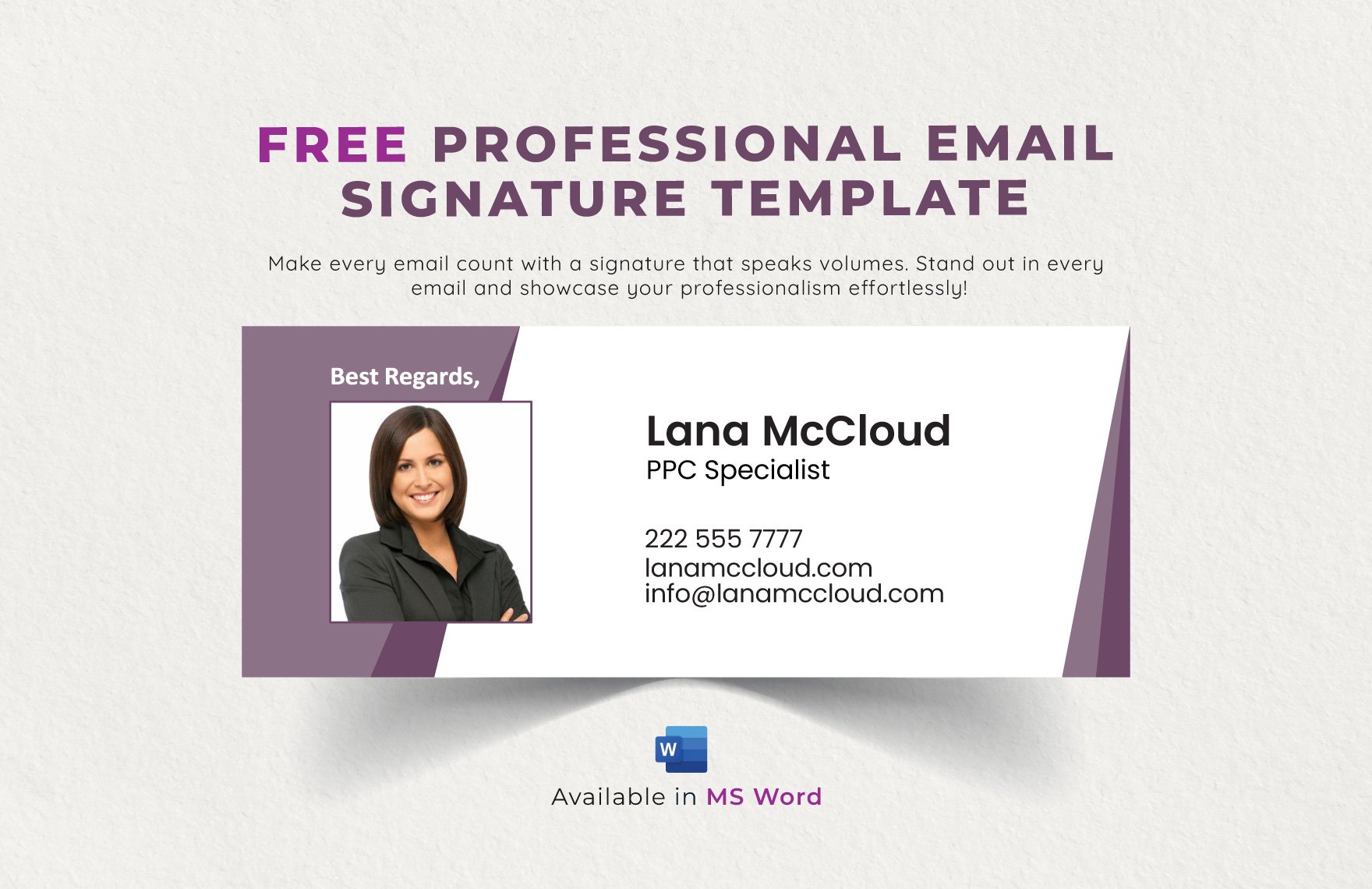
The next example illustrates how a professional signature concept can be presented as a visual design reference rather than simply as raw text.

Free and Printable Signature References
Searching for a free template can be a useful starting point, particularly for small contractors that do not have a dedicated design team. A free template can provide the basic hierarchy without requiring the company to start from a blank page.
A simple construction email signature template free option should still be reviewed carefully before use. “Free” does not automatically mean that every element is suitable for commercial use, nor does it mean that the design is optimized for every email platform.
Check the usage terms of any third-party template before distributing it throughout a company. The business should understand whether the template permits commercial use and whether attribution or other conditions apply.
Templates should also be customized. Remove sample names, sample contact information, unrelated photographs, placeholder social accounts, and any decorative elements that conflict with the company’s brand.
A free design becomes much more useful when it is treated as a starting framework rather than a finished corporate identity.
Printable versions are useful for approval meetings. A manager can print several alternatives and compare them beside existing business materials.
A simple construction email signature template free printable concept can therefore be valuable even when the final signature will only exist digitally.
Printing exposes spacing and hierarchy problems that may be overlooked on a screen. If the name is difficult to find or the contact block looks crowded on paper, the digital version may also need refinement.
After selecting the layout, return to the email environment and test the final version digitally.
The goal is always a signature that works in real communication, not simply a design that looks attractive in a template gallery.
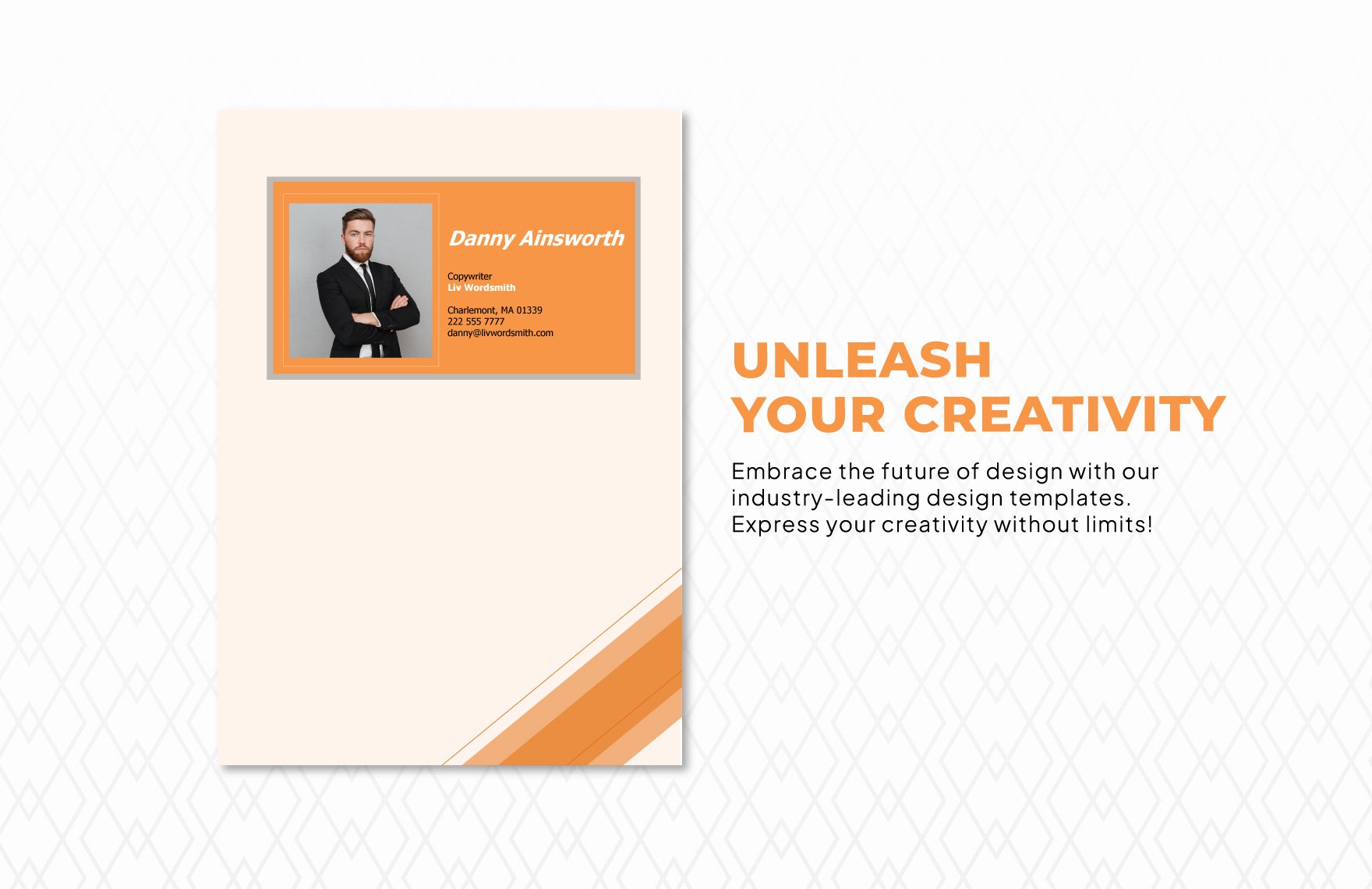
How to Create a Simple Email Signature From Scratch
Start with the information rather than the graphic design. Write down the employee name, job title, company name, telephone number, email address, website, and location if needed.
Next, decide which information is essential for every employee and which information should be optional. This prevents the signature from becoming too long.
Create a plain-text hierarchy. Put the name first, title second, company third, and contact details beneath. Review the structure before adding any colors or images.
Add the company logo after the text hierarchy is established. Keep it small enough that the person’s identity remains the most important element.
Finally, add one accent color and any genuinely useful links. Then copy the design into the target email platform and test it.
One practical way to judge a design is to ask a colleague to look at it for only a few seconds. Ask what information they noticed first and what contact detail they could identify.
If the answer is the employee’s name and company, the hierarchy is likely effective. If the answer is “the giant logo” or “the colorful banner,” the branding may be too dominant.
Also test the signature after replying to a message. A footer that looks fine in a new email may become visually repetitive after several replies.
Consider whether the company wants a signature automatically inserted into replies and forwards. Some teams prefer a shorter signature for internal messages or replies, while others use one standard footer.
The final design should fit the company’s communication habits rather than simply copying a generic example.

Creating a Signature in Outlook
Outlook provides a dedicated signature feature, allowing users to create and manage signatures rather than manually pasting the same block into every message.
The exact interface can vary between Outlook versions, so employees should follow the settings available in their current version. The general process is to open signature settings, create a named signature, enter or paste the approved design, and decide when it should appear.
For a construction company, administrators should prepare the master content before employees install it. This reduces inconsistencies in company names, titles, telephone numbers, logos, and links.
After installation, send a test email to another account. Check the message as a recipient rather than only as the sender composing it.
Repeat the test from a mobile device if the employee frequently works from the field.
Multiple signatures can be useful for different situations. For example, a construction executive might use a full branded signature externally and a shorter version internally.
A project manager with several email accounts should also verify that the correct signature is associated with the correct account.
When the company changes branding, the signature should be updated in the appropriate Outlook environment rather than allowing employees to continue using older versions.
Always test links and images after installation. A signature is only successful when the recipient sees the intended information.
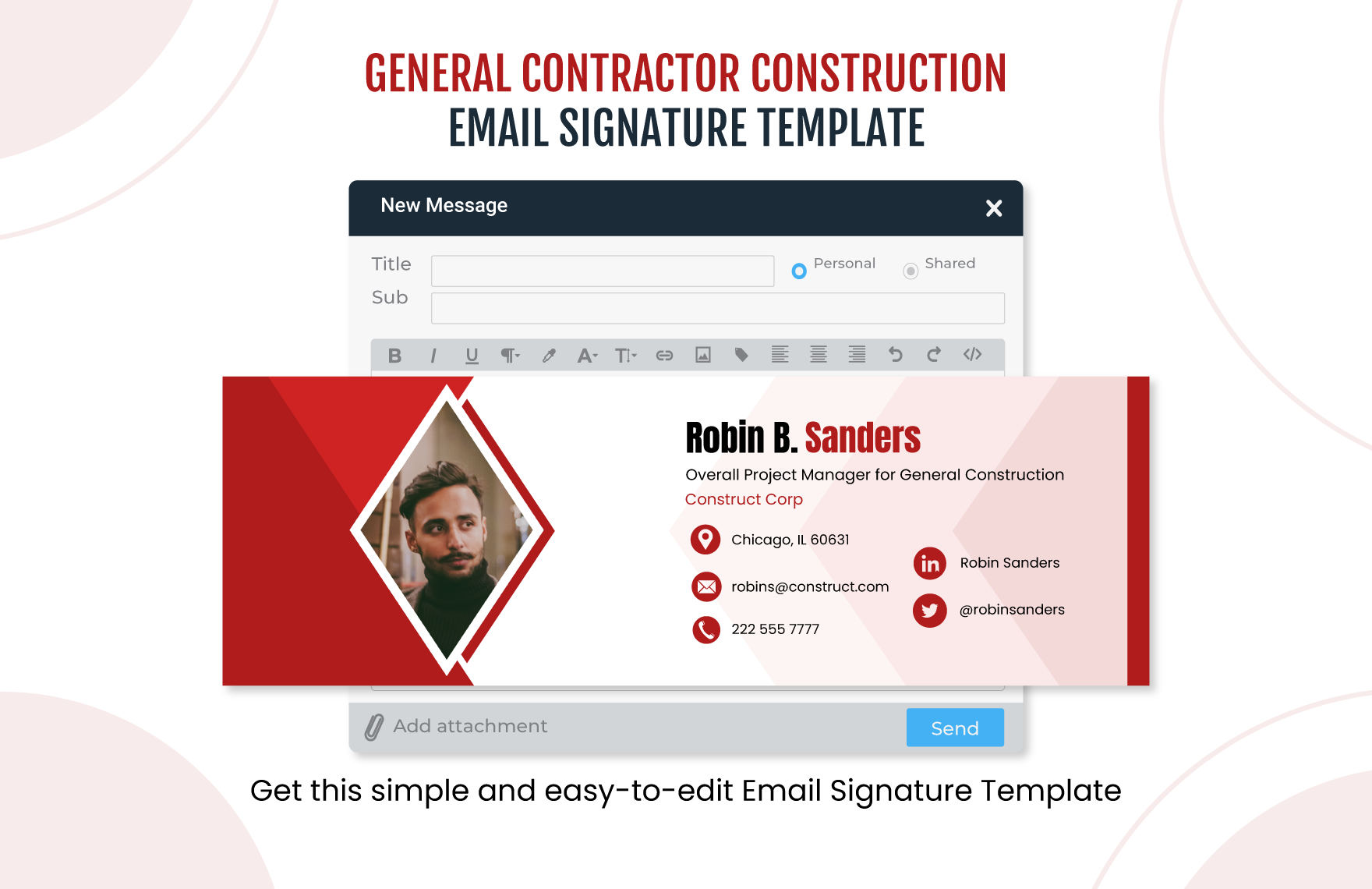
The following visual illustrates how a construction signature can be incorporated into an email interface.
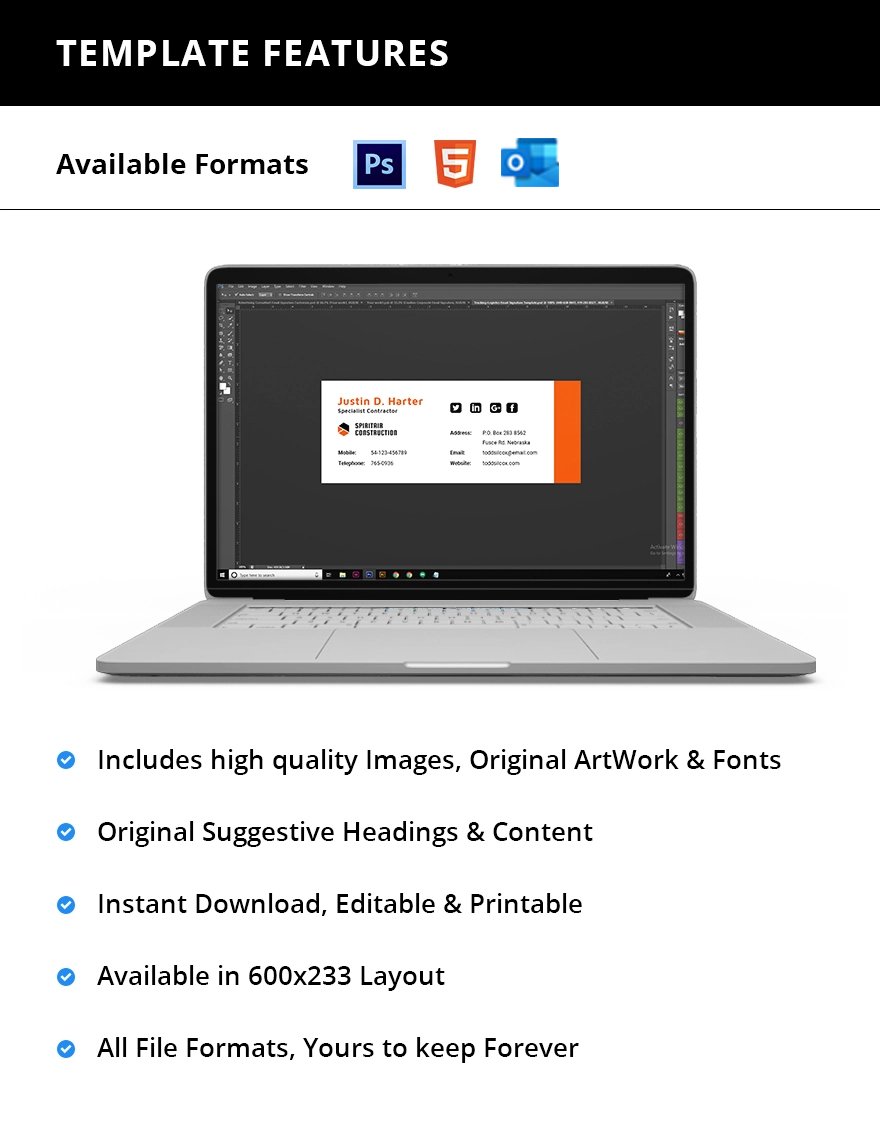
Creating a Signature in Gmail
Gmail includes a signature section where users can create text-based signatures and add formatting or images. This makes it possible to build a construction signature directly inside the email service.
For a company using Google Workspace, administrators can prepare the approved design separately and then give employees the information needed to install it consistently.
Keep the signature compact. A large image can make the footer unnecessarily heavy, especially when messages are opened on mobile devices.
Use readable text for the employee name, role, phone number, and website. The logo should support the text rather than replace it.
After saving the signature, send a test message to an external account and inspect the result.
Gmail also makes it practical to maintain different signatures when an employee has multiple communication contexts. A company can define when a full signature should be used and when a shorter version is more appropriate.
When creating a logo-and-text arrangement, avoid excessively complicated tables or layouts. The simpler the underlying structure, the easier it is to maintain.
If an image does not display correctly, the text should still identify the sender and company. This is another reason not to put essential contact details only inside a graphic.
Keep a master copy of the approved wording outside the individual mailbox. That makes company-wide updates easier.
A well-organized signature should feel like a natural continuation of the email rather than a separate advertising banner.
Mobile-Friendly Construction Email Signatures
Mobile compatibility should be considered from the beginning rather than treated as a final adjustment.
Phones have narrower screens, so horizontal layouts can become difficult to read when they contain too many columns or long company names.
Keep important information short. A direct phone number, email address, and website are usually easier to use than several rows of secondary information.
Large logos should be avoided. A logo that looks modest on a desktop may consume much of a phone screen.
Test the signature on both a narrow and wide display before distributing it to the team.
Also check whether the email application automatically scales images. Some clients may change the way an image appears depending on the screen or display settings.
Use text that remains readable without zooming. Tiny contact information defeats the purpose of having a signature.
A mobile-first mindset is especially important for superintendents, site supervisors, service technicians, and other employees who regularly communicate away from the office.
When the signature remains useful on a phone, it will generally also be comfortable to read on a desktop.
The following construction example demonstrates a compact horizontal format that emphasizes identity and contact details.

Branding Without Overdesigning the Signature
Branding should make the signature recognizable without making it visually aggressive.
Use the company’s existing logo rather than creating a completely new symbol just for email.
Choose one or two brand colors that already appear in the company’s website or printed materials.
A thin divider or colored name can be enough to establish a visual connection with the brand.
Avoid turning the footer into a miniature brochure. The email body should remain the primary communication space.
Photographs can be appropriate for some organizations, but they are not necessary for a professional signature. A clean logo-and-text design often looks more timeless.
Social icons should be limited to profiles that are actively maintained. A broken or abandoned profile can create a worse impression than no social link.
Promotional statements should also be used sparingly. If the company wants to advertise a service, a short, relevant link may be more effective than a large banner.
Keep the recipient’s needs at the center of the design. The signature should make communication easier, not demand attention.
A construction identity can be communicated through restrained geometry, a familiar color palette, and clear typography without relying on heavy decoration.
Managing Signatures Across a Construction Team
A company with several employees should maintain one approved master signature system.
Assign responsibility for the master version. Someone should know which design is current and which file should be used when an employee needs an update.
Create a field checklist containing the employee name, title, telephone number, email address, website, and any approved additional information.
Use standardized job-title wording. If the organization officially uses “Project Manager,” do not allow one employee to use “Project Lead” while another uses “Project Management” unless those titles genuinely represent different roles.
Review signatures when employees change roles, company contact details change, or branding is updated.
Centralized management can be useful for larger organizations, but small contractors can achieve good consistency with a carefully maintained master document and onboarding checklist.
When a new employee joins, signature setup should be part of the onboarding process.
When an employee leaves, the company should follow its normal account-management and access procedures rather than relying on the signature itself.
Version control also matters. Give the master file a revision date or internal version number so administrators can identify the current design.
This approach prevents the common problem of several employees using slightly different versions of what is supposed to be the same company signature.

Common Construction Email Signature Mistakes
Too much information
Including every possible detail makes the footer harder to scan. Keep only information that has a clear communication purpose.
Oversized graphics
A large logo or banner can push useful information too far down the page. Keep visual elements proportional to the text.
Image-only contact information
Essential information should not exist exclusively inside an image. Real text is easier to read, copy, search, and maintain.
Outdated contact details
An old phone number or discontinued website undermines the value of the signature. Review the master information whenever company details change.
Inconsistent employee titles
Standardized titles make the organization easier to understand. They also help employees appear consistent when communicating with the same client.
Too many social icons
Include only relevant and active profiles. A signature does not need to display every social platform available.
Unreadable small text
Reducing the font size simply to fit more information is usually the wrong solution. Remove unnecessary content instead.
Unverified claims
Do not add certifications, awards, licenses, memberships, or legal statements unless the information is accurate and approved for company use.
Ignoring replies and forwards
A signature that looks reasonable in a new message may become excessive when a long email thread contains the same footer repeatedly. Consider how the design behaves in ongoing conversations.
Failing to test externally
Always send test messages outside the employee’s own mailbox. A design should be evaluated from the recipient’s perspective.
Practical Signature Examples
Minimal contractor signature
Alex Morgan
Project Manager
Northline Construction
Phone: 555-010-2450
Email: [email protected]
Website: example.com
This structure is useful when clarity is more important than visual branding.
Branded construction signature
Jordan Lee
Construction Superintendent
Northstar Builders
555-010-3840 | [email protected]
example.com
A small logo and one brand-color divider can be added without significantly increasing the height.
Estimator signature
Taylor Reed
Senior Estimator
Summit Contracting
555-010-2215 | [email protected]
Request a Project Estimate
The optional link is useful because it supports a specific business action.
Executive signature
Casey Morgan
Managing Director
Evergreen Construction
555-010-1098 | [email protected]
example.com
An executive signature can remain short while allowing the company logo to receive slightly more visual emphasis.
Field-service signature
Riley Carter
Site Supervisor
MetroBuild Contractors
Mobile: 555-010-7822
metrobuild.example
The short format is appropriate for frequent mobile communication.
These examples are hypothetical structures rather than official requirements. Each business should adapt the fields to its communication needs, branding, internal policies, and applicable professional requirements.
The most important factor is consistency. If the company chooses one structure, employees should use the same hierarchy rather than creating unrelated designs.
A signature can also be adjusted slightly for internal and external communication, provided the differences are intentional and documented.
For a small business, one standard design is often enough. The simpler the management process, the easier it is to keep information accurate.
How to Review and Test the Finished Signature
Start by checking every piece of text. Confirm the employee name, title, company name, telephone number, email address, website, and location.
Next, test every hyperlink. A website link that points to an old domain or incorrect page should be fixed before the signature is distributed.
Check the logo at its final size. Make sure it does not appear blurry, stretched, or excessively large.
Send the signature to at least one external account. Review the received message instead of relying only on the editing screen.
Finally, test the design on a mobile device. Look for excessive width, tiny text, large images, awkward line wrapping, and unnecessary vertical space.
It is also worth testing replies and forwards. If the signature creates too much repetition in long conversations, consider whether a shorter reply version would be useful.
Ask another employee to review the signature without explanation. If they can quickly identify the person, company, role, and contact method, the hierarchy is doing its job.
Keep a final approved version for future comparison. This makes later changes easier because the team can identify exactly what was approved.
A structured review process prevents small mistakes from becoming company-wide problems.
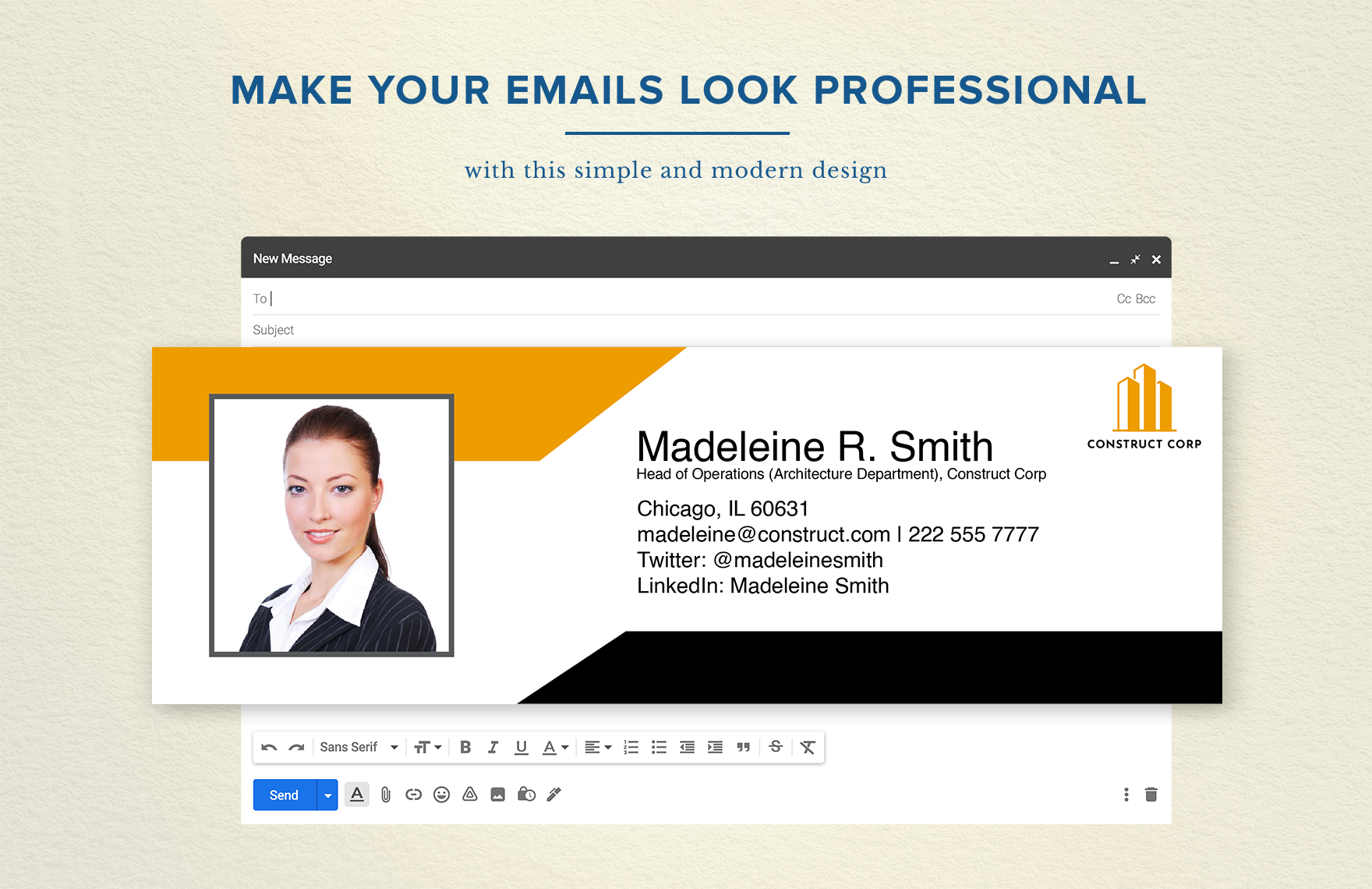
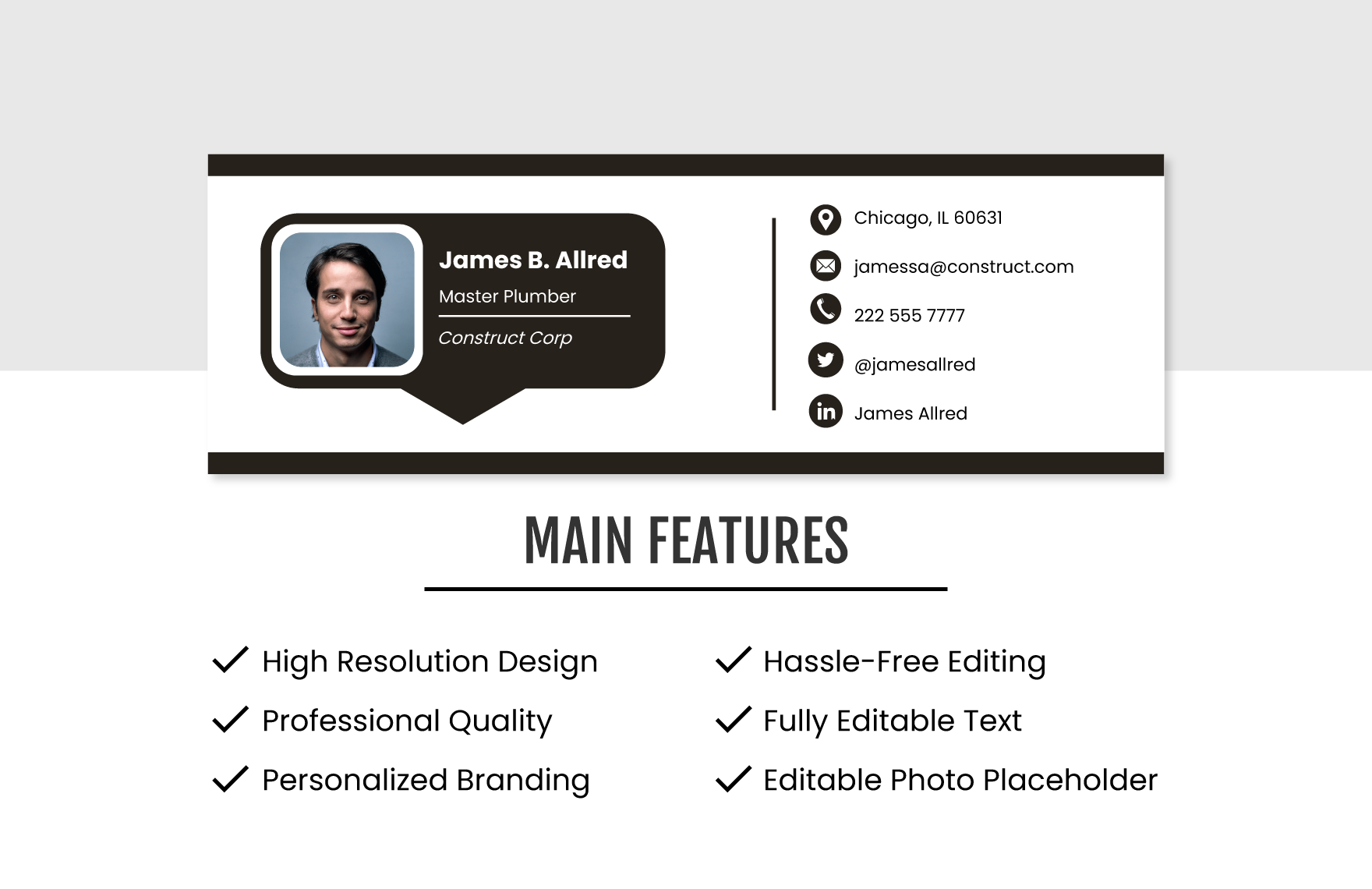
The following visual provides another example of how a construction signature can be integrated into an email interface while maintaining a compact footprint.
Practical Solution
The most practical solution is to create one master construction signature system and then customize only the employee-specific fields.
Begin by deciding the standard fields: name, job title, company name, telephone number, email address, website, and optional location. Then decide which branding elements will remain identical for everyone.
Create the master design in a convenient editing environment such as Word or Google Docs. Keep the structure simple enough that it can later be transferred into the actual email platform without extensive rebuilding.
Prepare separate variations only when there is a genuine communication reason. For example, a field employee may need a shorter version, while an executive may use a slightly more branded external signature.
Before deployment, create a test checklist covering spelling, contact information, links, logo quality, spacing, mobile display, desktop display, replies, and forwards.
Once approved, distribute the signature using a controlled process. Avoid sending several competing versions to employees at the same time.
Store the master file in a shared location and assign responsibility for future revisions.
Review the signature whenever the company changes its branding, website, telephone numbers, office locations, or employee roles.
For small construction businesses, this workflow provides most of the practical benefits of a more sophisticated signature-management process without requiring complicated administration.
The result is a professional footer that remains recognizable across emails while keeping the actual communication clean and easy to read.
Reference Examples
The following references are visual examples for comparing layouts, branding approaches, contact-information structures, and construction-related signature designs. They should be treated as design references rather than universal requirements.
simple construction email signature template free

Source: Template.net
simple construction email signature template free download
Source: Template.net
simple construction email signature template word
Source: Template.net
simple construction email signature template word free
Source: Template.net
simple construction email signature template google docs
Source: Template.net
simple construction email signature template pdf
Source: Template.net
simple construction email signature template free printable
Source: Template.net
simple email signature template
Source: Template.net
email signature for construction companies
Source: Template.net
basic email signature template
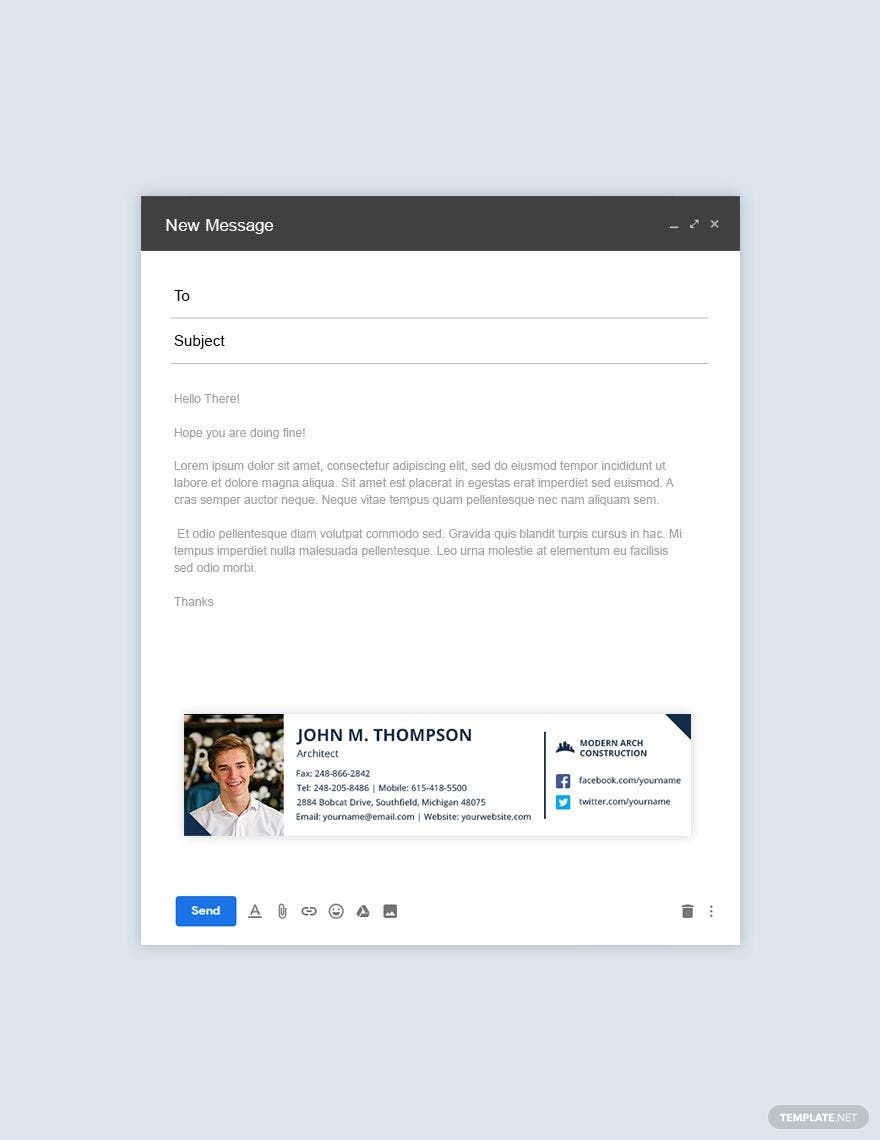
Source: Template.net
company email signature template
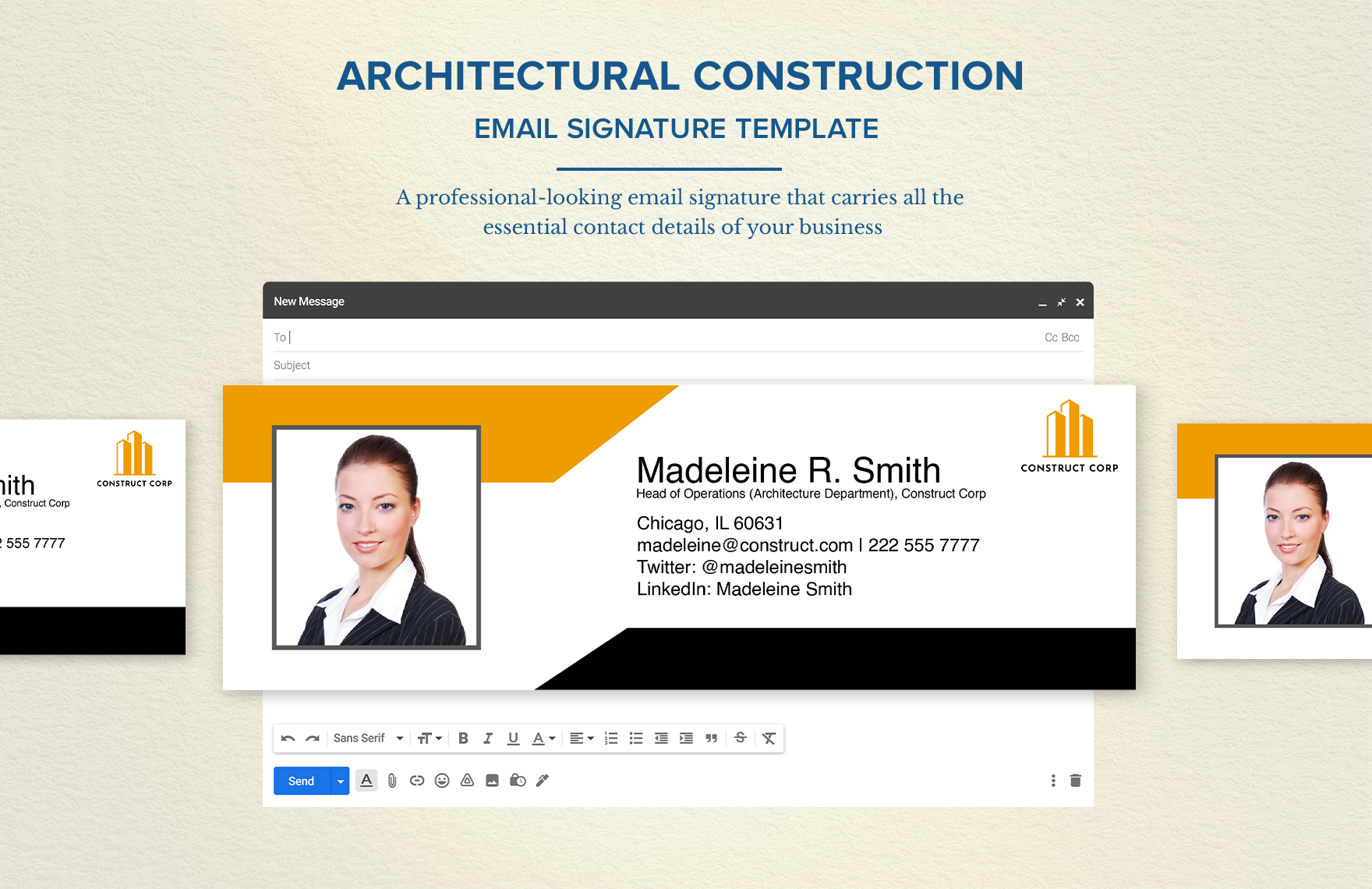
Source: Template.net
signature template for email
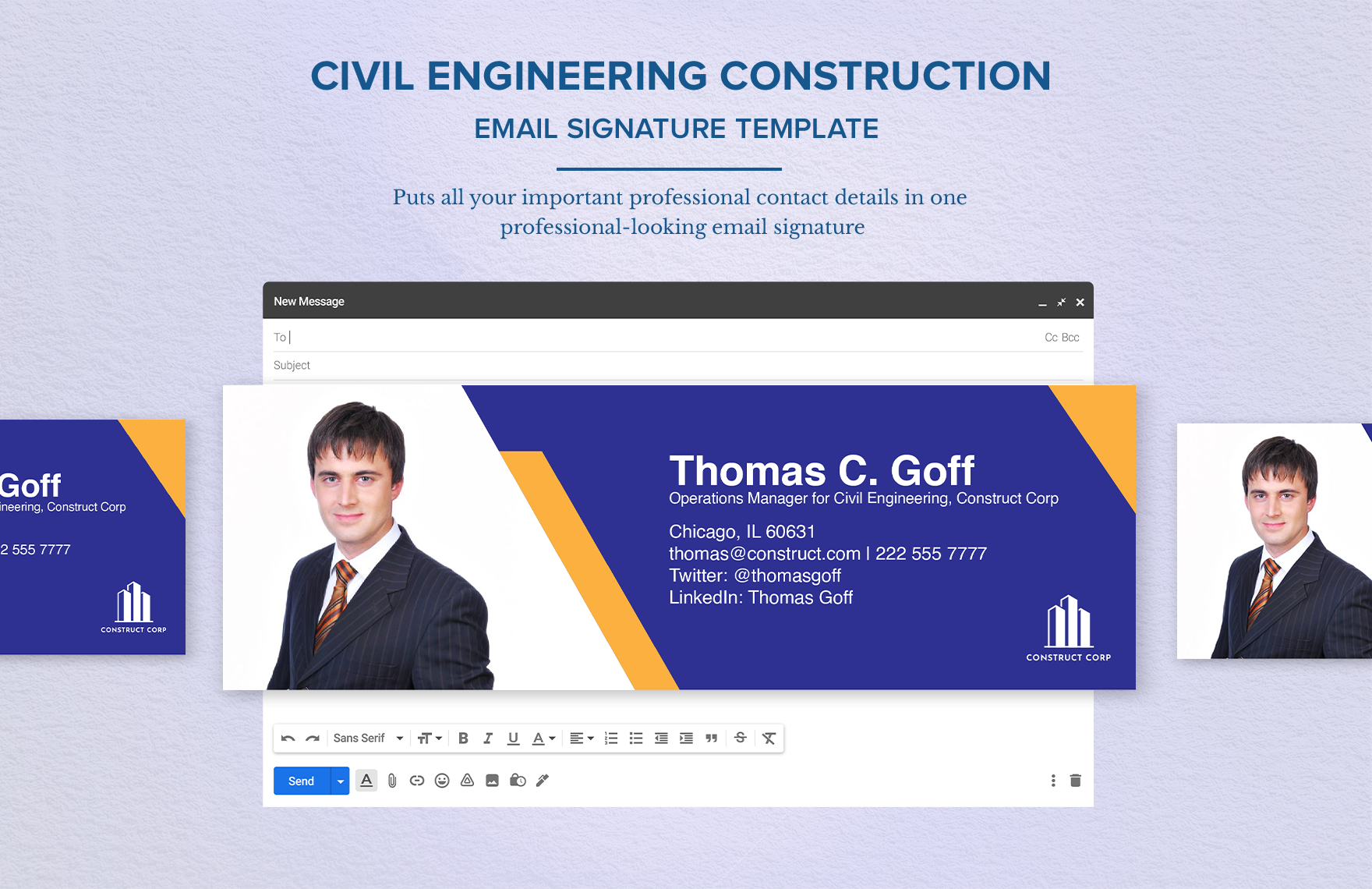
Source: Template.net
Frequently Asked Questions
What should a construction email signature include?
The core information should normally include the employee’s name, job title, company name, telephone number, email address, and company website. A logo and location can be added when they provide useful context.
What makes a simple construction email signature Template effective?
A good simple construction email signature Template has a clear hierarchy, readable typography, accurate contact information, restrained branding, and a compact layout that works across common email devices.
Should every employee use exactly the same signature?
The structure and branding should generally be consistent, but employee-specific information should change. Different roles may also require slightly different secondary contact details.
Can a construction company create its signature in Word?
Yes. Word can be useful for preparing the design, reviewing content, and maintaining a master version. The final signature should still be tested in the actual email application before deployment.
Can Google Docs be used to prepare an email signature?
Yes. Google Docs is useful for collaboration and review. The approved design must then be transferred into the company’s email service.
Is a PDF suitable for an email signature?
A PDF is useful as a fixed visual reference, approval proof, or printable example. It is not necessarily the best format for the live email signature itself.
Should a construction email signature include a photo?
A photo is optional. A professional signature can work very well with only a company logo and clear text. For field teams, a compact text-based signature may be more practical.
How many social media links should be included?
Only include profiles that are active and relevant to the business. A single useful company profile is often better than a row of unrelated icons.
How often should a company update its signature?
Update it whenever important information changes, such as employee roles, telephone numbers, websites, addresses, or branding. A periodic review can also identify outdated links.
Should legal or license information be included?
Only include such information when it is accurate, relevant, and approved by the business. Requirements can differ by jurisdiction and business type, so examples should not automatically be treated as legal requirements.
What is the best signature for a small contractor?
A small contractor can usually start with a compact structure containing the name, title, company, direct phone, email, website, and a small logo. Keeping the system simple makes it easier to maintain.
Conclusion
A strong construction email signature does not need to be complicated. The most useful design clearly identifies the sender, establishes the company identity, and provides the contact information a recipient is likely to need.
A well-planned simple construction email signature Template can also make company communication more consistent. By maintaining one master structure and customizing only employee-specific fields, construction businesses can reduce outdated information and avoid a collection of unrelated signature designs.
Word and Google Docs can be useful for creating and reviewing the master design, while PDF can provide a fixed reference for approval or printing. The actual signature should always be tested inside the email platform where employees will use it.
Keep the design readable, mobile-friendly, and restrained. Use branding to support the information rather than replacing it. Most importantly, verify names, job titles, phone numbers, email addresses, websites, and other business details before the signature is distributed.
For construction companies of any size, the best signature is the one that looks professional, works reliably, remains easy to maintain, and helps recipients understand exactly who sent the message and how to get in touch.
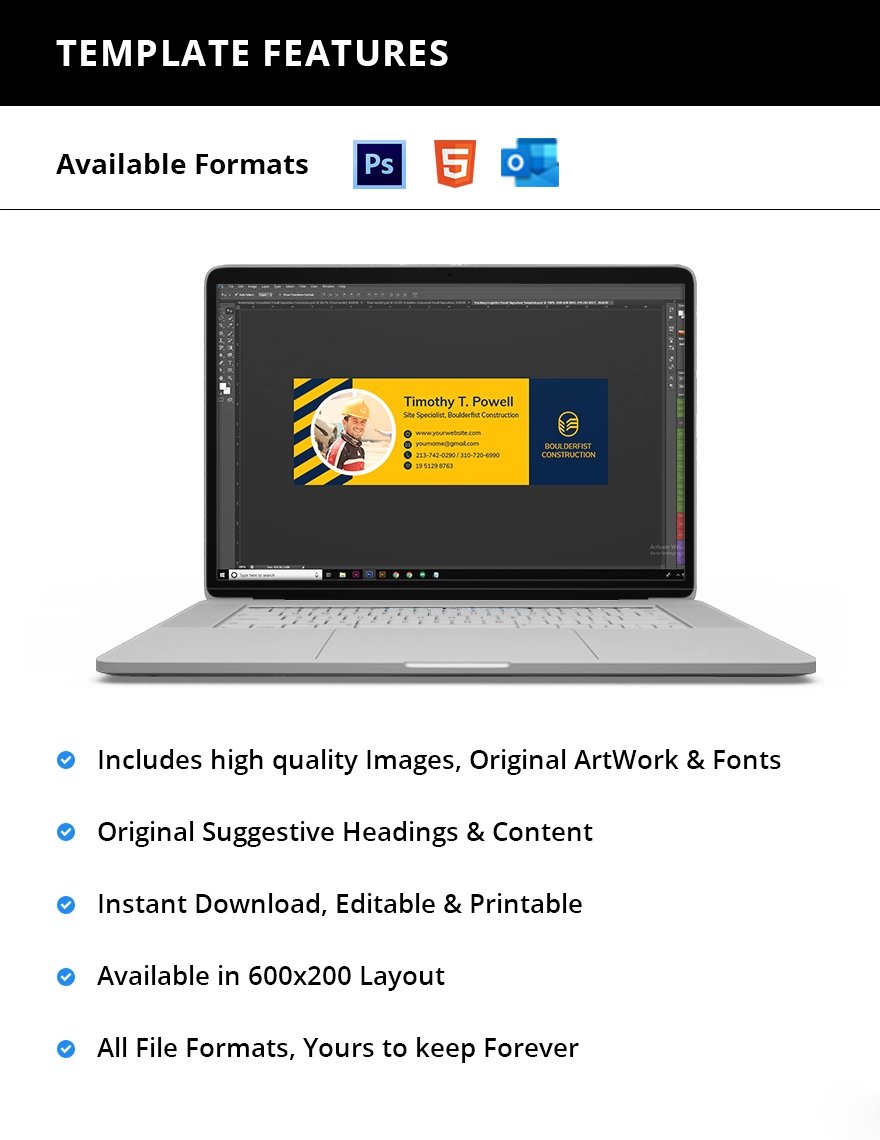
With a clear structure, accurate information, and consistent implementation, a simple construction email signature can become a practical part of a company’s everyday communication system rather than just another decorative element at the bottom of an email.
