Job vacancy rates are useful because a raw vacancy count can be misleading. Ten unfilled positions may be insignificant in a workforce of 10,000 but highly consequential in a workforce of 100. A rate places vacancies in relation to the total number of occupied and vacant positions, making comparisons more meaningful.
The practical value of a vacancy-rate template goes beyond arithmetic. A good workbook or report can show the period covered, source of the data, organizational unit, occupied positions, vacancies, calculated rate, change from the previous period, recruitment status, and explanatory notes. That structure helps managers distinguish a temporary hiring spike from a persistent staffing problem.
This guide explains how to build and use a highest job vacancy rates Template for business analysis, workforce planning, benchmarking, and reporting. It also explains the difference between job vacancy rates, vacancy counts, employee vacancy measures, turnover, and other workforce indicators that are often confused.
The examples use hypothetical internal scenarios unless a public statistical source is explicitly identified. That distinction matters because a template is a reporting framework, not evidence by itself. The quality of the conclusion depends on how vacancies are defined, measured, classified, and compared.

What is a job vacancy rate?
A job vacancy rate generally expresses vacant positions as a percentage of total labour demand, where total labour demand is represented by occupied positions plus vacant positions. A commonly used formula is: vacancy rate = vacancies ÷ (occupied positions + vacancies) × 100.
For example, suppose an organization has 950 occupied positions and 50 qualifying vacancies. Total positions represented by the measure are 1,000, so the vacancy rate is 50 ÷ 1,000 × 100, or 5%. This does not mean that 5% of employees have left; it means 5% of the positions in the defined population are vacant.
The precise definition of a vacancy varies by statistical program. Some official labour-market programs require that a specific position exists, work is available, the job can begin within a defined period, and the employer is actively recruiting. Internal vacancies that are intended only for transfers or promotions may be treated differently from externally recruited vacancies.
That definition is important when building a highest job vacancy rates Template because the numerator must be consistent. If one department counts every approved but unadvertised position while another counts only actively recruited roles, the resulting rates are not directly comparable.
A professional template should therefore contain a short methodology section. State exactly what qualifies as a vacancy, the reference date or period, which employee groups are included, which positions are excluded, and whether the calculation is based on point-in-time or average-period data.
Why the highest job vacancy rates matter
Ranking the highest vacancy rates can reveal where recruitment demand is concentrated. A department with a 7% rate may need more urgent intervention than a department with 20 vacancies and a 1% rate, depending on the organization’s objectives and the criticality of the affected roles.
High vacancy rates can arise for many reasons. Rapid expansion, seasonal hiring, difficult-to-source skills, compensation gaps, geographic constraints, long approval cycles, slow recruitment processes, or unusually high employee departures can all contribute. A rate is therefore a signal that requires interpretation rather than an automatic diagnosis.
Low vacancy rates are not automatically better either. An extremely low rate can indicate stable staffing, but it could also mean that a company has stopped recruiting, reduced hiring plans, or has insufficient capacity to create new positions. Context determines whether the number is healthy.
For external benchmarking, the strongest comparisons use the same definition, industry classification, geography, reference period, and denominator. Comparing an organization’s internal vacancy rate with a national statistic without checking methodology can produce a false sense of precision.
The most useful highest job vacancy rates Template therefore includes both ranking and context. A ranking table can identify the top five areas, while supporting columns explain the number of occupied positions, number of vacancies, rate, previous rate, percentage-point change, average time open, and recruitment status.

The core formula and how to calculate it correctly
The basic calculation is straightforward, but small denominator mistakes can materially change the result. If a business has 480 occupied positions and 20 vacancies, total positions are 500. The vacancy rate is therefore 20 ÷ 500 × 100 = 4%.
A common mistake is dividing vacancies by occupied positions only. In the example above, 20 ÷ 480 produces approximately 4.17%. That ratio can be useful for a different purpose, but it is not the same as the vacancy-rate definition based on total occupied and vacant positions.
Another mistake is using authorized headcount as the denominator when the numerator contains only actively recruited vacancies. If the organization has 1,200 authorized positions but only 1,050 positions are actually staffed or actively open, using 1,200 without explaining the methodology may distort the measure.
Period selection also matters. A month-end vacancy rate is a snapshot, whereas an average quarterly rate can smooth short-lived changes. Seasonal businesses may need monthly figures to identify recurring hiring cycles, while executive reporting may benefit from quarterly trends.
For spreadsheet users, it is best to keep the raw fields separate from the calculated rate. Store occupied positions and vacancies in their own columns, calculate the denominator in another field if necessary, and calculate the rate with a formula rather than typing the percentage manually.

What should a highest job vacancy rates Template contain?
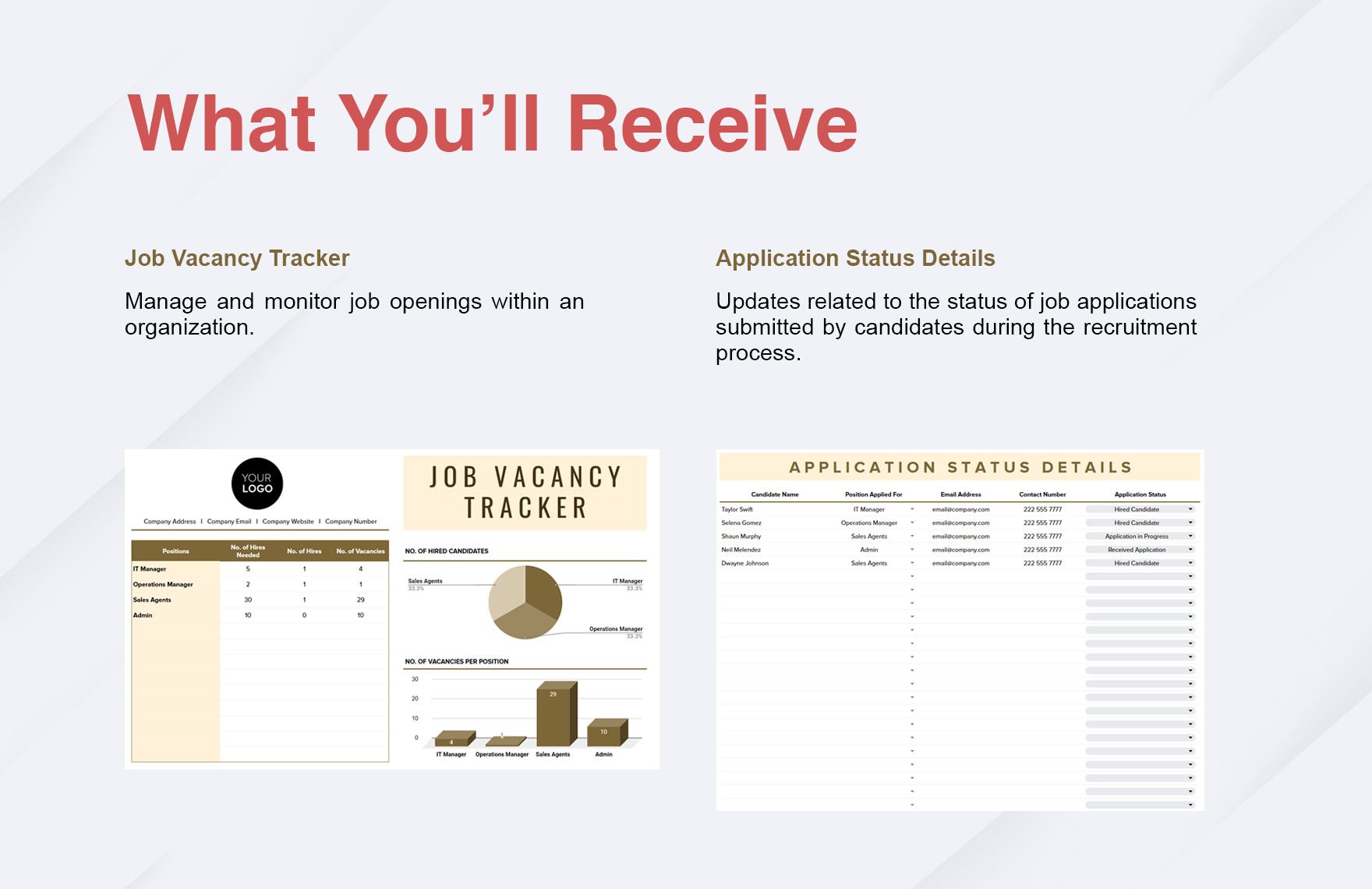
The first section should identify the reporting period and population. Useful fields include organization, business unit, department, location, industry, job family, reporting date, source, and vacancy definition. These fields prevent users from interpreting an isolated percentage without knowing what it represents.
The main data table should normally include occupied positions, vacancies, total positions, vacancy rate, previous-period rate, change in percentage points, and ranking. If recruitment operations are being monitored, additional fields can include requisition date, average days open, hiring stage, recruiter ownership, and expected fill date.
A second table can provide a ranking of the highest rates. Ranking is particularly useful when management needs to prioritize action. However, the template should display the underlying counts beside the percentages so that a small department with a high rate is not mistaken for the largest source of vacancies.
A trend section can show the rate by month or quarter. Line charts are appropriate for time-series movement, while horizontal bar charts work well for ranking departments or industries. A stacked chart can be useful when distinguishing filled positions from vacancies.
Finally, include a notes or methodology area. This is where the analyst can explain unusual movements, seasonal hiring, organizational restructuring, data exclusions, changes in classification, or revisions to earlier periods.
Designing the data-entry sheet
The data-entry sheet should be simple enough for recurring use. Each row should represent one consistent unit, such as a department-month combination or an industry-quarter combination. Mixing monthly department records with annual company totals in the same table makes filtering and aggregation unnecessarily difficult.
Use controlled categories for fields such as department, region, job family, vacancy status, and employment type. Consistent labels make pivot tables and charts more reliable. For example, “Information Technology,” “IT,” and “Technology” should not be treated as three separate categories if they represent the same organizational unit.
Keep original source data intact. If figures are copied from a public dataset, record the publication date, table name, reference period, and source organization. If figures come from an internal HR system, record the system or report name and extraction date.
Do not overwrite historical values simply because a later revision becomes available. Instead, maintain a version or revision note. This allows analysts to explain why a previously published vacancy rate differs from a later restatement.
Data validation is particularly valuable when several people update the workbook. Drop-down lists, date validation, numeric restrictions, and protected formula cells can prevent common errors while allowing authorized users to update the underlying observations.
Building the ranking table
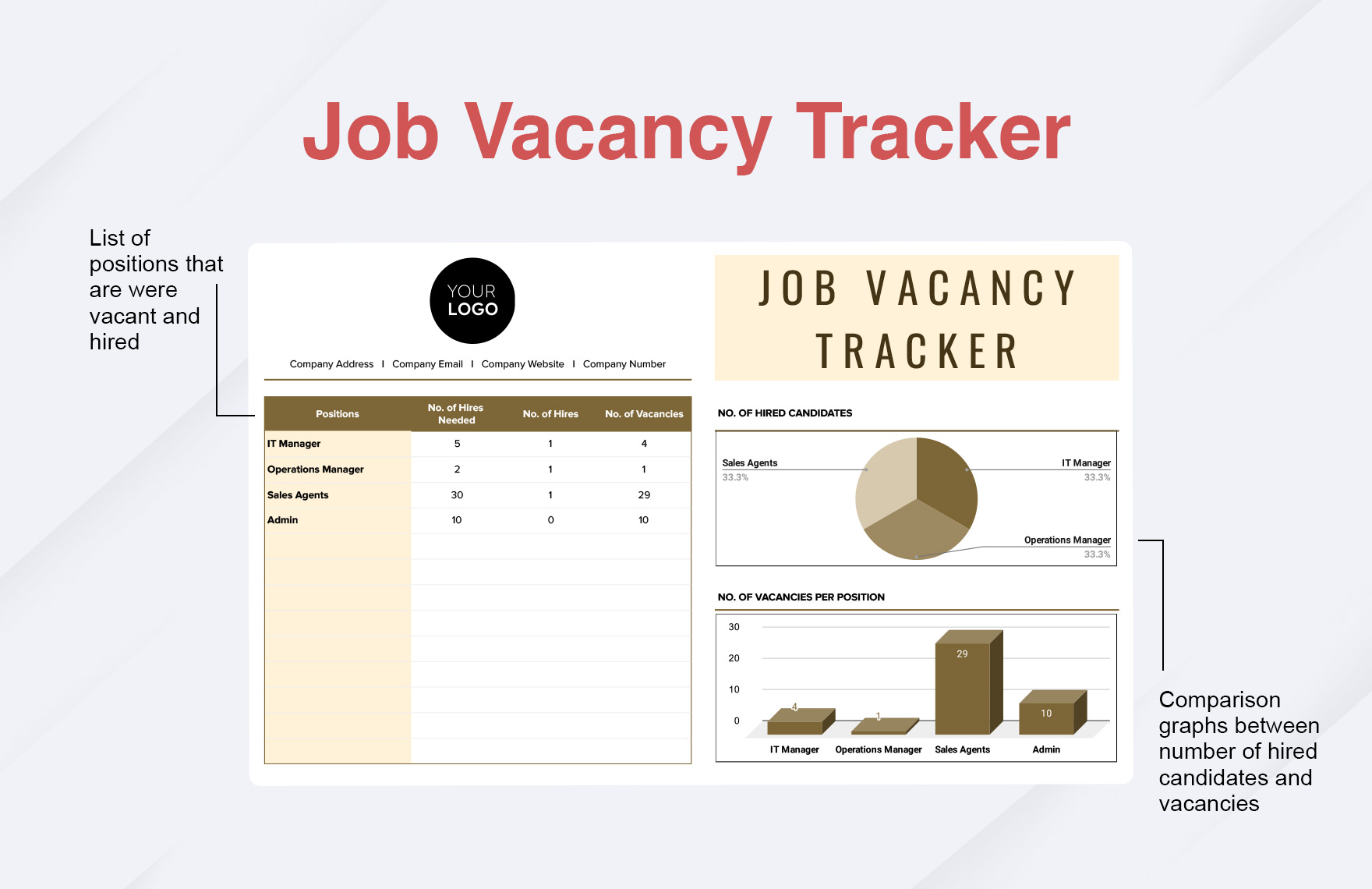
The ranking table is the part most readers associate with a highest job vacancy rates Template. A practical layout starts with rank, category, occupied positions, vacancies, total positions, vacancy rate, previous rate, change, and interpretation.
Suppose three hypothetical divisions have rates of 2%, 6%, and 4%. The 6% division ranks first, but its vacancy count may still be smaller than the division with 4% if the workforce sizes differ substantially. Showing both rate and volume prevents that distinction from being lost.
Percentage-point change should be kept separate from percentage change. If a rate moves from 4% to 5%, the change is one percentage point. Describing that movement as a 25% increase can be mathematically valid as a relative change, but it communicates something different.
Use conditional formatting carefully. Strong visual emphasis can help readers find unusually high rates, but a fixed red-yellow-green scale may imply that a particular threshold is universally good or bad. Thresholds should be based on historical performance, business requirements, sector benchmarks, or explicitly stated management policy.
A useful ranking dashboard also allows users to filter by period, geography, department, job family, or employment type. This makes the same dataset useful for executive reporting and operational recruitment reviews.
Comparing industries and regions
External vacancy-rate comparisons require methodological discipline. Different countries and statistical agencies may use different definitions of vacancies, reference dates, seasonal adjustments, population coverage, and classifications.
For example, an official labour-market dataset may define vacancies as positions for which an employer is actively recruiting and where work can begin within a specified period. An internal company report might classify every approved unfilled position as a vacancy. Those measures should not be merged without adjustment.
Industry comparisons can also be affected by workforce composition. Industries with project-based, seasonal, or high-growth hiring models may naturally display different vacancy patterns from mature industries with stable staffing structures.
Regional comparisons require similar care. A vacancy in a major urban labour market may be easier to fill than an otherwise identical position in a remote location. The rate captures the prevalence of vacancies but not necessarily the difficulty of recruitment.
A strong highest job vacancy rates Template should therefore provide fields for geography and industry classification while keeping the underlying source and methodology visible. This makes benchmarking more defensible and reduces the temptation to compare incompatible statistics.

How to analyze trends instead of single-period rates
A single vacancy rate is a snapshot. Trend analysis is usually more informative because it shows whether staffing pressure is increasing, decreasing, or remaining stable. A three- or six-period view can reveal changes that are difficult to see from one observation.
When the rate rises, examine whether the numerator increased, the denominator changed, or both occurred simultaneously. A business that expands rapidly may add vacancies while also adding employees, producing a modest rate even though recruitment activity has increased substantially.
When the rate falls, check whether vacancies were actually filled or whether positions were removed from the workforce plan. A lower rate caused by successful recruitment has a different management meaning from a lower rate caused by hiring freezes or cancelled positions.
Seasonality is another important factor. Retail, hospitality, tourism, agriculture, education, and other sectors can experience predictable changes in hiring demand. Comparing a seasonal peak with an off-season trough without appropriate context can exaggerate apparent changes.
The best dashboard pairs the vacancy-rate line with vacancy volume and workforce size. Together, these measures tell a more complete story than any one metric alone.
What are vacancy rates used for?
Vacancy rates are used to monitor unmet staffing demand, assess recruitment pressure, support workforce planning, compare organizational units, and provide labour-market information. They can also be combined with unemployment, hiring, turnover, wage, and time-to-fill measures to develop a broader view of labour-market conditions.
For HR teams, an internal rate can identify departments where open positions are accumulating. Recruitment leaders can then investigate whether the issue comes from candidate availability, compensation, job requirements, approval delays, sourcing strategy, or hiring-manager capacity.
For executives, a rate can serve as a compact indicator of staffing pressure. However, it should be paired with operational context. A high rate in a noncritical support function may have less immediate impact than a lower rate affecting essential operational positions.
For researchers, vacancy rates can help assess labour demand. Comparisons across time can show how employer demand changes, while comparisons across sectors can identify areas where recruitment needs are concentrated.
For analysts building a highest job vacancy rates Template, the key is to define the decision the metric supports. A template built for workforce planning will need different fields from a public labour-market benchmarking report.
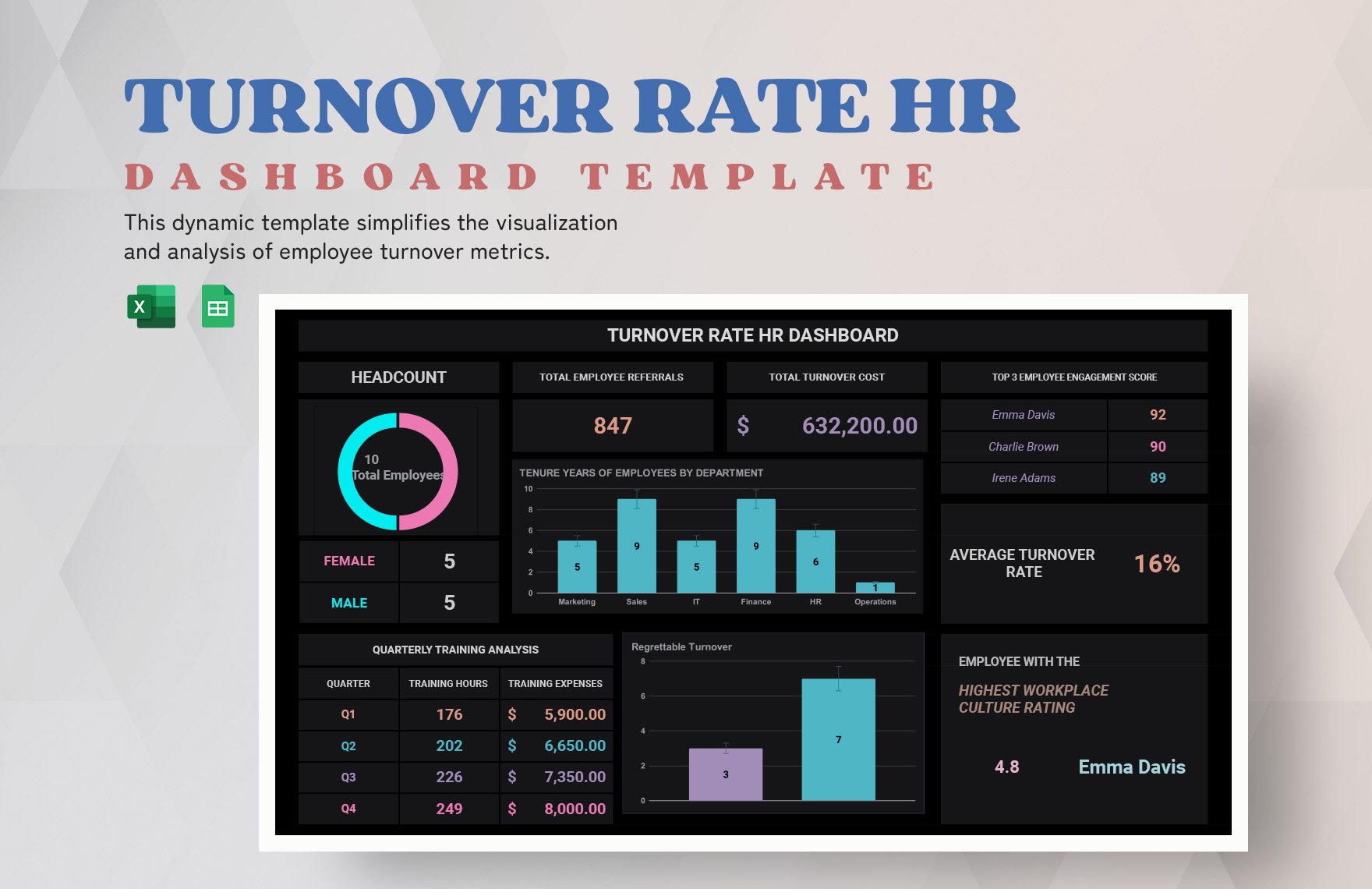
Vacancy rate versus turnover rate
Vacancy rate and turnover rate are related but fundamentally different measures. Vacancy rate describes positions that are currently unfilled within a defined population. Turnover generally describes employee movements into and out of an organization over a period.
A company can have a low vacancy rate and high turnover if it fills positions quickly. Conversely, it can have a high vacancy rate and low turnover if it has many new positions that are difficult to recruit.
This distinction is important when interpreting workforce risk. A high vacancy rate accompanied by high turnover may indicate a recurring staffing problem. A high vacancy rate with low turnover may instead reflect planned expansion or a temporary recruitment campaign.
A useful dashboard can display vacancy rate, turnover rate, hires, separations, time to fill, and open requisition age together. That makes it easier to distinguish demand for new staff from replacement hiring.
Do not replace the vacancy-rate calculation with a turnover formula simply because both are expressed as percentages. They answer different questions and require different denominators.
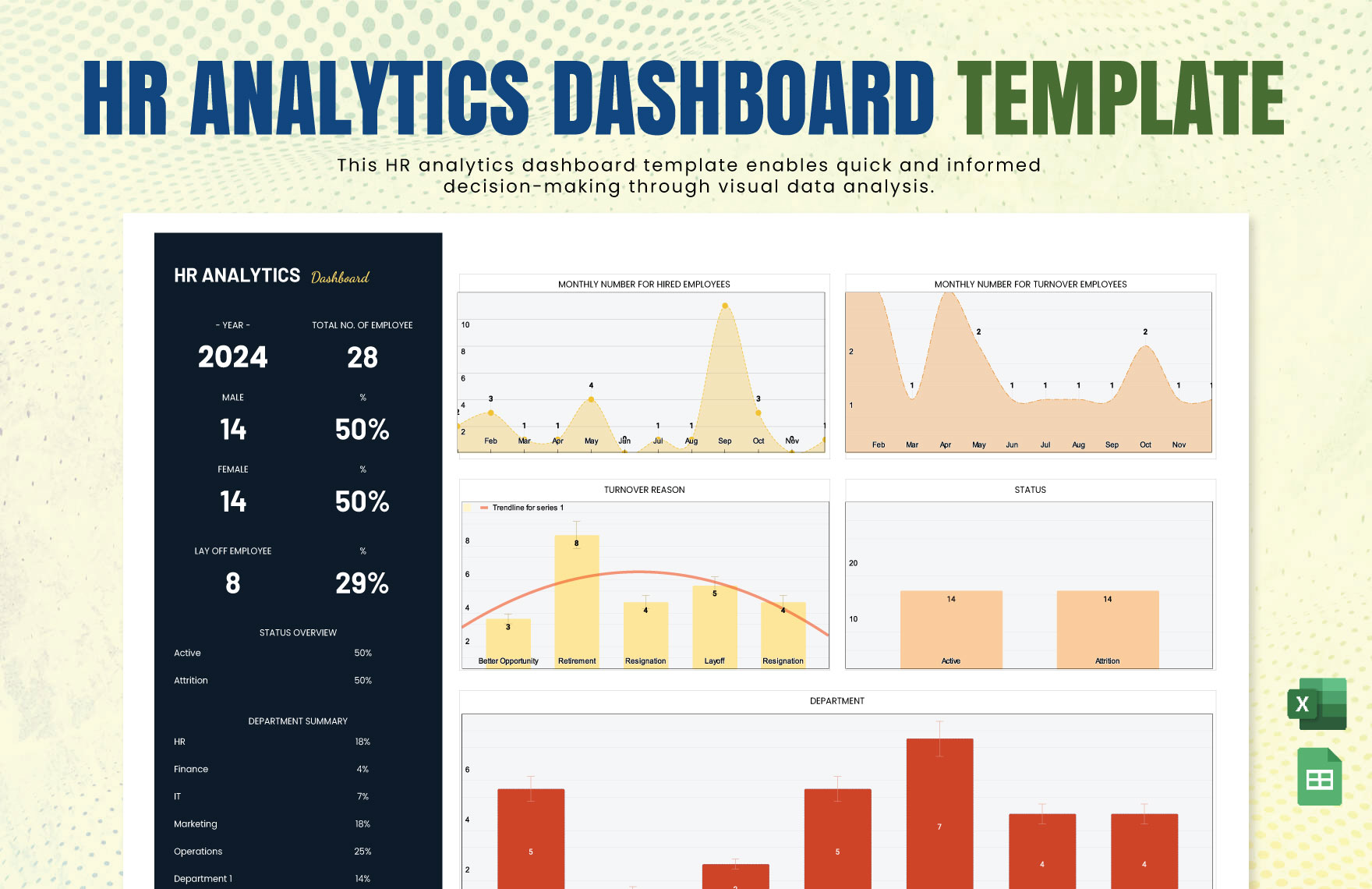
Using a dashboard for management reporting
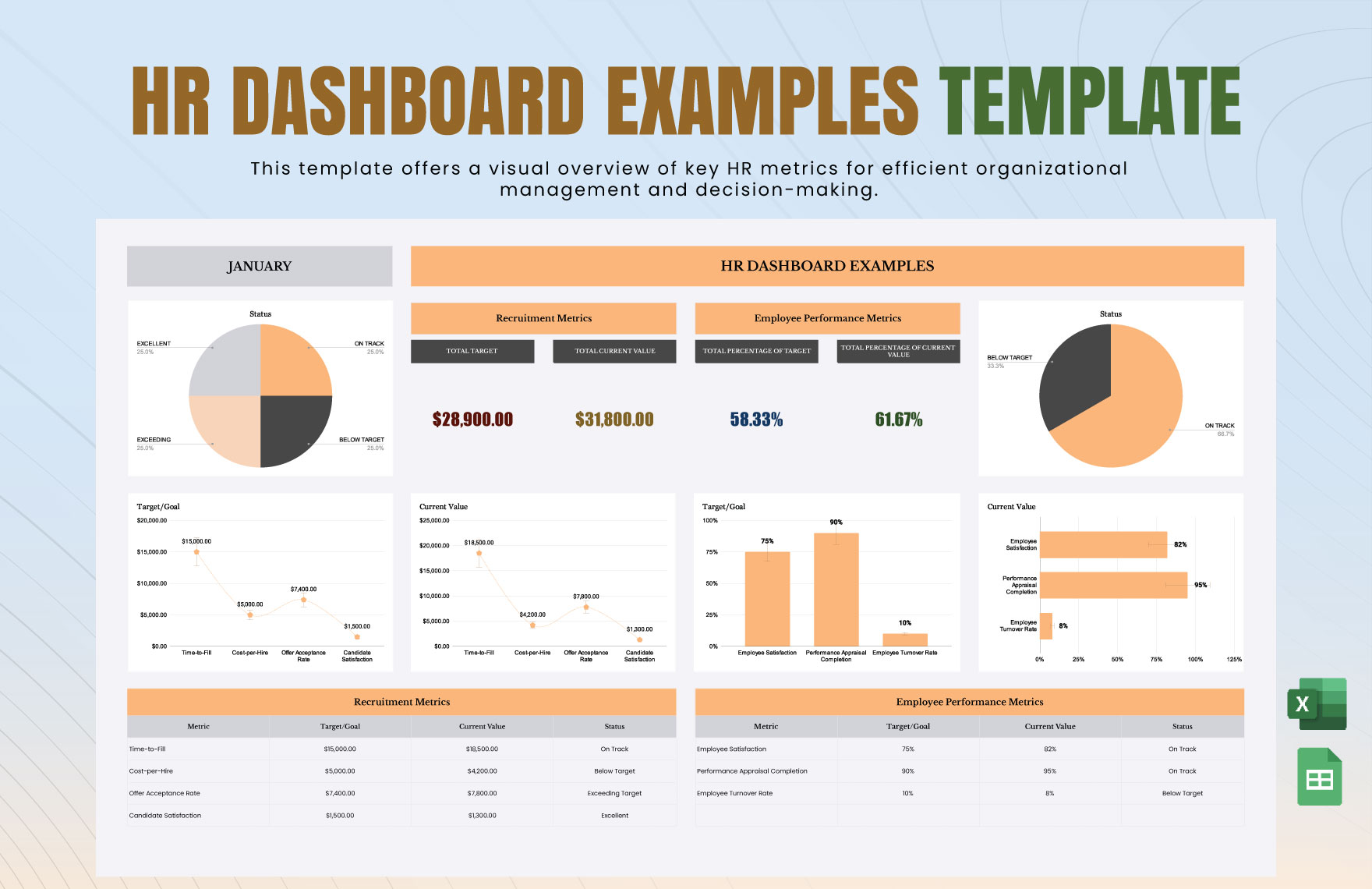
A management dashboard should put the most important measures at the top: current vacancy rate, vacancy count, occupied positions, change from the previous period, and the number of areas above the organization’s monitoring threshold.
The second layer can provide rankings by department, location, job family, or industry. A third layer can contain trends and detailed operational data. This layered design lets executives understand the headline quickly while allowing analysts to investigate the underlying causes.
Charts should have descriptive titles and clearly labeled periods. Avoid visual effects that make small differences appear dramatic. A simple horizontal bar chart is often more effective than a three-dimensional graphic for ranking rates.
Dashboard notes should explain unusual observations. If a rate increased because a new division was added to the reporting population, that should be documented. If a methodology changed, the break in the series should be visible rather than hidden.
The dashboard should also show when the data were last updated. Vacancy information can change quickly, and an unlabeled report can be mistaken for a current picture when it is actually several months old.
Using a highest job vacancy rates Template in Excel
An Excel-based template is useful when calculations, filtering, pivot tables, charts, and recurring reporting are important. A typical workbook can contain a raw-data sheet, calculation sheet, ranking sheet, dashboard sheet, and methodology sheet.
Keep formulas centralized. For example, if vacancies are in column D and occupied positions are in column C, the rate can be calculated consistently from those fields rather than manually entered. Protect the formula column so that users do not accidentally replace calculations with static values.
Pivot tables can summarize rates by department or period, while charts can display rankings and trends. Slicers or filters can make a recurring report easier to operate when the dataset contains multiple locations or job families.
Excel is particularly helpful for scenario analysis. An analyst can model what happens if vacancies are filled, positions are removed, or workforce growth continues. Scenario values should be clearly separated from observed data so that hypothetical figures are never mistaken for actual results.
For organizations using Excel, the best template is not necessarily the most visually elaborate. A clear structure, consistent formulas, validation rules, and a documented methodology usually create more value than decorative formatting.
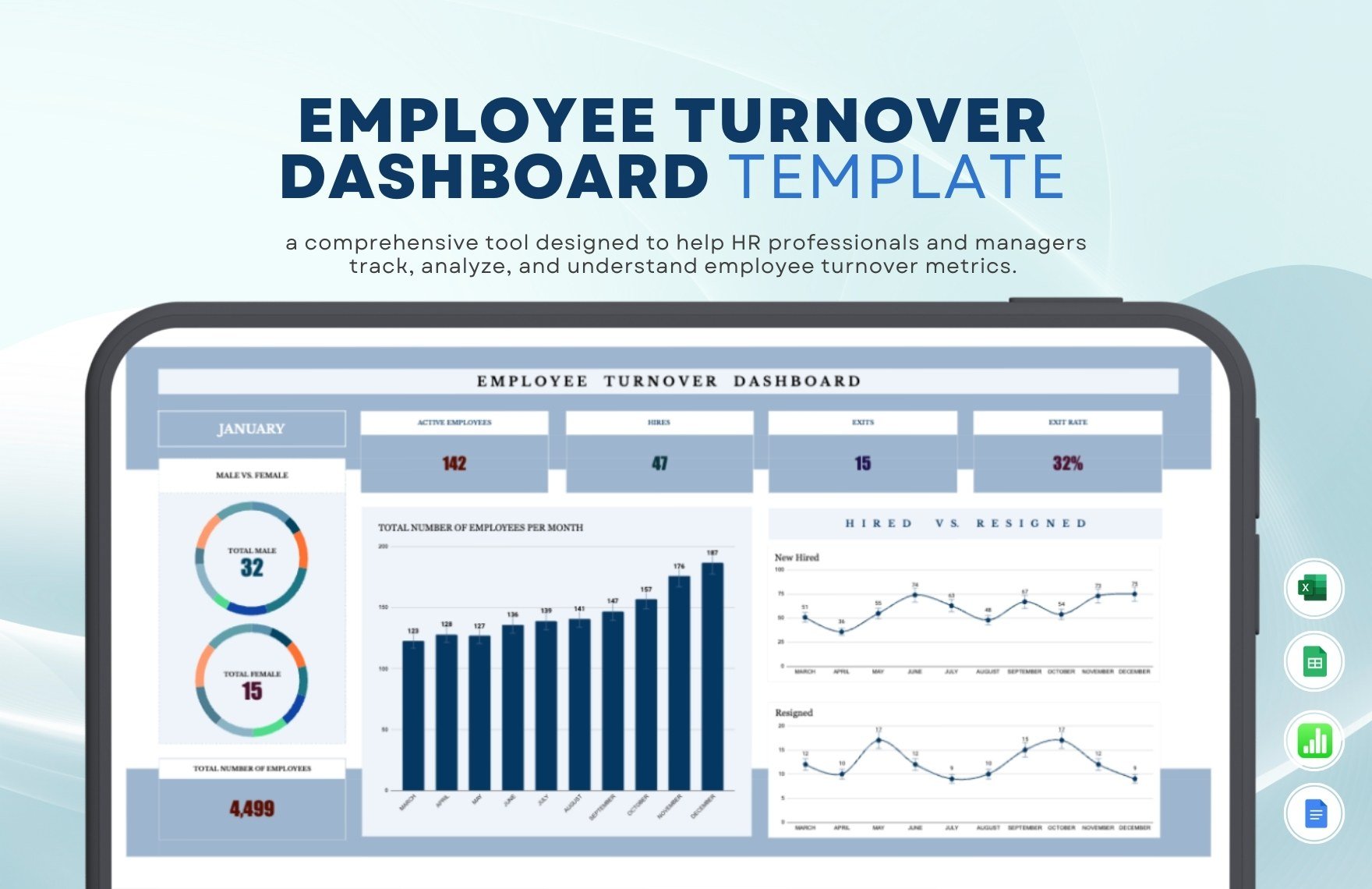
Using Google Sheets for collaborative vacancy analysis
Google Sheets can be useful when multiple authorized users need to update the same vacancy dataset. Collaboration makes it easier for HR, finance, business-unit leaders, and recruiters to contribute information without creating multiple versions of the workbook.
Permissions should be configured carefully. Users who only need to review a dashboard should not necessarily have permission to edit raw data. Formula ranges and methodology fields should be protected wherever possible.
Google Sheets also works well for lightweight dashboards. Filters, pivot tables, charts, and conditional formatting can provide a practical view without requiring specialized analytics software.
Because collaborative spreadsheets can change frequently, include an update date and ownership field. A short change log is also useful when the report supports important staffing decisions.
The same methodological rules apply in Google Sheets as in Excel. A different application does not create a different vacancy-rate definition. The formula, source population, and vacancy criteria remain the foundation of the analysis.
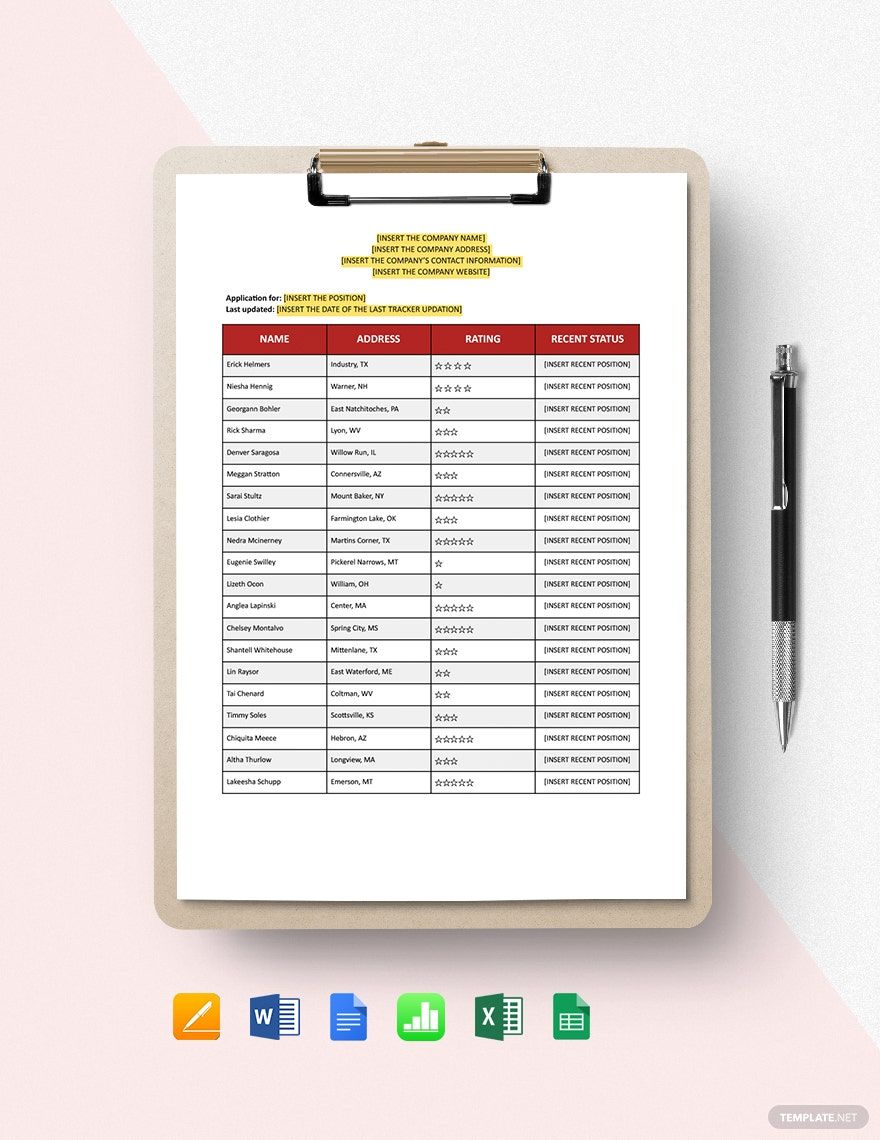
How to report vacancy rates in Word and PDF documents
Word and PDF formats are useful when the primary need is a formal report rather than an interactive workbook. A typical report can include an executive summary, methodology, ranking table, trend chart, interpretation, risks, recommended actions, and appendix.
A static report should identify the reporting period prominently. If the document is circulated electronically or printed, readers should be able to understand the period without opening the source spreadsheet.
Tables should show both counts and percentages. A table that reports only “Department A: 8%” forces readers to guess whether the figure represents eight vacancies or eighty. Including the denominator makes the result auditable.
PDF is particularly useful for preserving the final layout, but it should not be treated as the primary data source. Keep the editable workbook or dataset separately so the analysis can be updated without manually rebuilding the report.
When converting a highest job vacancy rates Template into a formal document, distinguish observed data from commentary. A factual statement such as “the rate increased by two percentage points” should be separated from an interpretation such as “recruitment difficulty may have contributed.”
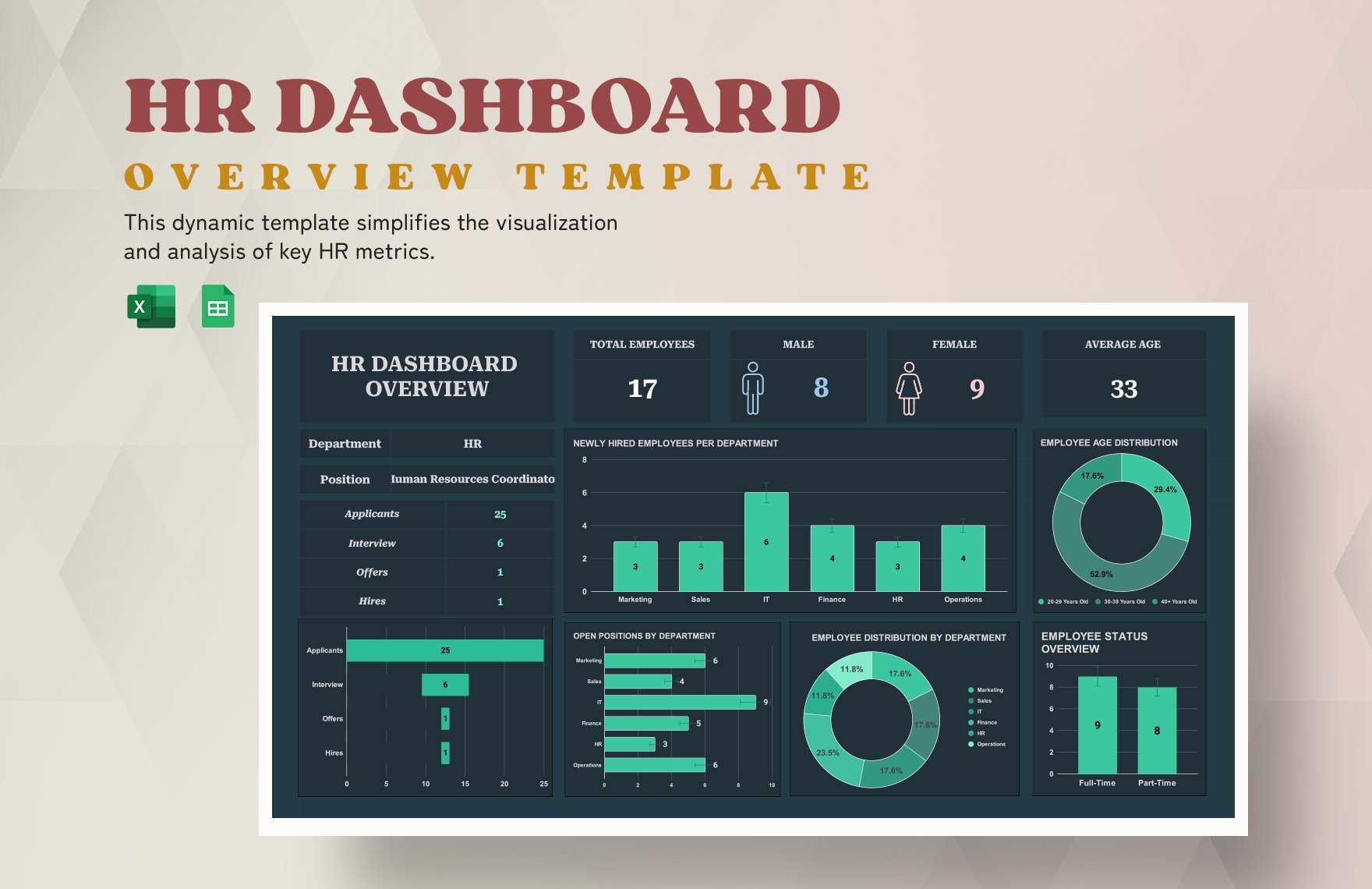
Vacancy rate for employees: an important terminology distinction
The phrase vacancy rate for employees can be confusing because a vacancy is a position rather than a person. Employees occupy jobs; vacancies describe positions that are not currently occupied and meet the selected vacancy definition.
For internal HR reporting, it can still be useful to discuss vacancies “for employees” when the intent is to describe staffing gaps affecting a workforce. The template should make clear whether the measure concerns jobs, positions, employee headcount, or recruitment requisitions.
For example, one employee may occupy one full-time position, while another organizational structure may contain several part-time roles. Counting employees and counting positions can therefore produce different denominators.
Organizations should also distinguish budgeted positions from actual vacancies. A budget may authorize 1,000 positions, but only 20 may currently be open for recruitment. The vacancy rate should use the population that matches the stated definition.
This terminology discipline makes the resulting report more useful to finance, HR, operations, and executives because everyone can see what the percentage actually measures.
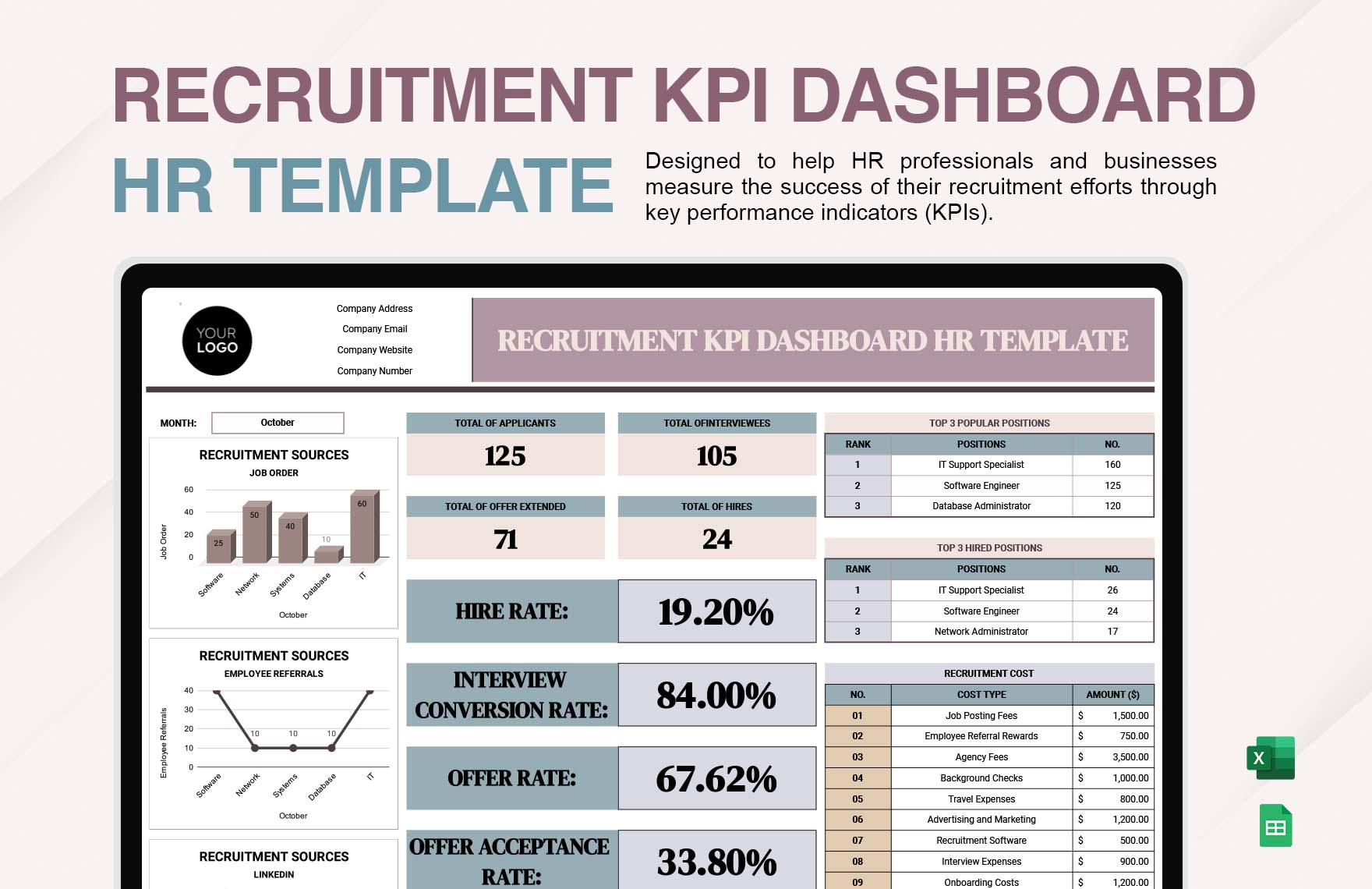
How to identify the highest rates without misleading readers
Ranking by percentage alone can produce misleading results when categories vary greatly in size. A department with 3 vacancies among 30 positions has a 10% rate, while a department with 60 vacancies among 2,000 positions has a 3% rate. Both figures are meaningful, but they describe different operational situations.
A strong ranking table therefore includes at least four values: occupied positions, vacancies, total positions, and vacancy rate. Adding vacancy volume allows management to distinguish intensity from scale.
Critical-role weighting can be added as a separate management field, but it should not be secretly incorporated into the mathematical vacancy rate. If a business wants to prioritize critical positions, use a priority score or risk classification alongside the rate.
Likewise, recruitment difficulty can be tracked separately using time-to-fill, applicant volume, offer acceptance, or other appropriate indicators. These measures can explain why a vacancy remains open but should not be substituted for the vacancy rate itself.
The result is a dashboard that answers several questions at once: Where are vacancies concentrated? Where is vacancy intensity highest? Which areas have changed most? Which vacancies are old? Which vacancies are strategically important?
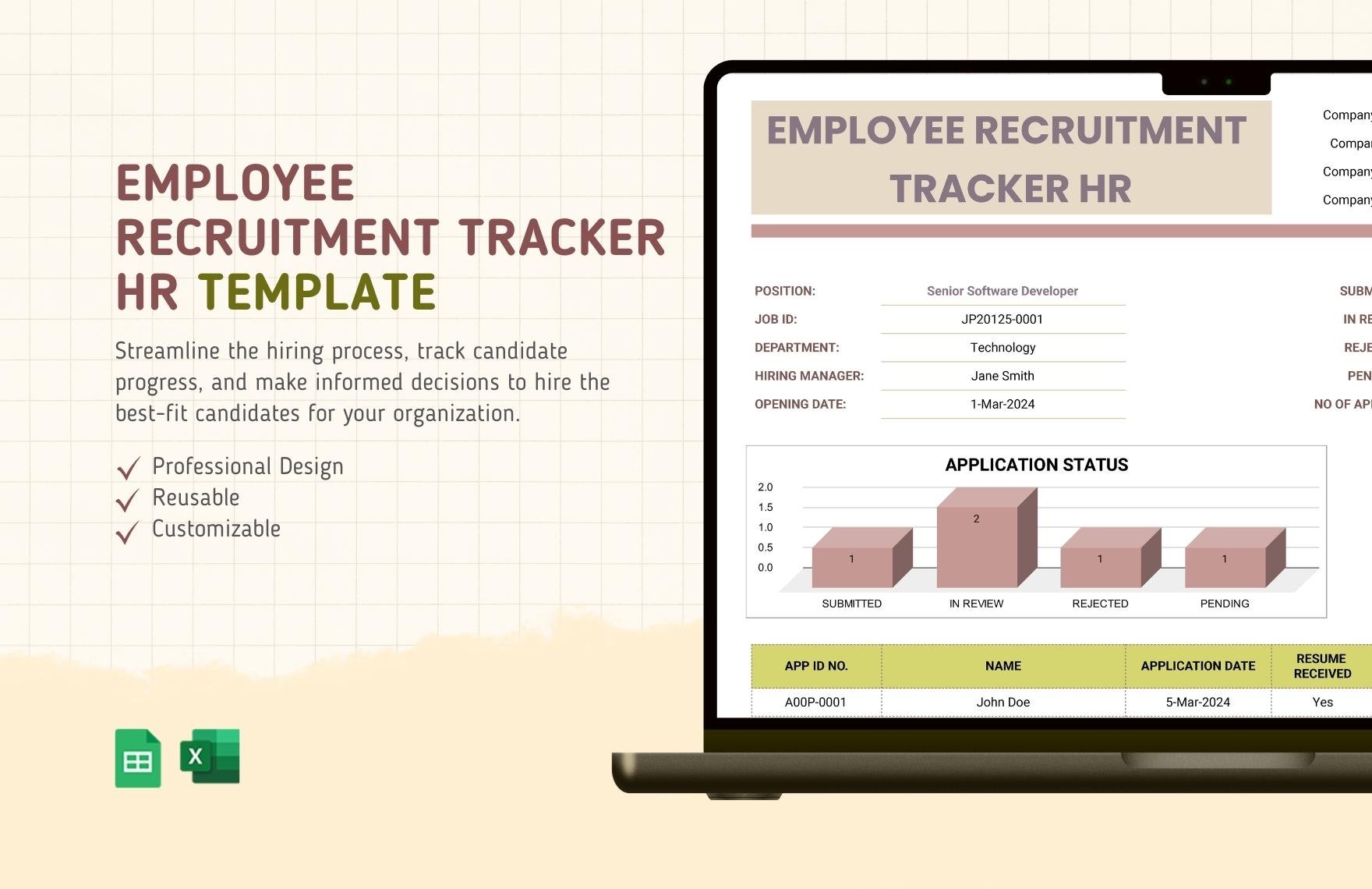
Practical examples of vacancy-rate analysis
Consider a hypothetical company with four divisions. Operations has 500 occupied positions and 25 vacancies; technology has 180 occupied positions and 18 vacancies; finance has 220 occupied positions and 4 vacancies; and administration has 100 occupied positions and 3 vacancies.
The corresponding rates are approximately 4.76%, 9.09%, 1.79%, and 2.91%. Technology has the highest rate, even though Operations has more vacancies in absolute terms. That distinction could change the management response.
If technology vacancies are concentrated in specialist roles, the organization might examine compensation, sourcing channels, location, required skills, and time-to-fill. If operations vacancies are mostly newly created positions caused by expansion, the response could be additional recruitment capacity rather than retention intervention.
Now imagine that technology falls from 9.09% to 5% after several positions are filled. The improvement should be interpreted alongside vacancy volume, hiring activity, and any changes to the approved headcount. A lower rate is useful evidence, but it does not by itself prove that recruitment performance improved.
This example illustrates why a highest job vacancy rates Template should combine calculation with context. The percentage identifies a pattern; the supporting fields help explain it.
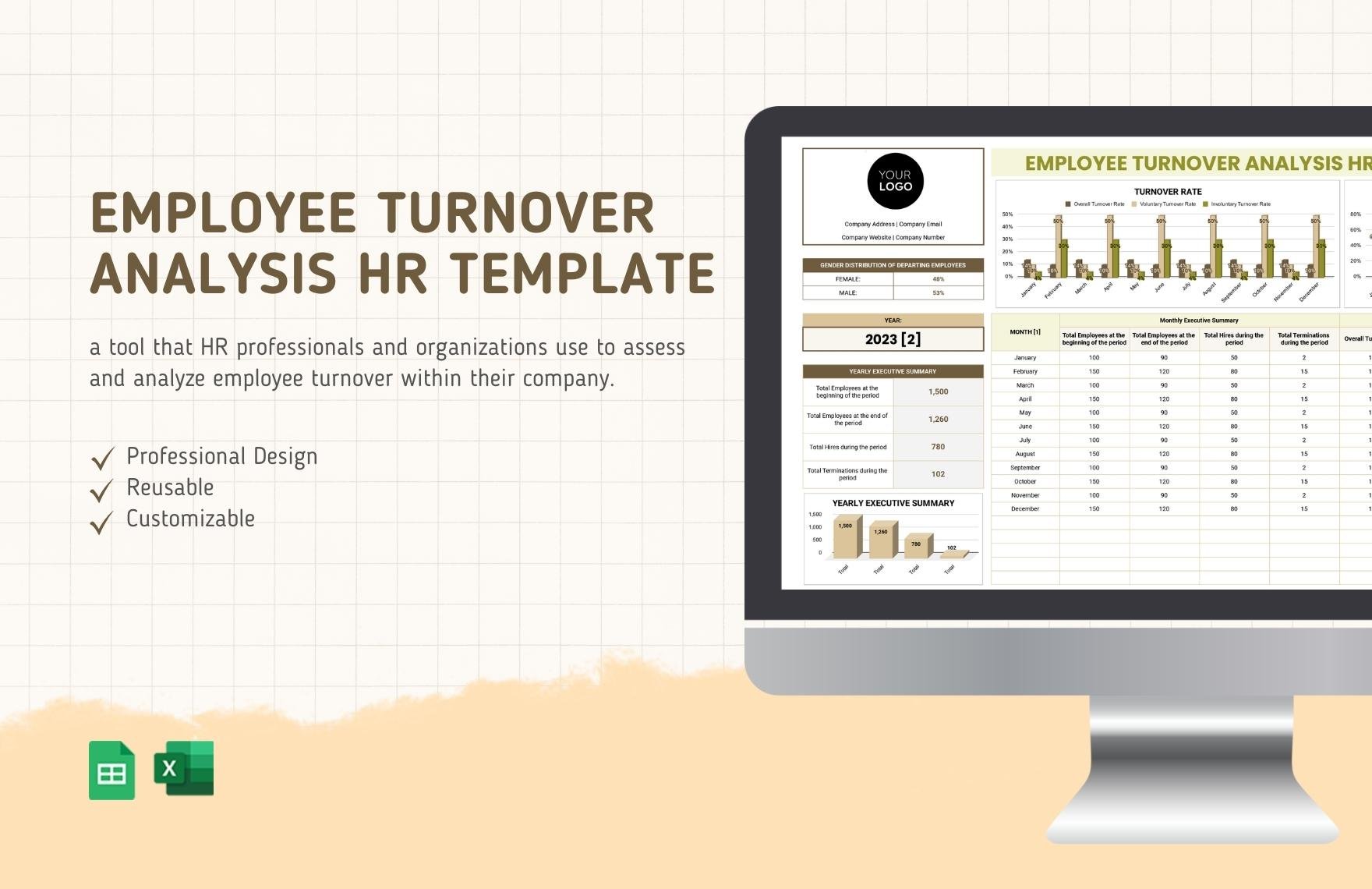
What is a good vacancy rate?
There is no universal vacancy rate that is automatically “good” for every employer, industry, job family, or labour market. A useful rate depends on the organization’s operating model, growth plans, staffing requirements, hiring speed, and historical performance.
A stable organization may view a low rate as desirable because most required positions are filled. A fast-growing organization may deliberately operate with more vacancies because it is expanding. A seasonal business may have high rates during planned hiring periods without experiencing a staffing problem.
The strongest benchmark is often an organization’s own historical range combined with an appropriate external comparison. If a division normally operates around 2% but suddenly reaches 7%, the movement deserves investigation even if 7% would be normal in another industry.
Management should also distinguish between planned and unplanned vacancies. Planned growth can produce a higher rate without indicating poor recruitment. Unexpected vacancies in essential roles can create operational risk even if the overall company rate remains low.
Therefore, the answer to what is a good vacancy rate should be framed as a benchmarking question rather than a universal threshold. A template should make that context visible instead of presenting one percentage as the correct answer for everyone.
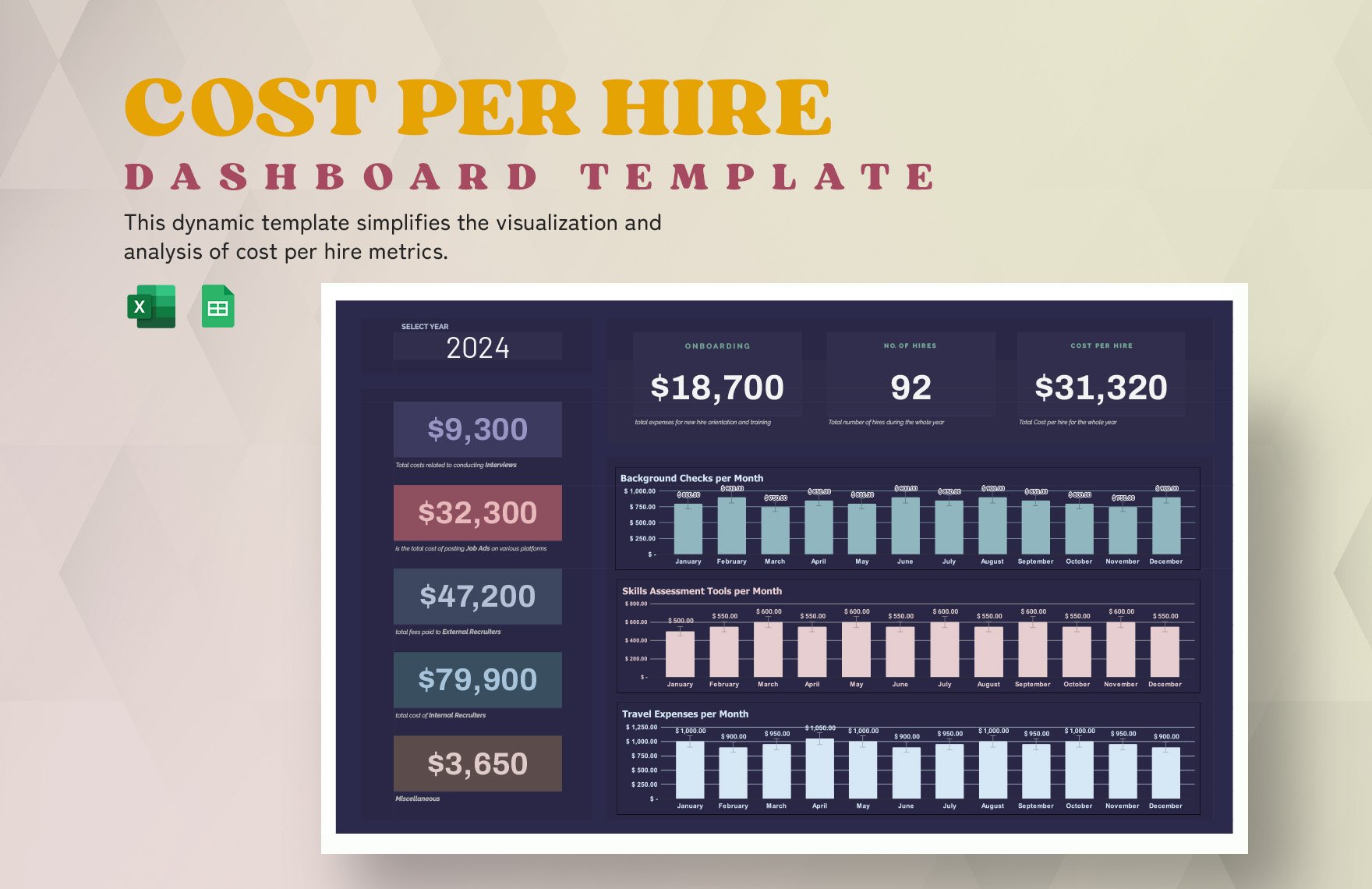
What is considered a high vacancy rate?
There is also no universal cutoff for what is considered a high vacancy rate. A rate becomes more meaningful when it is compared with historical performance, peer organizations, the same industry, and the organization’s staffing requirements.
As a practical internal approach, companies can establish monitoring bands based on their own data. For example, management might define a normal range from its historical observations, an alert range for unusual increases, and a critical range requiring investigation. These are internal management thresholds, not universal statistical standards.
Duration matters too. A short-lived high rate caused by a planned recruitment campaign may be less concerning than a moderately elevated rate that persists for many quarters. Long-open vacancies can also have greater operational significance than newly posted positions.
The severity of a high rate depends on which roles are vacant. A high rate in a low-impact job family may not create the same risk as a smaller vacancy concentration in safety-critical, revenue-generating, customer-facing, or highly specialized roles.
For that reason, the best highest job vacancy rates Template includes both a numerical rate and a risk interpretation. This encourages managers to investigate the cause and consequences instead of reacting to the percentage alone.
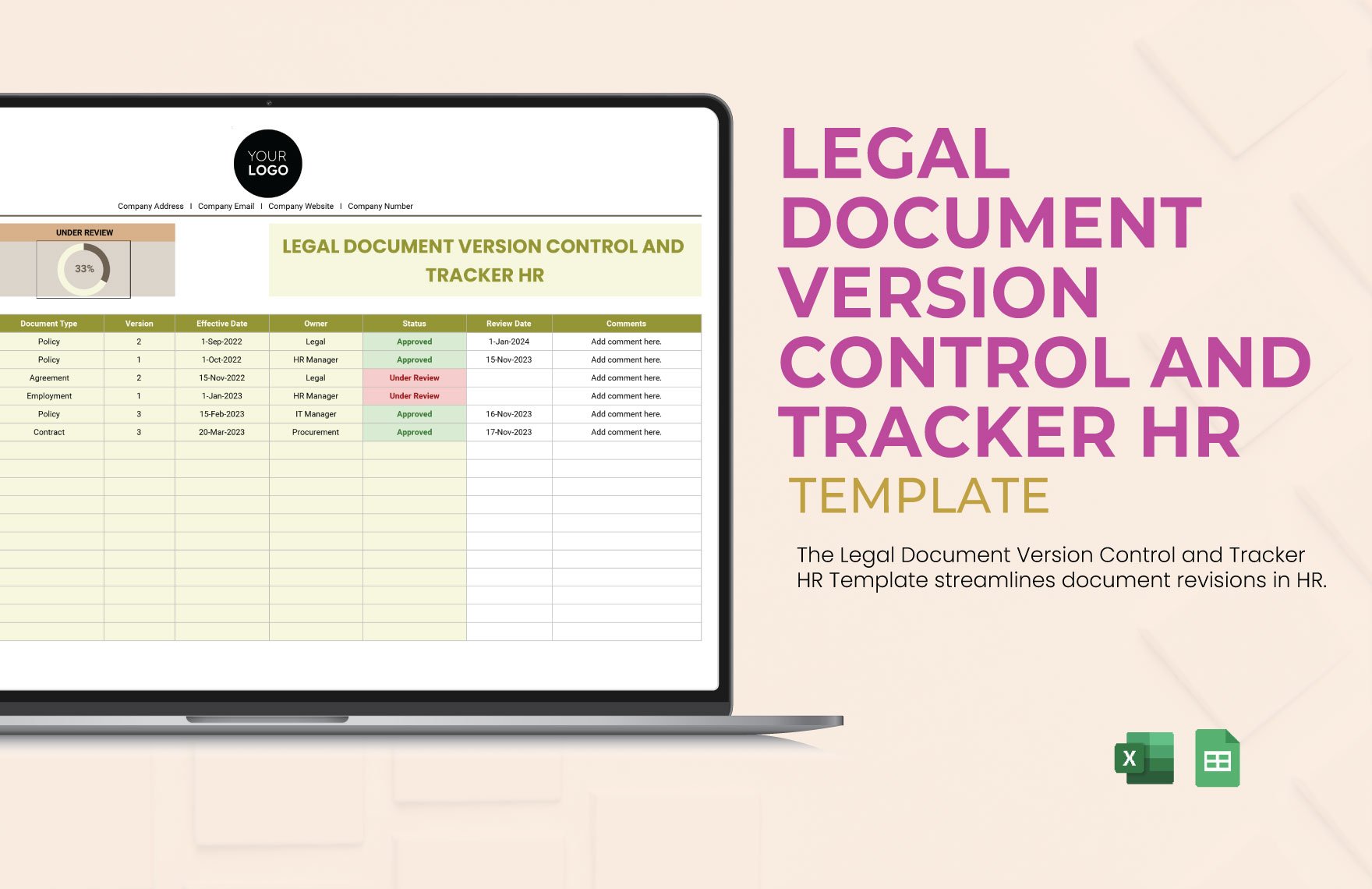
Common mistakes when calculating vacancy rates
One of the most frequent errors is changing the denominator between periods. If one month uses authorized positions and the next uses occupied plus open positions, the apparent trend may reflect methodology rather than a real workforce change.
Another mistake is mixing position counts with employee counts. The calculation should use a consistent unit. If one vacancy can be divided into several part-time roles, the organization should document how those positions are represented.
Analysts also sometimes count positions that are not genuinely available for external recruitment. Roles frozen by management, positions awaiting funding, and jobs intended for internal transfers may need to be excluded depending on the organization’s definition.
Duplicate requisitions are another source of inflation. A single role can appear in multiple recruiting systems or reports. Before calculating the rate, confirm that each vacancy is represented once.
Finally, avoid presenting a calculated rate with excessive precision. A figure such as 4.763819% may imply more certainty than the underlying data support. A rounded rate such as 4.8% is usually easier to interpret, provided the underlying calculation remains available.
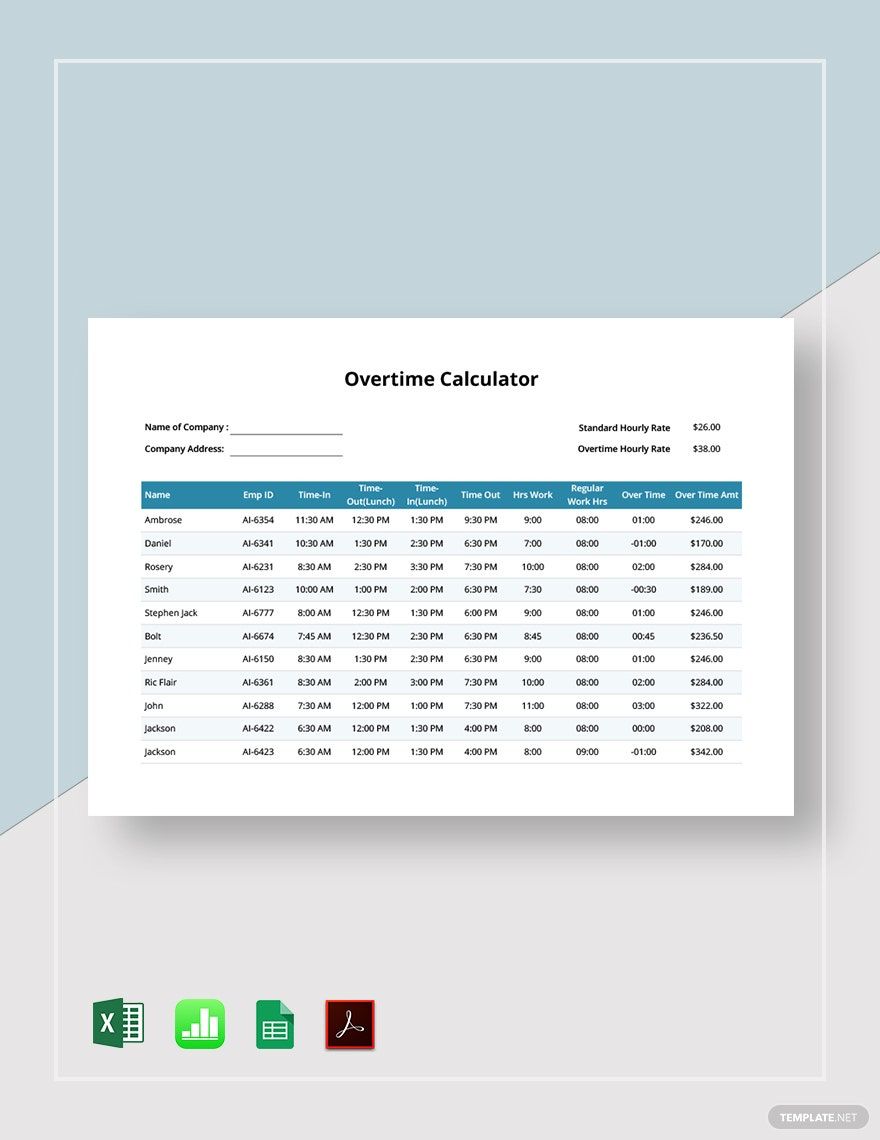
How to improve data quality
Start by creating a written vacancy definition. Every person contributing data should understand which positions count and which do not. This is especially important when a template is used across multiple departments or countries.
Next, standardize the reporting date. A monthly report should consistently use the same reference point or clearly state whether the values represent an average. Mixing snapshots and averages makes trend interpretation difficult.
Use unique identifiers for requisitions or positions when available. These identifiers help detect duplicates, track aging, and connect vacancy records to recruitment activity without relying solely on job titles.
Reconcile the vacancy list against HR or workforce-planning records regularly. A position may remain in a recruiting system after being cancelled, filled, or placed on hold. Automated feeds can reduce manual discrepancies, but they still require governance.
Finally, document every methodological change. If the organization changes how contractors, part-time positions, temporary roles, or internal transfers are treated, record the change and consider whether historical figures should be restated for comparability.
Using vacancy rates for workforce planning
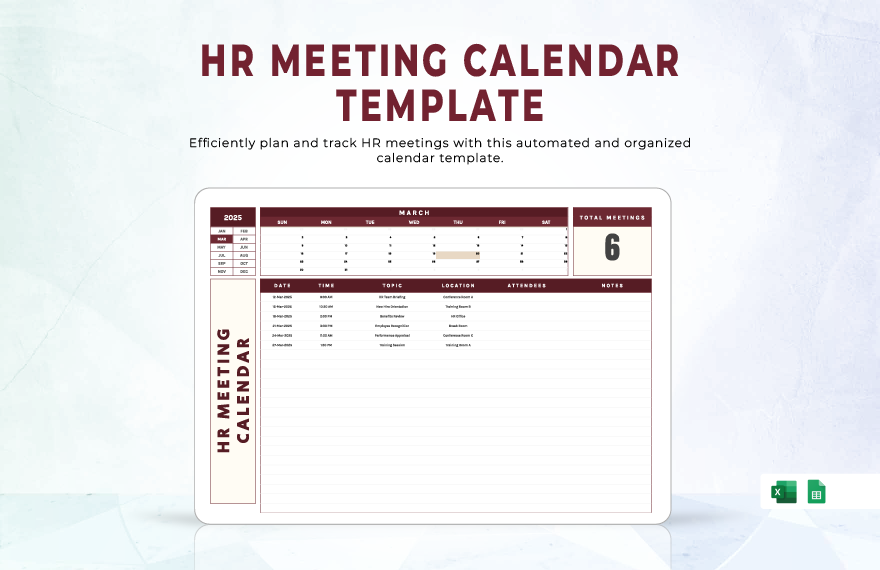
Workforce planners can use vacancy rates to identify where recruitment demand is persistent. A recurring high rate may suggest that the organization needs to review job design, workforce supply, compensation, location strategy, or internal mobility.
Vacancy rates can also support capacity planning. If a department consistently operates with a high vacancy rate, leaders can estimate the operational effect of prolonged staffing gaps and evaluate whether temporary resources or process redesign are needed.
However, the rate should not be treated as a direct measure of productivity. A department with a high vacancy rate may compensate through overtime, automation, contractors, or workload redistribution. Conversely, a department with a low rate may still experience productivity problems unrelated to staffing.
Linking vacancies to recruitment duration makes the analysis more actionable. A high rate combined with a long average time to fill indicates a different challenge from a high rate where positions are filled quickly.
The highest job vacancy rates Template becomes most valuable when it is integrated into the workforce-planning cycle. Monthly monitoring can identify emerging pressure, while quarterly reviews can support broader decisions about hiring plans and organizational design.
How to present vacancy-rate findings to executives
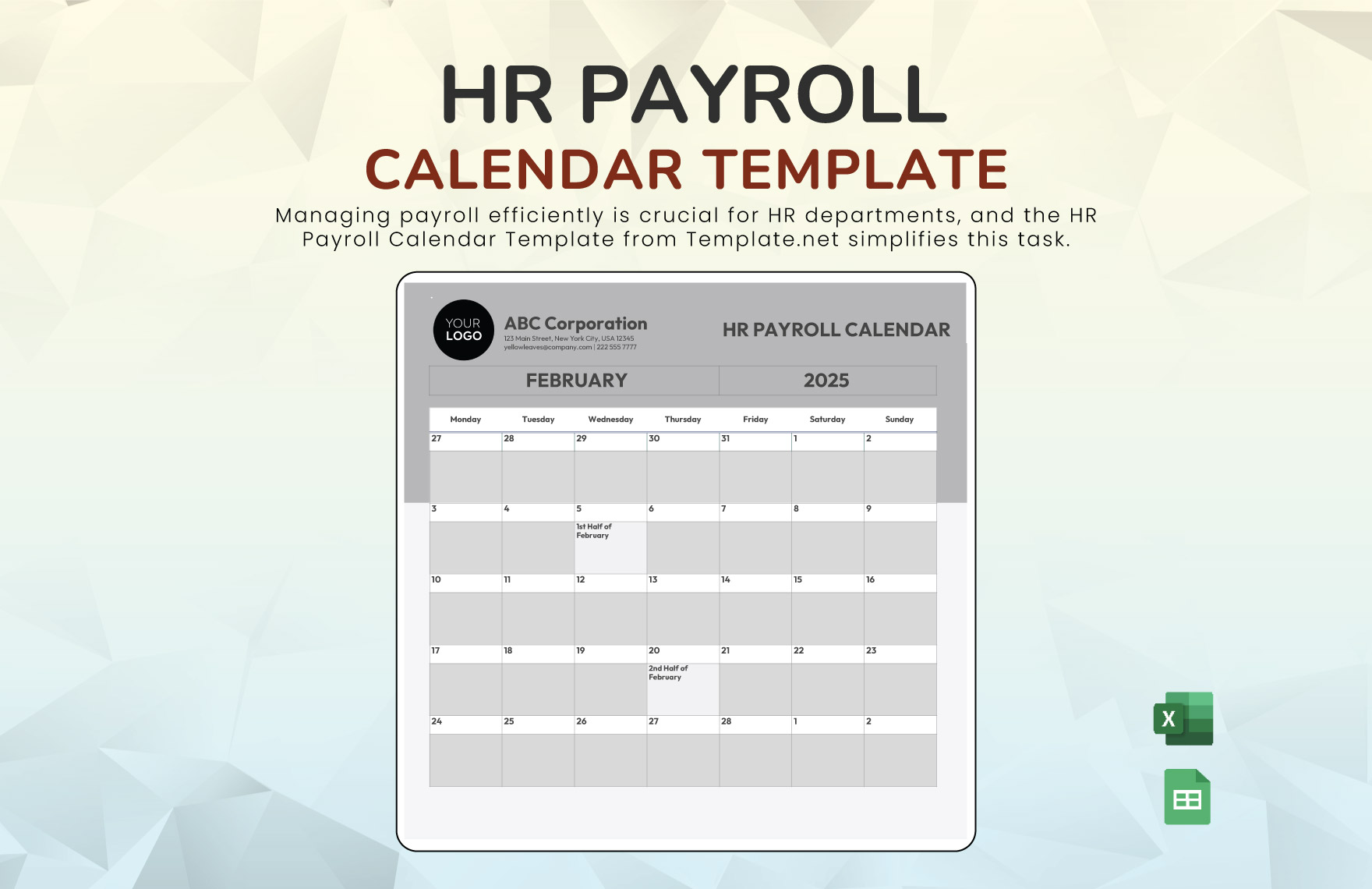
Executives generally need a concise explanation of what changed, where it changed, why it may have changed, and what action is recommended. A report should therefore lead with the most important finding rather than beginning with spreadsheet mechanics.
A strong executive page can contain the current vacancy rate, previous rate, vacancy count, total positions, highest-rate business units, and a short interpretation. The detailed calculation and raw data can remain in an appendix.
Use percentage points when describing rate movements. “The vacancy rate increased from 3.2% to 4.1%, an increase of 0.9 percentage points” is clearer than simply saying the rate increased by 0.9%.
When presenting rankings, explain whether the ranking is based on rate or volume. If the top-ranked department has only a small number of positions, executives should be able to see that immediately.
Most importantly, connect the measure to a decision. The report might recommend additional sourcing, compensation review, faster approval, succession planning, or simply continued monitoring. The recommendation should follow from the evidence rather than from the percentage alone.
How to build a recurring monthly report
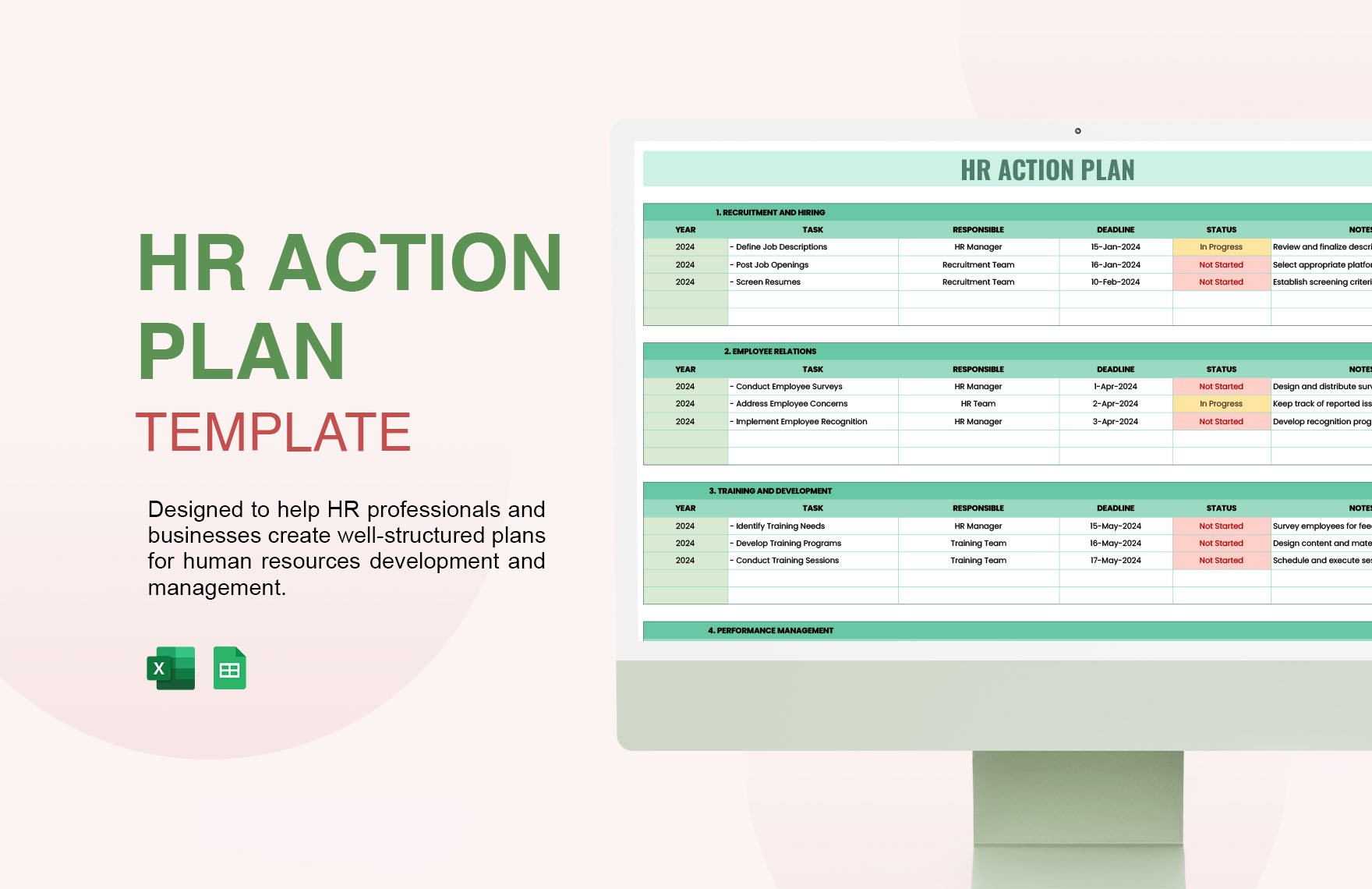
A monthly vacancy report should begin with a frozen reporting date and a defined data-extraction process. Each month should follow the same workflow so that changes in the result are more likely to reflect actual workforce conditions.
The first step is to refresh the raw vacancy data. The second is to validate counts against the source system. The third is to calculate the vacancy rate. The fourth is to compare the result with the previous period and an appropriate historical baseline.
The fifth step is interpretation. Analysts should identify the highest rates, largest increases, largest vacancy volumes, and unusually old vacancies. These findings can be summarized in a short management commentary.
The sixth step is quality assurance. Check formulas, filters, totals, ranking order, date labels, and chart ranges. A dashboard can look correct while quietly excluding new rows from a chart or pivot table.
The final step is version control. Save the final report with an identifiable period and maintain the underlying data separately. This makes later audits and year-over-year comparisons much easier.
Practical Solution
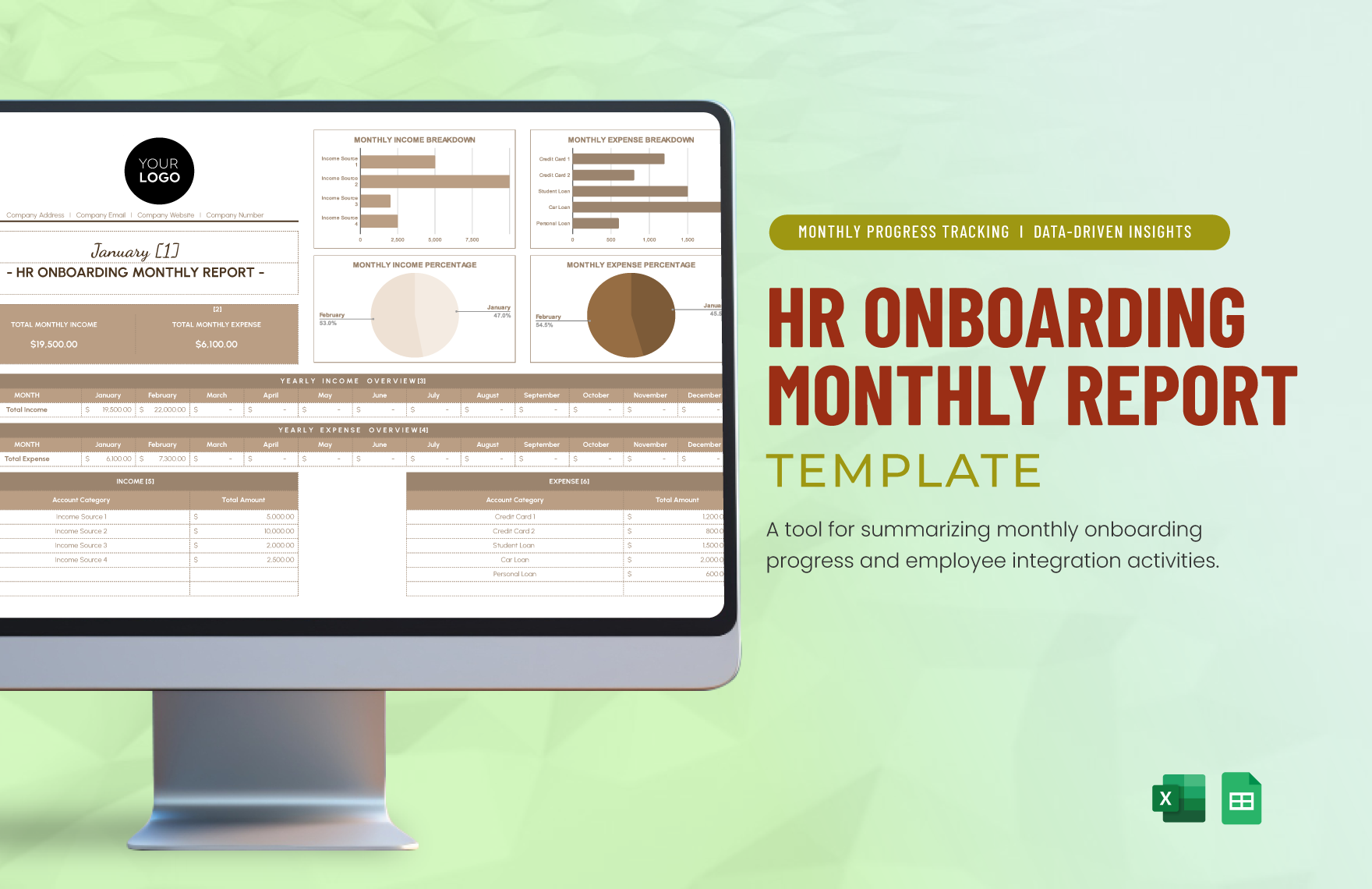
The most practical solution is to create one controlled vacancy-rate workbook or reporting system that separates raw data, calculations, rankings, visualization, and methodology. This structure reduces manual work and makes the highest job vacancy rates Template reusable from month to month.
Begin with a raw-data table containing period, organization, department, location, job family, occupied positions, vacancies, and source. Add optional operational fields such as requisition age, recruitment stage, priority, and expected fill date.
Next, define the calculation once. Use vacancies divided by occupied positions plus vacancies, multiplied by 100, where that definition matches the population being measured. Keep the formula consistent across all categories and periods.
Then create a ranking view that displays the highest rates alongside vacancy counts. Add a change column showing percentage-point movement from the previous period. This prevents the dashboard from treating the rate as an isolated number.
Create a trend chart for the overall organization and separate rankings for departments or locations. If external benchmarks are included, place them in a clearly labeled section and document the source, reference period, and methodology.
Add a management interpretation column. A high rate might be caused by growth, recruitment difficulty, delayed approvals, compensation, seasonality, or data changes. Requiring an explanation encourages the organization to investigate causes instead of simply reacting to the number.
Finally, establish review rules. Decide who owns the data, who validates the calculation, who approves the final report, and how historical versions are retained. The process should be repeatable enough that another analyst could reproduce the result without relying on undocumented knowledge.
For small teams, a well-structured spreadsheet may be sufficient. Larger organizations may eventually move the same logic into a business-intelligence platform or HR analytics environment. The important point is that the definition and methodology should remain stable as the technology changes.
Reference Examples
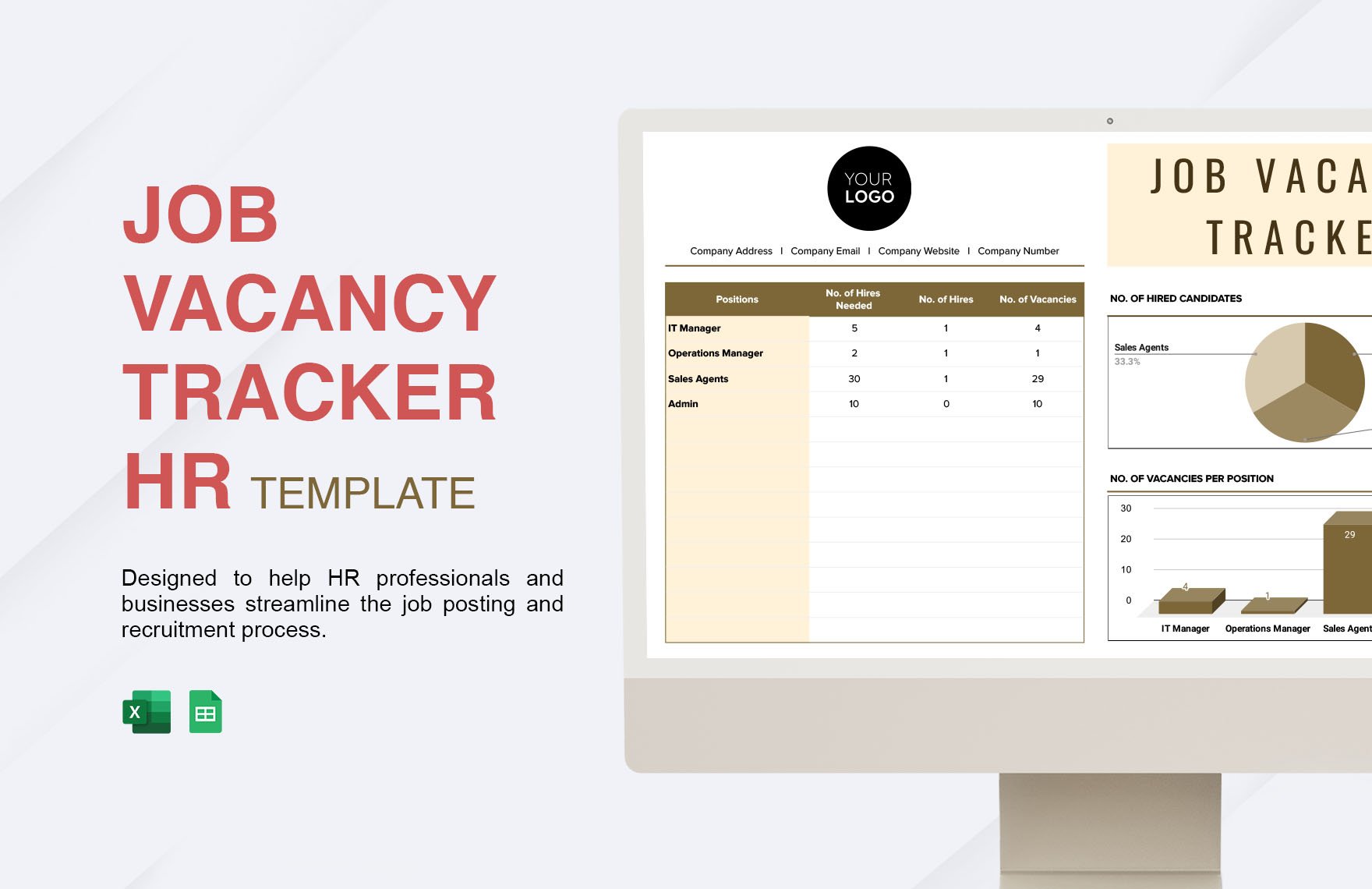
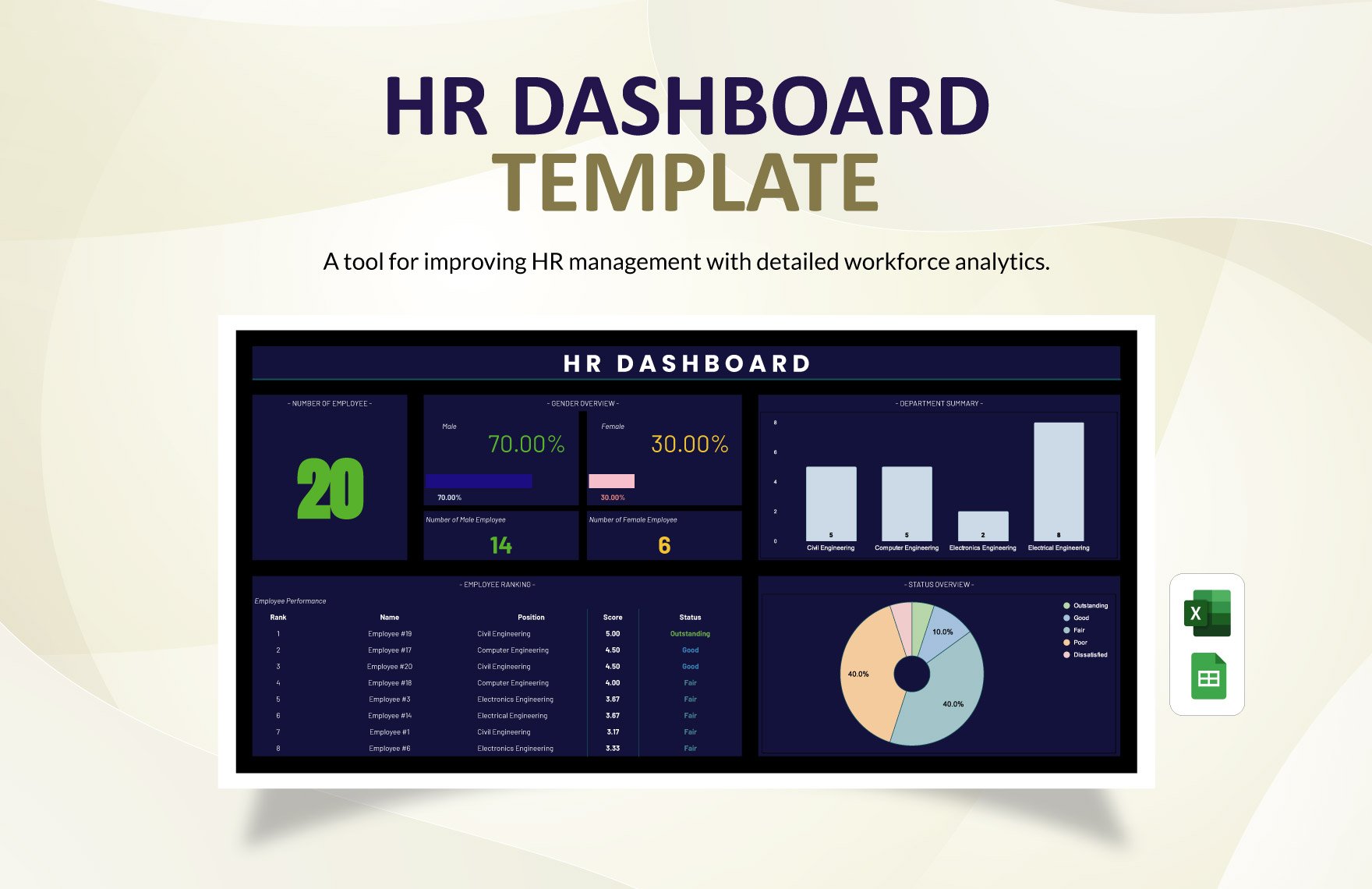
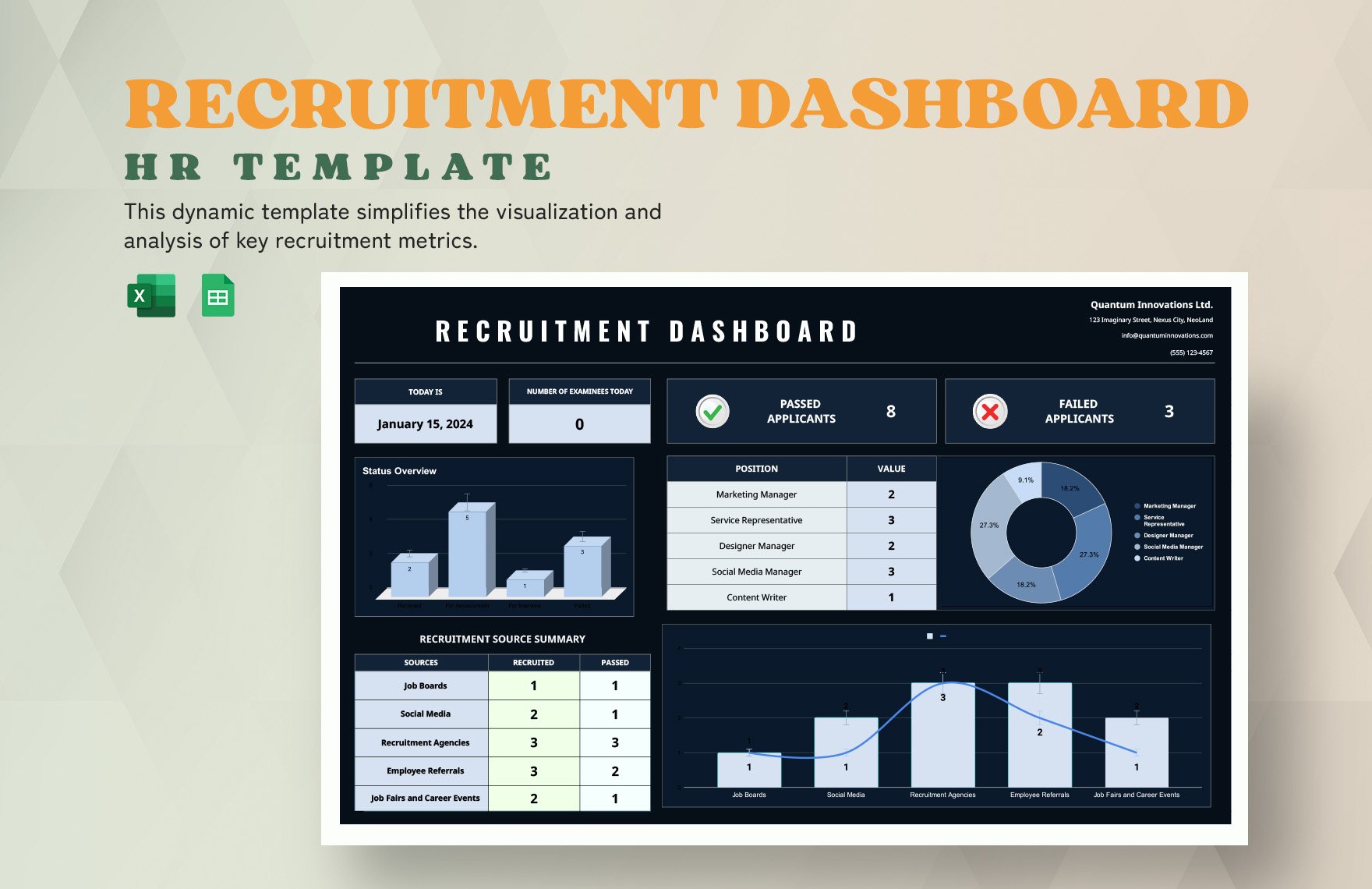
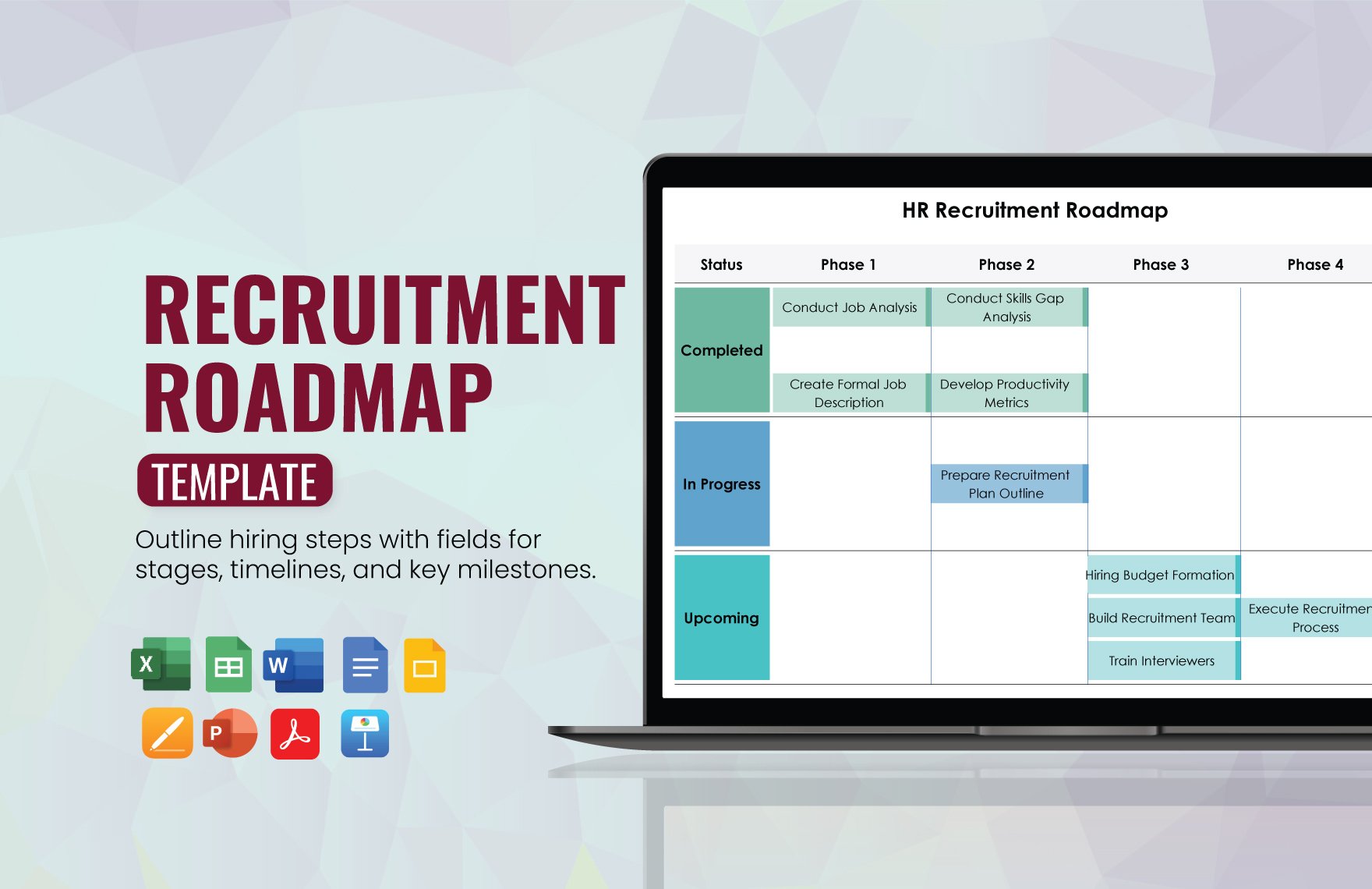
The following reference visuals illustrate document, spreadsheet, dashboard, and reporting layouts that can help when designing a vacancy-rate resource. They are visual examples rather than claims that a particular file format or download is universally available.
highest job vacancy rates template excel
highest job vacancy rates template google docs

highest job vacancy rates template free
highest job vacancy rates template free download

highest job vacancy rates template google sheets
highest job vacancy rates template word
highest job vacancy rates template pdf
highest job vacancy rates template excel free
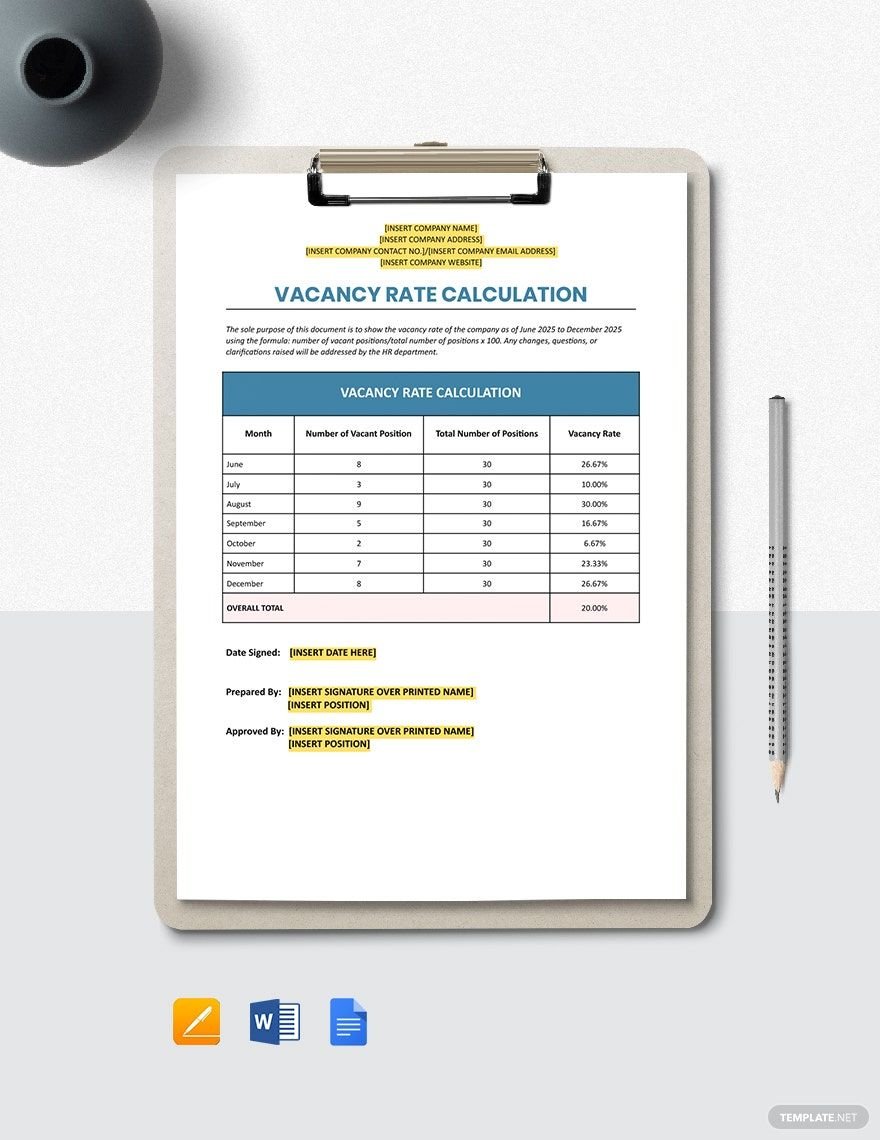
vacancy rate for employees
what are vacancy rates
what is a good vacancy rate
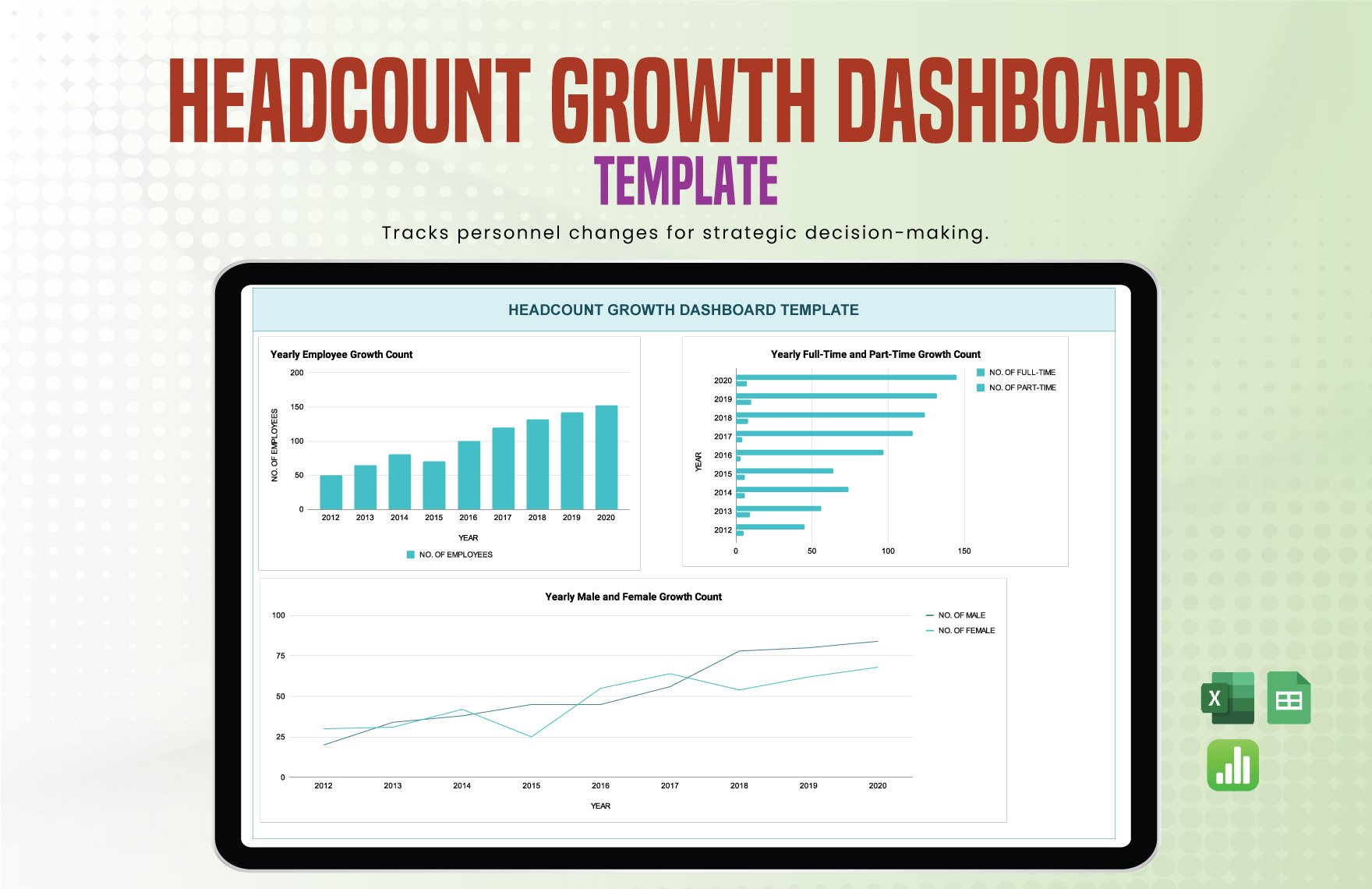
what is considered a high vacancy rate
Frequently Asked Questions
What is the standard formula for a job vacancy rate?
The commonly used formula is vacancies divided by the sum of occupied positions and vacancies, multiplied by 100. Always confirm that the definition matches the statistical or organizational methodology being used.
Why should vacancy counts and vacancy rates be shown together?
The rate measures intensity relative to workforce size, while the count shows the absolute number of open positions. Showing both prevents small departments from appearing more operationally significant than much larger departments simply because their percentage is higher.
Can a high vacancy rate be positive?
Yes. A high rate may reflect planned expansion, seasonal recruitment, or the creation of new positions. It becomes more concerning when vacancies are unexpected, persistent, difficult to fill, or concentrated in strategically important roles.
Is a low vacancy rate always good?
No. A low rate can indicate effective staffing, but it can also result from hiring restrictions, cancelled positions, or a lack of workforce growth. The rate should always be interpreted with staffing plans and operational context.
How often should vacancy rates be measured?
Monthly measurement is useful for organizations with frequent hiring changes, while quarterly reporting may be sufficient for more stable workforces. Seasonal organizations may benefit from monthly monitoring even when executive reporting remains quarterly.
What information should accompany a vacancy rate?
At minimum, include the reporting period, vacancy count, occupied positions, total positions, definition of a vacancy, and source. For operational analysis, add vacancy age, recruitment stage, time to fill, job family, location, and priority.
How can I rank the highest job vacancy rates Template results?
Calculate the rate consistently for every category, sort the results from highest to lowest, and display the underlying vacancy and occupied-position counts alongside the ranking. Include a period and methodology note so readers know exactly what is being compared.
Should external labour-market statistics be compared with internal HR data?
They can be compared cautiously when definitions, populations, periods, and classifications are sufficiently aligned. If methodologies differ, describe the comparison as contextual rather than treating the figures as directly equivalent.
Conclusion
A reliable highest job vacancy rates Template is more than a spreadsheet with a percentage formula. It is a structured framework for defining vacancies, calculating rates consistently, ranking staffing pressure, analyzing trends, and turning workforce data into practical decisions. The strongest approach combines vacancy counts with rates, historical movement, recruitment context, and clear methodology. When those elements are maintained consistently, the template becomes a repeatable tool for workforce planning, recruitment management, benchmarking, and executive reporting rather than a one-time calculation.
