A good workflow helps HR teams, hiring managers, legal reviewers, finance teams, and employees understand what happens next, who owns each step, which version is current, and when the agreement becomes ready for signature. This is especially useful when several people participate in hiring or when a business handles many employees at once.
The document itself should clearly describe the employment relationship, but the workflow surrounding it is equally important. A contract can be well written and still create administrative problems if the wrong version is approved, required information is missing, signatures are incomplete, or the final document cannot be located later.
Employment relationships are governed by national and local laws, so the precise contents and formalities of an employment agreement vary by jurisdiction. The International Labour Organization notes that employment relationships create reciprocal rights and obligations under national legislation, while specific contract requirements depend on the applicable legal framework. :contentReference[oaicite:0]{index=0}
This guide explains how to design an employment contract workflow from beginning to end, what information should normally be collected, how Word, Excel, and PDF formats can fit into the process, how approvals can be organized, and how to avoid common workflow failures. It is practical guidance, not jurisdiction-specific legal advice.

What Is an Employment Contract Template Workflow?
An employment contract template workflow is a defined sequence for turning approved hiring information into a finalized employment agreement. It normally begins when a candidate accepts an offer and ends when the signed agreement has been stored in the appropriate employee record.
The word template matters because most employers do not want HR staff drafting every employment agreement from an empty page. A controlled template provides a consistent structure, while designated fields allow the document to be adapted for the employee, role, location, compensation arrangement, term, and other relevant conditions.
The word workflow matters because the template alone does not tell people when to use it. A workflow defines the sequence around the document: collect data, generate the agreement, review it, make corrections, obtain approval, send it for signature, verify completion, archive it, and trigger any follow-up actions.
This distinction is important because an employment contract can be broader than a single written document. For example, Acas explains that an employment contract can include written terms as well as other clauses, organizational policies, and implied obligations, depending on the circumstances. :contentReference[oaicite:1]{index=1}
A practical workflow therefore connects the contract to related hiring records without assuming that every policy or attachment must be physically embedded in the agreement. The goal is a controlled and understandable process in which employees receive clear terms and the organization can demonstrate how the agreement was prepared and finalized.

Why an Employment Contract Workflow Matters
The first benefit is consistency. If every employee contract begins from a controlled template, the organization is less likely to forget recurring sections such as job title, compensation, working arrangements, start date, termination provisions, or signature information.
The second benefit is accountability. A workflow can identify the person responsible for preparing the document, the person responsible for checking compensation, the person authorized to approve contractual exceptions, and the person responsible for filing the signed agreement.
The third benefit is speed. A structured process reduces unnecessary back-and-forth because the information required to prepare the agreement is collected before drafting begins. It also prevents employees from becoming the messenger between HR, managers, finance, and legal reviewers.
The fourth benefit is traceability. A well-designed workflow records important events such as when the draft was created, when changes were requested, which version was approved, when the agreement was sent, and whether all required signatures were obtained.
The fifth benefit is maintainability. Employment relationships change. Compensation may be adjusted, working arrangements may change, responsibilities can evolve, and agreements may need amendments. A workflow makes it easier to connect those later changes to the original agreement instead of creating disconnected documents.

Core Components of an Employment Contract Workflow
A useful workflow normally starts with an intake stage. The intake record should identify the employee, position, department, reporting manager, employment type, expected start date, work location, compensation structure, and any special conditions that need review.
The next component is template selection. Organizations may maintain different approved templates for permanent employees, fixed-term employees, executives, remote employees, part-time positions, international hires, or other circumstances. The correct template should be selected before variable information is inserted.
Drafting is the stage where approved hiring information is merged into the template. The person preparing the document should avoid changing standard legal language casually. Changes to core clauses should be routed through the appropriate review process.
Review and approval form another distinct component. A manager may confirm that the role and compensation match the hiring decision, while HR or legal reviewers may check contractual wording, policies, and applicable requirements. The precise approval structure should reflect the organization’s risk level and local rules.
Execution and records management complete the workflow. The agreement is signed using an appropriate method, the completed document is checked for completeness, and the final version is placed in the employee’s authorized record system with suitable access controls.

What Should an Employment Contract Template Contain?
The exact requirements depend on the jurisdiction and employment arrangement, but a practical template generally identifies the employer and employee and explains the nature of the employment relationship. These details provide the foundation for the rest of the agreement.
The document should normally address the position or job function and may describe the principal duties expected of the employee. A job description can be maintained separately where appropriate, but the contract should make the role sufficiently clear to avoid uncertainty about what employment has been agreed.
Compensation is another central component. The template should provide a clear way to state salary or wages, payment frequency, and any relevant compensation components. Variable pay, bonuses, allowances, commissions, or benefits should be addressed only in a manner consistent with the organization’s approved compensation arrangements.
Working arrangements should also be represented. Depending on the position, this can include work location, expected hours, schedule, overtime arrangements, remote or hybrid conditions, leave provisions, and other applicable working conditions. International labour guidance commonly identifies matters such as wages, work location, working hours, leave, and termination as important contractual subjects. :contentReference[oaicite:2]{index=2}
Finally, the template should provide appropriate provisions for confidentiality, intellectual property, policies, termination, dispute handling, governing law, notices, and signatures where those provisions are relevant and legally appropriate. A template should be reviewed for the specific jurisdiction rather than assumed to be universally valid.

Step-by-Step Employment Contract Template Workflow
Step 1: Confirm the Hiring Decision
The workflow should begin only after the hiring decision has been sufficiently confirmed. The responsible team should know who is being hired, what role they will perform, which employment arrangement applies, and who has authority to approve the hiring terms.
This stage is also where unusual conditions should be identified. For example, an employee may require a remote-work arrangement, an unusual schedule, a signing incentive, a special allowance, or an international assignment. Flagging exceptions early prevents them from being discovered after the contract has already been drafted.
A simple intake form can capture the basic information in a structured manner. Instead of asking an HR coordinator to copy information from multiple emails, the workflow can create one authoritative source containing the approved employee and position data.
Where compensation is involved, the intake process should make clear which figures are approved and who approved them. This reduces the risk of a contract being generated with an outdated salary, incorrect payment frequency, or terms that differ from the hiring decision.
The result of this first stage should be a complete contract request rather than merely an instruction such as “prepare an employment agreement.” The better the intake record, the fewer corrections are likely to be needed later.
Step 2: Select the Correct Template
Template selection should be deliberate. A company with several employment arrangements should not maintain one generic document and expect HR staff to remember which clauses must be inserted or deleted manually for every employee.
A template library can use clear names and version numbers. For example, an organization might distinguish its standard employee agreement from its fixed-term agreement, executive agreement, remote-work agreement, and amendment document.
Each approved template should have an owner. That owner is responsible for coordinating changes, checking that outdated versions are retired, and ensuring that the document remains aligned with current organizational practice and applicable legal review.
Version control is particularly important because two documents with similar names may contain materially different provisions. The workflow should therefore make it difficult to accidentally select an obsolete document stored in a personal folder or old email attachment.
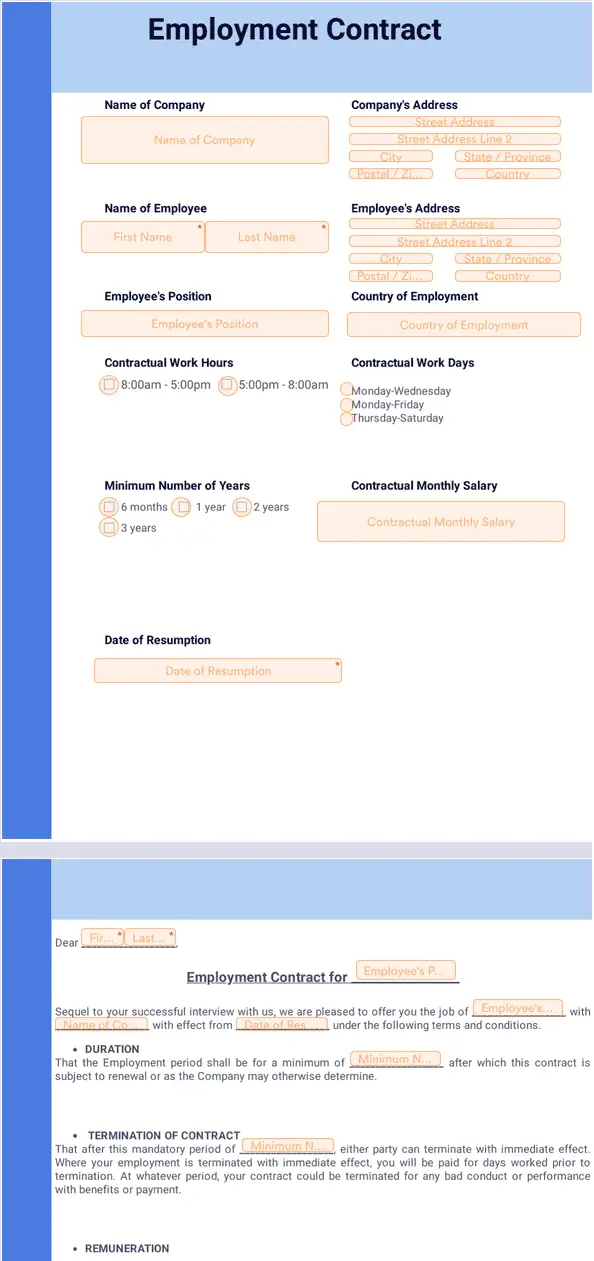
A template should also make variable fields obvious. Employee name, start date, job title, salary, work location, and other individualized information should be visually or technically distinguishable from standard contractual language so that users know what can be changed.

Step 3: Populate the Draft
Once the template has been selected, the workflow moves into document preparation. The preparer should populate the agreement using information that has already been approved rather than making independent decisions about employment terms.
Names and dates deserve particular attention because small inconsistencies can create confusion. The employee’s name should match the organization’s authoritative record, while start dates and contract dates should be checked against the offer and hiring documentation.
Job information should be equally consistent. The title in the employment agreement should align with the approved position, payroll records, and internal HR system unless a documented reason exists for using different terminology.
Compensation fields should be checked separately because errors in salary, payment frequency, bonus conditions, or allowances can be more consequential than formatting mistakes. If a workflow involves finance approval, that approval should occur against the actual draft terms.
The draft should then receive a clear status such as “Draft,” “Under Review,” or “Ready for Approval.” Status labels help prevent a draft document from being mistaken for the final agreement.
Step 4: Review the Contract
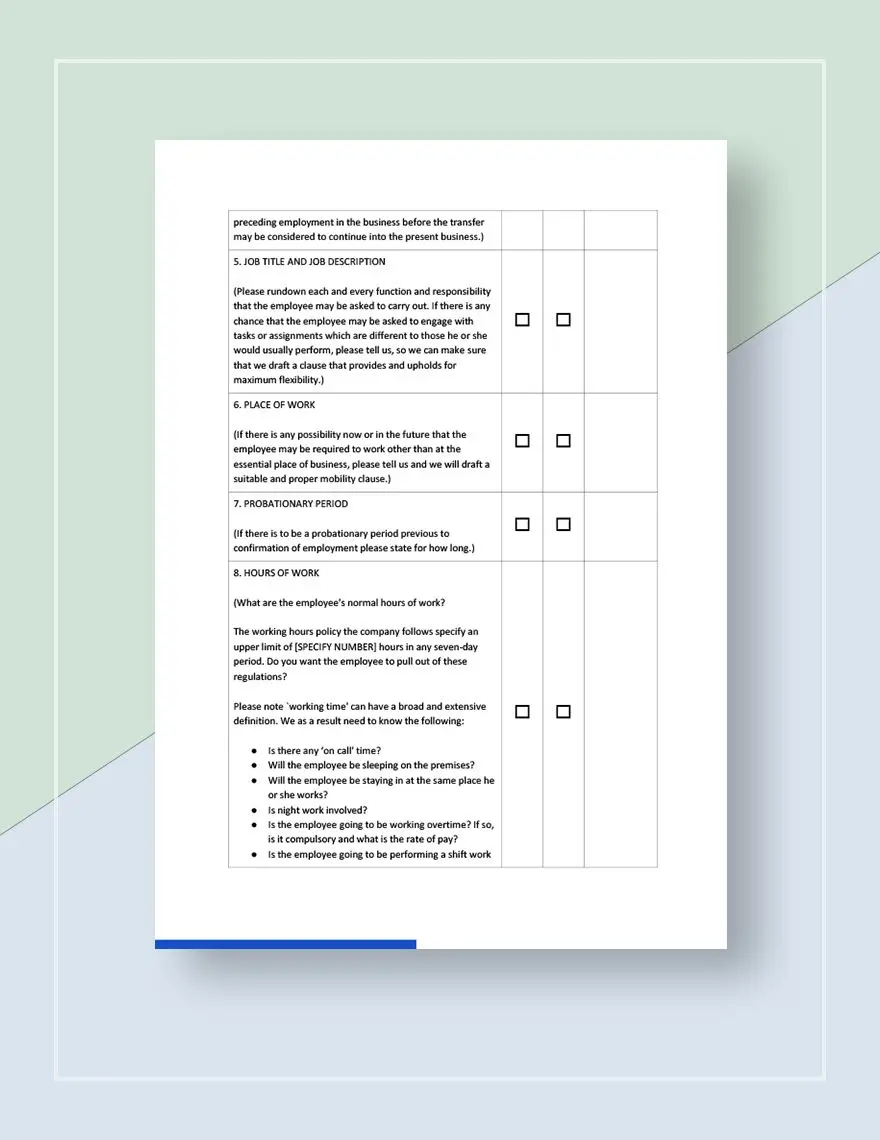
Contract review should be systematic rather than based on a quick visual scan. A reviewer can work through a checklist covering parties, role, dates, compensation, work arrangements, benefits, confidentiality, termination, attachments, and signatures.
One useful review method is to compare the contract against the approved hiring request. Every variable term in the agreement should have a clear source. If the contract contains a salary that does not appear in the approved request, the discrepancy should be resolved before approval.
The reviewer should also distinguish between factual corrections and substantive contractual changes. Fixing a misspelled name is different from changing a termination provision or introducing a new benefit. Substantive changes may require a higher level of authorization.
Legal review may be appropriate when the contract contains unusual provisions, crosses jurisdictions, involves sensitive intellectual property, introduces significant restrictions, or otherwise presents risks beyond the organization’s routine hiring process.
The purpose of review is not to make every contract identical. It is to ensure that deviations are intentional, authorized, understandable, and properly documented rather than being the accidental result of copying an old agreement.
Step 5: Obtain Approval
Approval should be treated as a defined workflow state. A person who is asked to approve a contract should know what they are approving and whether their role covers the entire document or only specific elements such as compensation or business terms.
For routine employment, a simple approval chain might include the hiring manager and HR. More complex organizations may include finance, legal, senior management, or a regional HR team depending on the role and contractual terms.
Approval thresholds can help keep routine hiring efficient. For example, a standard agreement using pre-approved language may follow a short path, while a contract containing nonstandard clauses may automatically require additional review.
Approval records should identify the decision-maker and the relevant version of the agreement. Approving a document without controlling the version can create a situation where the employee signs a document that is different from the one management approved.
The workflow should therefore move the approved version into a protected state. After approval, changes should either be prohibited or automatically return the document to the appropriate review stage.
Step 6: Send for Signature
After approval, the agreement can be prepared for signature. The signing method should reflect applicable law, organizational policy, security needs, and the practical circumstances of the employee.
Electronic signing can reduce printing, scanning, and manual follow-up, particularly for remote employees. However, the fact that a document can be signed electronically does not automatically mean that every electronic-signature method is legally sufficient in every jurisdiction.
The signing package should contain the correct agreement and any attachments that the employee is expected to receive or acknowledge. Sending incomplete material can lead to confusion and may require the employee to sign multiple times.
The workflow should also define the signing order. Some organizations may require the employee to sign first, while others may use a manager or authorized representative first. The correct sequence depends on organizational practice and applicable requirements.
After sending, the document should have a clear pending-signature status. Automated reminders can be useful, but they should not replace ownership. Someone should remain responsible for resolving stalled or rejected signature requests.
Step 7: Verify the Signed Agreement
A signature notification is not necessarily the end of the workflow. HR should verify that the expected parties signed the intended version and that required dates, initials, attachments, or acknowledgments are present.
The final document should be distinguishable from drafts. A naming convention might include the employee identifier, document type, effective date, and status, provided the organization’s privacy and security rules permit those fields.
Where an electronic signing system creates an audit trail or completion certificate, that information should be retained according to the organization’s records policy. The purpose is to preserve evidence of the execution process rather than merely keeping a blank template.
If the employee requests a correction after signing, the organization should avoid silently editing the completed agreement. A correction may require a new document, amendment, or other controlled process depending on the circumstances.
The signed agreement should then move into the official employee record. Access should be restricted because employment agreements commonly contain compensation, contact information, and other sensitive employment details.
Employment Contract Template Workflow in Word, Excel, and PDF
Microsoft Word is often useful during drafting because it supports editable text, structured headings, tables, tracked changes, and comments. A Word-based workflow works best when there is a controlled master template rather than many uncontrolled copies circulating among employees.
Excel can be valuable around the contract rather than necessarily inside the contract itself. An employment contract template workflow excel tracker can record employee names, draft status, approval status, signature status, start dates, responsible owners, and outstanding actions.
PDF is particularly useful for finalized agreements because it can preserve the appearance of the approved document and provide a stable record for distribution and storage. A workflow can therefore use Word for controlled drafting and PDF for final delivery or archival.
The important point is that file format and workflow are different concepts. A Word file does not create a workflow automatically, and converting a document to PDF does not prove that it was reviewed or approved. Process controls must exist around the file.
Organizations should also decide where the master template is stored, who can edit it, how versions are labeled, how obsolete copies are retired, and how completed agreements are separated from reusable templates.
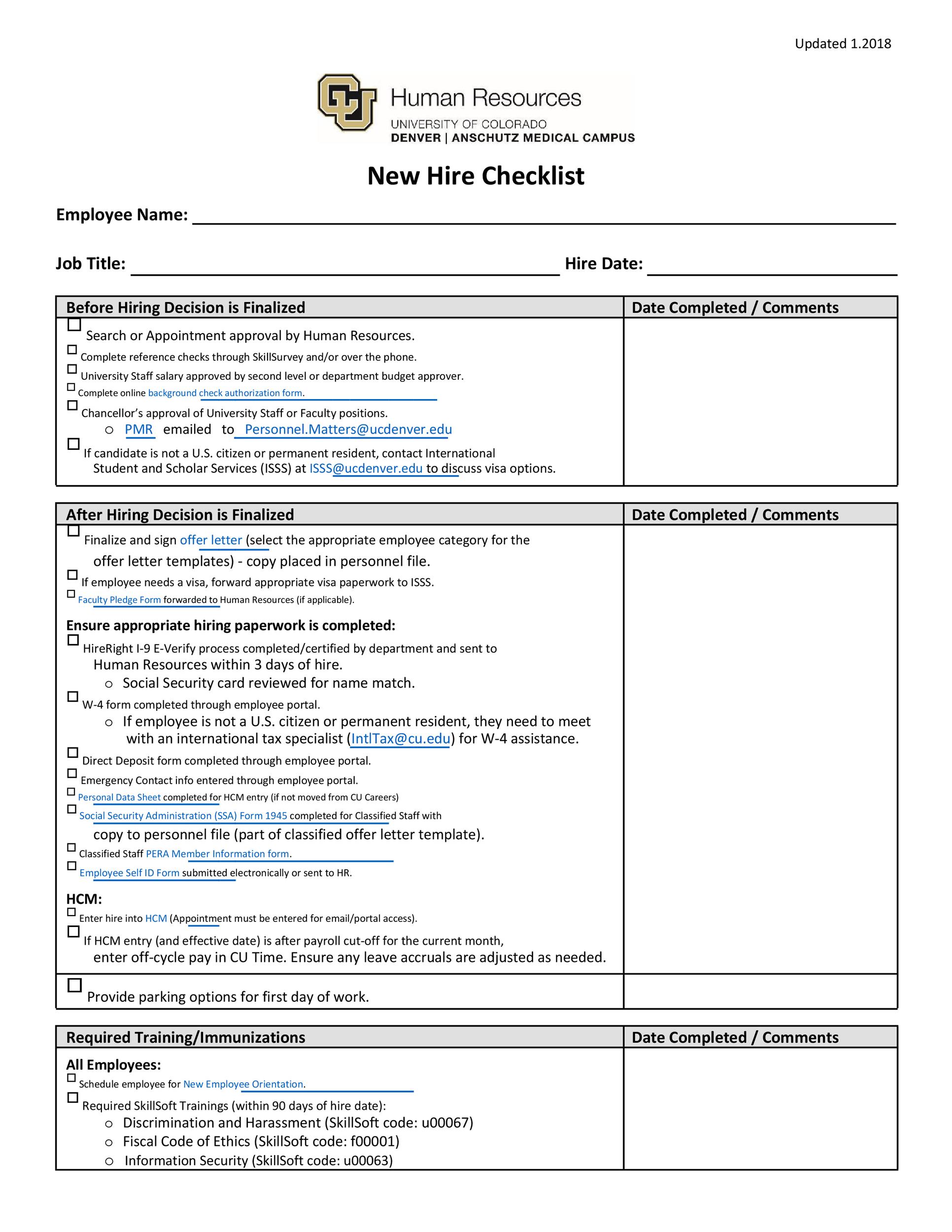
Employment Contract Template Workflow Example
Consider a hypothetical company hiring a full-time operations coordinator. The hiring manager has selected the candidate and approved a start date, salary, reporting relationship, and standard work schedule. HR receives the approved hiring request and begins the contract workflow.
HR selects the company’s approved standard employment agreement. The employee’s name, position, start date, work location, salary, payment schedule, and manager are inserted from the approved hiring record. No new contractual clauses are added at this stage.
The hiring manager reviews the job title, responsibilities, start date, and compensation. HR checks the standard employment provisions and confirms that the correct template version was used. Because the document contains no unusual terms, it follows the routine approval path.
The approved agreement is converted to the organization’s designated signature format and sent to the employee. The employee reviews the agreement, asks a question about working hours, and receives clarification before signing. The workflow remains in a pending state until the required signatures are complete.
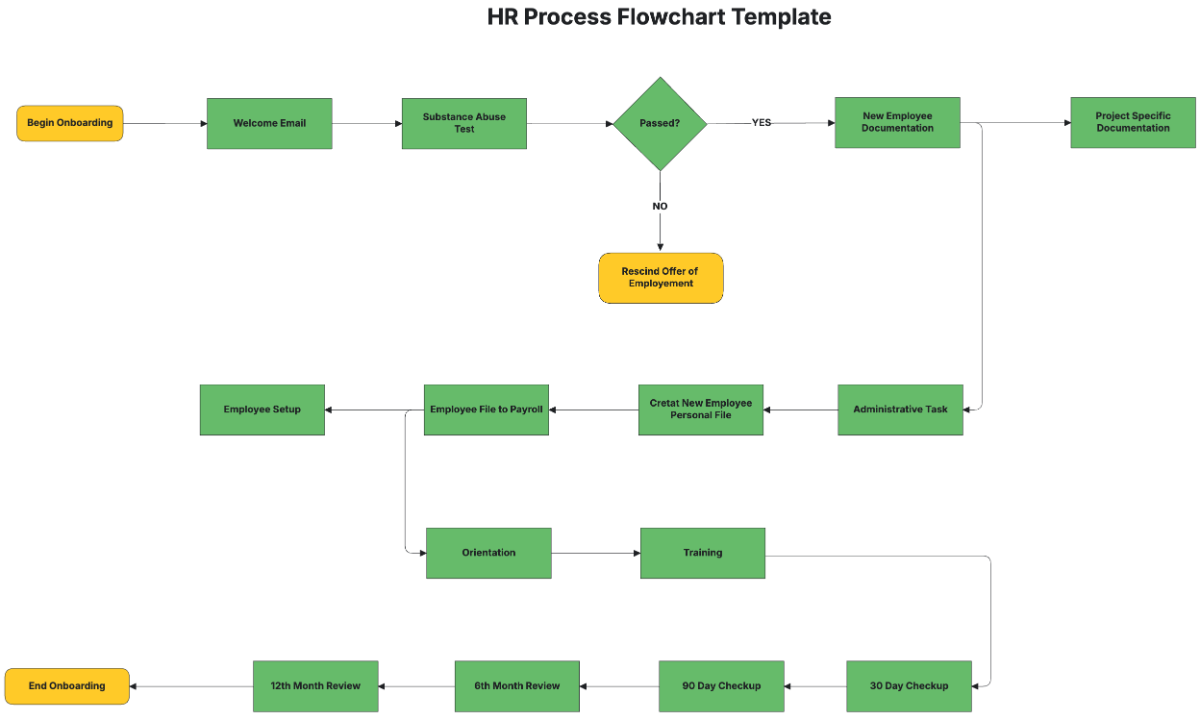
After completion, HR verifies the signed version, stores it in the employee’s authorized personnel record, and updates the hiring tracker. The workflow then triggers related onboarding tasks such as payroll setup, equipment preparation, system access, and orientation.
How to Build an Employment Contract Template Workflow Template
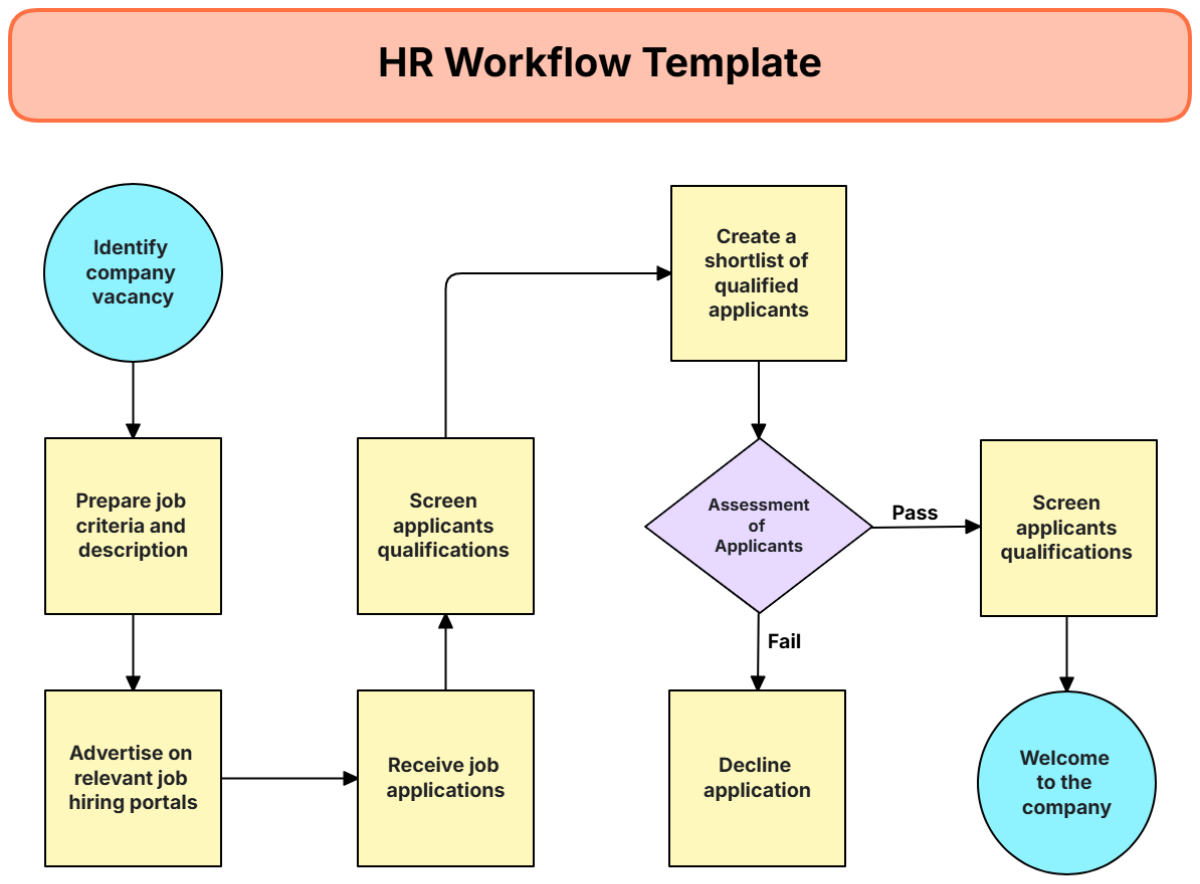
Start by mapping the current process before creating a new template. Write down what happens from offer acceptance to signed-contract storage. Identify every handoff, approval, delay, duplicate data entry, and point where a wrong version could enter the process.
Next, create the workflow states. A practical sequence might be “Request Received,” “Drafting,” “HR Review,” “Manager Review,” “Approval,” “Sent for Signature,” “Signed,” “Verified,” and “Archived.” The exact labels can be adjusted to fit the organization’s systems.
Assign an owner to every state. Avoid statuses such as “Waiting for Team” when one person can actually be responsible. A named owner makes it easier to identify bottlenecks and prevents tasks from being lost between departments.
Then define the entry and exit criteria for each state. For example, a contract should not move from drafting to approval until required employee information has been completed and the correct template version has been used.
Finally, document exception paths. A workflow is incomplete if it only describes the ideal case. It should also explain what happens when compensation changes, a reviewer rejects the document, an employee requests a substantive amendment, a signature expires, or the start date moves.
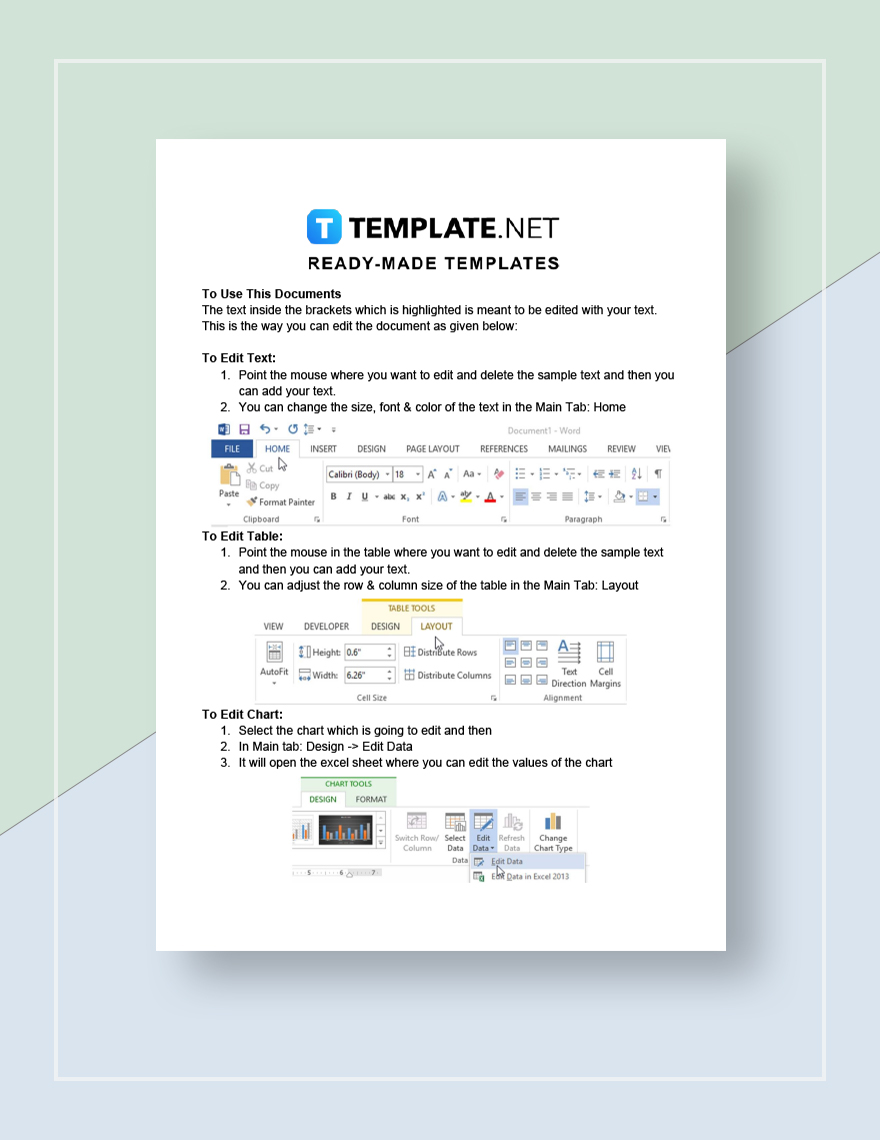
Using an Employment Contract Template Workflow Free of Unnecessary Complexity
A small business does not necessarily need sophisticated contract-management software to establish a reliable process. A clearly maintained template, a structured intake form, a simple approval tracker, and a secure document repository can provide a practical starting point.
The workflow should be proportional to the organization’s size and risk. A company hiring a few employees each year may need only a straightforward checklist and controlled folder structure, while a large employer may require automated routing, electronic signatures, audit trails, role-based access, and integration with HR systems.
Free tools can be useful for prototyping a workflow, but “free” should not be treated as equivalent to “legally sufficient” or “secure enough for sensitive employee records.” Before placing confidential employment data into any service, review its security, privacy, access, retention, and data-processing terms.
The most valuable free improvement is often standardization. Even a simple spreadsheet can make responsibilities visible if it records the employee, contract type, owner, current status, approval date, signature status, and final filing location.
Once the basic process works, automation can be introduced selectively. Automate repetitive routing and reminders first, while keeping substantive contractual decisions under appropriate human review.
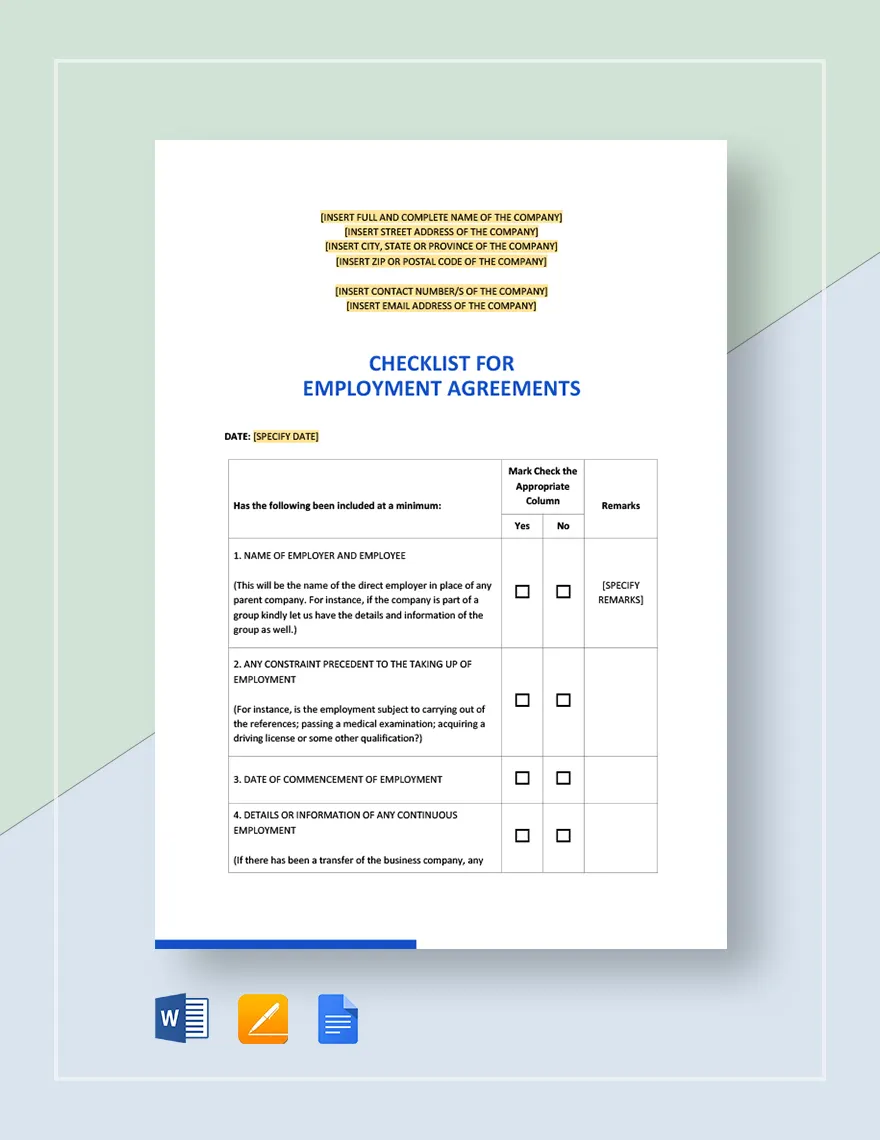
How an Employment Contract Template Workflow Excel Tracker Can Work
An Excel tracker can act as the operational control panel for the workflow. One row can represent one employment contract, while columns represent the information and milestones needed to manage it.
Useful fields may include employee name, employee or requisition reference, position, department, contract type, template version, draft owner, manager reviewer, HR reviewer, approval date, signature date, start date, final document location, and current status.
Dropdown status fields can reduce inconsistent terminology. Instead of allowing one person to type “signed,” another to type “completed,” and another to type “done,” the tracker can use a controlled set of statuses.
Conditional formatting can make overdue actions visible. For example, a pending signature older than the organization’s normal target period can be highlighted for follow-up. The tracker should remain an operational tool, not become the repository for unnecessary sensitive personal information.
Excel is most effective when it complements a secure document repository rather than replacing one. The spreadsheet should point to the authoritative record, while the signed contract itself remains stored in the organization’s designated records system.
Managing PDF and Word Versions Correctly
A common workflow problem occurs when an employee receives a document that looks almost identical to the approved agreement but contains an outdated clause. This is why version control should be part of the process rather than an administrative afterthought.
Use a controlled master template and restrict editing permissions. When a template is revised, record the new version and retire the old one. Users should not have to guess which file is current based on filenames such as “final,” “final2,” or “latest.”
Draft documents can contain tracked changes and comments, but the final employee-facing agreement should normally be clean and easy to read. Internal review notes should not accidentally appear in the document sent for signature.
PDF conversion should occur after the substantive content is approved unless the workflow has a reason to review the PDF itself. The final PDF should be checked for missing pages, broken formatting, incorrect fields, and unexpected blank sections.
For recurring contracts, keep the reusable template separate from completed employee agreements. This simple distinction reduces the chance that one employee’s personal details or negotiated terms are accidentally copied into another employee’s contract.
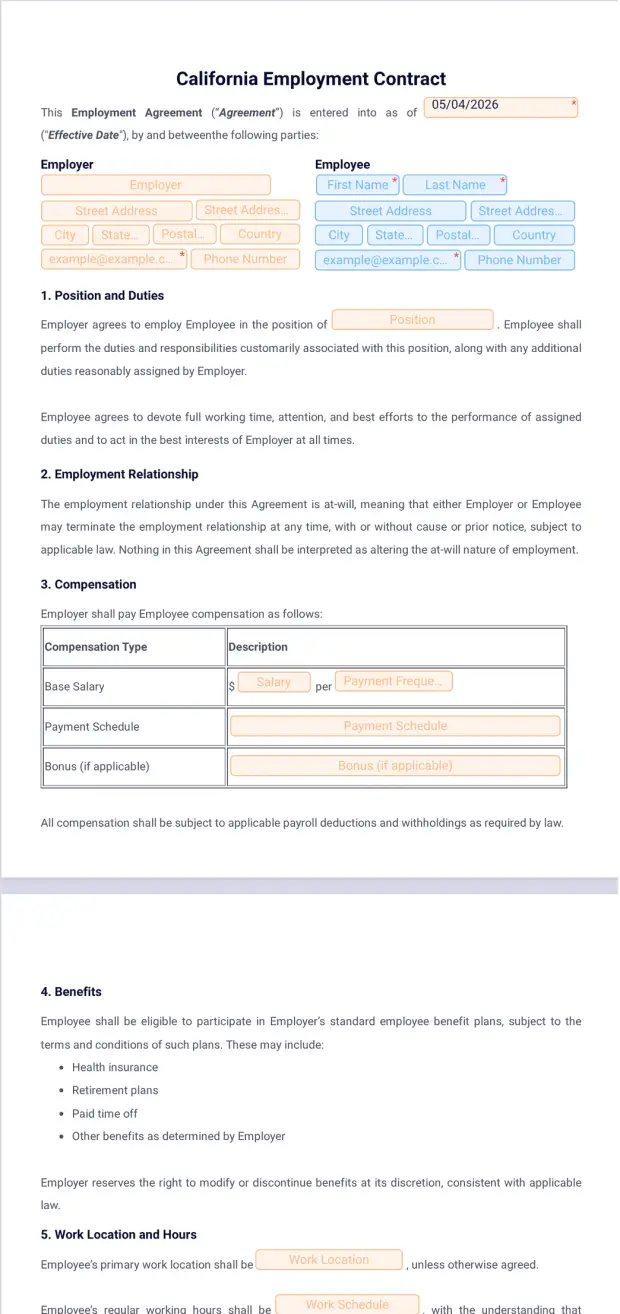
Different Employment Contract Workflow Variations
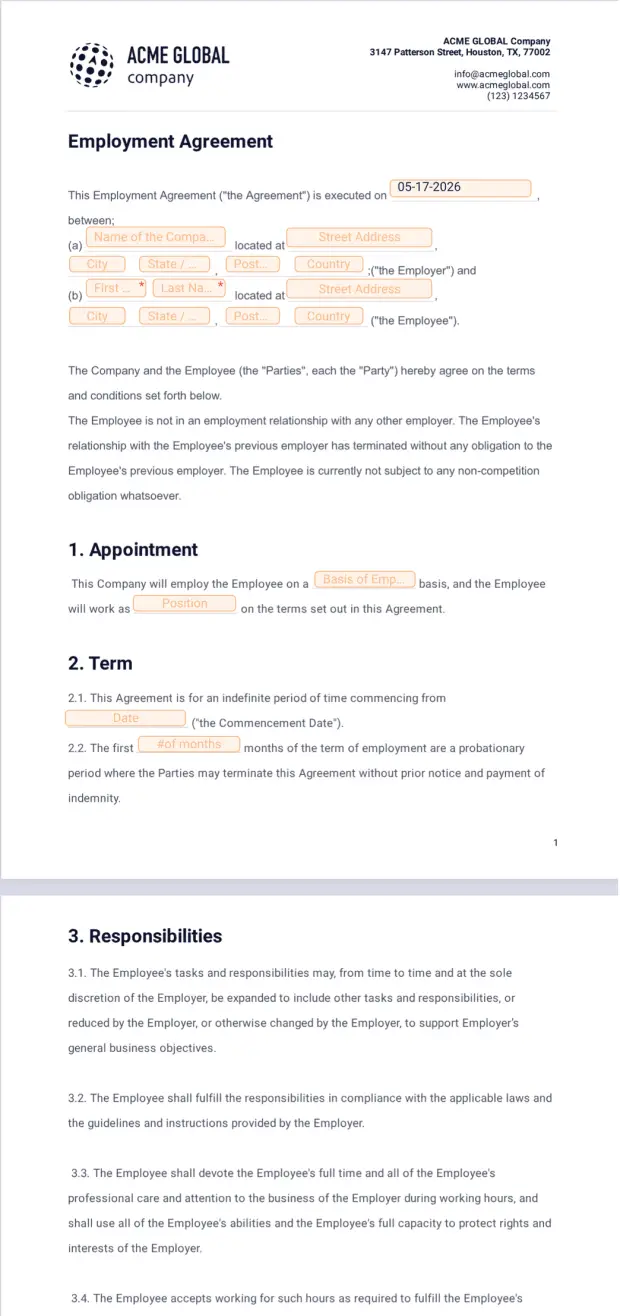
A standard permanent employment workflow is usually the simplest variation. It can rely heavily on approved language and a short approval path when the proposed terms match established organizational policies.
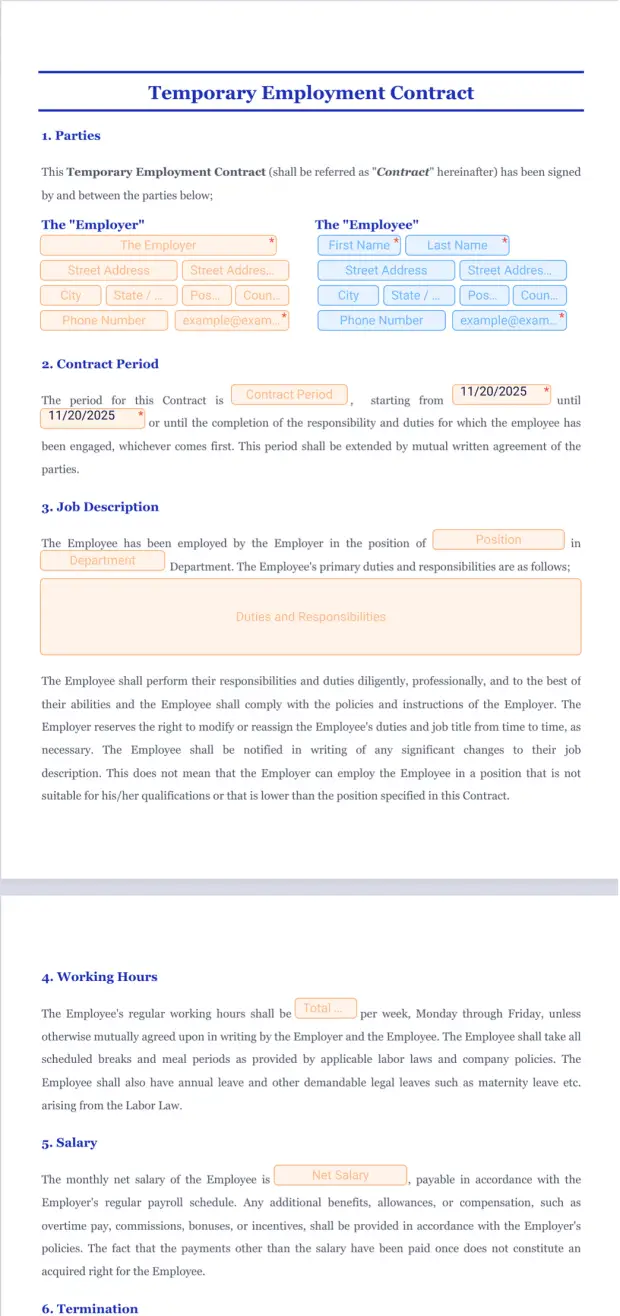
A fixed-term workflow may require additional fields for the contract period, end date, project purpose, renewal conditions, or other terms. The workflow should not assume that fixed-term arrangements are governed identically to indefinite employment.
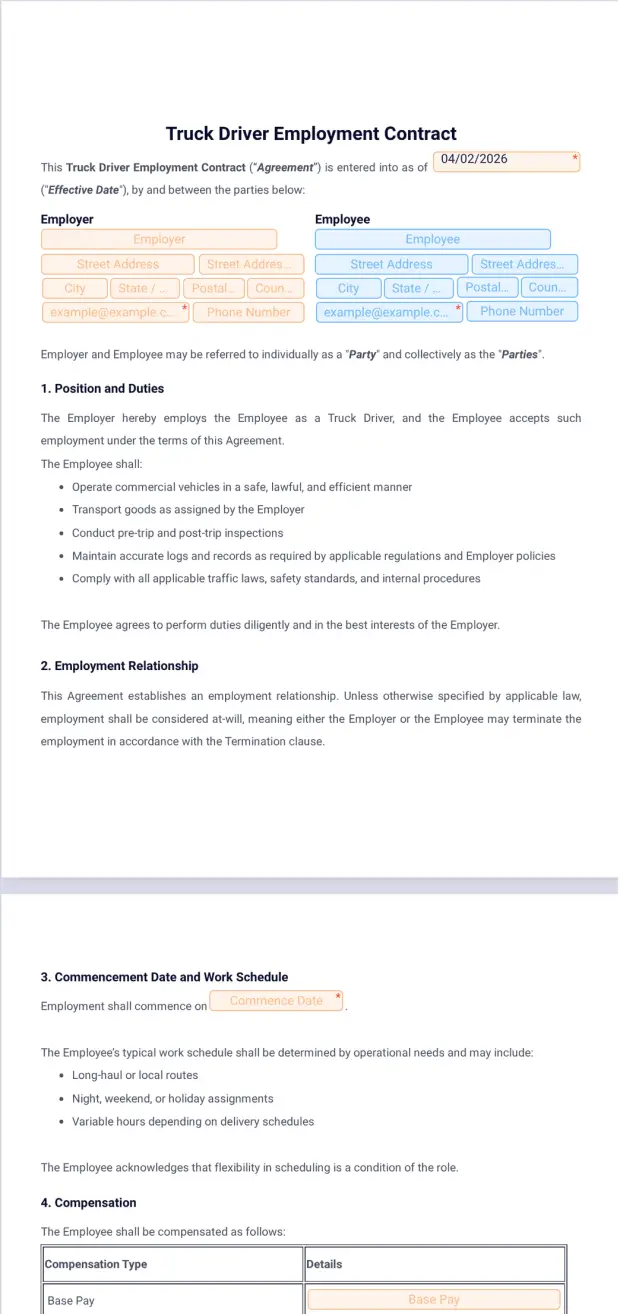
An executive workflow may include additional approval levels because compensation, incentives, confidentiality, intellectual property, and termination arrangements can be more complex. The template may also contain provisions that are not appropriate for ordinary employees.
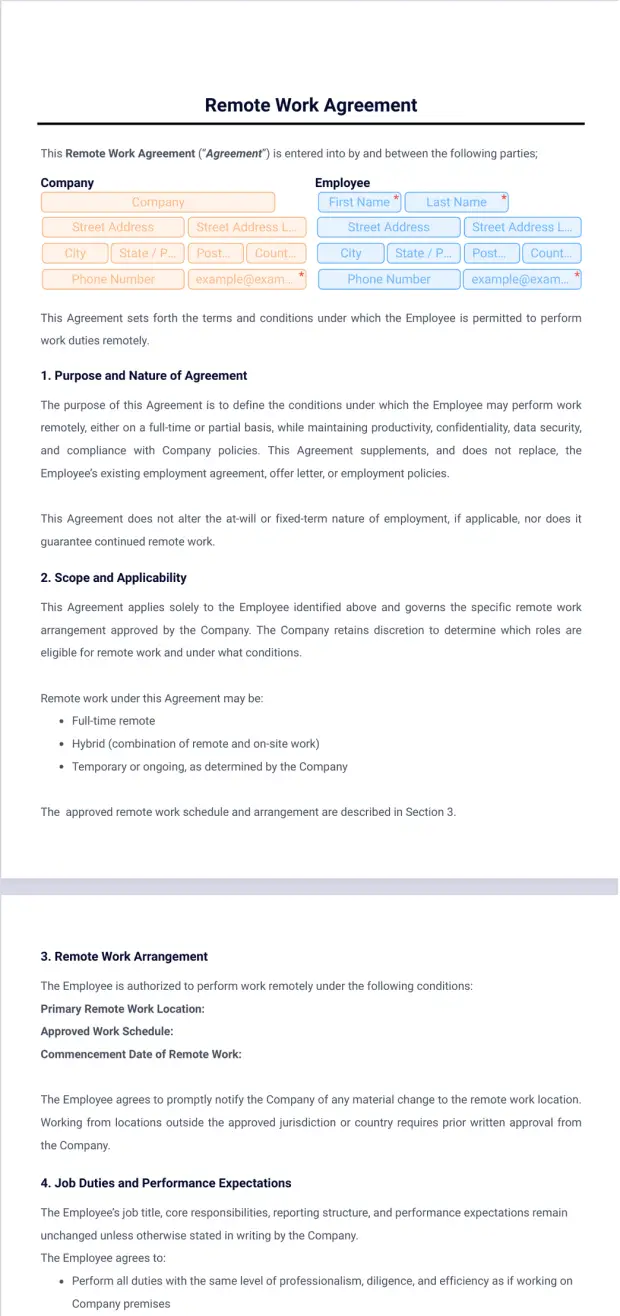
A remote-work workflow may include a separate agreement or additional clauses addressing work location, equipment, information security, working hours, and communication expectations. These terms should complement rather than contradict the primary employment agreement.
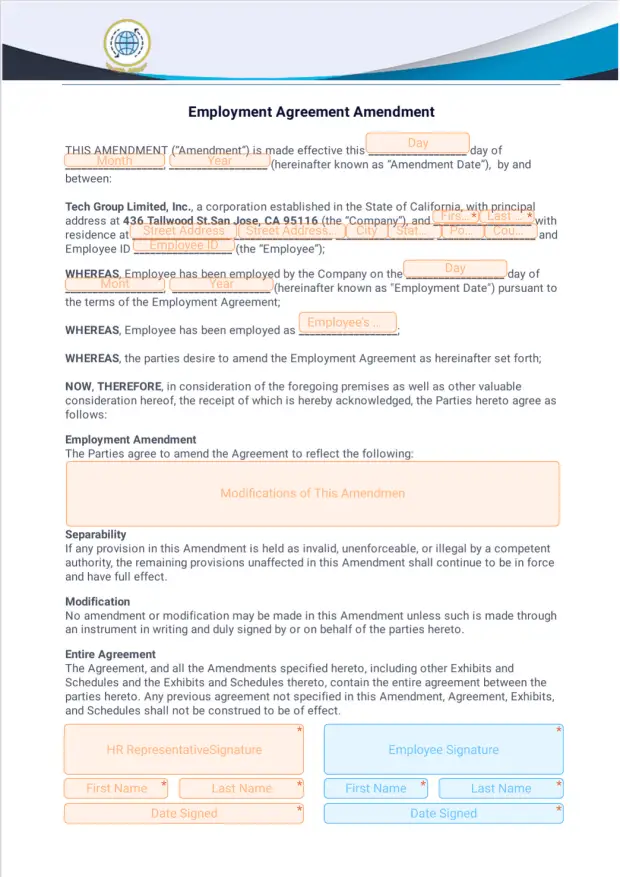
An amendment workflow should begin from an existing executed agreement. Instead of overwriting the original document, the organization should identify the original agreement, document the agreed change, obtain the necessary approvals and signatures, and retain the amendment alongside the original.
Common Employment Contract Workflow Mistakes
One of the most common mistakes is starting the contract before the hiring terms are settled. When salary, title, location, or start date changes after drafting begins, the document can go through unnecessary revisions and increase the risk of inconsistent information.
Another mistake is using an old template. Old files often survive in email attachments, local folders, shared drives, and downloaded copies. A centralized template library with clear ownership is a more reliable approach.
A third mistake is treating review as proofreading only. Contract review should also ask whether the document reflects the actual employment arrangement. A perfectly formatted agreement can still contain the wrong job title, compensation, term, or working arrangement.
A fourth mistake is allowing edits after approval without restarting the approval process. Even a small substantive change can mean that the signed document no longer matches what the approver reviewed.
A fifth mistake is failing to close the workflow after signature. If the contract is signed but not verified, archived, and connected to onboarding tasks, the organization has completed the signing event but not necessarily the administrative process.
Best Practices for a Reliable Workflow
Keep the standard template simple enough for routine use. Long documents are not automatically better documents. Every provision should have a reason for being included, and unnecessary complexity can make review and employee understanding more difficult.
Use plain language where legally appropriate. Employees should be able to understand their basic responsibilities, compensation, working arrangements, and key conditions without having to interpret unnecessarily complicated sentences.
Separate standard terms from variable information. This makes the document easier to populate and reduces accidental modification of approved language.
Define approval rules in advance. Employees should not be sent back and forth between departments because nobody knows who can approve an exception. A simple approval matrix can eliminate much of this uncertainty.
Measure the workflow periodically. Useful operational measures include the number of contracts waiting for approval, the number returned for correction, the average time from request to signature, and the percentage of contracts requiring manual rework.
Practical Solution: Build a Working Employment Contract Process
Start with one standard employment arrangement rather than trying to automate every possible scenario immediately. Choose the contract type used most frequently and map its process from approved hiring request through final record storage.
Create one authoritative template and one intake checklist. The checklist should capture the employee’s identity, position, start date, work location, employment type, compensation, reporting manager, and any exceptions that need additional review.
Define three levels of document status: draft, approved, and executed. If the organization needs more detail, add review and signature-pending stages, but avoid creating dozens of statuses that employees cannot distinguish.
Assign responsibilities explicitly. HR can own document preparation and records management, the manager can confirm role and business terms, finance can confirm compensation when necessary, legal can review exceptions, and an authorized representative can execute the agreement.
Finally, create an exception path. If the agreement changes after approval, the workflow should return it to review. If a signer refuses or requests a change, the document should not simply be edited and resent without a controlled record of what changed.
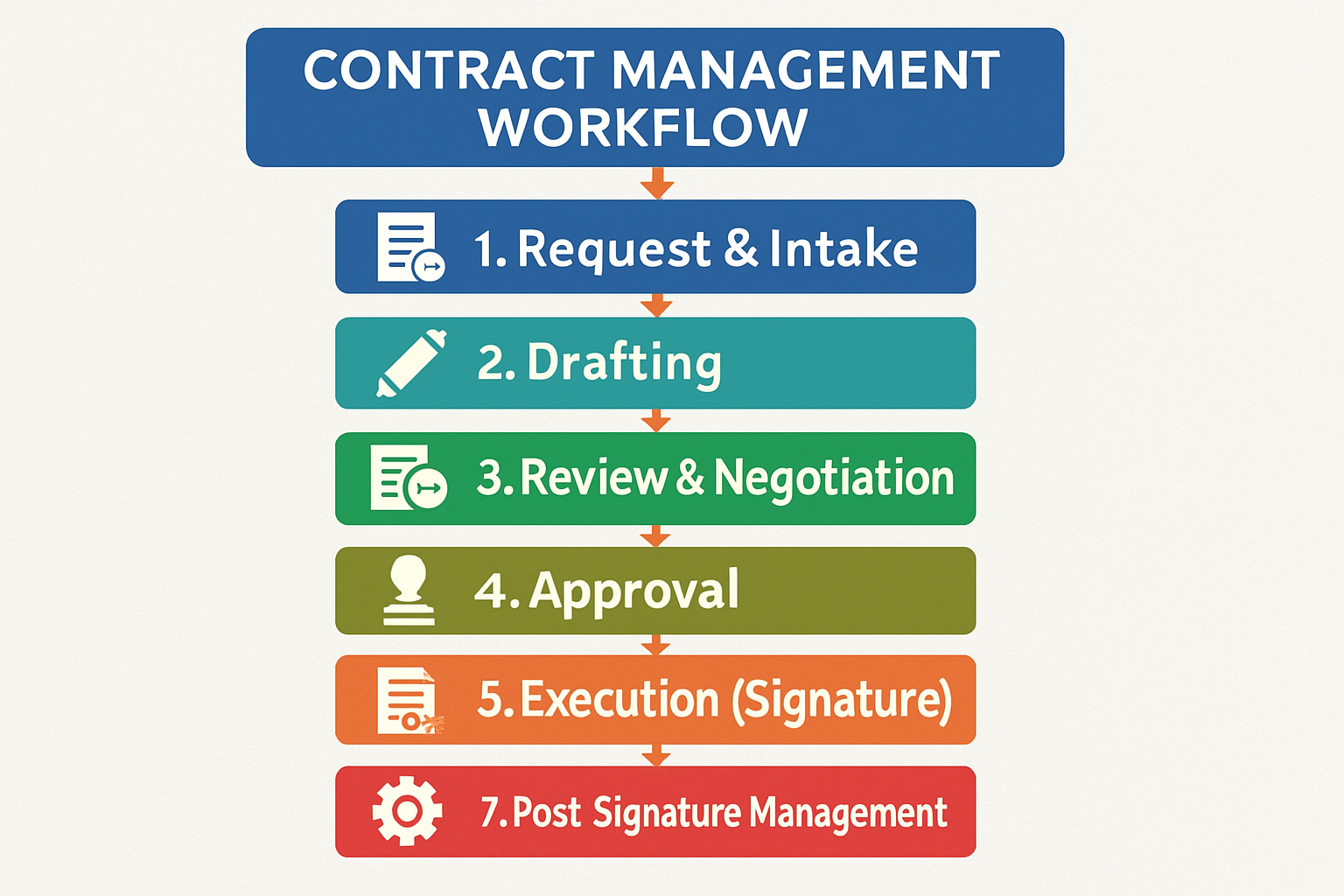
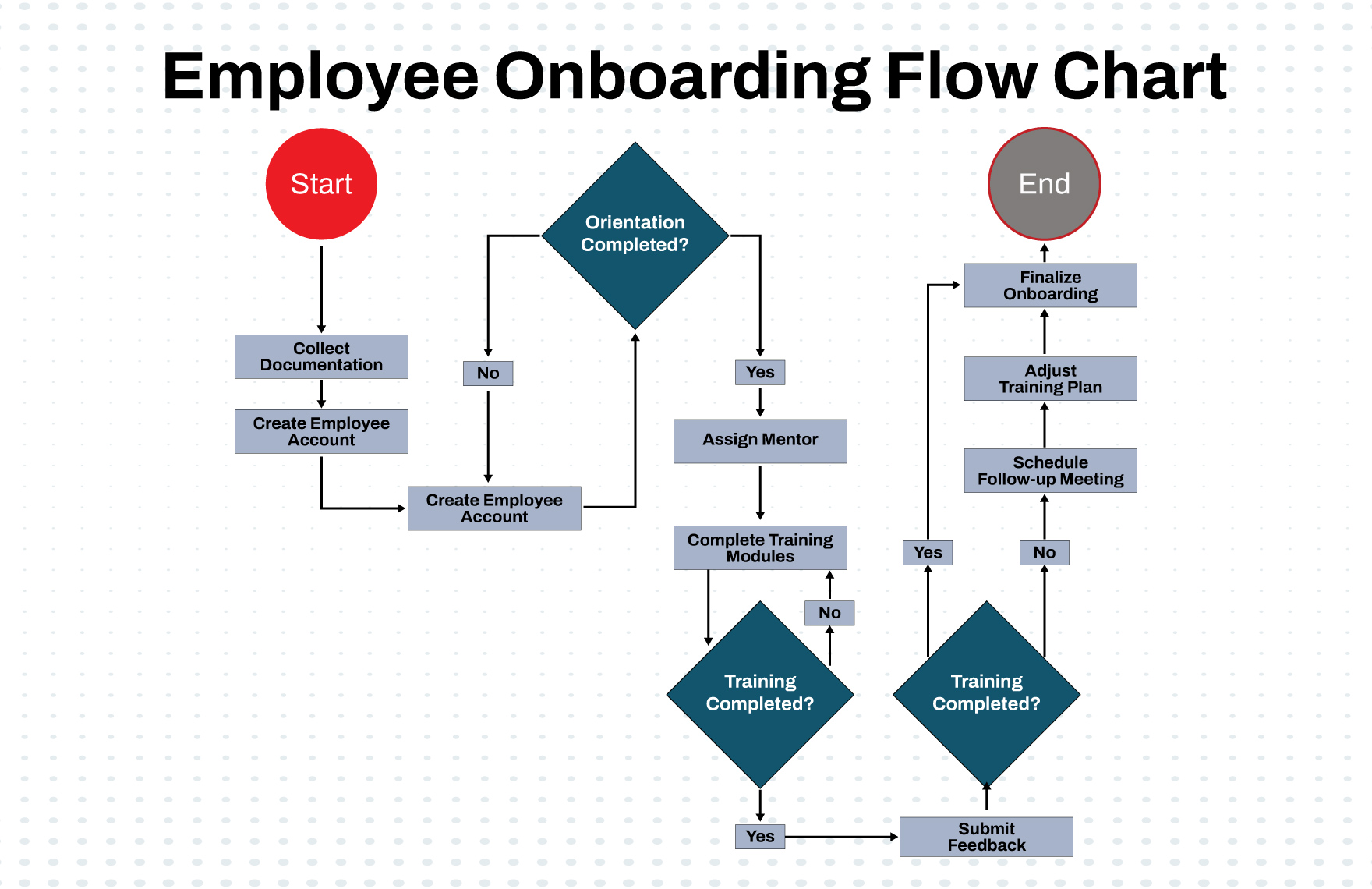
A useful operational sequence is therefore: approved hiring request, correct template selected, draft generated, factual review completed, contractual review completed where necessary, approval recorded, agreement sent for signature, signatures verified, final document stored, and onboarding tasks activated.
This process can begin manually and become more automated over time. The important principle is that automation should reinforce a sound process rather than hide a poorly designed one.
Electronic signing can be particularly useful when employees work remotely or across locations. However, organizations should verify that the chosen signing method satisfies applicable legal and organizational requirements before relying on it for employment agreements.
The final workflow should also protect employee information. Employment contracts may contain compensation and other confidential details, so access should be limited to people who have a legitimate business need to see the information.
Once the process is stable, review it periodically with HR, managers, and other stakeholders. A workflow that worked for a small organization may need additional controls as hiring volume, geographic coverage, or organizational complexity increases.
Professional and Legal Considerations
An employment contract template should never be treated as universally valid simply because it is professionally formatted or downloaded from a reputable source. Employment law differs substantially between jurisdictions, and requirements can change over time.
For example, Acas explains that in the United Kingdom a written statement of employment particulars must contain specified information, while also distinguishing that written statement from the broader employment contract. :contentReference[oaicite:3]{index=3}
The ILO similarly explains that there is no single universal ILO rule specifying every matter that must appear in ordinary employment contracts. Instead, applicable national legislation and particular employment standards determine the relevant requirements. :contentReference[oaicite:4]{index=4}
For employers operating in Indonesia, the legal framework should receive particular attention because employment arrangements can differ by contract type. Current guidance and recent ILO work on Indonesia emphasize the importance of understanding the rules governing fixed-term employment contracts and their implementation. :contentReference[oaicite:5]{index=5}
Accordingly, a workflow should include a clear trigger for legal review when the hiring situation falls outside ordinary company practice. Templates can improve consistency, but they do not replace professional review when the legal or contractual circumstances require it.
How to Evaluate a Contract Workflow
Evaluate the workflow first for completeness. Can someone follow it from the hiring decision through final storage without having to invent an undocumented step? If the answer is no, the workflow needs clarification.
Evaluate it next for ownership. Every action should have a responsible person or role. Shared responsibility can be useful for collaboration, but a process without a clear owner tends to create delays.
Evaluate it for version control. Ask whether a user can accidentally send an outdated template or modify an approved agreement without triggering another review. If that is possible, the workflow has a meaningful control gap.
Evaluate it for employee experience. Employees should receive contracts that are understandable, timely, and consistent with the offer they accepted. A technically sophisticated internal workflow is not successful if employees experience confusion or repeated requests for signatures.
Finally, evaluate it for records management. After completion, can the organization quickly identify the signed agreement, its effective date, relevant amendments, and the people responsible for the process? If not, improve the filing and indexing stage.
Reference Examples
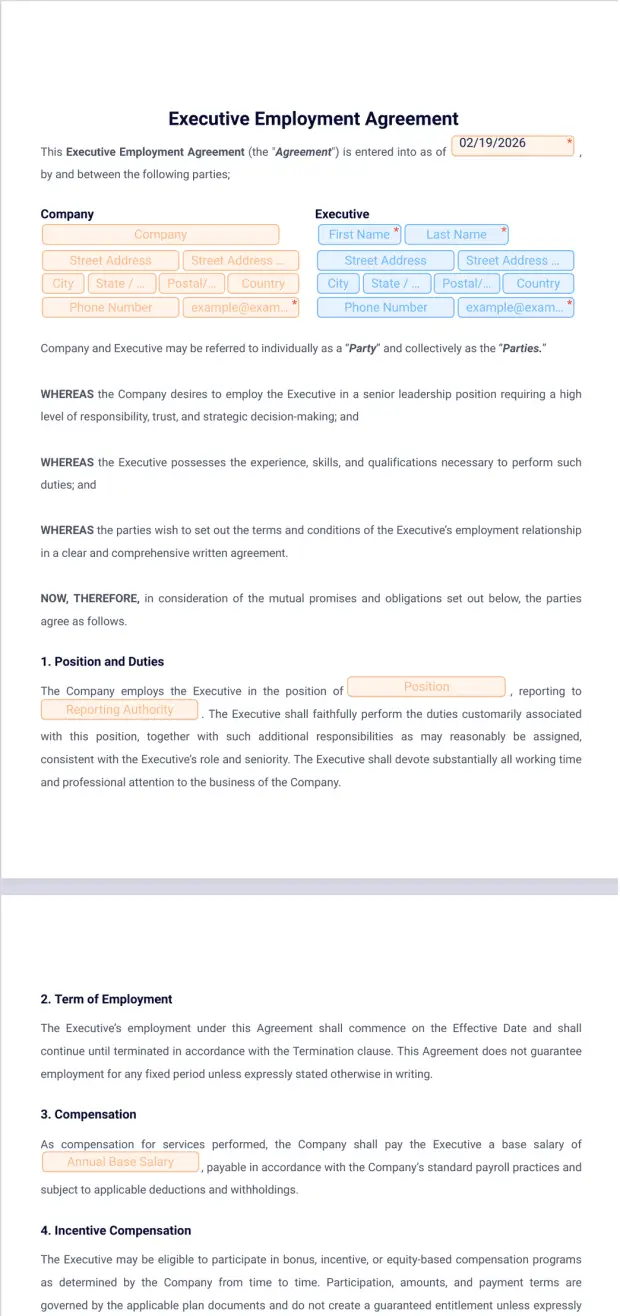
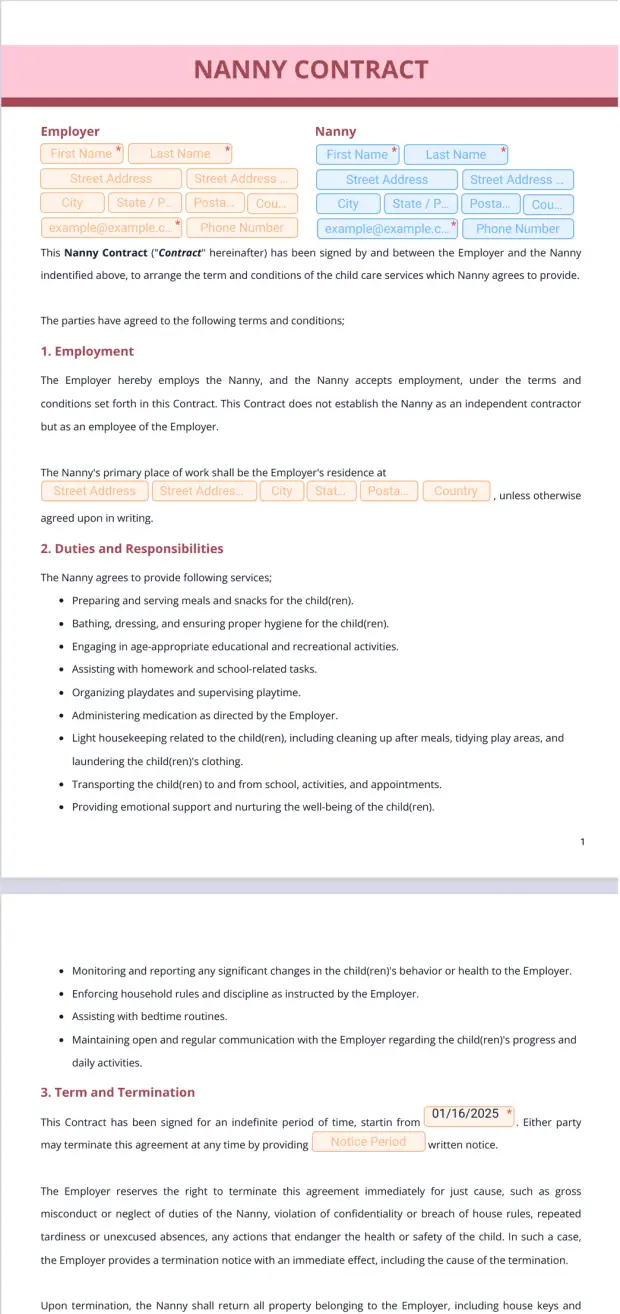
The following reference examples illustrate the kinds of documents, formats, checklists, and workflow visuals that can support an employment contract process. They are examples of document presentation and workflow concepts, not universal legal forms.
employment contract template workflow template
Source: Jotform
employment contract template workflow free
Source: Jotform
employment contract template workflow excel
Source: Template.net
employment contract template workflow example
Source: Pactly
employment contract template workflow pdf
Source: Jotform
contract employment template pdf
Source: Jotform
employment contract template word pdf
Source: Template.net
free contract of employment template pdf
Source: Jotform
contract template download for employment
Source: Jotform
contract of employment template pdf download
Source: Jotform
contract employment template free
Source: Jotform
contract for employment template
Source: Template.net
Frequently Asked Questions
What is an employment contract template workflow?
It is the controlled process used to prepare, review, approve, sign, verify, store, and maintain employment agreements. The template provides the document structure, while the workflow defines how the document moves between people and systems.
Can an employment contract template be used for every employee?
Not necessarily. A standard template may work for routine employment, but different contract types, jurisdictions, seniority levels, or working arrangements can require different provisions. The template should be selected according to the actual employment situation.
Is Word suitable for an employment contract workflow?
Yes. Word can be useful for controlled drafting, editing, comments, and review. It should be supported by version control and approval procedures so that employees do not receive outdated or unauthorized versions.
Why use Excel in an employment contract workflow?
Excel can be useful as a workflow tracker. It can show which contracts are being drafted, reviewed, approved, signed, or filed. It should generally complement rather than replace a secure document repository.
Should the final employment contract be saved as PDF?
PDF can be a practical final format because it preserves document presentation and is convenient for distribution and storage. Whether PDF is the required or preferred format depends on the organization’s process and applicable legal requirements.
What information should an employment contract include?
Common subjects include the parties, job or role, start date, compensation, work location, hours, leave, applicable policies, confidentiality, termination, and signatures. The precise requirements depend on the jurisdiction and employment arrangement. :contentReference[oaicite:6]{index=6}
Who should approve an employment contract?
The answer depends on the organization’s authority structure. A routine contract may require HR and manager approval, while unusual compensation or contractual provisions may require finance, legal, or senior management review.
What happens if the employee asks for a change?
The workflow should return the agreement to an appropriate review stage. The requested change should be evaluated, approved if appropriate, incorporated into a new version, and then sent for signature again rather than silently altering an approved document.
How should signed contracts be stored?
Store the executed agreement in the organization’s authorized employee-record system with appropriate access controls and retention practices. The signed version should be clearly distinguishable from drafts and reusable templates.
Is an employment contract template legally valid everywhere?
No. A template can be a useful starting point, but employment laws and formal requirements differ between jurisdictions. A template should be reviewed and adapted for the applicable legal environment before being relied upon.
Conclusion
An employment contract template workflow turns employment-contract preparation from an isolated paperwork task into a repeatable business process. The strongest workflows begin with accurate hiring information, use controlled templates, separate drafting from approval, protect approved versions, manage signatures carefully, and finish with reliable records management.
Word, Excel, and PDF can each play useful roles, but the file format is only one part of the solution. The real value comes from defining ownership, review stages, approval rules, exception handling, version control, and final storage.
For organizations starting from scratch, the most practical approach is to build one clear workflow around the most common employment arrangement, test it with real but appropriately controlled scenarios, identify bottlenecks, and then expand it for fixed-term, executive, remote, international, or amended agreements as needed.
A well-designed workflow should make the process easier for HR while also making the employment relationship clearer for employees. When the right information reaches the right reviewer at the right time, the organization can reduce avoidable administrative errors, improve consistency, and create a more dependable contract-management process.
