For an agency, the work order sits between a client request and actual execution. A client may approve a campaign concept, but the delivery team still needs to know exactly what has been authorized, who owns each activity, what assets are required, when the work is due, and how changes will be handled. A consistent form reduces ambiguity and gives account managers, project managers, creatives, finance teams, vendors, and clients a shared operational record.
This guide explains how to design an agency-ready work order from the ground up, what information belongs in it, how to choose between Excel, Word, PDF, and online formats, how to connect a work order with a contract or statement of work, and how to build a workflow that remains useful as the agency grows. It also covers practical examples, approval controls, change management, cost tracking, reporting, and common mistakes.
There is no single universal format that every agency must use. A small design studio may need only a one-page order with client details, deliverables, deadlines, and approval. A full-service agency handling retainers, media production, freelancers, and third-party suppliers may need a more detailed record containing budget lines, milestones, dependencies, purchase approvals, usage rights, and acceptance criteria.
The goal is therefore not to create the longest possible form. The goal is to create a document that captures the information people actually need to perform and control the work. A good agency work order template should be detailed enough to prevent misunderstandings while remaining simple enough that project teams will complete it consistently.

What Is an Agency Work Order?
A work order is an operational authorization for a defined piece of work. In an agency environment, it normally identifies the requesting client or internal stakeholder, describes the assignment, establishes the expected deliverables, records relevant dates, identifies the responsible people, and provides a basis for tracking completion. It can be created after a proposal is accepted, after a contract is signed, or whenever an existing client requests additional work.
A work order is different from a general project brief because the two documents serve different purposes. A brief often explains the strategic background, audience, objectives, creative direction, and desired outcome. The work order translates that information into an actionable assignment. It should answer operational questions such as what is being produced, how much is authorized, when it is due, who approves it, and what happens when the scope changes.
It is also different from an invoice. An invoice requests payment for an amount owed, while a work order documents the work that has been requested or authorized. Depending on the agency’s processes, information from a completed work order can later support invoicing, but the documents should not be treated as interchangeable.
For agencies that work with freelancers or production partners, a work order can also provide a concise instruction sheet for the supplier. It can identify the required deliverables, quantity, specifications, deadlines, approved rate, billing reference, file requirements, and contact person. The supplier can then execute against the same information used internally by the agency.
The practical value of the document comes from consistency. When every assignment follows the same structure, teams spend less time searching through email threads and chat messages for the latest instructions. Managers can also compare active orders more easily because the same core fields appear across projects.
Why Agencies Need a Standardized Work Order
Agency work often changes quickly. A client can approve one version of a campaign and then request additional formats, new channels, revised copy, extra concepts, or a shortened deadline. Without a formal record, the agency may begin work before the team agrees on whether the request is included in the existing scope or represents additional billable work.
A standardized work order creates a clear point of reference. If a project manager needs to know what was approved, the order should show the authorized scope. If finance needs to confirm the billing basis, the order should contain the relevant commercial reference. If a creative lead needs to understand the assignment, the order should describe the deliverables and acceptance criteria.
The document can also support accountability. Assigning a work order to a named role or person makes responsibility visible. A deadline becomes more meaningful when there is a corresponding owner. Likewise, a status such as “in progress” is more useful when the record also shows the expected completion date and the next approval step.
Standardization also helps agencies manage operational risk. If an assignment includes licensed assets, confidential information, third-party suppliers, paid media, or client-provided data, those requirements can be recorded before production begins. This is particularly valuable when multiple teams or external contractors are involved.
Finally, consistent work orders create useful management data. Once orders are stored systematically, an agency can examine the volume of requests, average turnaround times, revision patterns, external costs, overdue assignments, and differences between estimated and actual effort. The template therefore becomes more than paperwork: it becomes the foundation for operational reporting.
Core Components of an Agency Work Order
1. Work order identification
Every order should have a unique identifier. A simple format might combine the client code, year, and sequential number, such as ACME-2026-014. The exact numbering convention is less important than consistency. The number should appear in related emails, project-management records, purchase requests, supplier documents, and invoices where appropriate.
2. Client and requester information
Include the client name, brand or business unit, primary contact, email address, phone number where useful, and the person who requested the work. For internal agency assignments, the requester can be an account manager, creative director, strategist, or department lead. If the work is being delivered to a specific business unit, record that unit rather than relying on an abbreviated project name.
3. Assignment description
The description should explain what the team is expected to do. Avoid vague wording such as “create campaign materials.” A stronger description might state that the team will create three social-media concepts, adapt the approved concept into six platform-specific formats, prepare final production files, and deliver them by a specified date.
4. Deliverables and specifications
List deliverables individually when the distinction matters. Include quantities, dimensions, file formats, platforms, languages, versions, production specifications, or other measurable requirements. For a website assignment, for example, distinguish between page copy, design files, development work, testing, and deployment rather than placing everything under one broad line item.
5. Schedule and milestones
Record the start date, internal deadline, client review date, final delivery date, and any dependencies. If the assignment cannot start until the client provides assets or approvals, state that dependency. A deadline without an identified dependency can create unnecessary disputes when the delivery schedule changes because required inputs were late.
6. Budget and commercial information
The order can include a fixed project fee, hourly or daily rates, estimated hours, production expenses, supplier costs, media budgets, or another agreed pricing basis. The commercial section should be clear about whether a figure is an estimate or an approved amount. If taxes or reimbursable expenses are handled elsewhere, avoid duplicating them in a way that could cause inconsistent totals.
7. Approval and acceptance
Include the person or role authorized to approve the work. For higher-risk assignments, separate approval to start from acceptance of completed deliverables. This distinction matters because approving a project budget does not necessarily mean accepting every final deliverable.
8. Change control
The form should provide a simple mechanism for documenting scope changes. A change may affect cost, deadline, deliverable quantity, production method, or staffing. The record should show what changed, why it changed, who approved it, and whether the original work order remains valid or has been superseded.
How to Design an Agency Work Order Template
Start by mapping the agency’s actual workflow rather than copying a generic form. Identify how a request arrives, who evaluates it, who estimates the effort, who approves it, who performs the work, who reviews the output, and who closes the order. Every field in the template should support one of those stages.
Next, separate information that changes for every order from information that should be standardized. The client name, project name, description, deadline, and budget will vary. Status choices, priority definitions, approval roles, numbering rules, and standard commercial terms should normally be consistent.
Keep the first page focused on the information people need to make an immediate decision. A useful top section usually contains the work order number, client, project, requester, priority, issue date, due date, owner, and approval status. The detailed scope and cost tables can follow below.
Use clear labels instead of internal jargon. A field called “Deliverables” is generally easier for a client to understand than a field called “Output Matrix.” Likewise, “Client approval deadline” is clearer than “External Gate 2.” Plain language makes the document easier to use across departments and with external partners.
Finally, test the form using real assignments. Take one simple request, one complex project, one urgent change, and one supplier assignment and complete the template. If users repeatedly leave a field blank because it does not help them, remove or redesign it. If they repeatedly write important information in a miscellaneous notes box, create a dedicated field for that information.
Choosing Between Excel, Word, PDF, and Online Forms
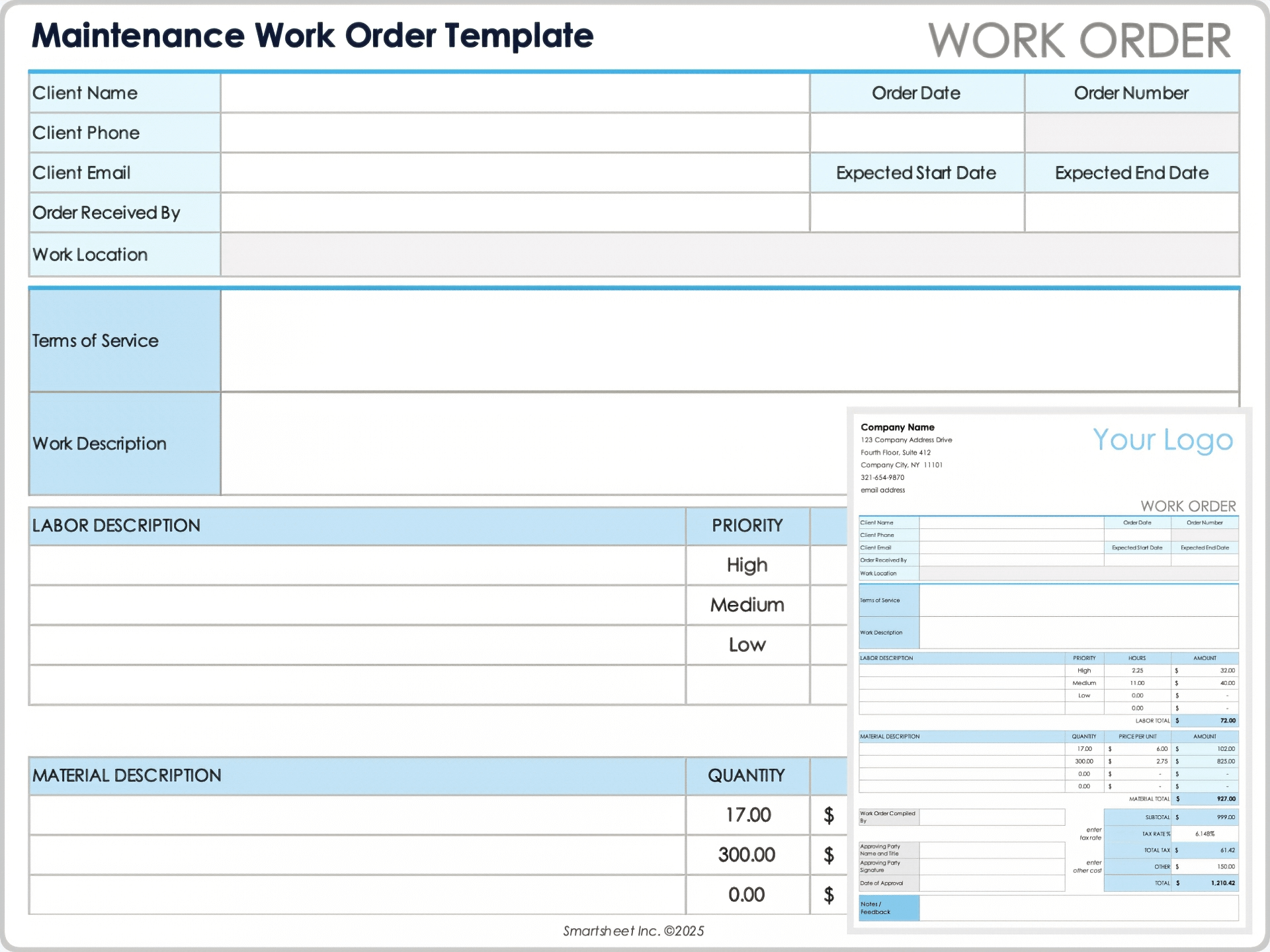
The best format depends on how the agency creates, edits, approves, and stores work orders. An agency work order template excel file can be useful when the order contains calculations, quantities, hours, rates, supplier costs, or multiple line items. Spreadsheet formulas can reduce manual arithmetic and provide a convenient structure for tracking totals.
Word is often preferable when the document is primarily narrative. An agency work order template word format can be easy to customize for creative briefs, service instructions, detailed specifications, and signature sections. It is also useful when users need to edit paragraphs and tables rather than perform extensive calculations.
PDF is generally strongest when the document needs to be distributed in a fixed layout. An agency work order template pdf can preserve the approved design and reduce accidental formatting changes. A fillable PDF can be especially useful for organizations that want a consistent appearance while still allowing users to enter information electronically.
An online form is useful when requests originate from many people and the agency wants structured intake. Instead of allowing every requester to describe an assignment differently, the form can require fields such as project type, priority, requested date, deliverables, budget reference, and approval contact.
In practice, many agencies use more than one format. A web form may collect the request, a spreadsheet may calculate costs, a Word document may hold detailed instructions, and a PDF may serve as the locked final record. The important principle is to maintain one authoritative version rather than allowing multiple conflicting copies to circulate.
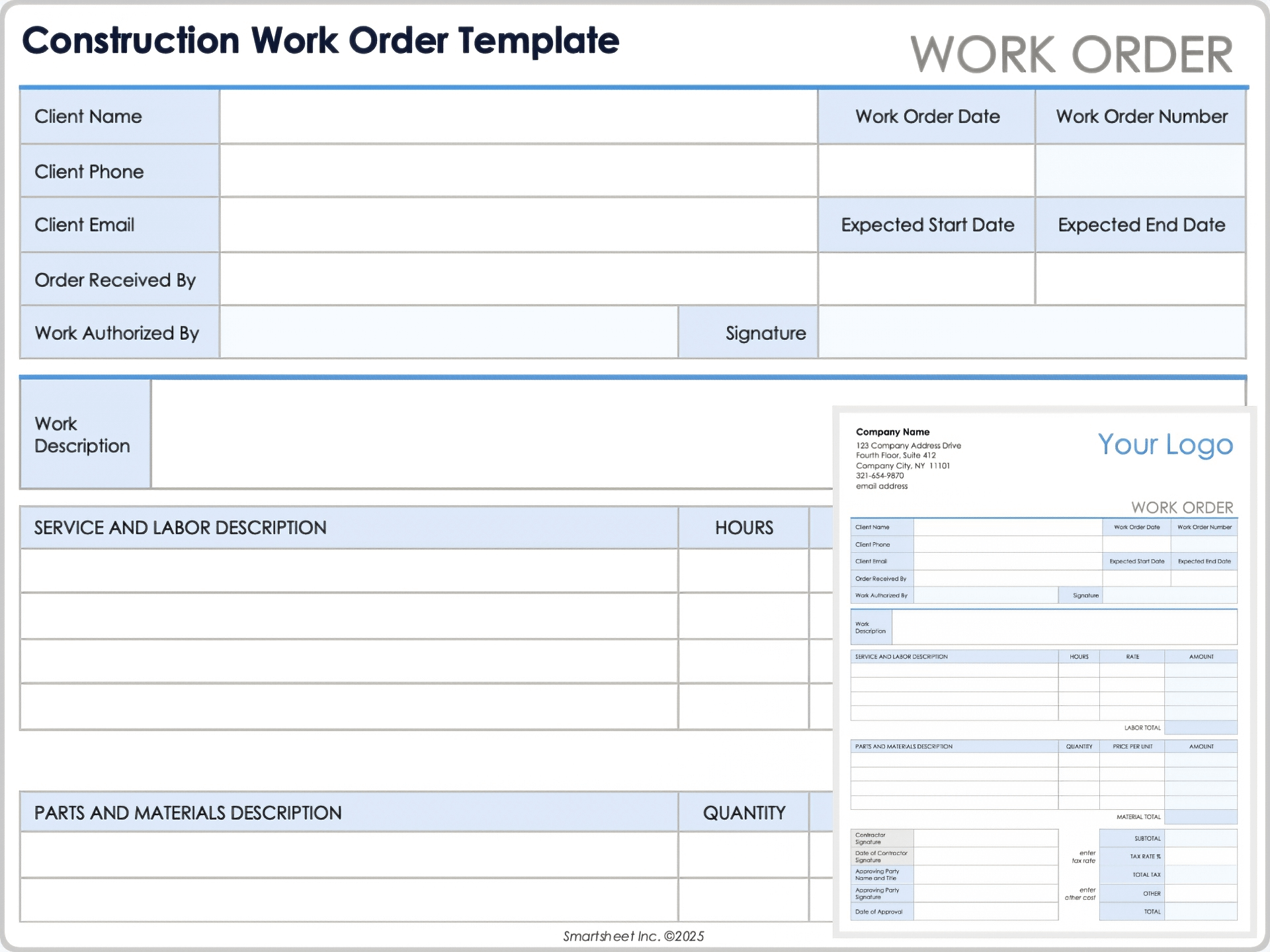
Work Order Versus Contract and Statement of Work
A work order should not automatically be treated as a replacement for a contract. A contract typically establishes the broader relationship between the parties, including legal terms, payment conditions, intellectual-property provisions, confidentiality, liability, termination, dispute procedures, and other obligations.
A statement of work usually describes the scope and expected outputs for a project or engagement in more detail. It may include objectives, assumptions, milestones, deliverables, acceptance criteria, exclusions, and commercial terms. The work order can then authorize a specific assignment under that broader framework.
A work order agreement template can be useful when the agency needs a compact document combining operational instructions with specific commercial or approval terms. However, the agency should ensure that its legal language is appropriate for its jurisdiction and business relationship rather than assuming that a generic template provides adequate legal protection.
A practical structure is to reference the governing contract or statement of work by name or identifier, then use the work order for the assignment-specific details. This avoids copying large amounts of contractual language into every operational order while still connecting the work to the underlying agreement.
For example, a retainer agreement might establish the client’s overall relationship with the agency, while a monthly work order identifies the specific campaign assets, production hours, external costs, delivery dates, and approval requirements for that month. This creates a clean separation between relationship-level terms and assignment-level execution.
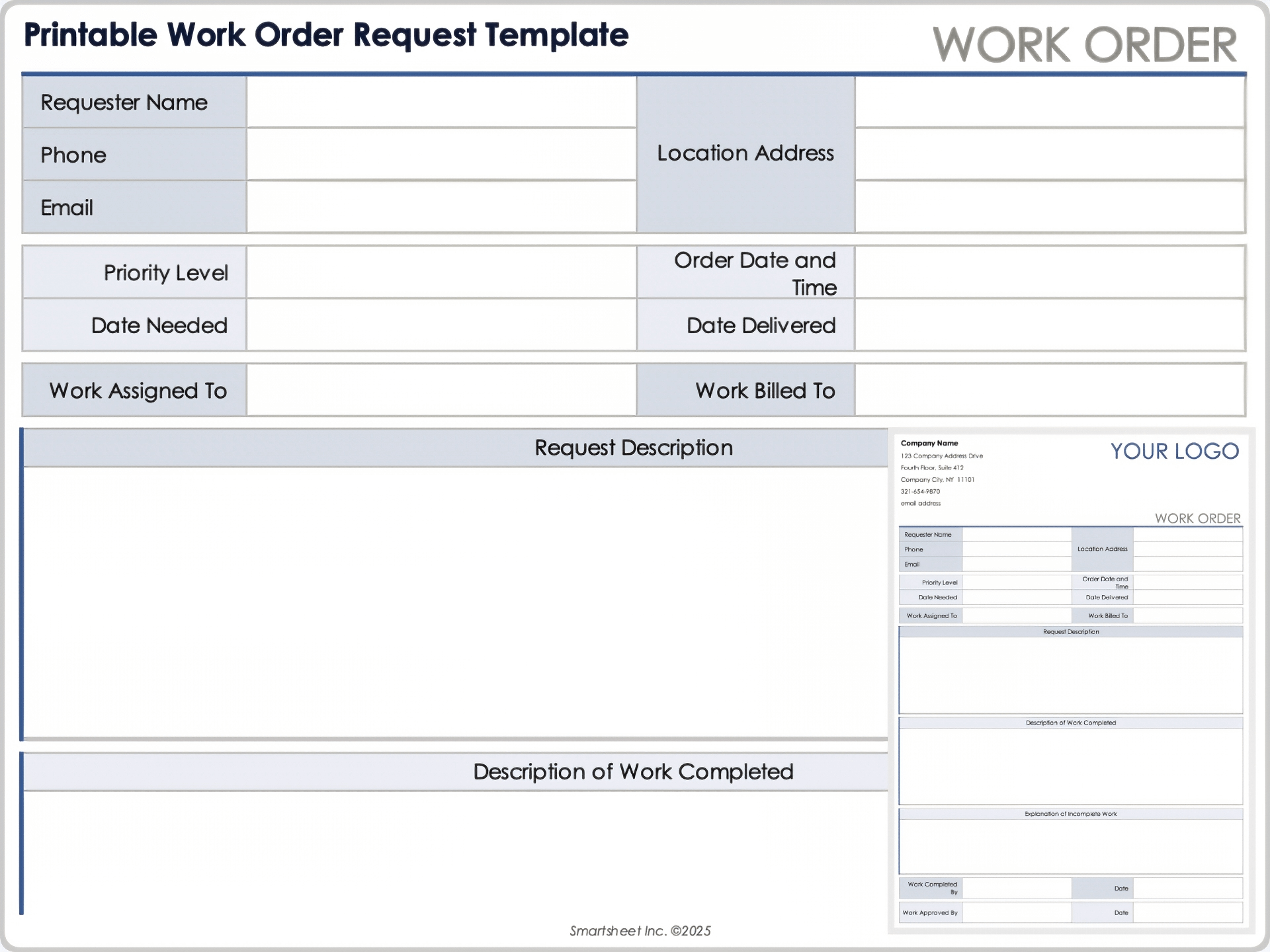
Step-by-Step Workflow for Using the Template
Step 1: Capture the request
Start with the original client or internal request. Preserve enough context to understand why the work is needed, but do not simply paste an entire email chain into the work order. Summarize the actual requirement in a structured form.
Step 2: Clarify the scope
Before assigning the work, identify what is included and what is excluded. Ask whether the requested number of concepts, formats, revisions, channels, languages, or deliverables is explicit. Ambiguous scope should be resolved before production begins whenever possible.
Step 3: Estimate resources
Determine the people, skills, time, suppliers, equipment, software, production costs, and approvals required. If the assignment is priced on an hourly basis, record the expected hours and rate. If it is fixed fee, record the approved amount and any assumptions that could trigger a change.
Step 4: Set dates and dependencies
Define the production schedule and identify anything that must happen first. A client approval, product photograph, legal review, brand asset, data export, or supplier confirmation can all become dependencies. Recording them helps the agency distinguish a production delay from a blocked assignment.
Step 5: Obtain authorization
Do not confuse a request with approval. The person requesting the work may not have authority to approve additional expenditure or scope. The work order should identify the appropriate approval route and preserve evidence of authorization.
Step 6: Assign ownership
Assign an accountable owner and, where appropriate, supporting roles. The owner should understand the scope and be responsible for coordinating completion. For complex projects, the work order can reference a separate project plan containing detailed task assignments.
Step 7: Execute and update
During production, update status, important decisions, material changes, and completion information. Avoid turning the work order into a daily journal. Record only information that affects scope, schedule, cost, quality, responsibility, or final acceptance.
Step 8: Review and close
At completion, confirm that the agreed deliverables were produced and accepted. Record the completion date, final status, approval, outstanding items, and any follow-up order that is required. Closing the record prevents completed assignments from remaining indefinitely in an “in progress” state.
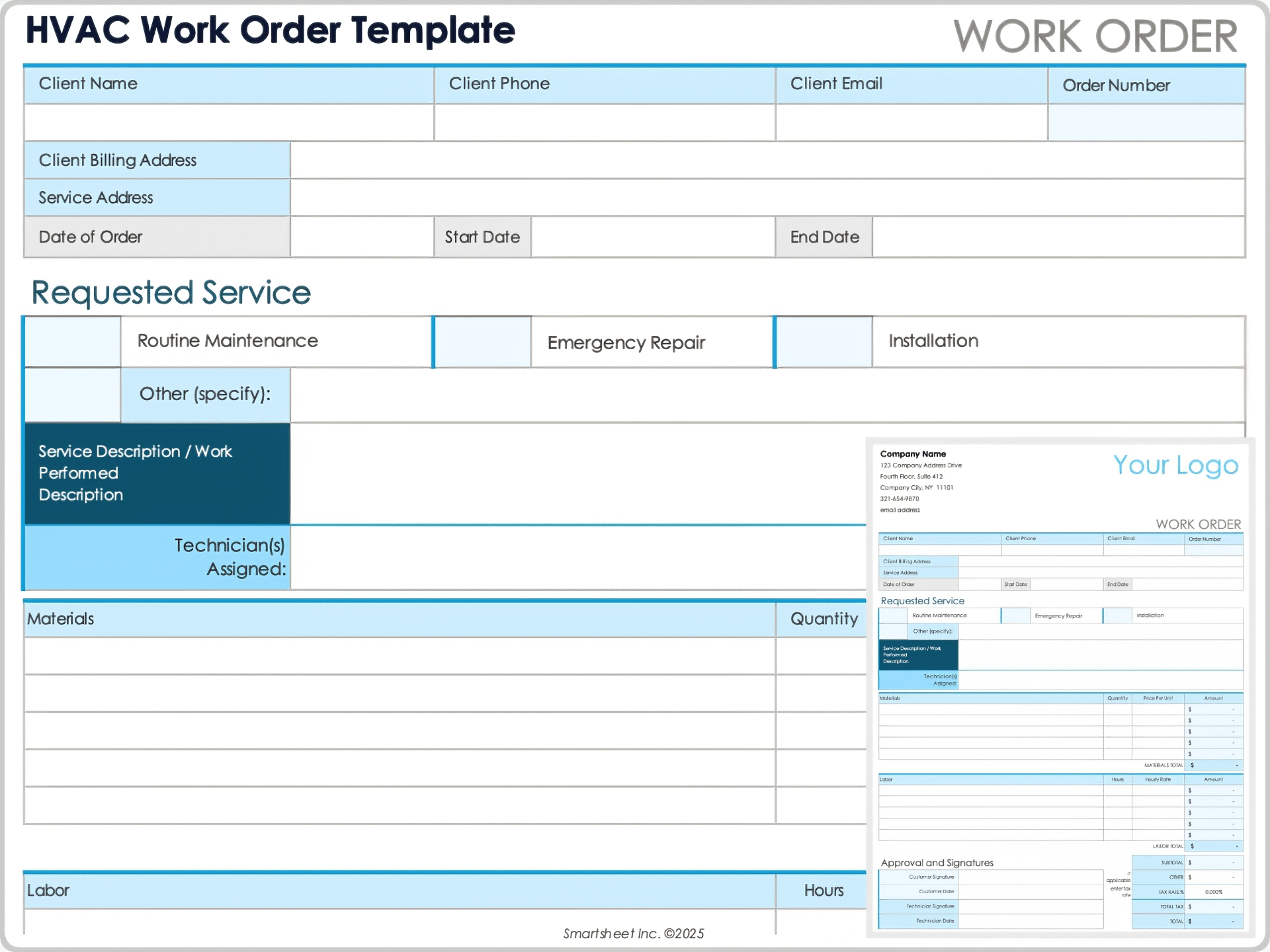
What a Strong Template Looks Like in Practice
Consider a hypothetical digital agency receiving a request for a product-launch campaign. The client asks for four social-media graphics, two email headers, one landing-page design, and three rounds of internal review. The account manager creates a work order that identifies the campaign, lists each deliverable, specifies the required formats, records the agreed deadline, and links the assignment to the relevant statement of work.
The creative director is assigned as the internal owner, while a designer and copywriter are identified as contributors. The work order records that the client must supply final product photography before production starts. It also identifies a client review deadline so the agency can protect the final delivery date.
Suppose the client later requests four additional social formats. Instead of silently adding the work, the account manager records the change. The revised order states that the additional formats will add a defined amount of production effort and move the final delivery date by an agreed period.
This example illustrates why a work order is useful even when everyone has a good working relationship. The document does not need to be adversarial. Its purpose is simply to make the current agreement visible to everyone who is involved in executing it.
For recurring agency work, the same principle can be applied to monthly production orders. Each monthly order can reference the master client agreement while listing the month’s campaigns, deliverables, deadlines, approved external costs, and responsible teams. This creates a repeatable operational rhythm without rewriting the entire contract every month.
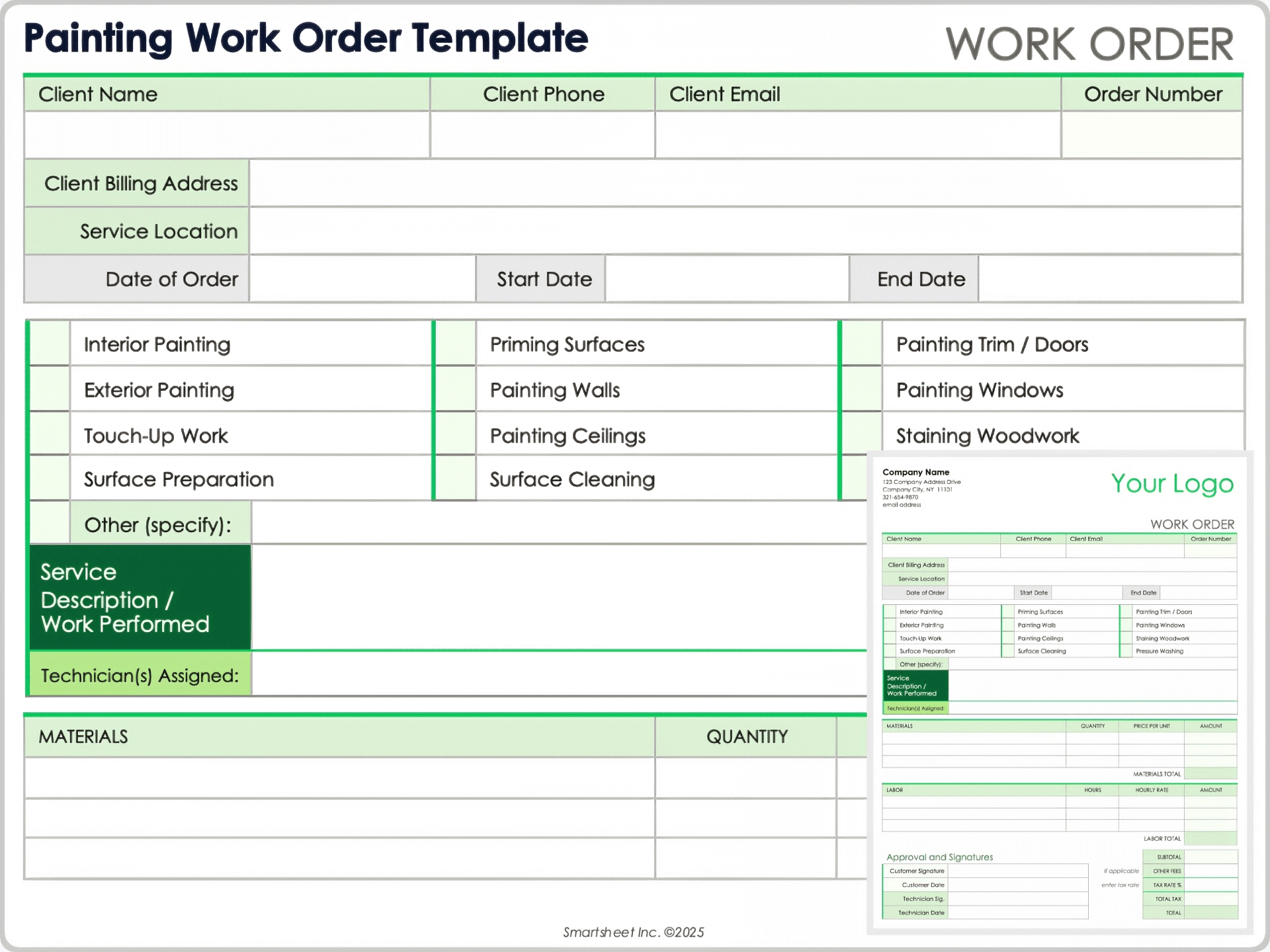
How to Use a Work Order Form for Creative Services
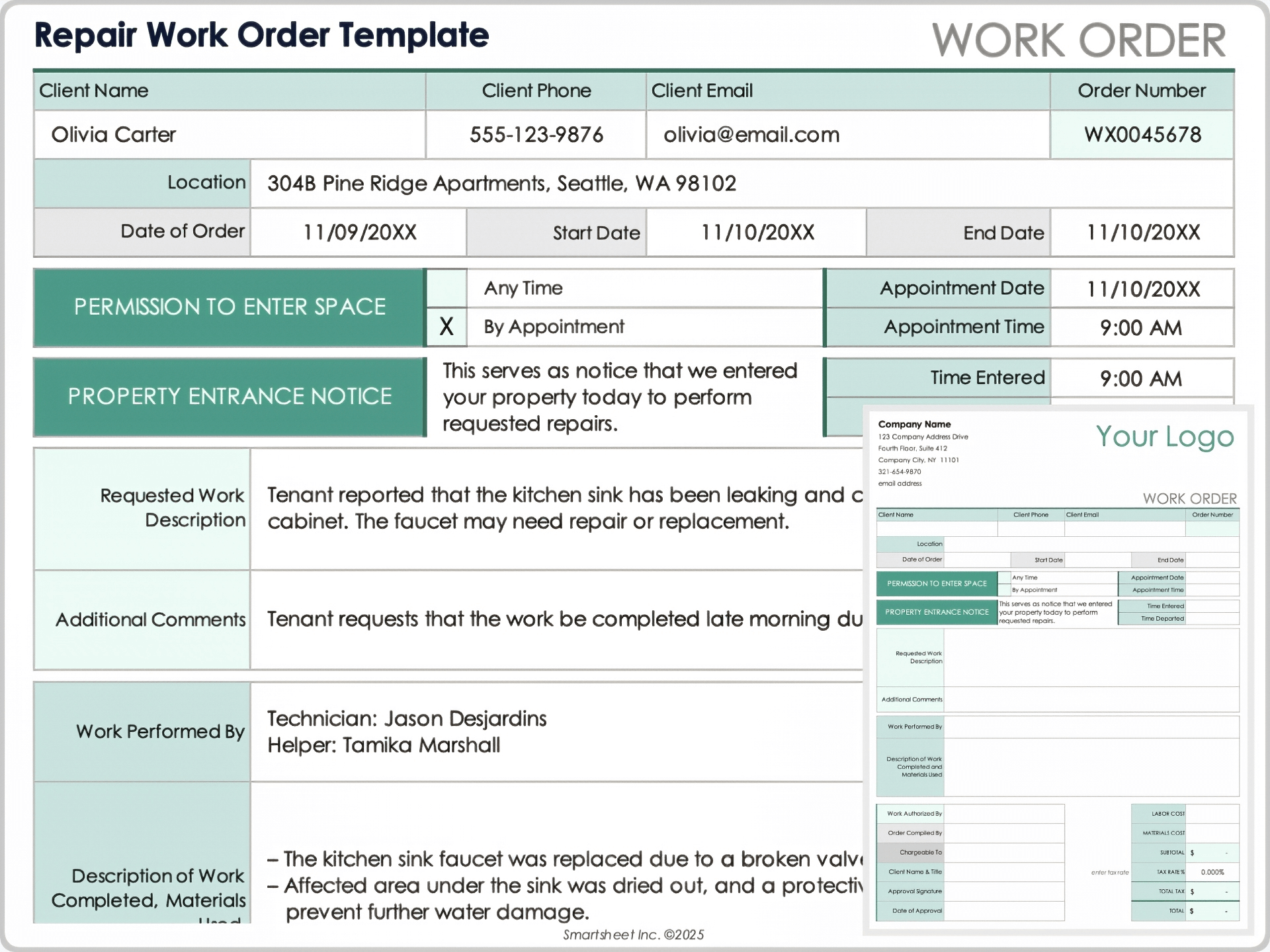
Creative assignments require more descriptive scope than many maintenance or technical work orders. A creative order should specify the deliverable, purpose, audience, channel, dimensions or format, number of concepts, expected revisions, source materials, and final delivery requirements.
For design projects, include brand requirements and asset dependencies. If the client must provide logos, product photography, fonts, legal copy, or approved claims, list those inputs. This prevents the creative team from being judged against a deadline that depended on information they did not receive.
For copywriting, define the content type, approximate length, language, audience, tone, channel, and review process. For video, identify duration, aspect ratios, scripts, voice-over requirements, music or licensing assumptions, footage responsibilities, and the number of final versions.
For web projects, specify whether the work covers design, copy, development, testing, deployment, or some combination. State whether third-party integrations, accessibility review, analytics, hosting, or post-launch support are included. These details can significantly affect both effort and responsibility.
Creative work also benefits from a clear revision policy. Rather than writing only “revisions included,” state how many formal revision rounds are included and what constitutes a revision versus a new direction. That distinction can protect both the client relationship and the agency’s production schedule.
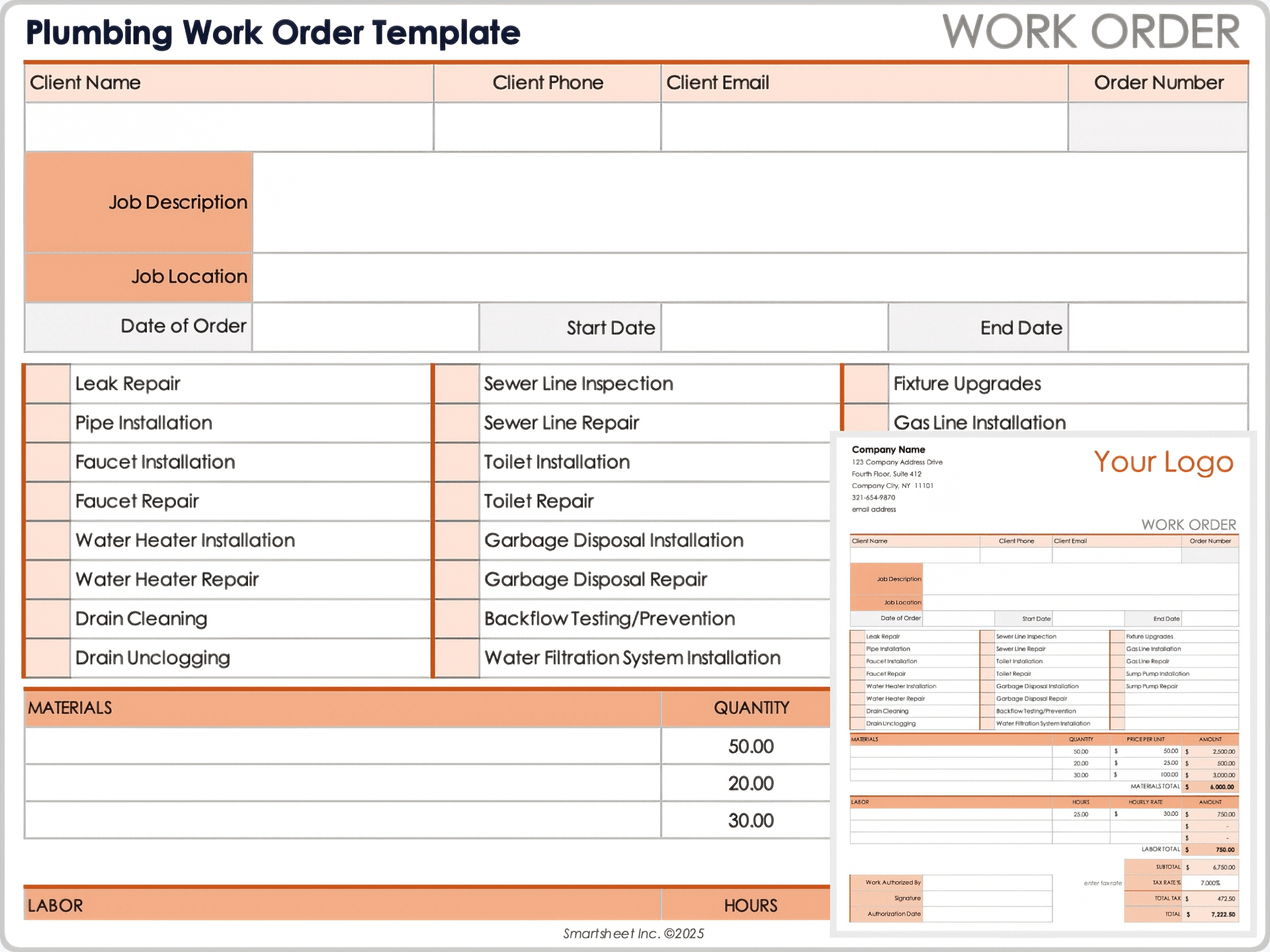
Agency Work Order Template for Freelancers and Suppliers
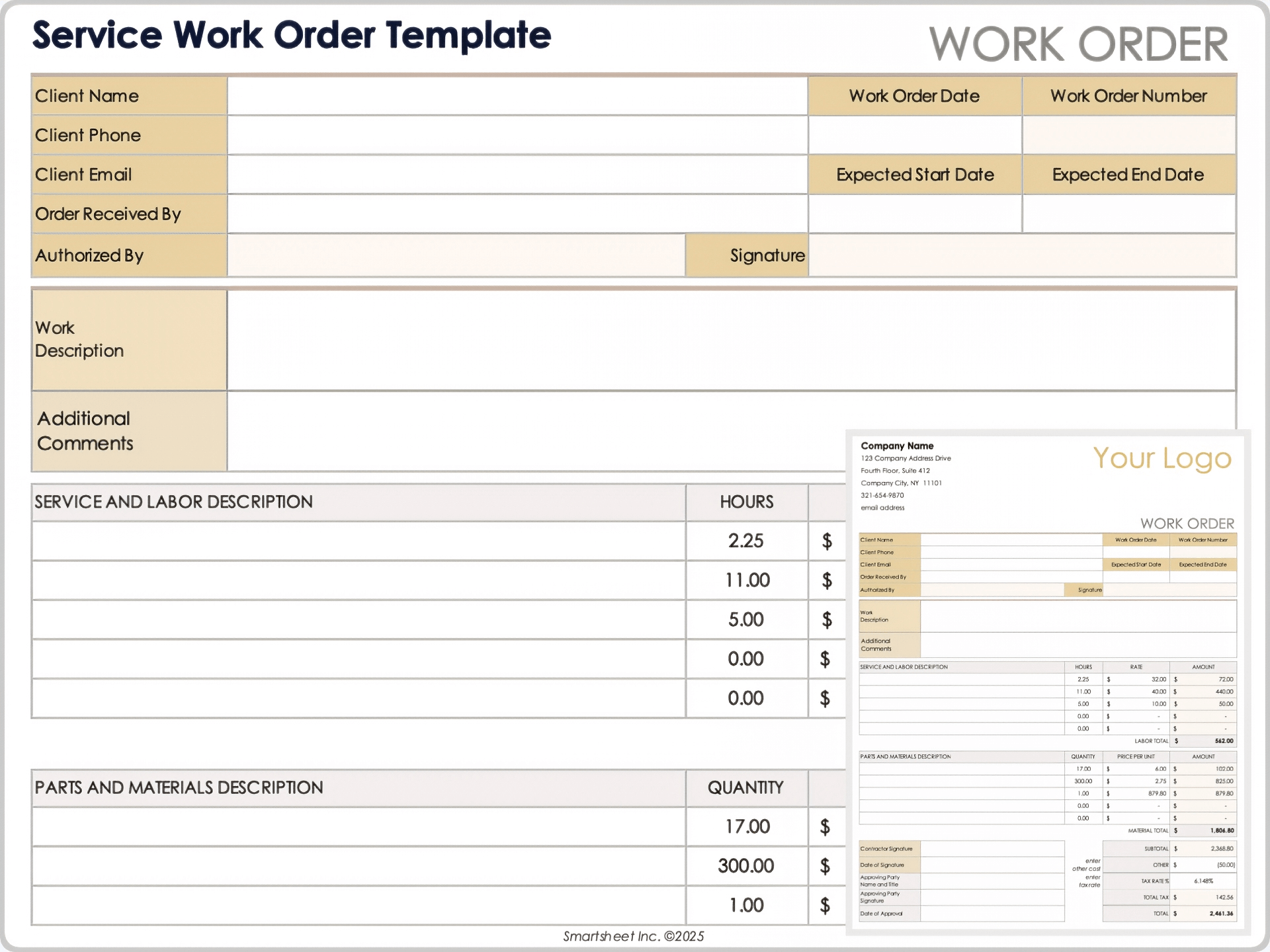
When an agency outsources part of an assignment, the supplier needs a version of the scope that is precise enough to execute but appropriate for the supplier relationship. The document should identify the agency contact, supplier contact, deliverables, quantity, deadline, agreed rate or fee, submission method, and approval process.
Supplier orders should distinguish between an estimate and an approved authorization. If a freelancer is asked to work up to a specified number of hours, the order should say whether additional time requires written approval. If the supplier receives a fixed fee, define the deliverables covered by that fee.
Intellectual-property and confidentiality provisions should normally be governed by the applicable supplier agreement. The work order can reference that agreement and add assignment-specific requirements without attempting to reproduce every contractual clause.
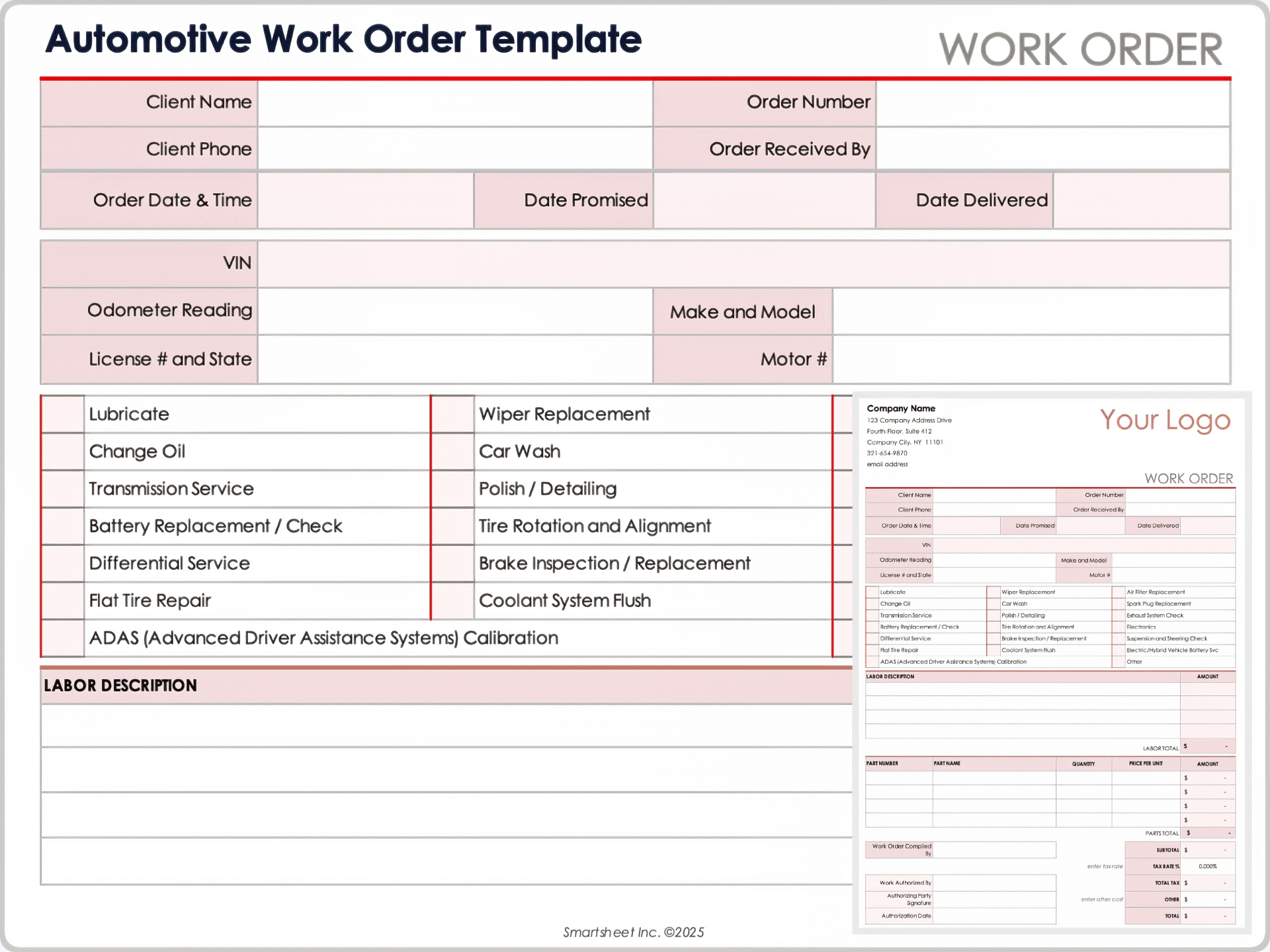
For production suppliers, include technical specifications wherever they affect cost or quality. Examples include print quantities, paper or material specifications, file standards, video delivery formats, voice-over requirements, localization, shipping arrangements, or installation requirements.
A clear supplier work order also improves invoice matching. Finance can compare the supplier invoice against the work order number, approved fee, quantity, and documented completion. This reduces ambiguity when multiple supplier invoices relate to the same client project.
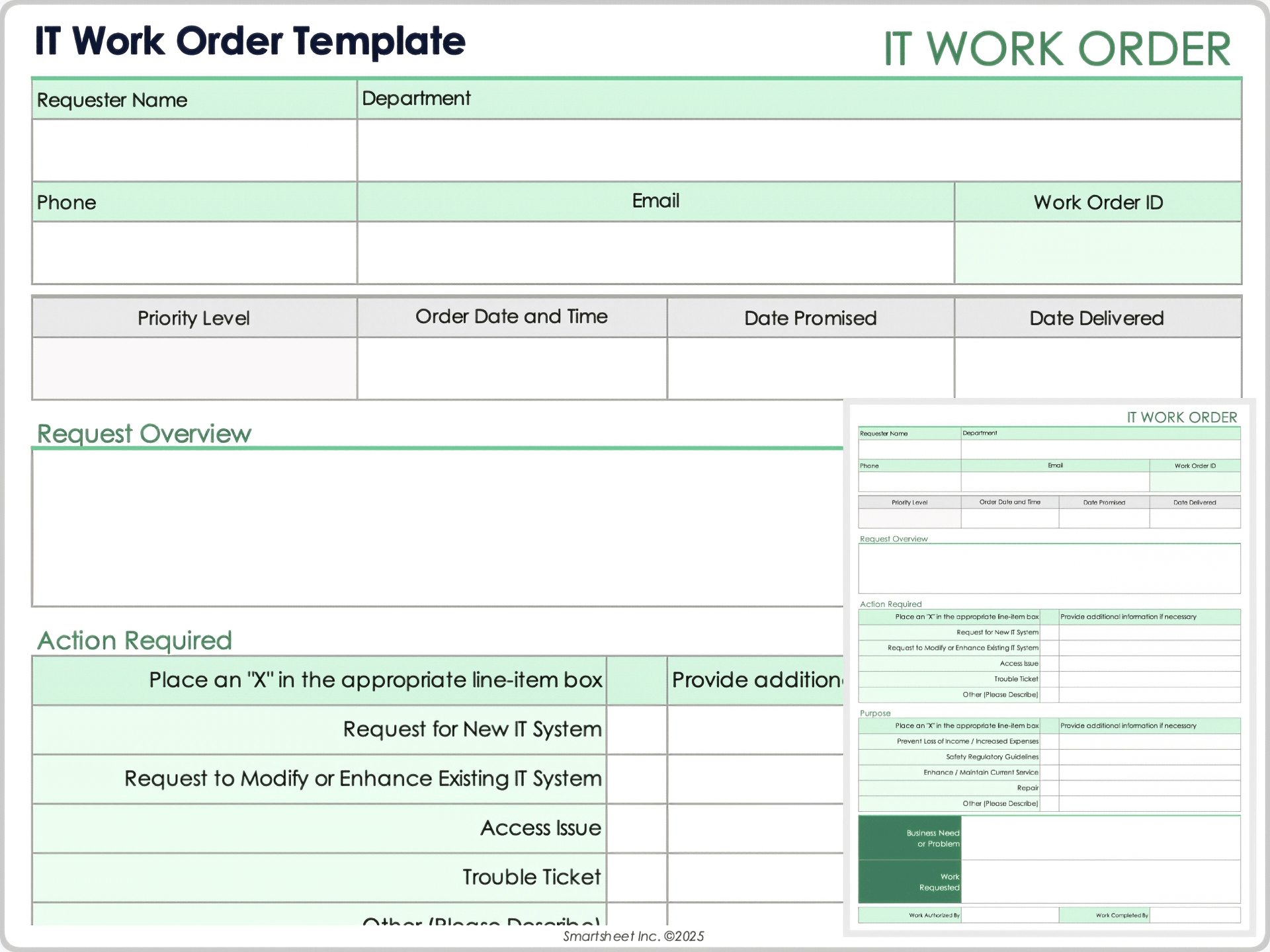
Using Excel for Cost and Work Tracking
Spreadsheet-based work orders are especially useful when the agency needs line-item calculations. A row can represent a service, production item, supplier cost, or expense. Columns can include quantity, hours, unit rate, tax treatment, approved amount, and actual amount.
A well-designed spreadsheet should separate input cells from calculated cells. Users should know where they are expected to type information and which totals are generated automatically. Protecting formula cells can prevent accidental changes to important calculations.
Do not make the spreadsheet unnecessarily complex. If the agency already uses a project-management or accounting platform for detailed cost tracking, the work order can contain a summary and a reference rather than duplicating the entire financial record.
For agencies with recurring work, a master workbook can provide a standardized structure while individual orders are copied into separate files or tabs. However, teams should establish clear rules for naming, versioning, access, and storage so that the spreadsheet does not become a collection of conflicting versions.
The most useful spreadsheet fields are those that support decisions. A project manager may need approved budget, actual cost, remaining budget, owner, status, and deadline. A creative team may care more about deliverables and review dates. The design should reflect the people who actually use the document.
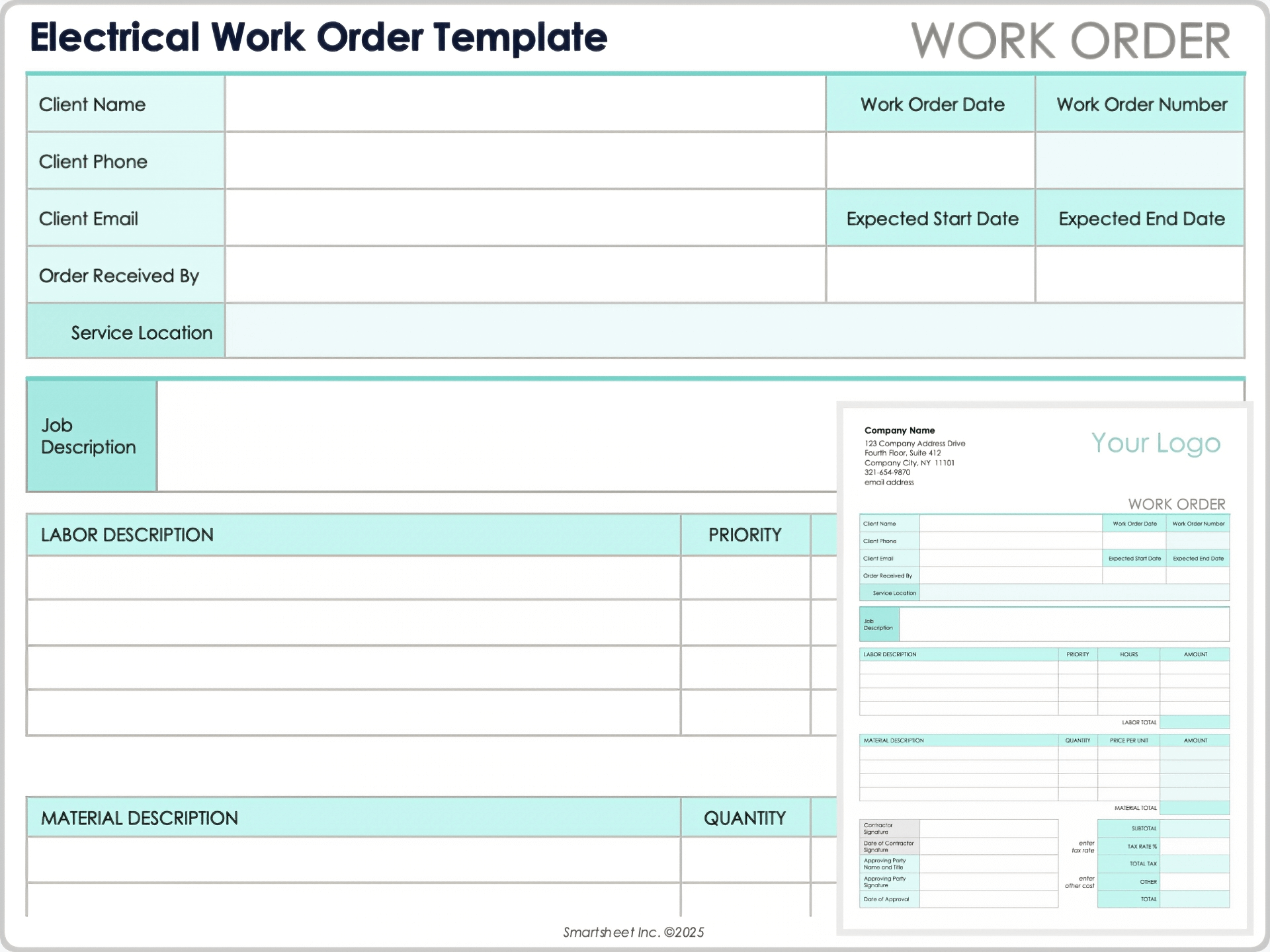
Using Word for Detailed Instructions
Word works well when the assignment requires narrative detail. It provides more flexibility for explanatory sections, structured specifications, tables, approval blocks, and detailed terms than a basic spreadsheet.
An agency can create a branded Word master containing its logo area, work order number, standard headings, contact information, approval fields, and recurring instructions. Users then save a new copy for each assignment rather than editing the master file directly.
Styles should be used consistently so that headings, table text, and body copy remain readable. Avoid relying on manual spacing or excessive text boxes because those features can make the document difficult to update when the scope grows.
Word is particularly useful for complex production orders where a short table cannot adequately describe the assignment. A video production order, for example, may need sections for concept, script, shot list, talent, locations, music, graphics, review stages, and final deliverables.
The main weakness of Word is that it is less suitable for large-scale numerical tracking. If the document contains extensive calculations, a linked spreadsheet or financial system may be more appropriate. The best format is the one that matches the information being managed.
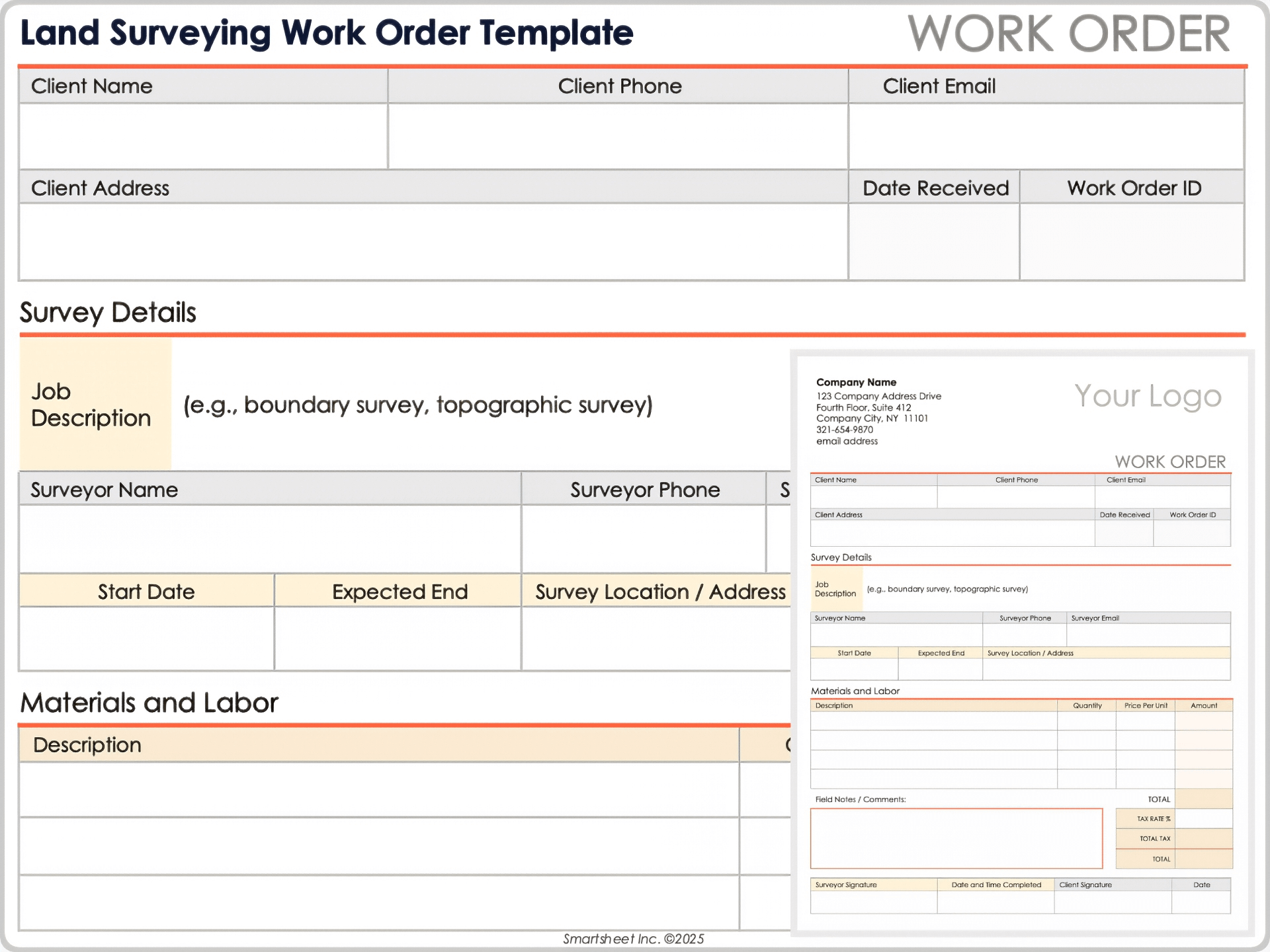
PDF Work Orders and Final Records
PDF is useful when the agency wants a stable representation of an approved order. Once the scope is finalized, exporting the document to PDF can reduce accidental formatting changes and preserve the appearance of the approved record.
A fillable PDF can be useful when the same document needs to be completed electronically by different users. Fields can cover client details, order number, dates, scope, costs, signatures, and completion information.
PDF should generally be treated as the controlled output rather than the easiest format for repeated editing. If users repeatedly modify the PDF with different tools, version consistency can become difficult. Keeping the editable source document and the final approved PDF together can solve that problem.
When a PDF is used as a client-facing record, verify that the text remains searchable and that important fields are readable when printed. A visually attractive form that becomes tiny or confusing on paper is not a successful operational template.
For archived work orders, use predictable file names such as client code, work order number, project name, and status. Consistent naming makes records easier to retrieve later and reduces the risk of attaching the wrong document to an email or invoice.
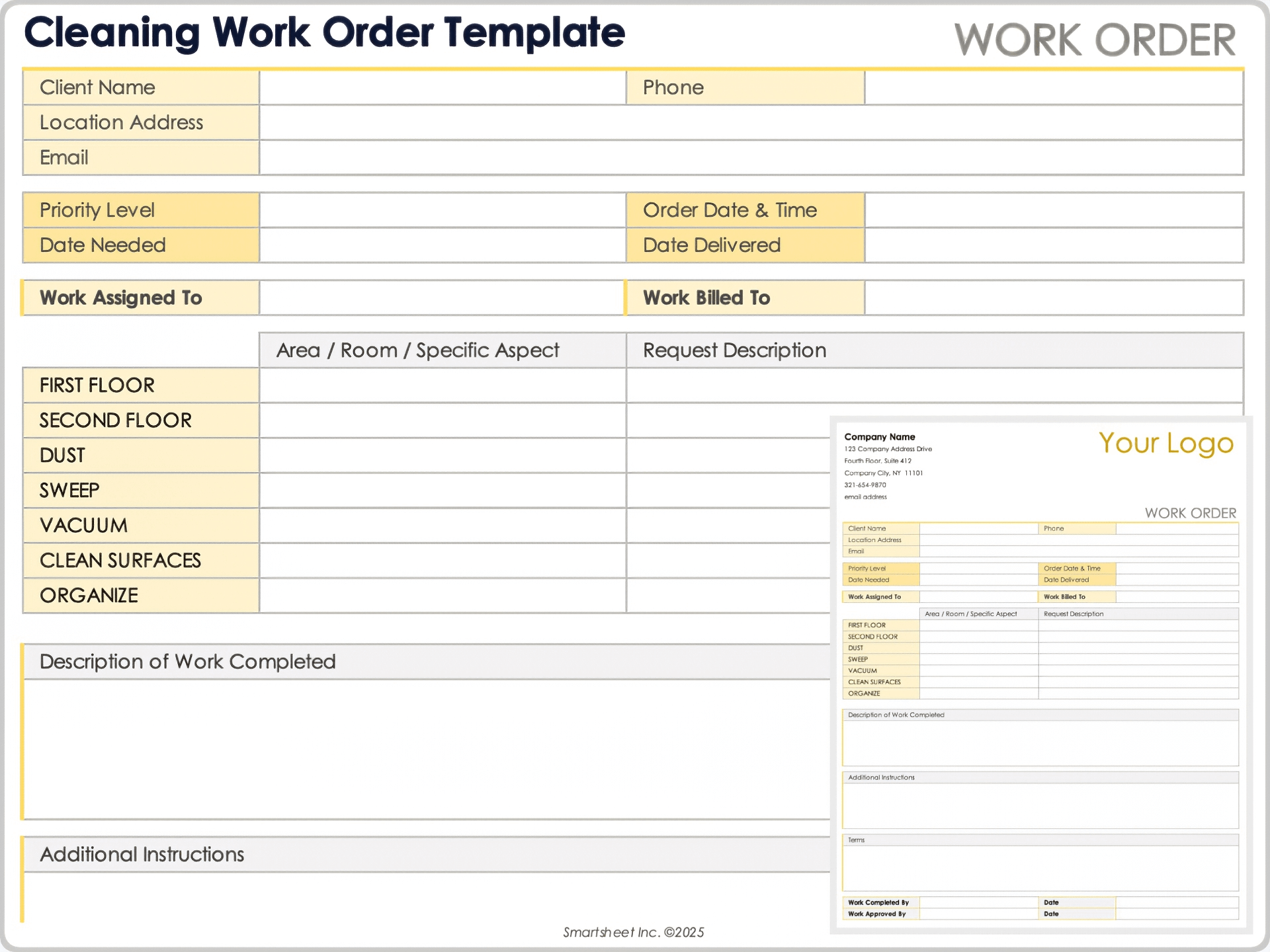
Tracking Status, Priority, and Completion
Status values should be limited to meaningful stages. A practical agency workflow might use Draft, Awaiting Approval, Approved, Scheduled, In Progress, Awaiting Client, Rework, Completed, and Closed. The exact labels should reflect how the agency operates.
Priority should also have a clear definition. “High” should mean something operationally different from “Normal.” For example, an urgent request might affect a live campaign or deadline, while a routine request can be scheduled through the standard production queue.
Completion should require more than changing a status field. The order should contain evidence that the deliverables were actually produced, reviewed, and accepted. For digital work, this may be a final asset location or project reference. For physical work, it may be a signed completion section.
Blocked work deserves its own status or reason field. If an order is waiting for client assets, legal approval, payment authorization, supplier information, or technical access, that condition should be visible. Otherwise, an apparently “open” order may conceal the real reason it has not progressed.
These fields become particularly useful when the agency manages many concurrent assignments. A manager can quickly identify which orders are overdue, awaiting approval, blocked by dependencies, or ready for closure.
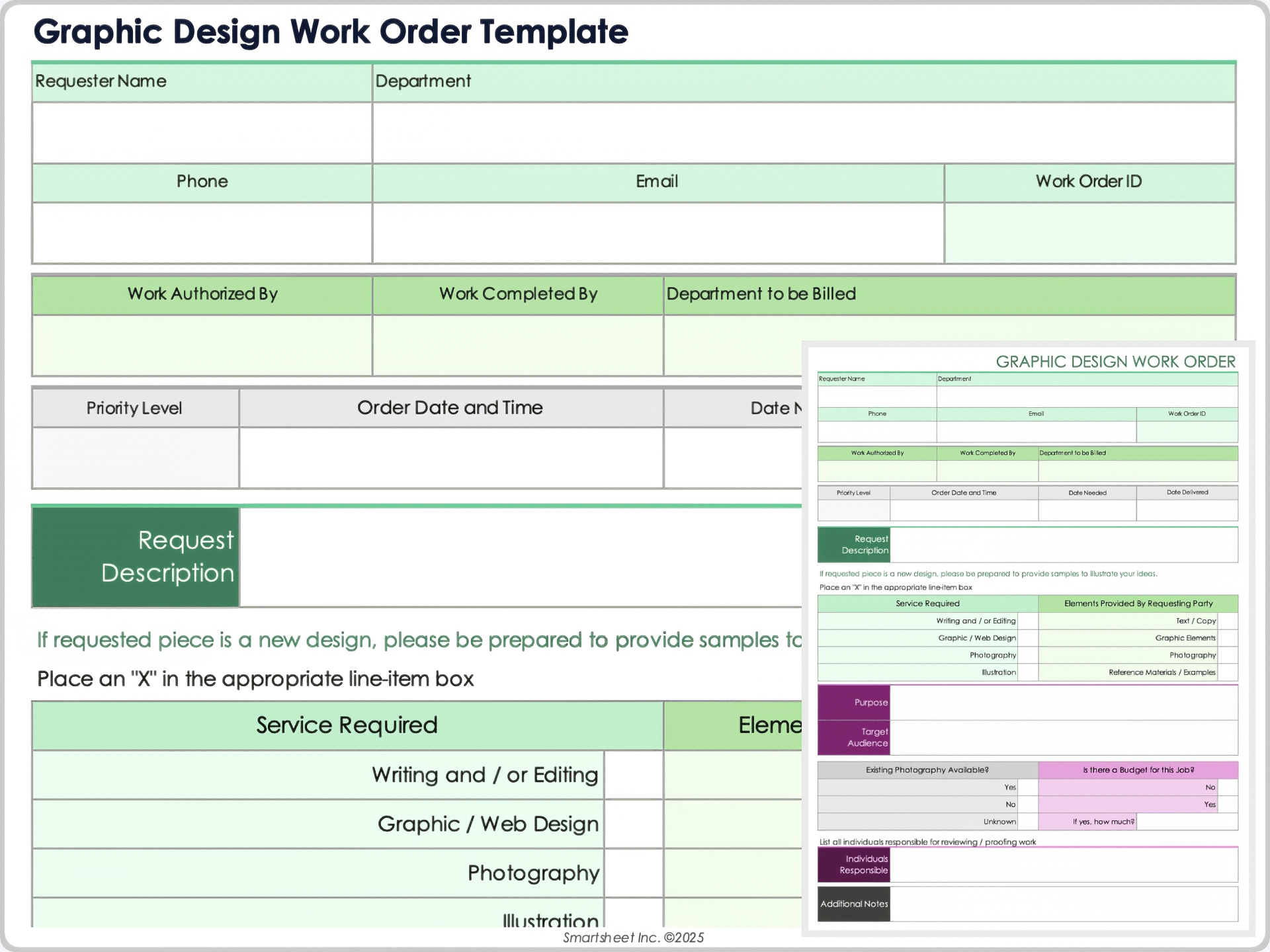
Data Collection and Reporting From Work Orders
Once an agency uses standardized work orders consistently, the records can support operational analysis. Useful fields include creation date, approval date, start date, completion date, owner, client, project type, priority, approved budget, actual cost, number of revisions, and final status.
From those fields, managers can calculate turnaround time, identify bottlenecks, compare planned and actual effort, and understand where work is frequently delayed. The data should be interpreted carefully because a simple work order does not capture every factor affecting project performance.
For example, a long turnaround time may reflect a client approval delay rather than slow agency production. If the template records both production dates and waiting periods, management can distinguish those causes instead of treating every delay as an internal performance issue.
Work-order data can also reveal recurring scope problems. If certain request types frequently require additional revisions, the agency may need clearer briefs, better intake questions, or a different pricing structure for those assignments.
The best reports focus on actionable questions. Instead of measuring every possible field, ask what management decisions the data should support. If the objective is resource planning, staffing and effort data matter. If the objective is client profitability, approved revenue and actual delivery cost matter. If the objective is service quality, turnaround and rework information may be more valuable.
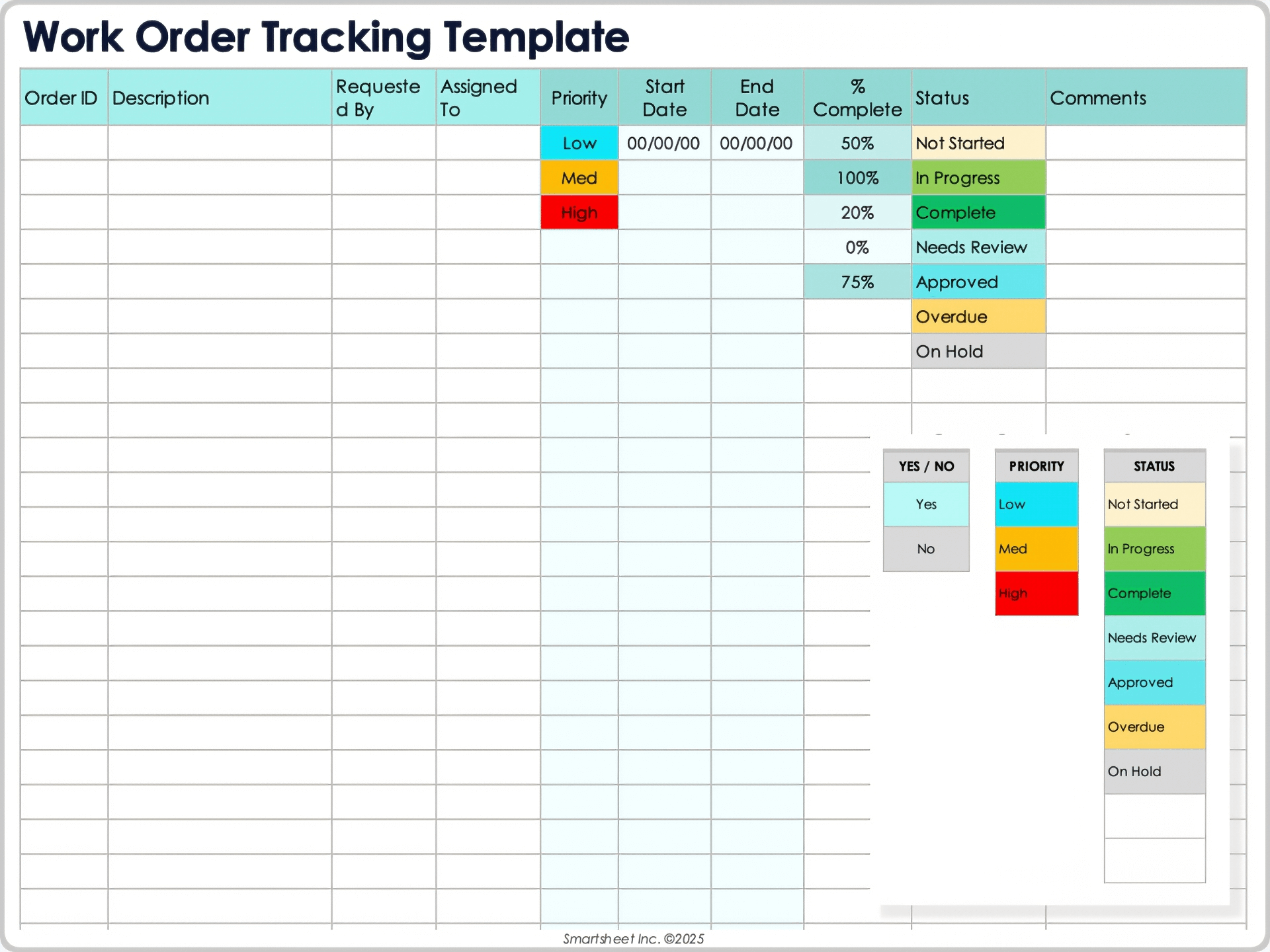
Common Mistakes to Avoid
One common mistake is making the form too generic. A document that says only “description,” “deadline,” and “budget” may technically qualify as a work order but provide little protection against misunderstandings. Agencies should identify the fields that are genuinely important to their work.
Another mistake is excessive detail. If the form contains dozens of fields that users rarely complete, people will bypass the process or place important information into a generic notes area. A short, consistently completed template is usually more valuable than a comprehensive template that nobody uses properly.
Agencies should also avoid treating every client request as automatically approved. A request can enter the system while still waiting for budget, scope, legal, or management approval. The status should make that distinction visible.
Another problem occurs when teams modify work after approval without updating the record. Even a small change can matter if it affects timing, staffing, cost, or deliverables. A lightweight change-control process is better than relying on memory or scattered messages.
Finally, avoid keeping the final record only in personal email accounts. Work orders should be stored in a controlled location accessible to the people who need them. The agency should also establish retention and access rules appropriate to its contractual, operational, and legal requirements.
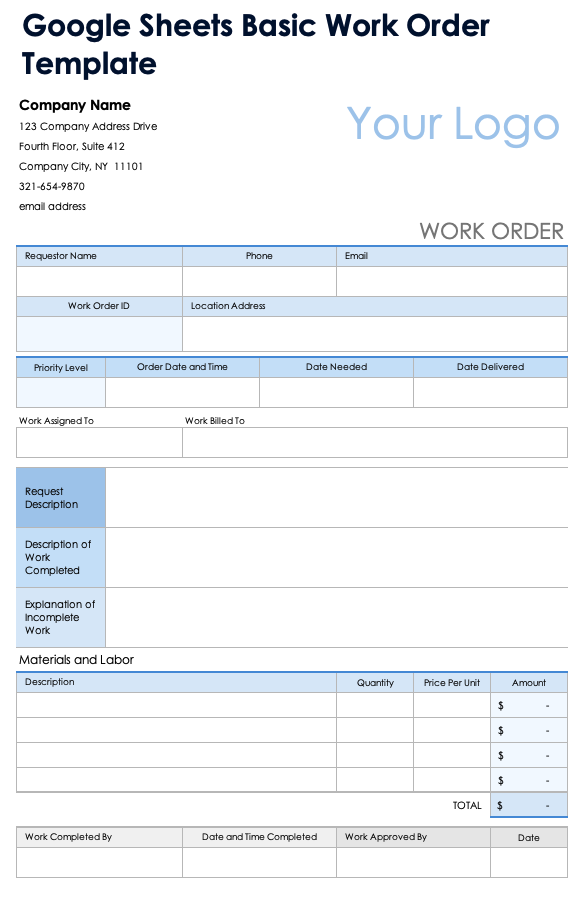
Best Practices for Professional Agencies
Use one numbering convention across all work orders. The number should be unique, easy to communicate, and connected to the agency’s project or accounting system when practical.
Define approval authority. Teams should know who can authorize normal client work, additional scope, supplier expenditure, and urgent exceptions. This prevents staff from assuming that any client-side request is automatically commercially approved.
Make the scope measurable. Whenever possible, define quantities, formats, versions, platforms, hours, milestones, or other objective criteria. Measurable scope makes later review much easier.
Record assumptions. If the deadline depends on receiving materials by a certain date, say so. If a fee assumes one review round, state it. If a supplier cost is estimated, label it as an estimate. Assumptions are often more important than the headline scope.
Keep completed records immutable where possible. If an approved work order changes, preserve the earlier version or maintain a clear revision history. This provides a defensible record of what was originally authorized.
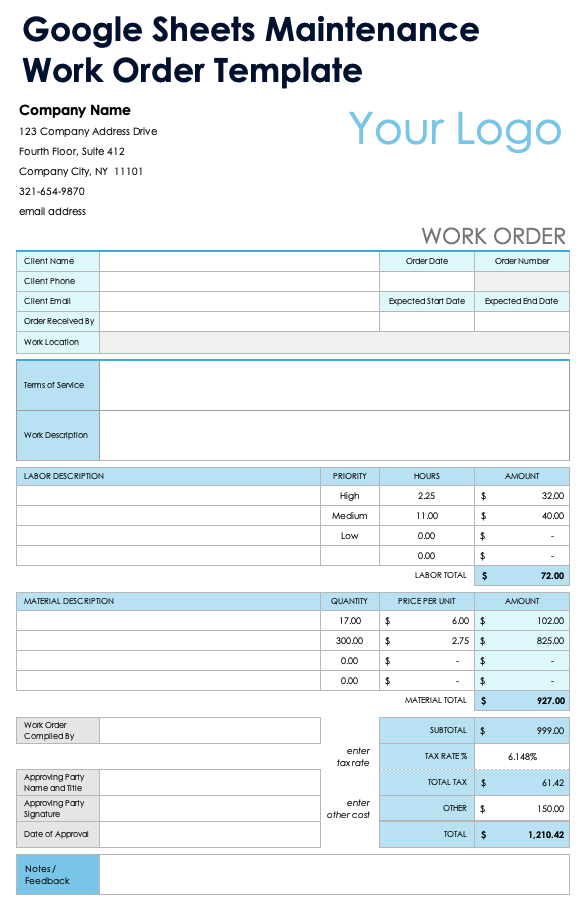
Practical Solution: Build an Agency Work Order System That Teams Will Actually Use
The most practical solution is to create a simple master template, define a short approval workflow, and connect each completed order to the agency’s project and financial records. Start with the fields that every assignment requires: work order number, client, requester, project, scope, deliverables, owner, dates, budget basis, approval, status, and completion.
Create separate sections for information that is common across assignments and information that changes from order to order. Standard fields should use controlled values wherever possible. For example, priority can use three or four defined levels, while status can use a short list of operational stages.
Next, decide which format belongs at each stage. An online intake form can collect new requests. Excel can handle numerical calculations when necessary. Word can hold detailed instructions. PDF can preserve the final approved record. The agency does not need to force every stage into the same file format.
Set a rule that production begins only after the required authorization is recorded. For recurring clients, the authorization can reference an existing contract or statement of work. For new or exceptional work, the order can carry the additional approval required by the agency.
Finally, review the template after several weeks of real use. Remove fields that do not help, add fields that users repeatedly need, and simplify instructions that cause confusion. The best agency work order template is not the one with the most fields; it is the one that reliably captures the information required to deliver work, control changes, and close assignments accurately.
Reference Examples
The following examples illustrate different document layouts and formats that can help when designing or comparing an agency work order.
agency work order template excel

Source: Vertex42
agency work order template pdf
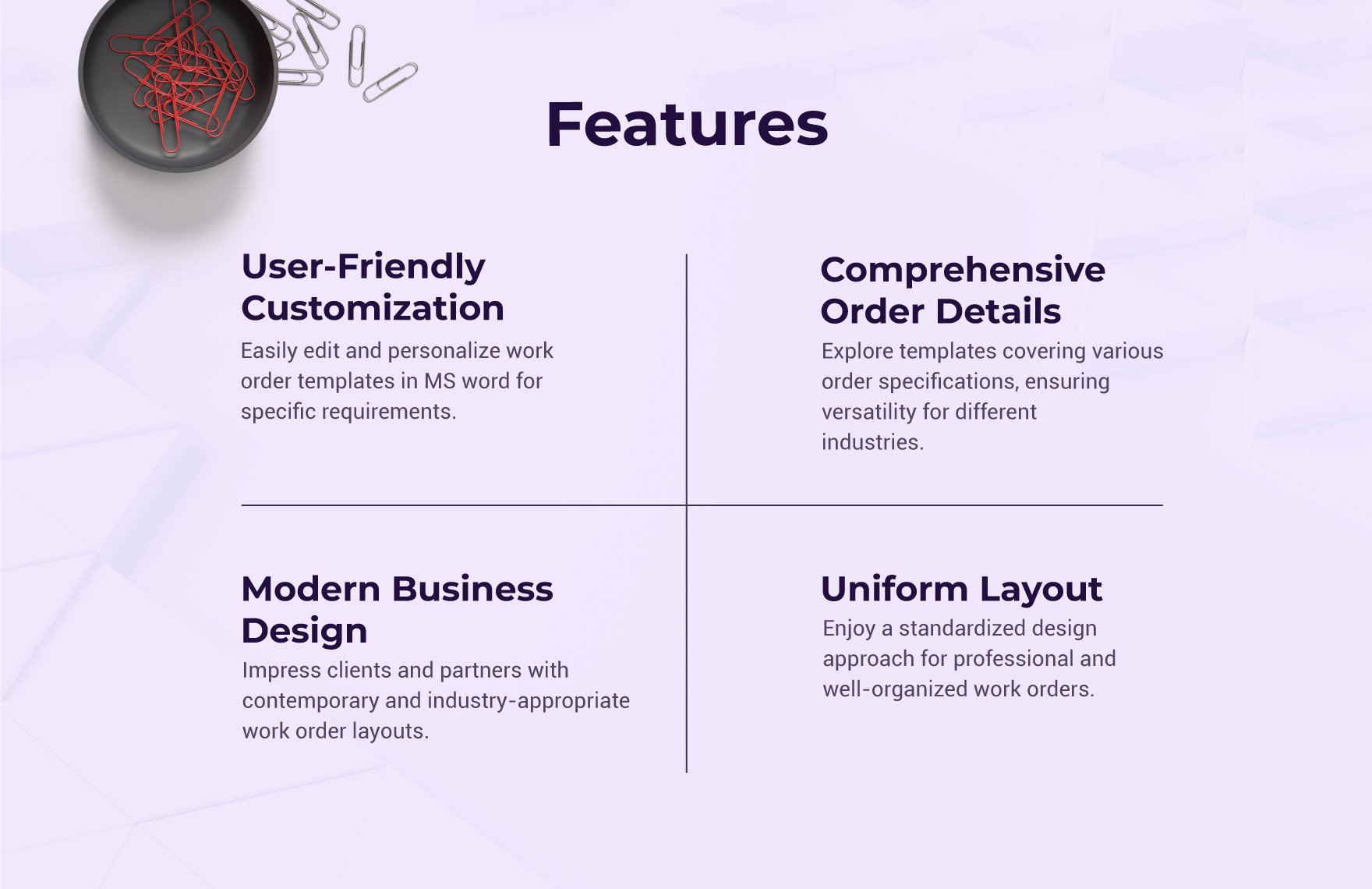
Source: Template.net
agency work order template word
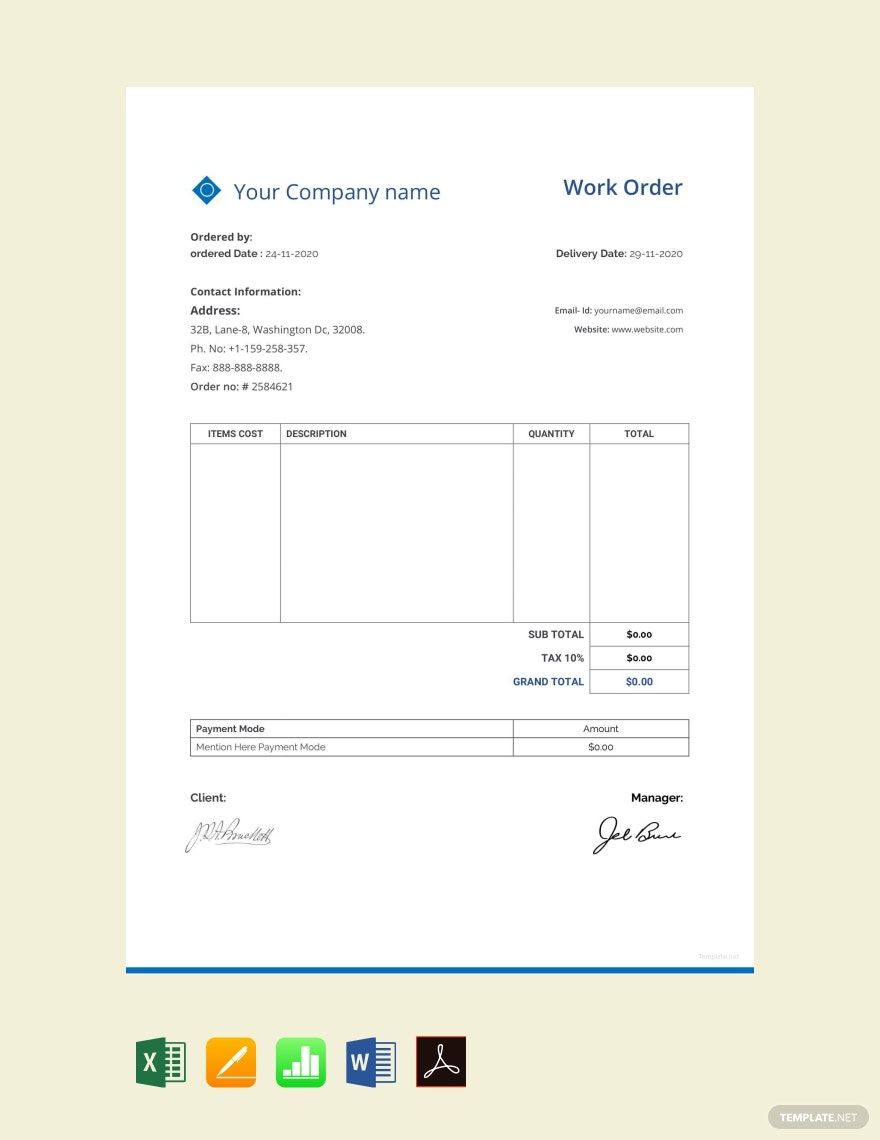
Source: Template.net
agency work order template free download
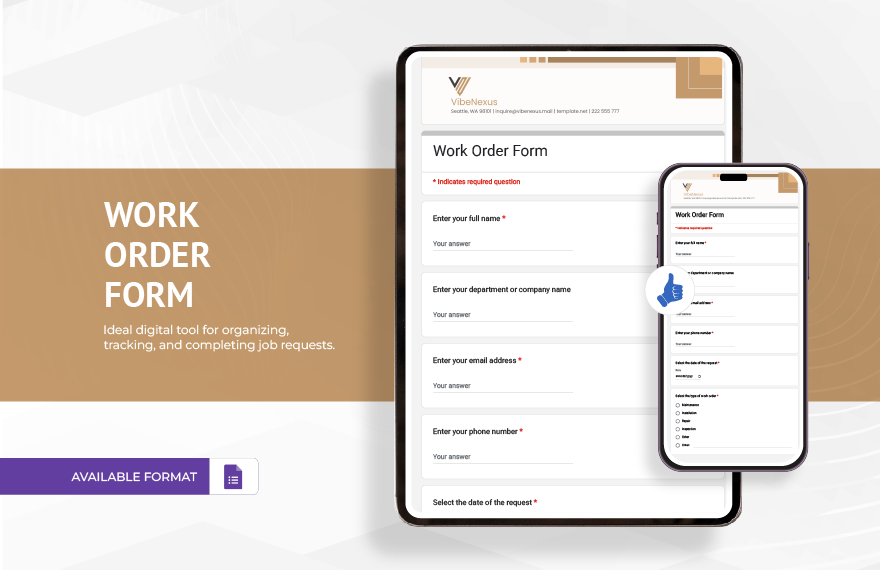
Source: Template.net
agency work order template free
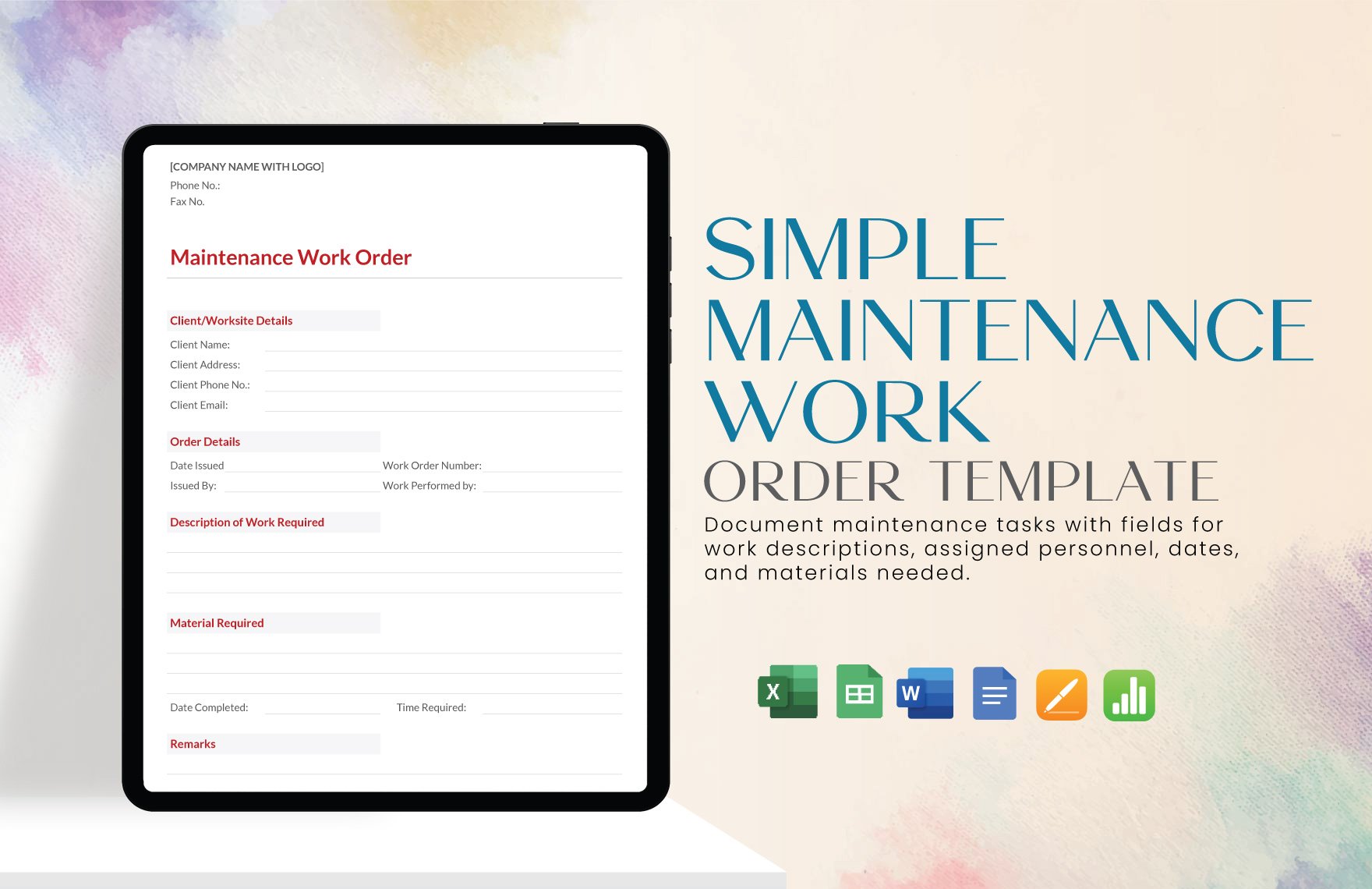
Source: Template.net
agency work order template download
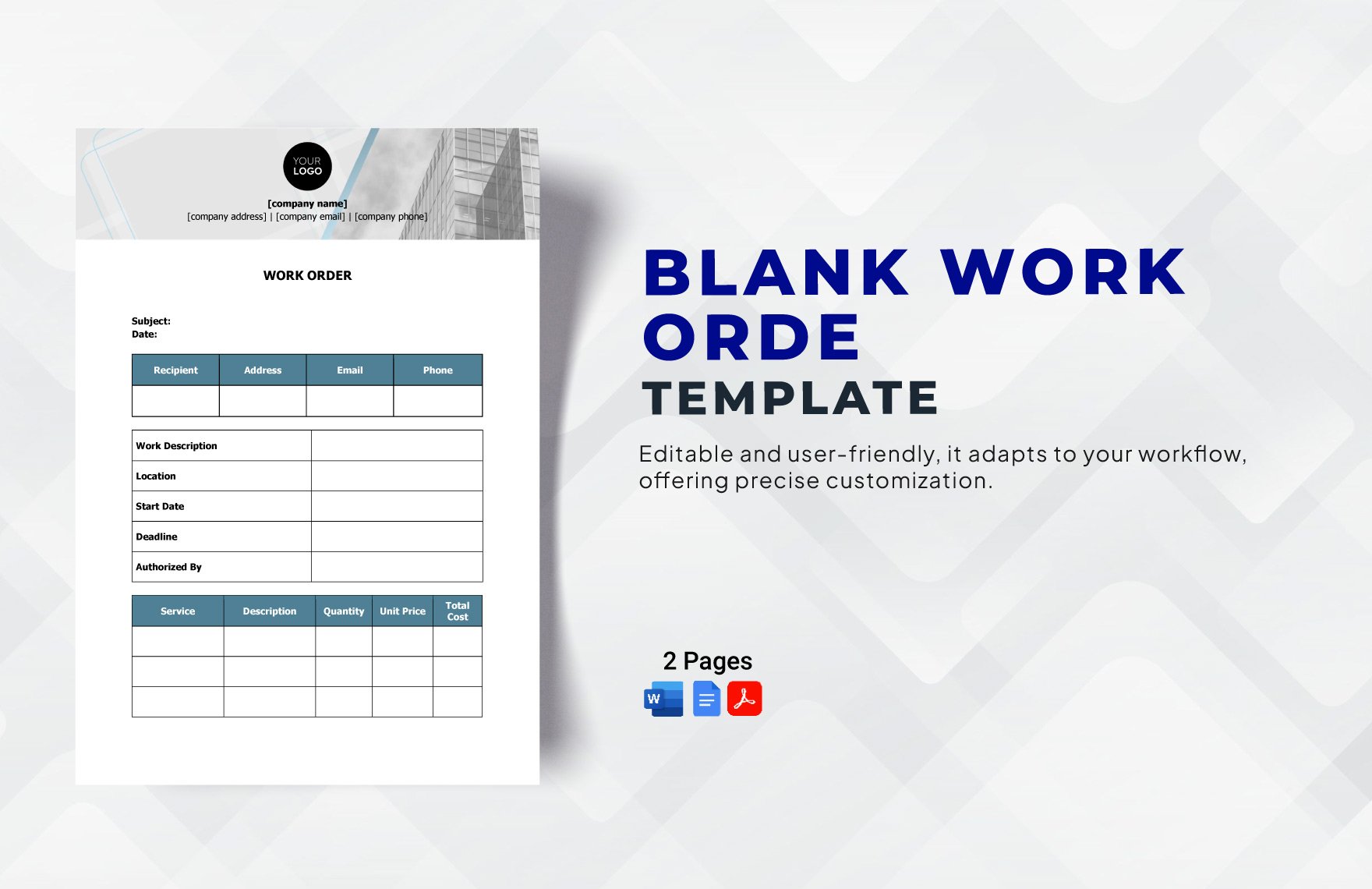
Source: Template.net
template for work order
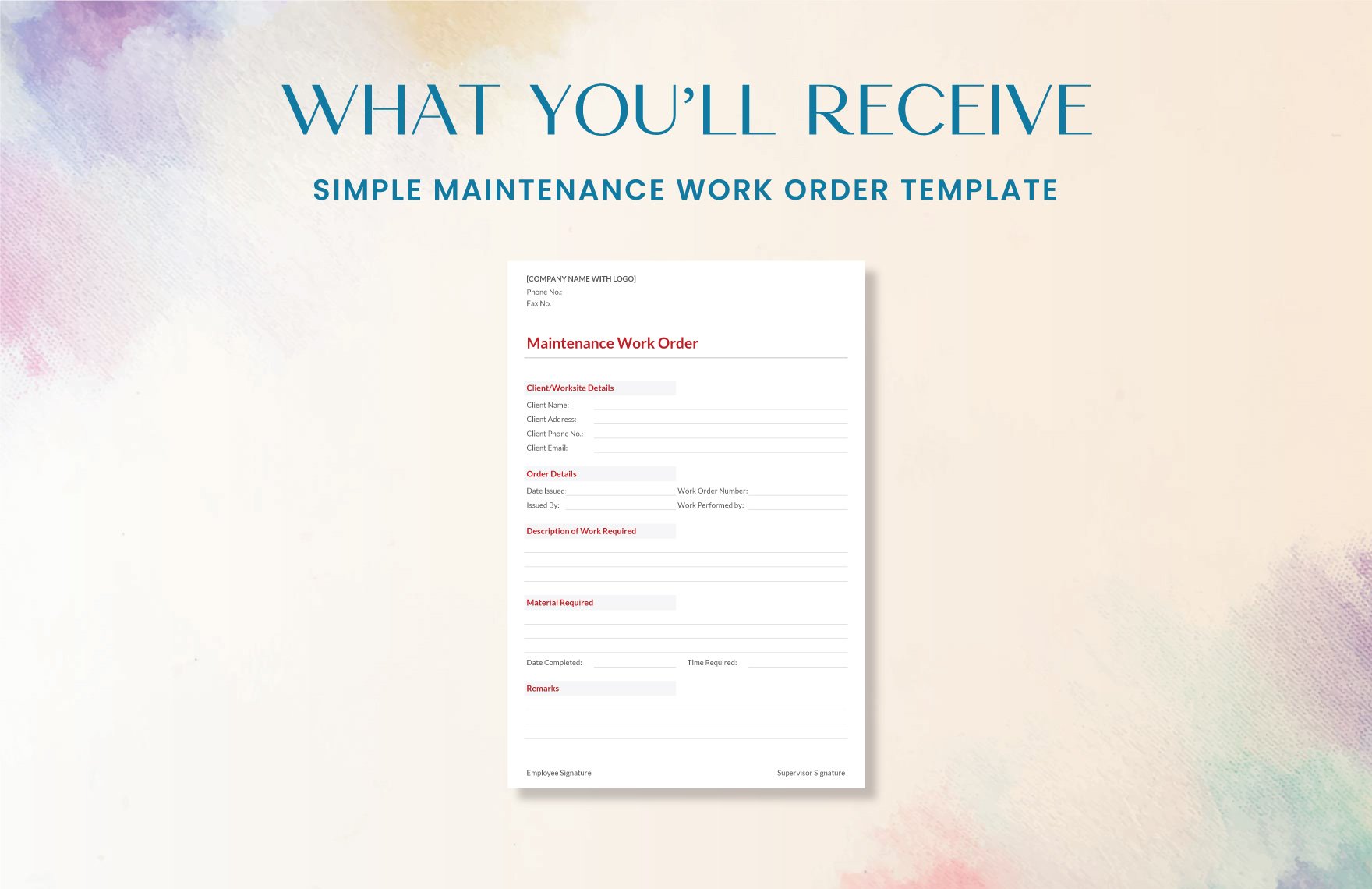
Source: Template.net
work order agreement template
Source: Template.net
template for work order form
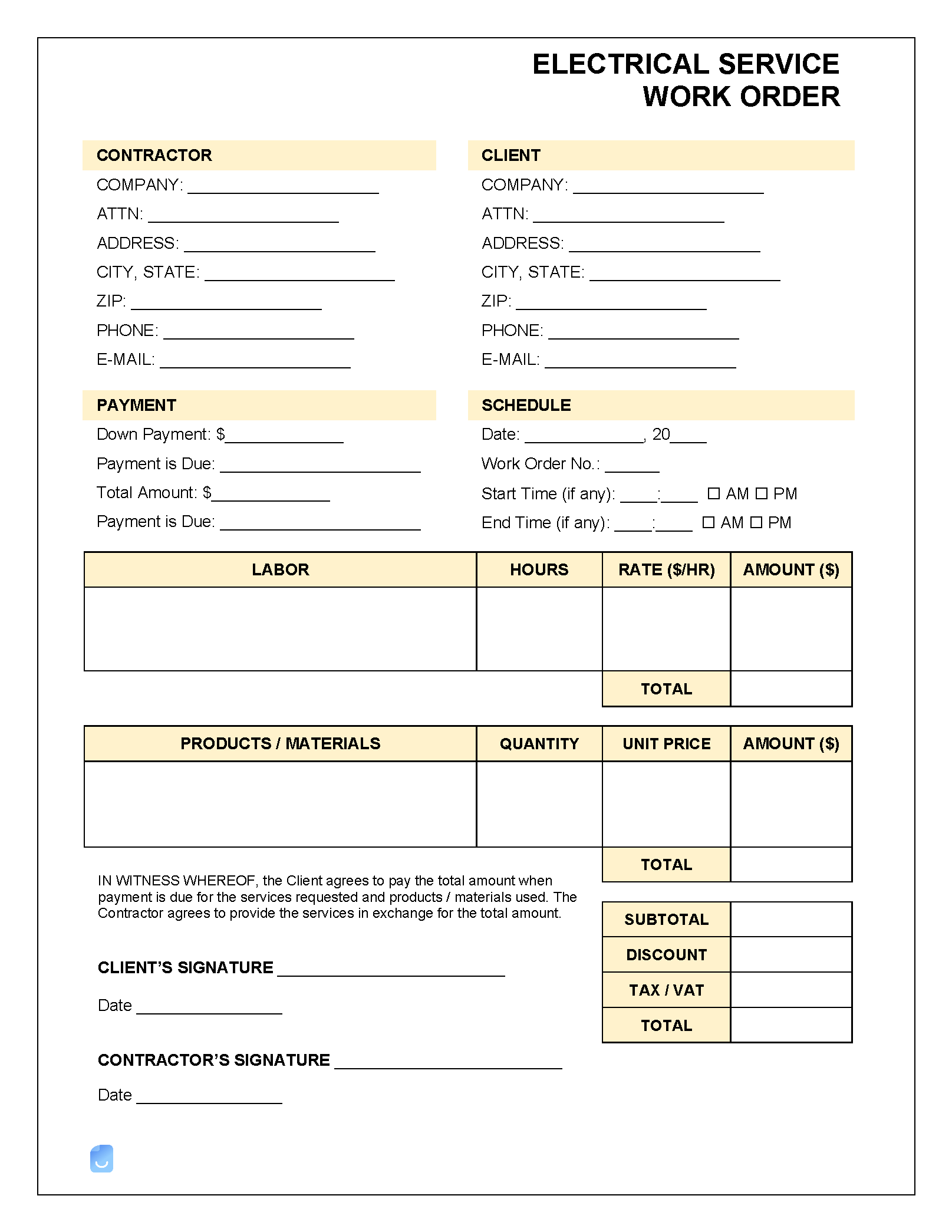
Source: Invoice Maker
work order forms template

Source: Pinterest
work order template free
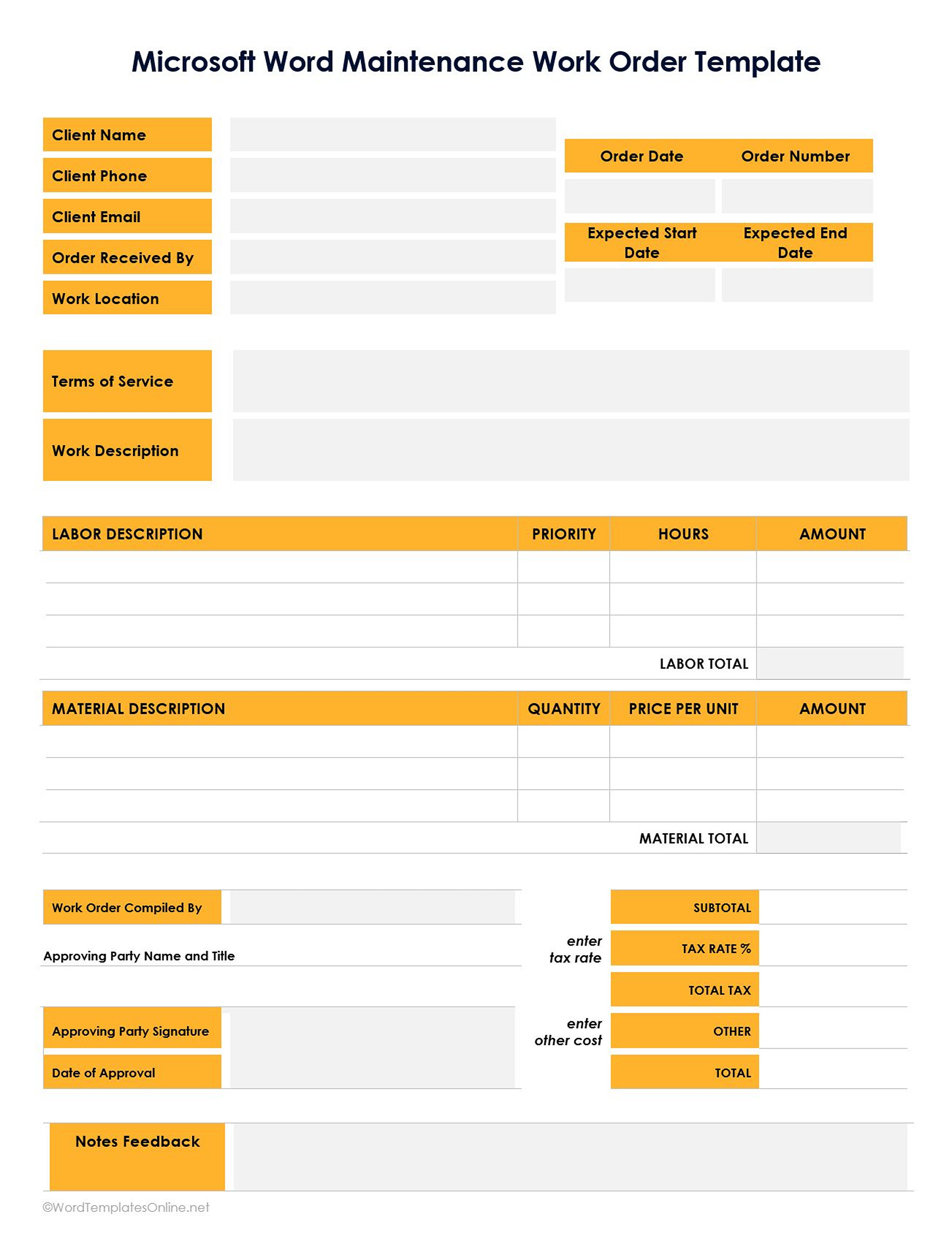
Source: WordTemplatesOnline
work order form template free

Source: Template.net
Frequently Asked Questions
What should an agency work order template include?
At minimum, include a unique work order number, client and requester information, assignment description, deliverables, owner, dates, approval status, commercial reference, and completion status. Add specialized fields when the work involves suppliers, production specifications, media, technical requirements, or other material dependencies.
Is an agency work order the same as a contract?
No. A contract generally establishes the broader legal and commercial relationship. A work order usually authorizes and documents a specific assignment. The two can be connected by referencing the governing agreement in the work order.
Should agencies use Excel or Word for work orders?
Use Excel when calculations, quantities, rates, and cost tracking are important. Use Word when narrative scope and detailed instructions are more important. Many agencies use both formats at different stages of the workflow.
When should a work order be approved?
Approval should occur before the agency commits significant production resources or incurs additional expenditure, unless the agency has a defined emergency process. The order should make the approval status clear.
Can a work order be used for additional client requests?
Yes. A new order or controlled amendment can document additional scope. The record should state the added work, commercial impact, schedule effect, and approval rather than relying on an informal email agreement.
How detailed should an agency work order be?
It should be detailed enough that the assigned team can understand what must be delivered without repeatedly asking for basic clarification. Avoid unnecessary fields that add administrative work without improving execution or control.
Should the work order contain signatures?
Signatures or electronic approvals can be useful when the order represents a formal authorization or acceptance. For lower-risk internal assignments, a documented approval in the agency’s workflow system may be sufficient, depending on the agency’s procedures and contractual requirements.
How can agencies prevent outdated work orders from being used?
Use clear version numbers or revision dates, maintain one authoritative storage location, and archive superseded versions. Approved changes should create a traceable revision rather than silently overwriting the original record.
Conclusion
A well-designed agency work order template turns a request into an operational commitment that people can understand, execute, approve, track, and close. The strongest templates balance structure with usability: they identify the work, define measurable deliverables, assign responsibility, establish dates and dependencies, record commercial information, and provide a reliable way to document changes. Whether the agency chooses Excel, Word, PDF, an online form, or a combination of formats, the real value comes from consistent use and disciplined approval. A simple template that accurately reflects how the agency works will usually deliver more value than a complicated document that teams avoid completing.
