Marketing rarely operates in isolation. A campaign may depend on sales for lead information, finance for budget approval, legal for compliance review, product teams for technical details, operations for fulfilment information, customer service for audience feedback, and leadership for strategic decisions. The more dependencies a campaign has, the more valuable a consistent internal communication structure becomes.
This guide explains how to design, select, adapt, and manage a marketing inter departmental Template for everyday business use. It covers memo formats, request forms, communication matrices, spreadsheets, planning documents, reporting structures, and collaborative workflows so that the template becomes a working management tool rather than just another document.
The strongest templates are intentionally simple. They capture the information that another department genuinely needs without forcing colleagues to complete unnecessary fields. A useful template should make the purpose of a request obvious, separate information from action items, establish ownership, record deadlines, and provide enough context for another team to respond without repeatedly asking for clarification.
Whether the document is used for a product launch, content request, advertising approval, event coordination, campaign reporting, budget transfer, or internal announcement, the underlying principle is the same: information should move between departments in a predictable format that supports timely decisions.
What Is a marketing inter departmental Template?
A marketing inter departmental Template is a reusable document framework for communicating marketing-related information across organizational boundaries. The phrase can describe a short memo, a detailed request form, a communication matrix, a campaign coordination sheet, or a multi-tab spreadsheet.
The important distinction is that the document is designed around an interaction between departments. A marketing plan may explain what marketing intends to accomplish, while an interdepartmental template explains what marketing needs from another function, what information must be exchanged, and how the parties will coordinate their responsibilities.
For example, marketing might need product management to confirm a product specification before a campaign launches. A suitable template can record the campaign name, requested information, responsible product owner, required response date, supporting documents, approval status, and any unresolved questions.
The same structure can work in the opposite direction. Sales might request a campaign asset from marketing, finance might request a campaign forecast, or legal might return an approval requirement. A shared template keeps the communication understandable regardless of which department initiates the request.
The best format depends on the communication problem. A one-page memo works well for a formal decision or announcement, while a spreadsheet is more useful for recurring requests, multiple departments, deadlines, and status tracking. A document template is better when the communication needs narrative context and formal approval.
Why Cross-Department Marketing Communication Needs Structure
Marketing projects often involve information that changes quickly. A campaign date may move, a product feature may change, a promotion may require a new approval, or finance may revise the available budget. Without a shared record, different departments can easily work from different versions of the same information.
A structured template reduces this problem by establishing a common reference point. Instead of asking several people what was agreed in a meeting or searching through long email threads, a team can review the latest documented request, status, owner, deadline, and decision.
Templates also reduce ambiguity around responsibility. A message that says “marketing needs this soon” does not establish an accountable owner. A structured request can say who must provide the information, what must be delivered, when it is due, and who reviews it afterward.
Another advantage is consistency. If every campaign request arrives in a different format, recipients must spend time interpreting the request before acting on it. A standardized form makes the communication itself more predictable and allows departments to process recurring requests faster.
Consistency is particularly valuable when several people perform the same role. If one marketing manager leaves a project, another manager should be able to understand the communication history without depending on undocumented knowledge held by the original owner.
Core Components of a Strong Interdepartmental Marketing Template
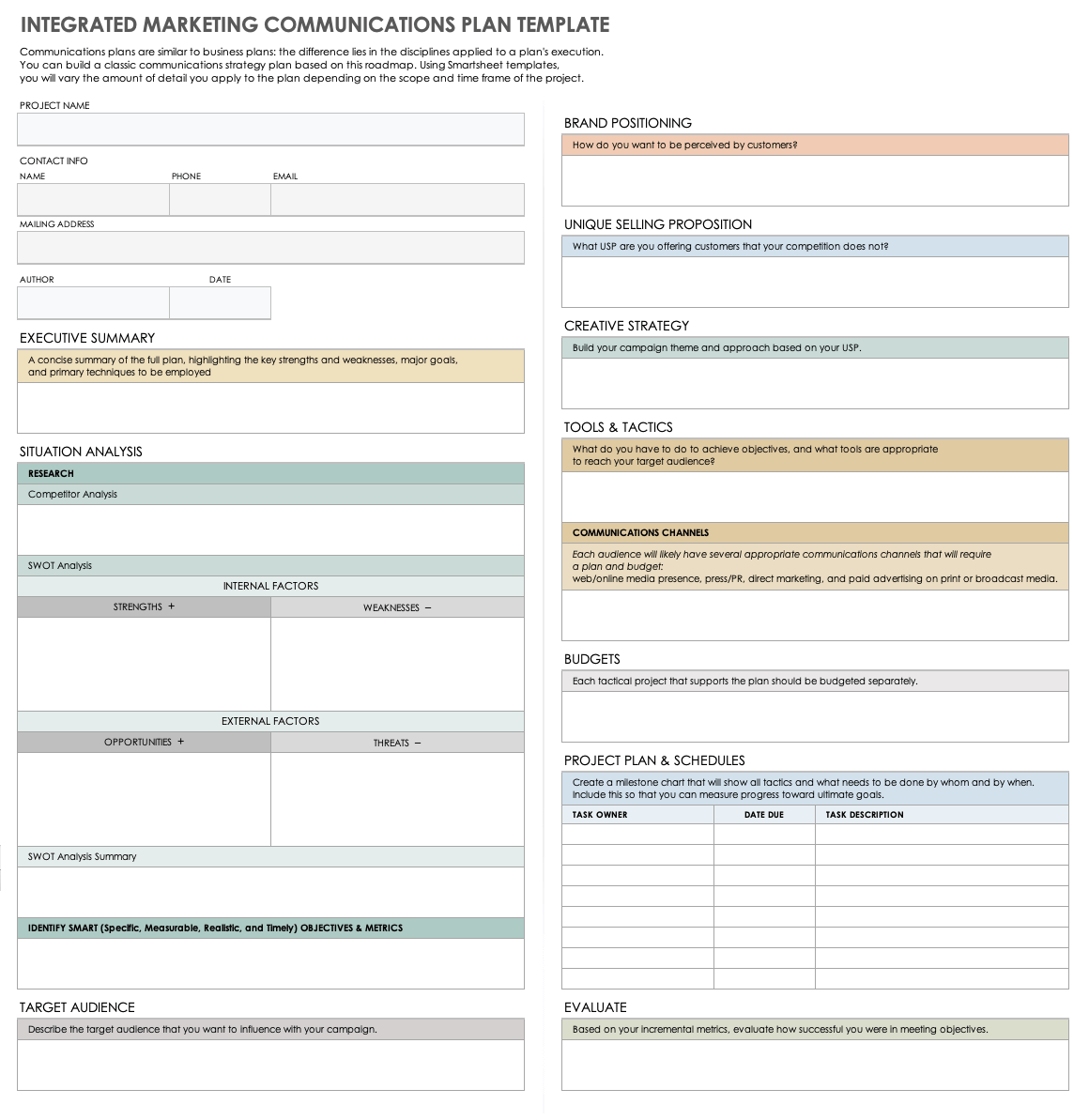
The first component should identify the communication itself. Include a document title, request or project name, date created, originating department, receiving department, and communication owner. These fields create immediate context before the reader reaches the detailed content.
The second component is purpose. Explain why the communication exists and what outcome is expected. A short purpose statement can prevent a recipient from treating an important request as a general information message.
The third component is the requested action. State precisely what another department must provide, review, approve, decide, or complete. Avoid vague language such as “please look into this” when the required action can be described more clearly.
The fourth component is timing. Include the requested response date, final deadline, campaign launch date, and any important dependencies. If the request is urgent, explain why rather than simply marking it urgent.
The fifth component is ownership. Record the person or role responsible for the next action and, where useful, the person responsible for final approval. This creates a visible chain of accountability and makes follow-up easier.
Information Fields Worth Including
A practical template may include a communication ID, campaign name, department sending the request, department receiving it, project owner, priority, requested action, background, required deliverable, deadline, dependencies, approval status, comments, and attachments.
For campaign work, add fields for audience, channel, campaign objective, key message, creative requirements, landing page or destination, budget category, launch date, and measurement responsibility. Not every request needs every field, so the template should allow optional sections.
For operational requests, fields such as quantity, specification, supplier, cost centre, required delivery date, and supporting documentation may be more important. The template should reflect the nature of the workflow rather than attempting to become a universal form for every business process.
A status field is particularly useful when requests remain active for several days or weeks. Common statuses include Draft, Submitted, Under Review, Waiting for Information, Approved, In Progress, Complete, Rejected, and On Hold.
Where multiple people can update the same document, include a last-updated field. This simple addition helps recipients determine whether they are reviewing current information or an older version of the request.
Choosing Between a Memo, Form, Matrix, and Spreadsheet
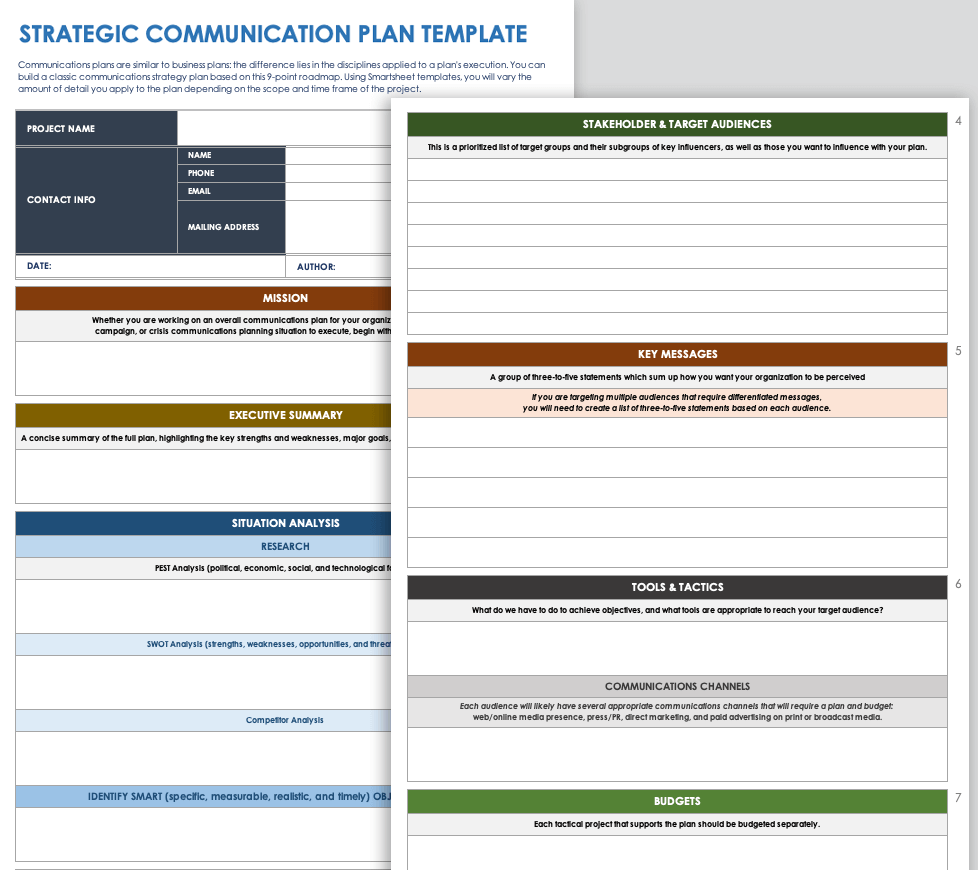
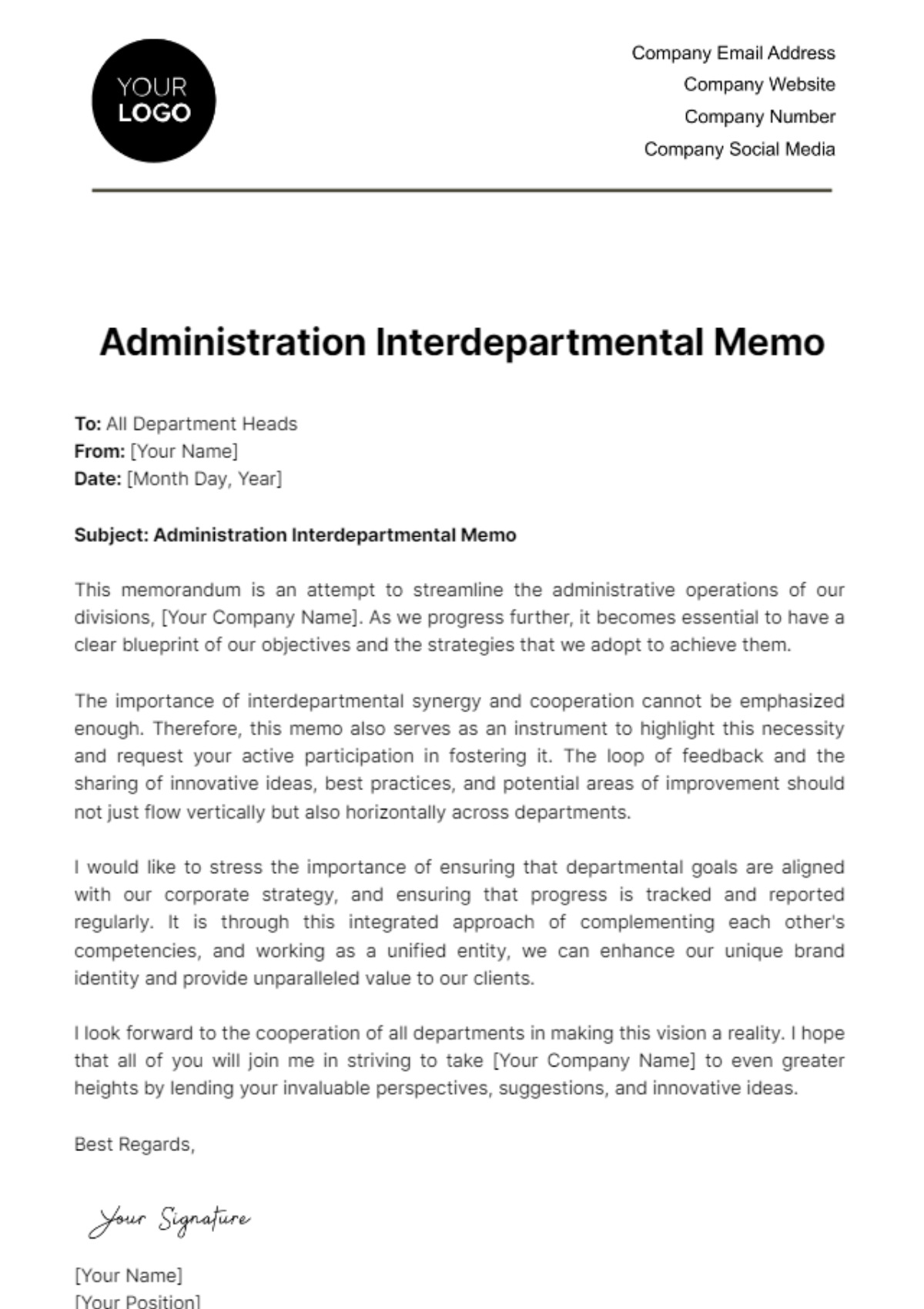
A memo is appropriate when the communication is primarily narrative. Use it for formal announcements, decisions, policy changes, campaign instructions, executive requests, or explanations that require background and context.
A request form is better when the same type of request happens repeatedly. For example, marketing could create a creative request form with fields for campaign name, audience, deliverable type, copy requirements, dimensions, deadline, priority, and approver.
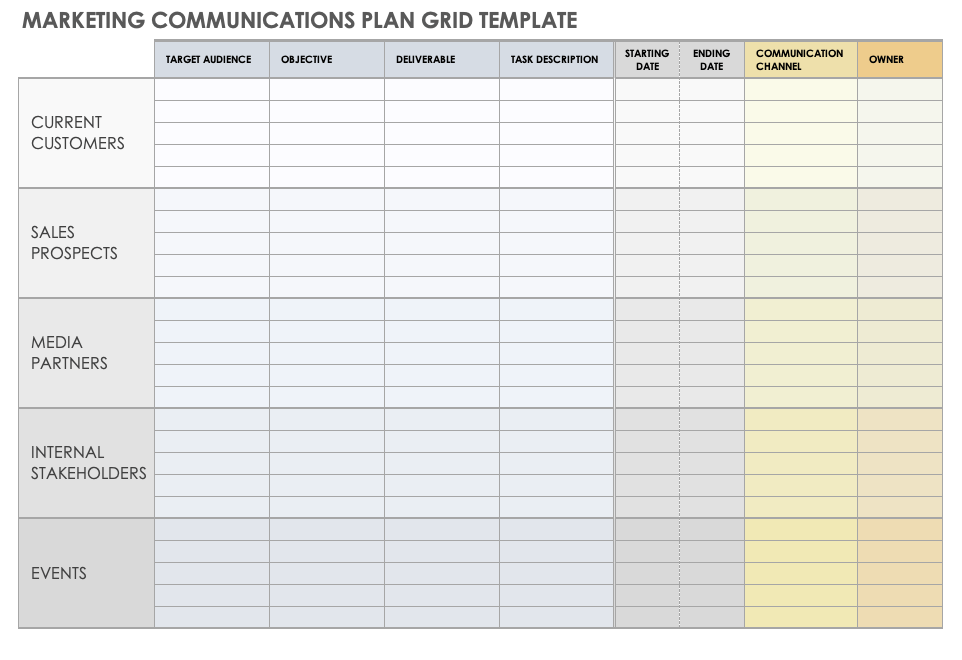
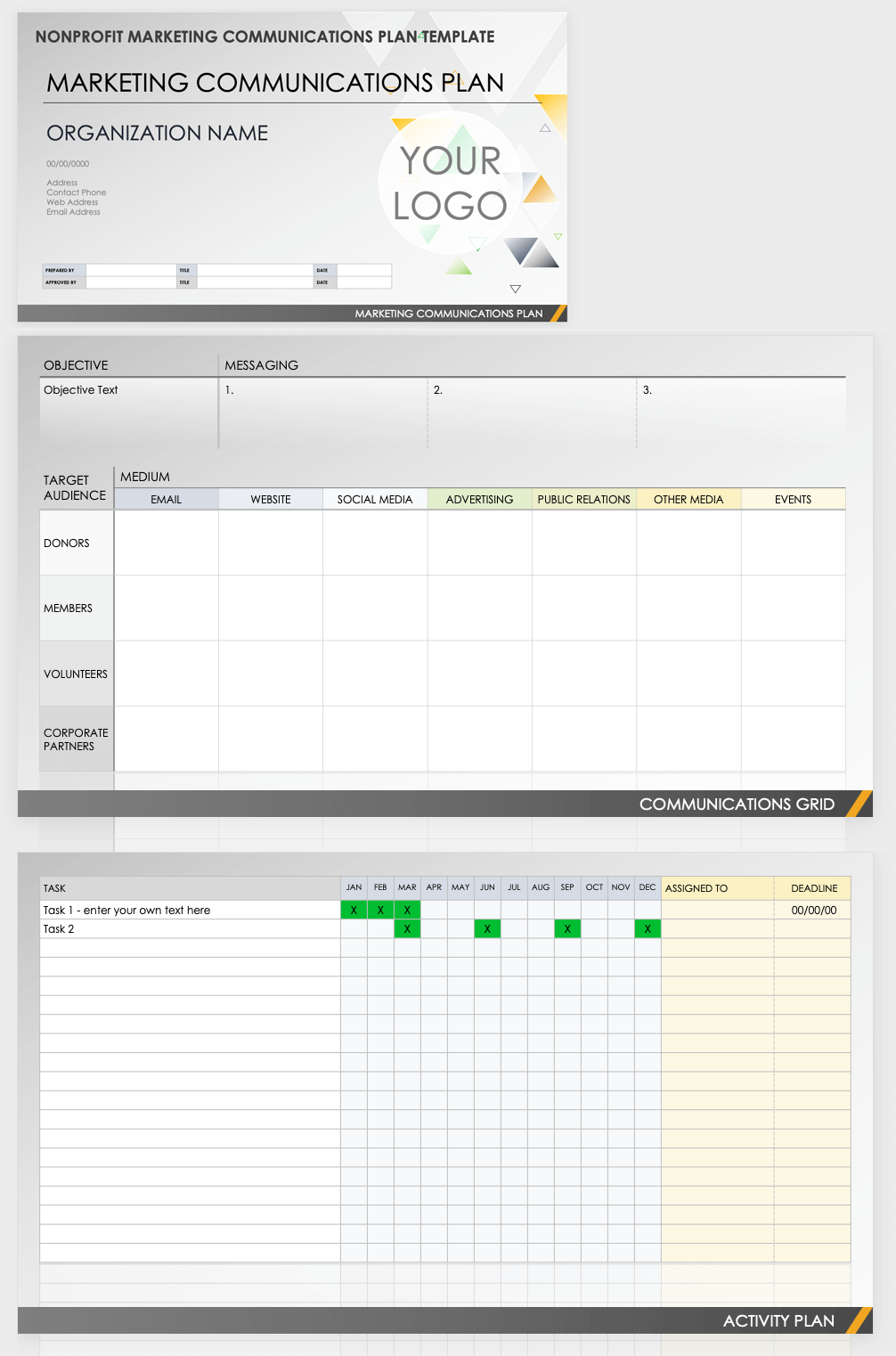
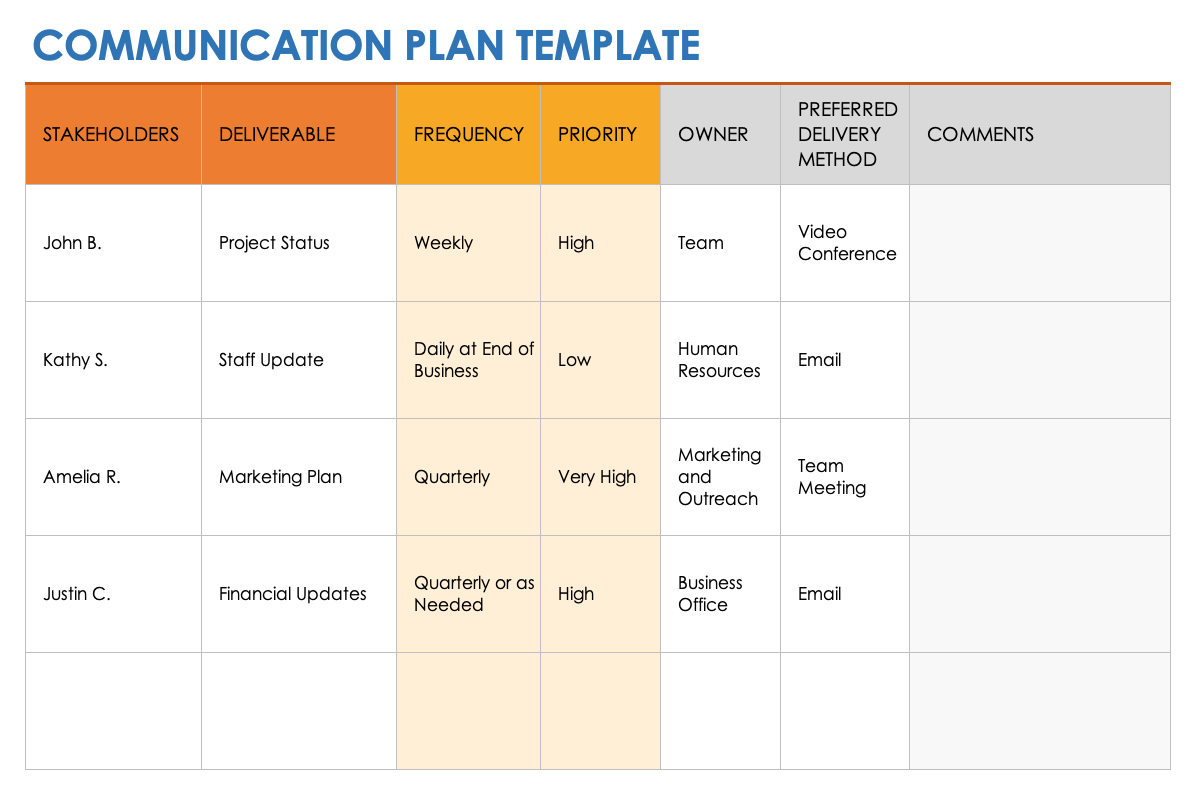
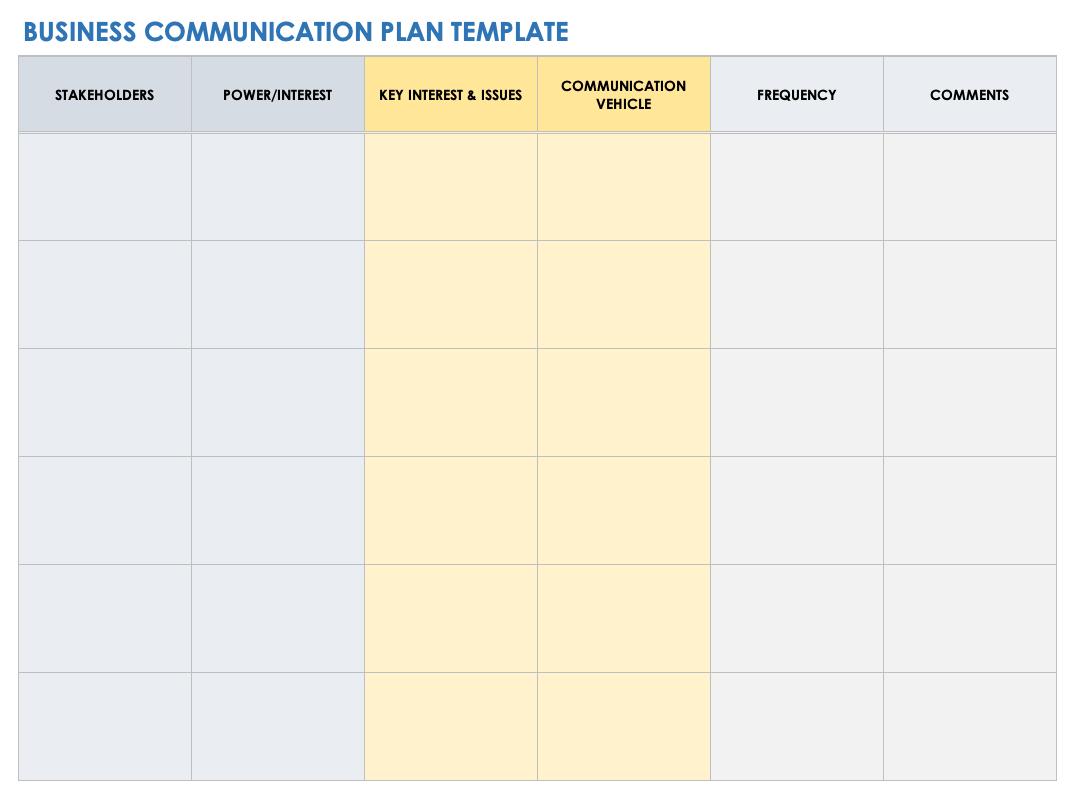
A communication matrix is useful when the main problem is deciding who needs which information, through what channel, and how often. It is particularly helpful for campaigns with multiple stakeholders and recurring updates.
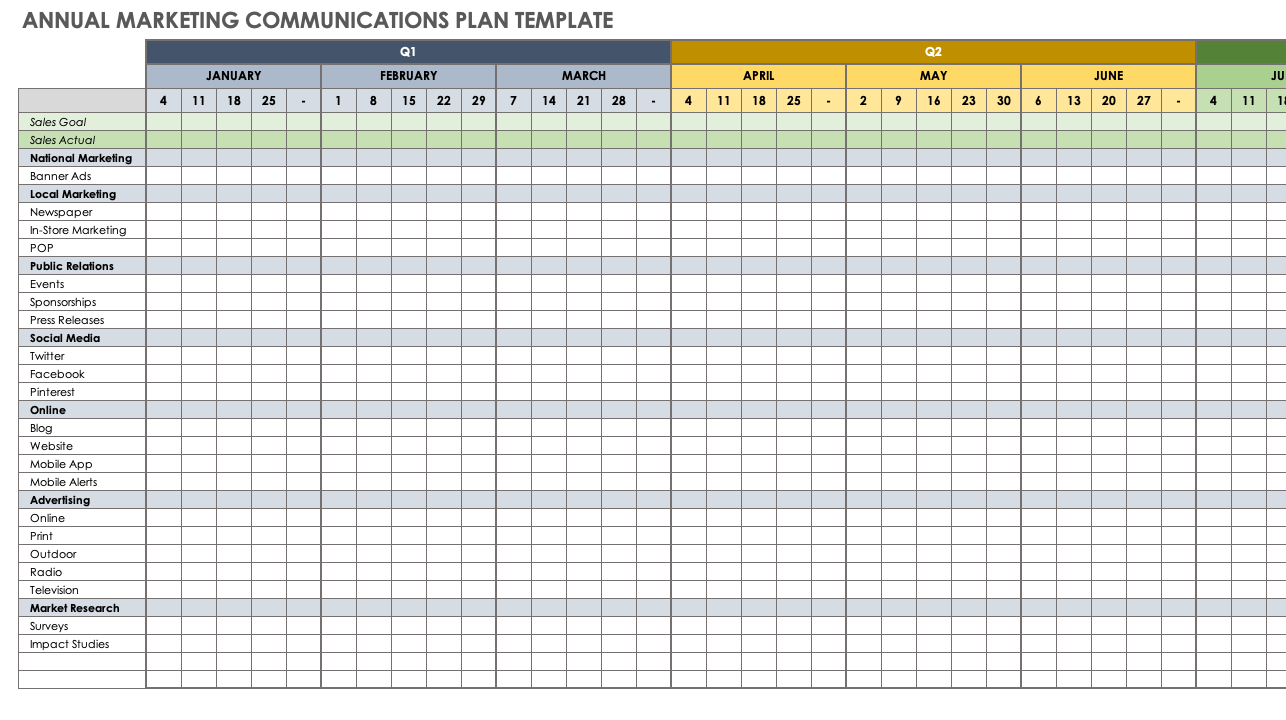
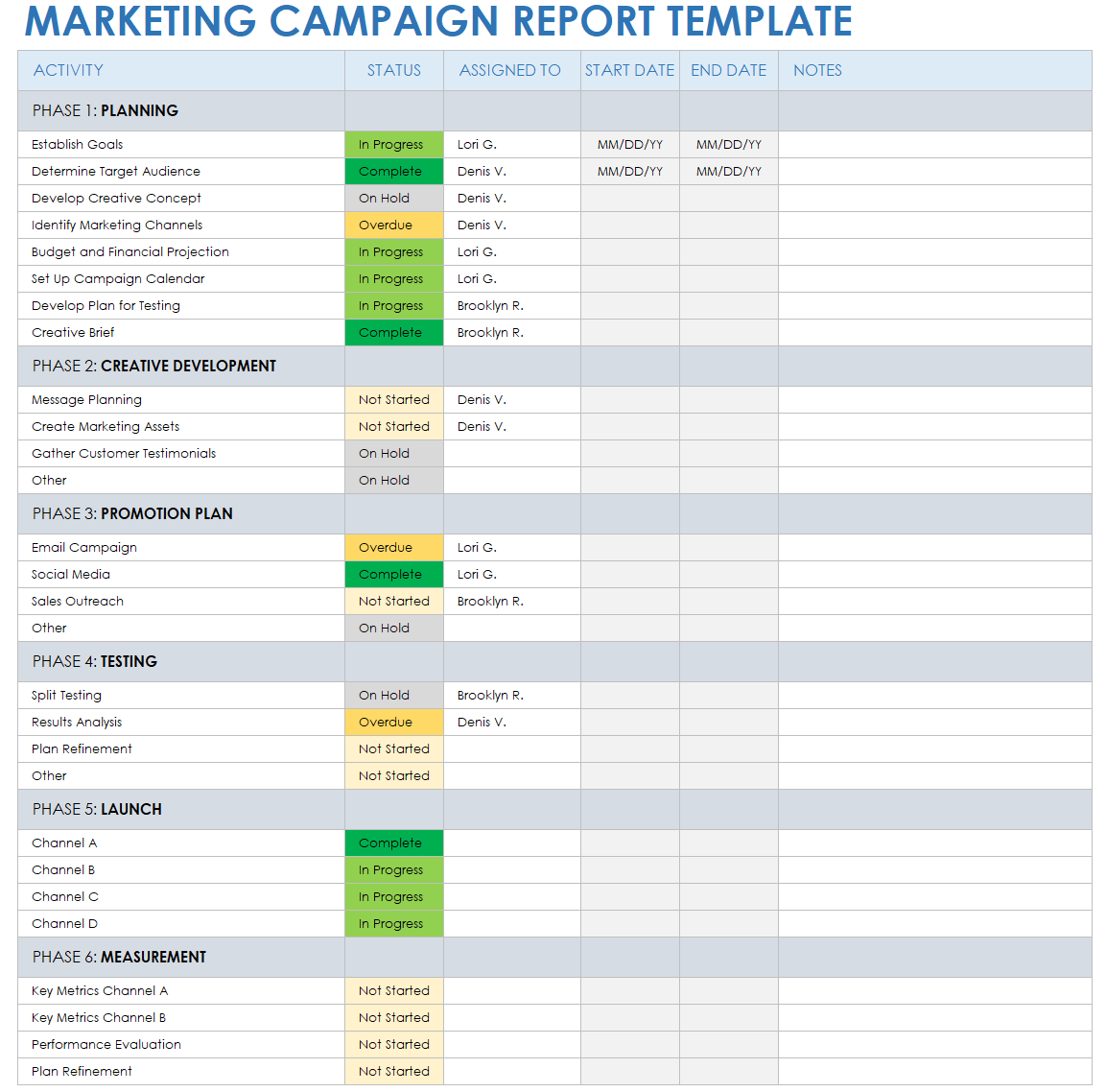
A spreadsheet becomes valuable when the template needs to manage many requests at once. Columns can represent owners, departments, dates, status, priorities, budget categories, and links to working documents. Filters make it easier to isolate overdue or department-specific tasks.
The decision should therefore be based on workflow complexity. If the communication is one-off and formal, choose a memo. If it is repetitive, choose a form. If it involves stakeholders and communication frequency, choose a matrix. If it involves many records and changing statuses, choose a spreadsheet.
How to Create a Marketing Interdepartmental Template Step by Step
Start by identifying the recurring communication problem. Do not begin with formatting. Ask what repeatedly causes confusion: missing campaign information, unclear approvals, late requests, incomplete briefs, inconsistent reporting, budget questions, or uncertainty about who owns the next action.
Next, map the departments involved. A simple launch might involve marketing, sales, product, finance, legal, operations, and customer service. For each department, identify what information it provides, what information it receives, what decisions it makes, and what deadlines affect it.
Then define the minimum information required to move the work forward. If a sales team can approve a campaign only after seeing the audience, offer, launch date, product availability, and lead-handling process, those items belong in the template.
After that, create a first draft with clear headings and logical order. A useful sequence is context, objective, requested action, deliverables, owner, deadline, dependencies, approval, and follow-up. Keep the most important decision-making information near the top.
Finally, test the draft with someone outside the marketing team. Ask that person to interpret a completed example without receiving verbal explanation. Any question they cannot answer from the document reveals a missing field or unclear instruction.
Step 1: Define the Objective
The objective should describe the business result or communication outcome rather than merely naming an activity. “Prepare campaign materials” is an activity. “Obtain approved campaign materials for the 15 May launch” is a more useful objective because it includes a measurable outcome and timing.
Objectives also help recipients prioritize. Finance may receive dozens of requests, so a template should explain why a particular approval matters. A request linked to a launch, contractual commitment, customer deadline, or executive decision can be prioritized appropriately.
For recurring communications, define the objective once in the template instructions and allow the user to enter the specific objective for each request. This prevents every completed document from becoming unnecessarily long.
Objectives should also be understandable to someone who was not present when the project was discussed. Avoid internal jargon, unexplained abbreviations, or assumptions about previous conversations.
When the objective is clear, every later field becomes easier to evaluate. Recipients can judge whether the requested deliverable, deadline, and approval process actually support the stated outcome.
Step 2: Identify Stakeholders and Owners
List the departments that must contribute to the communication. Then distinguish between people who need information and people who must take action. These groups are often different, and treating every recipient as equally responsible creates confusion.
A useful ownership model assigns one accountable owner to each major action. Other participants can be marked as reviewers, contributors, or people who need to be informed. This makes follow-up considerably easier.
For example, marketing might own the campaign brief, product might own technical claims, legal might own compliance approval, finance might own budget confirmation, and sales might own the final lead-routing requirement.
Ownership should be connected to a deadline. A name without a due date can still result in delay, while a deadline without an owner can result in nobody taking responsibility.
When roles change, update the template rather than relying on informal knowledge. This keeps the communication process resilient when employees move between projects or departments.
Step 3: Define the Request and Deliverables
Describe the requested deliverable in concrete terms. Instead of writing “need creative,” specify whether the requirement is a landing-page hero image, paid-social variations, email copy, a presentation slide, a product sheet, or another defined asset.
Where a deliverable has technical requirements, include them directly or link to an approved specification. Useful details may include file type, dimensions, word count, language, audience, channel, accessibility requirement, naming convention, and destination.
Do not overload the main communication with technical information that most recipients do not need. If a design team needs detailed specifications, those can be placed in a creative brief or supporting document referenced by the main template.
Deliverables should also have acceptance criteria. Explain what “complete” means. A campaign asset may be considered complete only when copy, design, legal review, tracking parameters, and final approval have all been completed.
This approach prevents the common problem of declaring work finished simply because a file was produced. Completion should mean that the deliverable is usable for the intended business purpose.
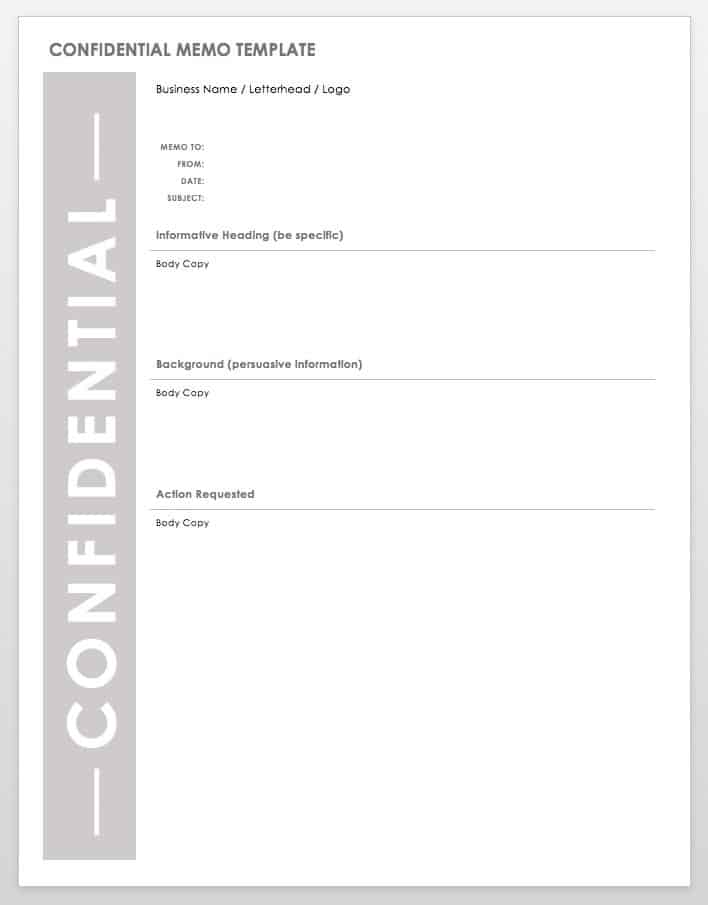
Managing Sensitive and Confidential Marketing Information
Marketing templates sometimes contain pricing, unreleased products, customer information, campaign strategy, supplier details, or financial planning. The template should make the sensitivity of the information clear when necessary.
A simple confidentiality indicator can be useful, but it should not replace appropriate access controls. A document marked confidential is not automatically protected if it is stored in a location accessible to everyone.
Limit sensitive information to what the recipient actually needs. If a department only needs a campaign budget total, there may be no reason to include every internal cost assumption in the communication.
Use controlled document locations and clear ownership for sensitive records. If the business uses a collaboration platform, establish who may edit, comment, approve, and distribute the completed template.
Marketing teams should also consider whether personal data belongs in the document. Avoid copying customer or employee information into general-purpose templates when an anonymized or aggregated description will accomplish the same purpose.
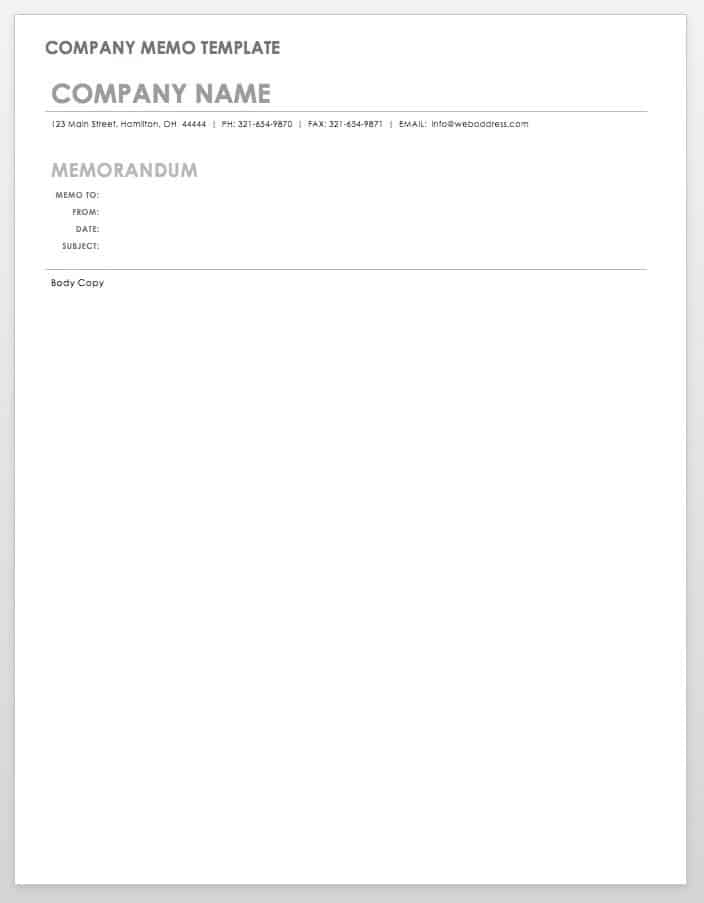
Writing Clear Interdepartmental Messages
Begin with the most important information. The first paragraph should tell the recipient what the communication is about and why it matters. Do not make readers search through several paragraphs to discover the actual request.
Use direct language. “Please confirm the product specification by Thursday at 3 p.m.” is easier to act on than “It would be appreciated if you could perhaps review the product information when convenient.”
Separate background from action. Context is useful, but excessive context can hide the request. A good template gives background enough space to explain the situation while maintaining a prominent section for the action required.
Use consistent terminology. If the organization calls something a “campaign owner,” do not alternate between campaign owner, project lead, marketing lead, and responsible manager unless those roles are genuinely different.
Finally, make the requested response explicit. If the recipient must approve, say approval is required. If they only need to acknowledge receipt, say so. Different response types should not be left for recipients to infer.
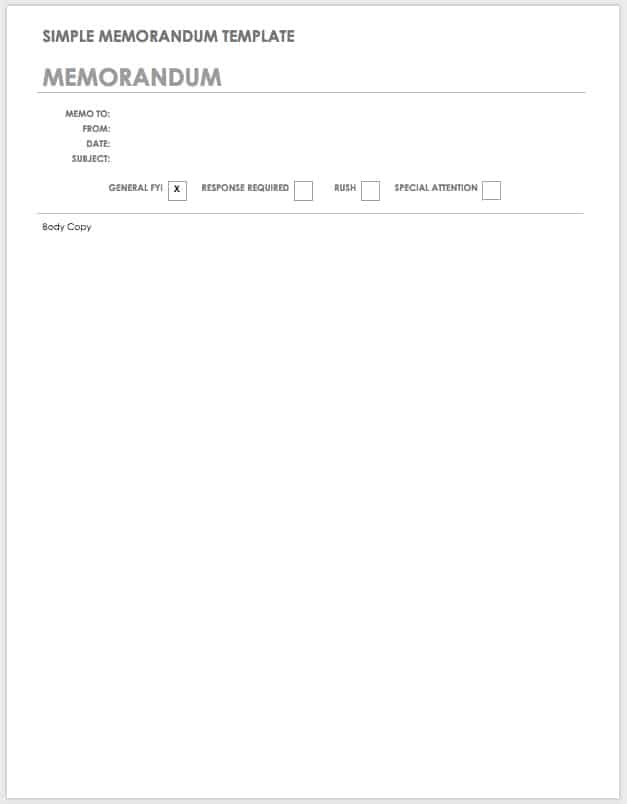
Using Templates for Recurring Marketing Requests
Recurring requests are one of the strongest use cases for templates. Creative requests, campaign approvals, event support, sales enablement materials, website updates, budget requests, customer communications, and product-launch coordination can all benefit from repeatable forms.
Start with a blank master template and define which fields are mandatory. Mandatory fields should be limited to information required for the receiving team to begin work. Optional fields can accommodate unusual situations without burdening routine requests.
Create examples of good and poor submissions for internal training. A completed example can show the expected level of detail, while a deliberately incomplete example can demonstrate why missing information causes delays.
Review recurring requests periodically. If the same question appears repeatedly in follow-up emails, the template probably needs a new field or clearer guidance.
Conversely, remove fields that no longer influence decisions. A template becomes less useful when it gradually accumulates administrative questions that nobody reads or uses.
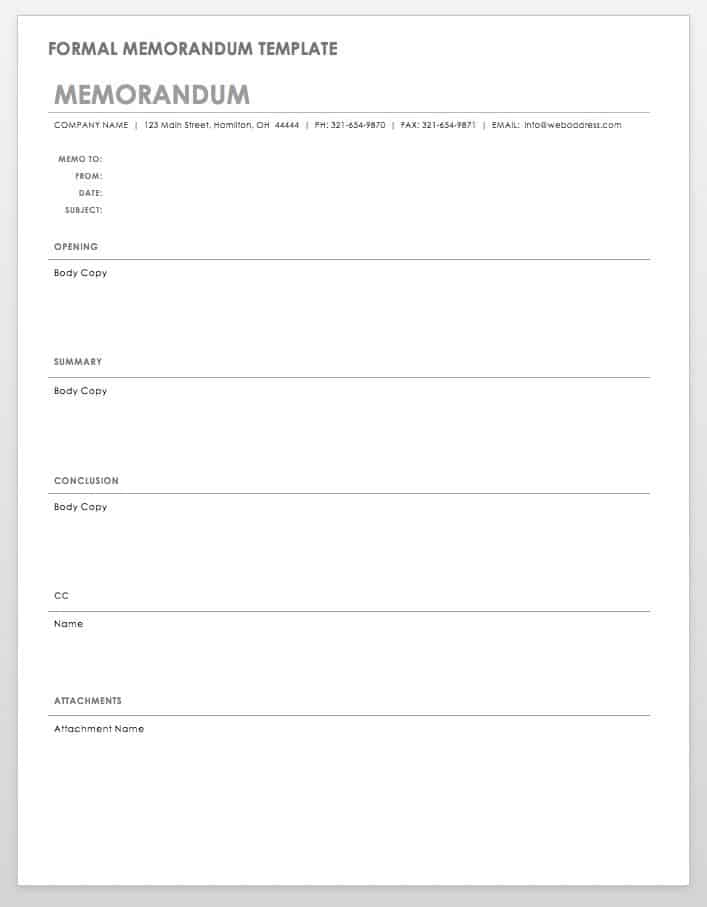
marketing inter departmental Template in Excel
A spreadsheet version works particularly well when marketing needs to coordinate many departments, campaigns, requests, or deadlines. Rows can represent individual requests while columns capture the fields needed to filter and monitor them.
A practical spreadsheet might include Request ID, Campaign, Requesting Department, Supporting Department, Owner, Priority, Deliverable, Date Submitted, Due Date, Status, Approval, Budget, Risk, and Notes. The exact columns should reflect the organization’s workflow.
Use filters to isolate requests by department, owner, priority, or status. Conditional formatting can highlight overdue work or upcoming deadlines, but visual cues should reinforce the underlying data rather than replace it.
Separate raw request information from summary reporting when the workbook becomes complex. One sheet can hold detailed requests, another can summarize status, and another can provide a management dashboard.
Keep formulas and protected cells clearly distinguished from user-input fields. This reduces accidental changes and makes the spreadsheet easier for colleagues who are not advanced spreadsheet users.
marketing inter departmental Template in Word
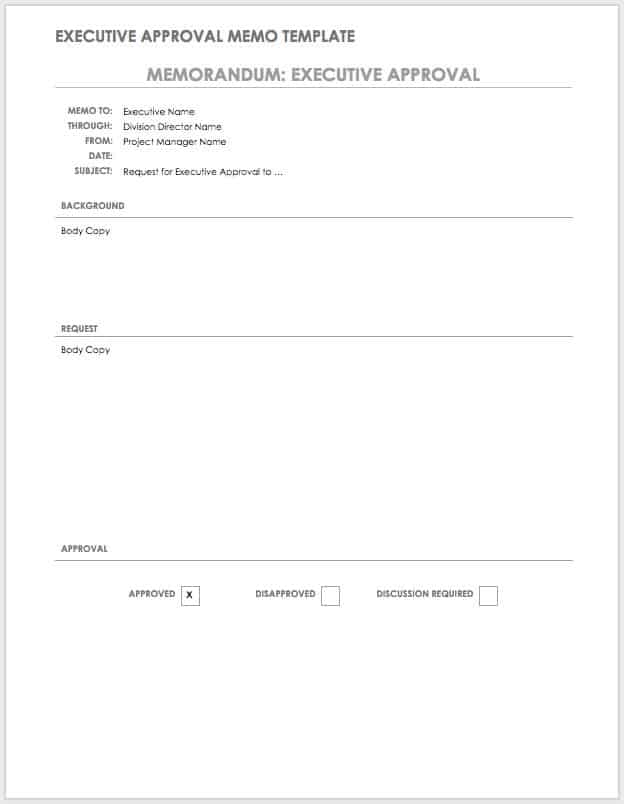
Word is useful when the communication needs to read like a formal document rather than a data table. It is particularly appropriate for approvals, policy notices, campaign decisions, interdepartmental requests, and documents that may eventually be printed or converted to PDF.
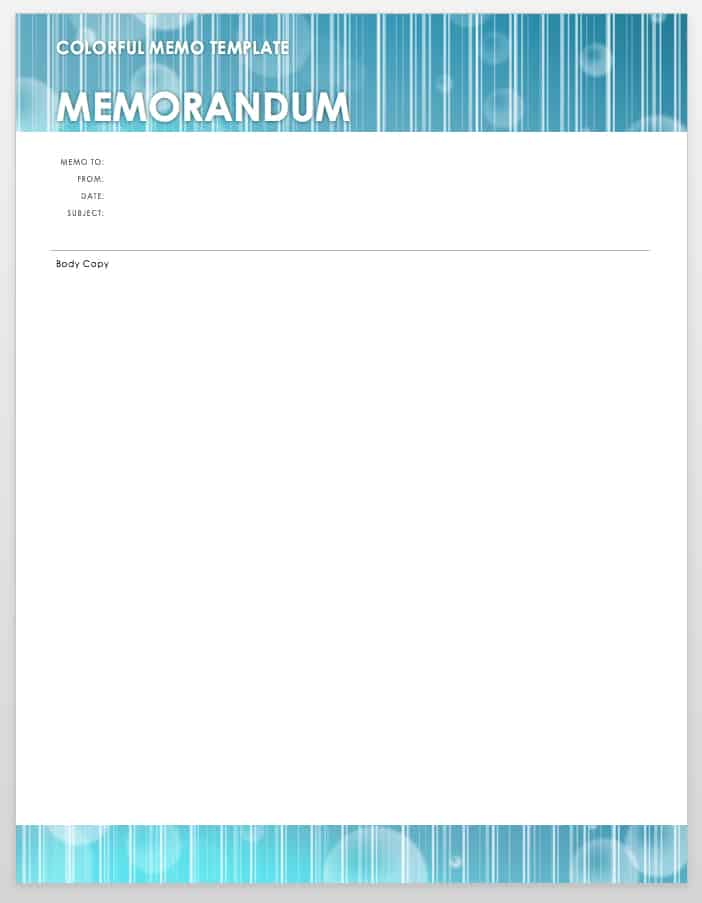
A Word template should use consistent headings and enough white space to make the document easy to scan. The recipient should be able to identify the sender, recipient, date, subject, purpose, requested action, and deadline quickly.
Use tables carefully. Tables can organize metadata such as owner, priority, and deadline, but large tables can become difficult to edit on smaller screens. Narrative information is usually easier to read in normal paragraphs.
Word templates are also useful when the communication requires signatures or formal approval. Include clearly identified approval fields rather than asking recipients to sign somewhere near the end of an otherwise unstructured document.
Before distributing a Word template, test it by adding realistic content. Placeholder text that looks balanced in the blank template can become awkward when a real campaign name, long department name, or detailed request is entered.
Google Docs and Google Sheets Workflows
Collaborative tools can be useful when several departments need to review the same communication before it is finalized. A shared document allows contributors to add comments, suggest changes, and maintain one working version.
Google Docs is generally better for narrative communications, briefs, approvals, and memos. Google Sheets is more suitable for lists of requests, status tracking, schedules, stakeholder matrices, and recurring operational records.
Establish ownership even when the document is collaborative. A shared file should still have a named owner responsible for keeping the structure current, resolving conflicting edits, and confirming when the document is final.
Use version history as a safety mechanism rather than as the primary communication process. A well-designed template should make the current state understandable without requiring readers to inspect every previous revision.
When collaborating across departments, agree on a simple rule for comments and decisions. For example, comments can identify questions, while approved decisions are recorded in the main content so they do not disappear when a comment thread is resolved.
Reporting and Data Collection
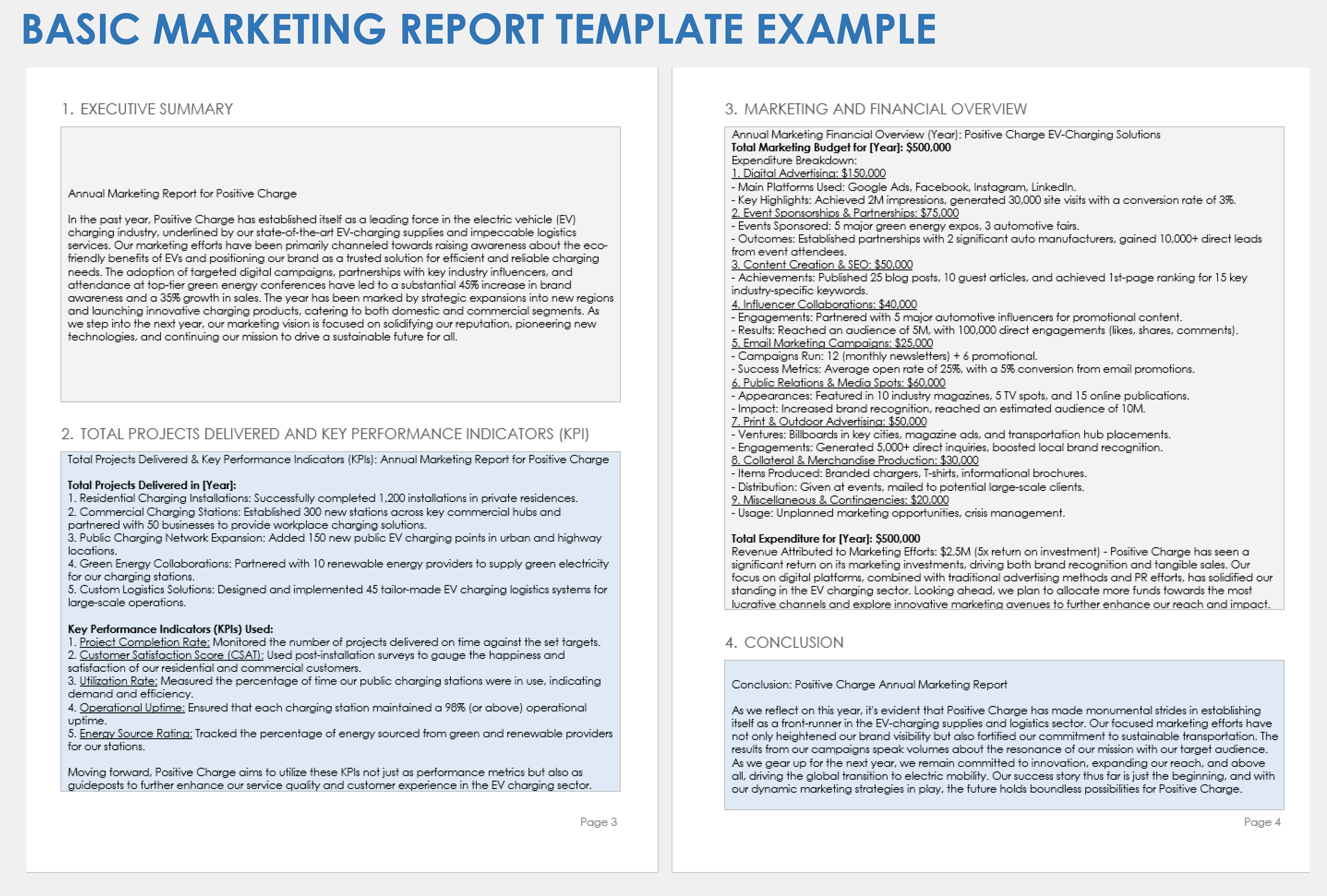
An interdepartmental template can also serve as the front end of a reporting process. Marketing can request data from finance, sales, customer service, web analytics, or product teams using the same structure each reporting period.
Define exactly what data is required. “Sales performance” is broad, while “qualified leads generated from the campaign during the reporting period” is specific enough to produce a consistent response.
Record the reporting period and data owner. Two departments can otherwise provide numbers for different time ranges and mistakenly believe they disagree about performance.
Where metrics have established definitions, include those definitions in the template guidance. For example, if the business uses a specific definition of a qualified lead, that definition should be available to anyone completing the report.
Do not turn every internal communication into a dashboard. The template should collect information necessary for the decision or workflow. Additional analysis can be performed in a separate reporting system when appropriate.
Data Analysis for Cross-Department Decisions
Once information has been collected, the next challenge is interpretation. A useful template should distinguish between facts, observations, decisions, and recommendations so that recipients know which statements require action.
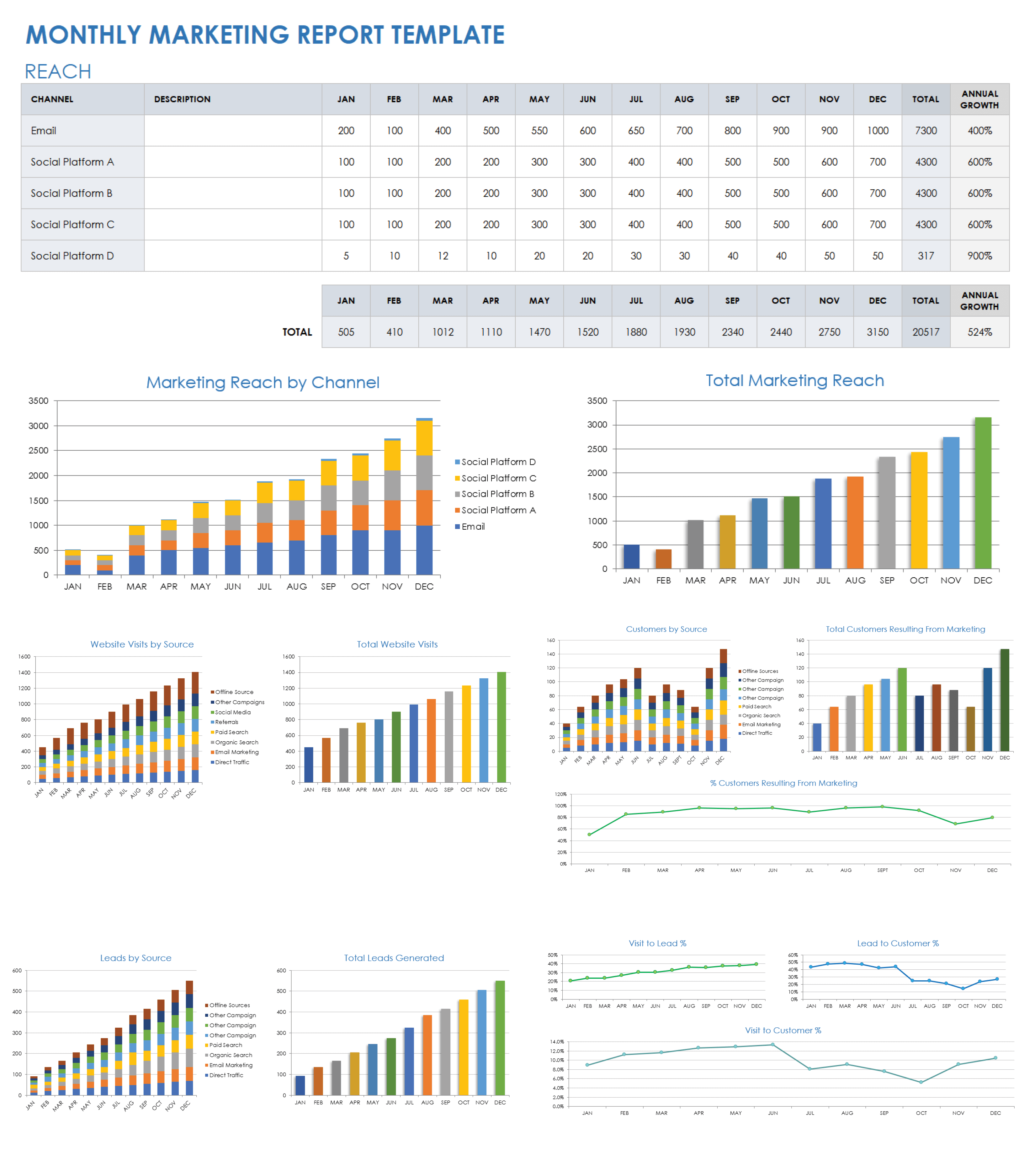
For example, a report might record that campaign leads increased during a period. That is an observation. A recommendation could be to continue the channel. A decision would be the formal agreement to allocate additional budget.
Keep hypothetical figures clearly identified when building example templates. Sample data can demonstrate how a document works, but readers should never mistake illustrative numbers for actual business performance.
Use simple tables for comparisons and charts when a trend is easier to understand visually. Avoid decorative graphs that do not help a department make a decision.
Analysis should also identify limitations. If a campaign was active for only part of the reporting period, if tracking was incomplete, or if a data source changed definition, note the limitation so recipients interpret the result appropriately.
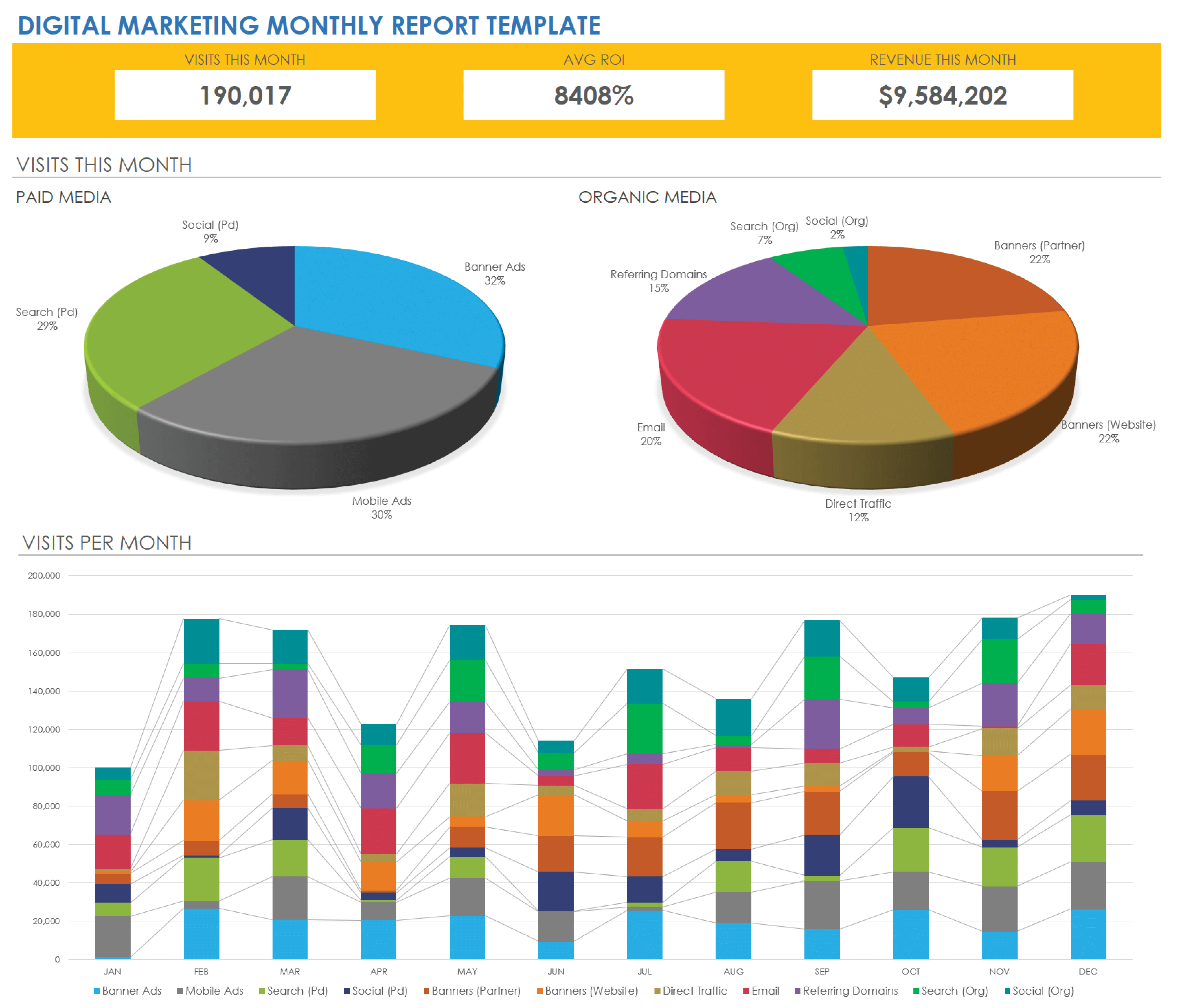
Marketing Interdepartmental Template Examples
A product-launch coordination template might contain the launch objective, product information, target audience, campaign channels, creative requirements, product availability, sales readiness, legal status, operational dependencies, budget owner, and launch approval.
A sales-to-marketing request might capture the market segment, customer problem, requested asset, intended sales stage, supporting evidence, delivery format, requested date, sales owner, marketing owner, and approval requirements.
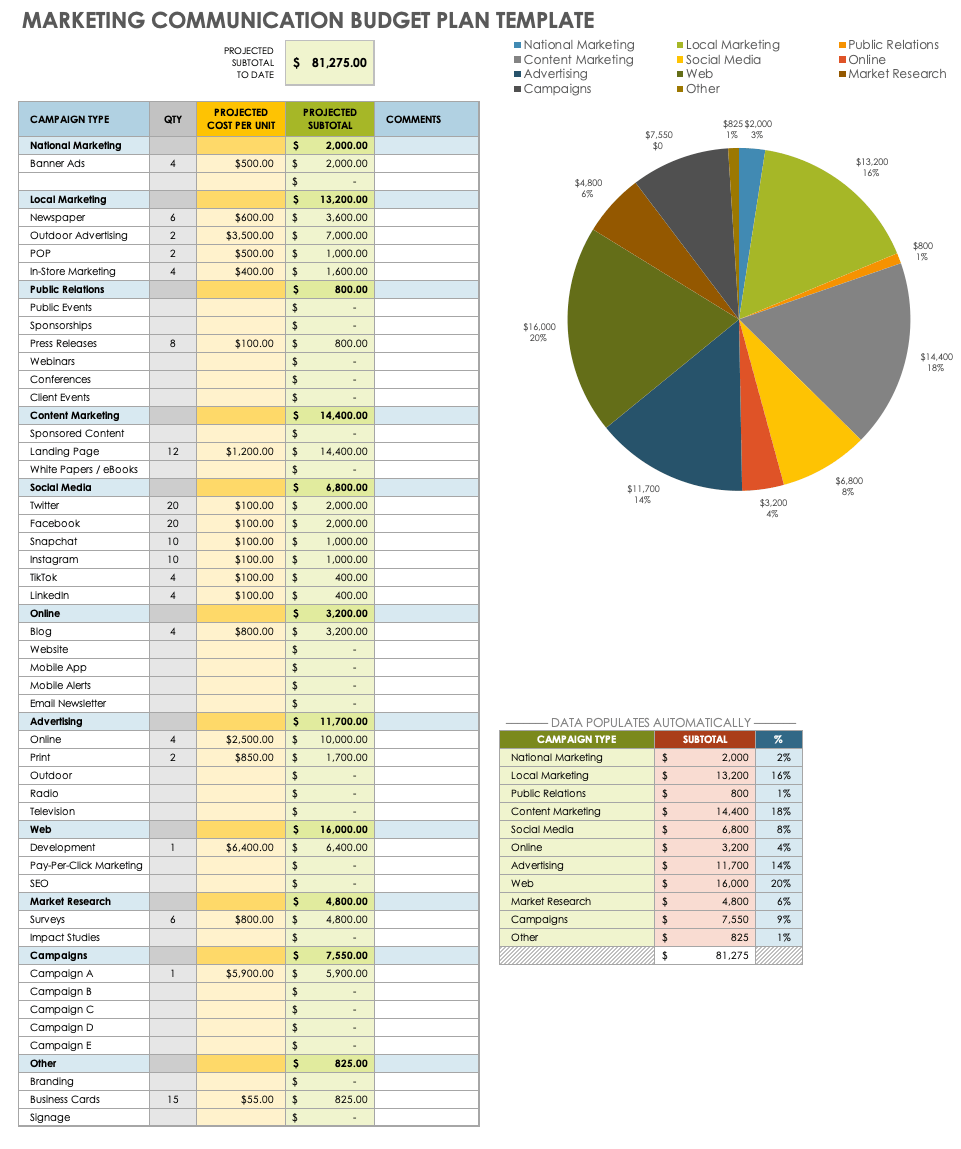
A finance-to-marketing communication could focus on budget allocation, campaign code, approved amount, forecast, actual spend, variance, explanation, and required action. Keeping financial requests structured reduces the risk of missing an important accounting detail.
A customer-service-to-marketing feedback template could collect recurring customer questions, product concerns, campaign confusion, frequently requested information, and examples of messages that customers appear to misunderstand.
A leadership approval template could be shorter. It might include the decision required, strategic rationale, financial implication, risks, recommendation, deadline, and approval options. Executives usually need enough context to decide without reading the entire operational history.
How to Improve a Poor Template
If a template produces incomplete submissions, first identify which fields are consistently missing. Do not automatically add more fields. The problem may be unclear instructions, poor placement, or the fact that the requested information is difficult for the sender to obtain.
If recipients repeatedly ask what a request means, rewrite the field labels. “Details” is vague. “Describe the customer-facing message that must appear in the asset” is more specific.
If requests arrive too late, add a field explaining the lead time or a rule that urgent requests require an explanation. A template cannot guarantee timely work, but it can make timing expectations visible.
If departments disagree about ownership, add an explicit accountable-owner field and separate it from contributors or reviewers. One request can involve many people, but the next action should normally have a clearly identifiable owner.
If the template becomes too long, create a core version and optional modules. A campaign launch may require additional sections that a routine internal announcement does not need.
Common Mistakes to Avoid
One common mistake is building the template around the marketing team’s internal process rather than the receiving department’s needs. A document should make it easier for both sides to exchange information, not merely help marketing organize itself.
Another mistake is relying on urgency labels instead of explaining consequences. Marking every request “high priority” makes the label meaningless. Priority should reflect business impact, deadline, dependency, or risk.
A third mistake is using overly complicated approval chains. If five people must approve every minor change, the template can become a bottleneck. Approval requirements should be proportionate to the risk and importance of the communication.
A fourth mistake is failing to archive completed communications. Without a retained record, teams may repeat old discussions, lose evidence of decisions, or struggle to understand why a campaign changed.
A fifth mistake is treating the template as permanent. Business processes evolve. New channels, compliance requirements, departments, reporting systems, and responsibilities can make an old template obsolete.
Best Practices for Professional Use
Keep the visual hierarchy consistent. Important fields such as purpose, requested action, owner, and deadline should stand out without making the document visually busy.
Use plain language and define unavoidable abbreviations. A marketing specialist may understand campaign terminology that a finance or operations colleague does not use every day.
Make deadlines unambiguous. Use a specific date and, when timing matters, a specific time and time zone. “End of day” can create unnecessary disagreement when teams operate across regions.
Keep one source of truth for each active request. Copies sent through email can become outdated quickly. Where possible, direct recipients to the current shared record rather than maintaining several independent versions.
Review the template after major projects. Ask which fields helped, which were ignored, which questions appeared repeatedly, and where delays occurred. The next version should reflect these lessons.
When a Template Should Be a Formal Inter Office Memo
An interoffice memo is useful when the communication needs a formal, durable structure but does not require a full project-management system. It can communicate policy changes, campaign decisions, department requests, approvals, operational instructions, or significant updates.
The memo format normally identifies the recipient, sender, date, and subject before presenting the main message. This makes it particularly useful for internal communications that need to remain understandable after the original conversation has ended.
A marketing memo should be concise and action-oriented. If the message is about a campaign launch, for example, the memo can state the launch date, approved message, required departmental actions, owners, and escalation route.
For complex projects, the memo should link conceptually to supporting documents rather than attempting to contain every detail. The memo can act as the formal communication record while the working spreadsheet or project system manages detailed tasks.
This combination is often more effective than forcing every communication into a single oversized document.
Practical Solution: Build a Reusable Marketing Interdepartmental Workflow
The most practical solution is to create a small template system rather than one enormous document. Start with a master communication request template, a recurring communication matrix, a formal memo template, and a campaign reporting sheet.
Give each template a defined purpose. The request template starts work, the matrix manages recurring communication, the memo records important formal messages, and the reporting sheet captures performance information. This prevents unrelated processes from becoming mixed together.
Next, establish a simple intake process. Every cross-department marketing request should begin with the same basic information: requester, receiving department, objective, requested action, deliverable, owner, priority, deadline, and supporting context.
Then create a review step. The receiving department checks whether the request is complete before work begins. If information is missing, the request returns to the requester with a specific explanation rather than entering an unclear queue.
Use status values consistently. For example, Submitted means the request has entered the process, Under Review means someone is checking requirements, In Progress means work has started, and Complete means the defined acceptance criteria have been met.
Set ownership at every handoff. When marketing sends a request to finance, finance should have a named owner. When finance sends a decision back, marketing should have a named owner for the next action.
Record decisions in the main document. Do not allow critical decisions to remain only in chat messages or comment threads. The final record should show what was decided, who approved it, and when.
Use a recurring review schedule. Once per month or after major campaigns, examine the requests that caused delays. If the same issue appears repeatedly, improve the template or process rather than relying on reminders.
Finally, keep the templates easy to access. A perfect document that nobody can find will not improve communication. Store approved versions in a clearly named shared location and identify the current master version.
Reference Examples
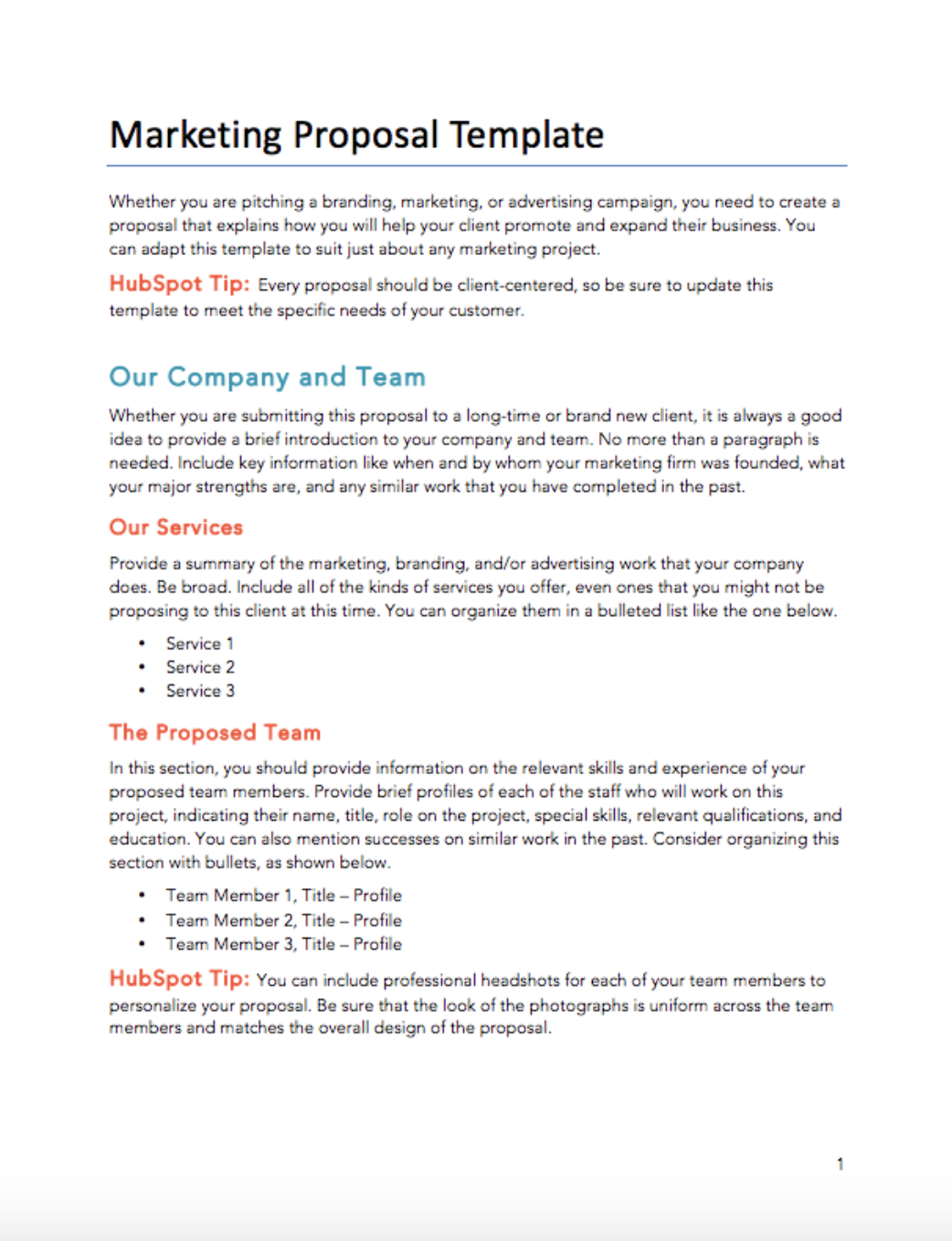
The following reference examples illustrate different document structures that can be adapted to marketing coordination, internal requests, communication planning, reporting, and cross-department workflows. They are examples of layouts and source materials, not claims that every organization must use the same format.
marketing inter departmental template free
Source: Template.net
marketing inter departmental template free download
Source: HubSpot
marketing inter departmental template excel
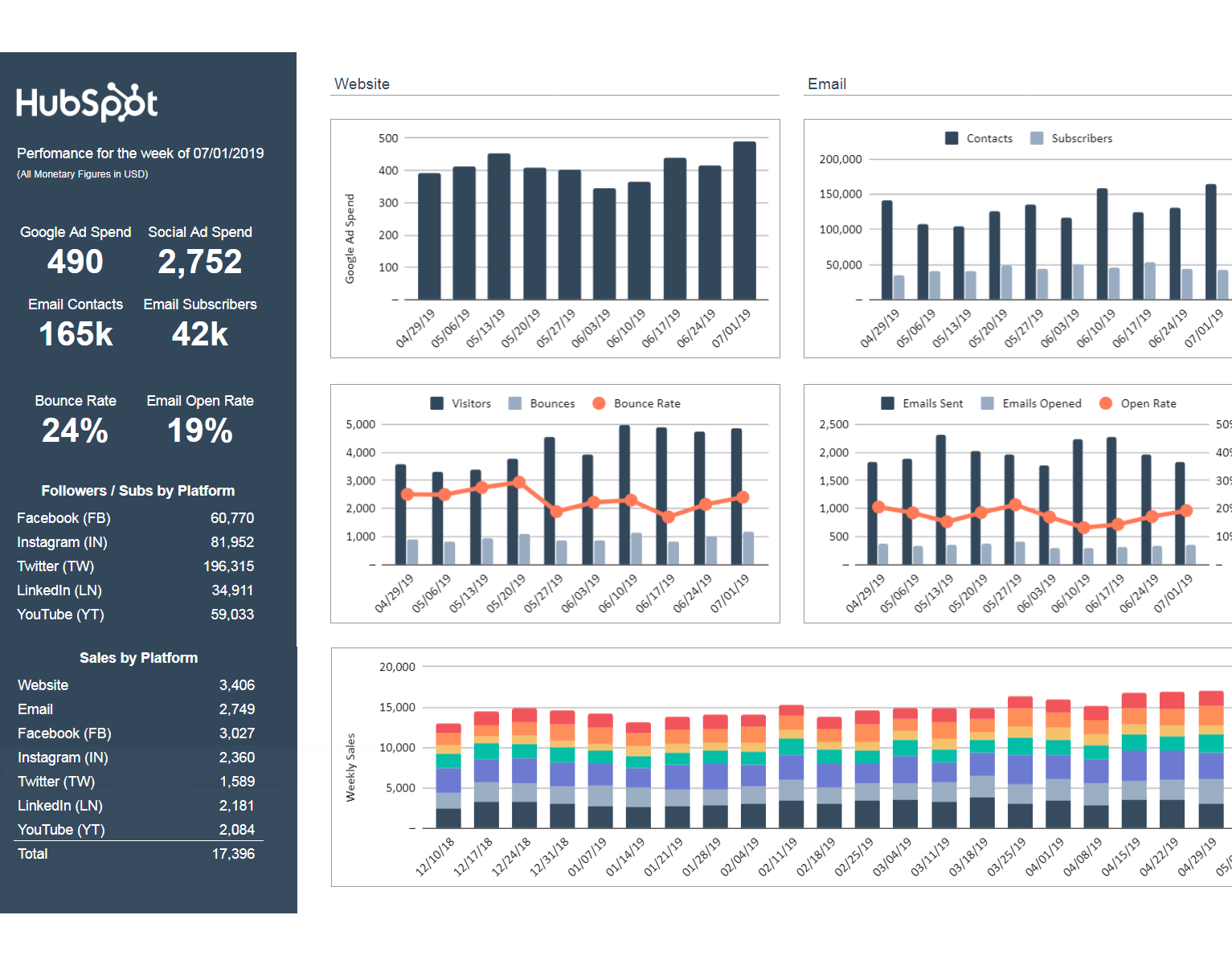
Source: HubSpot
marketing inter departmental template pdf
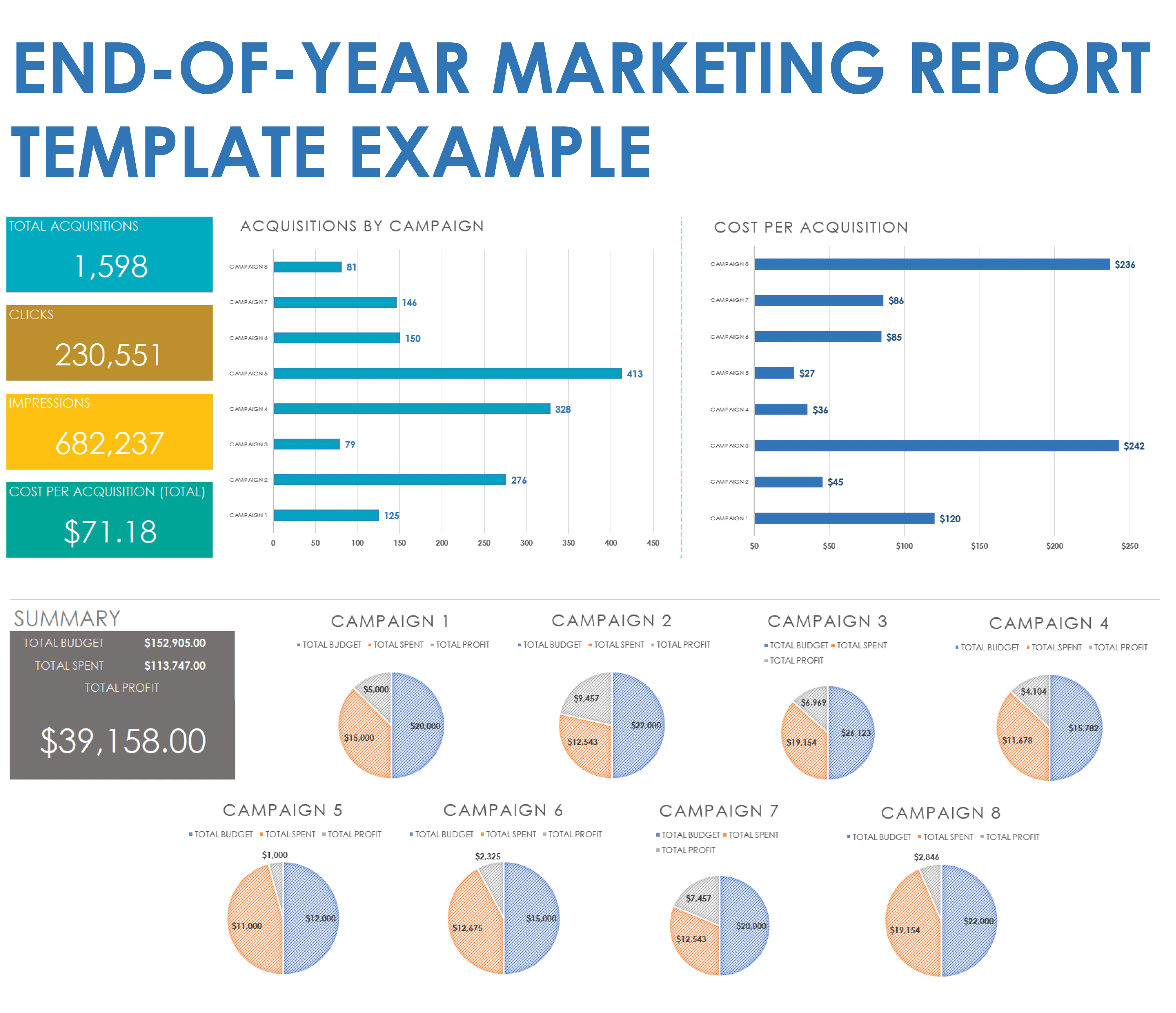
Source: Smartsheet
marketing inter departmental template google docs
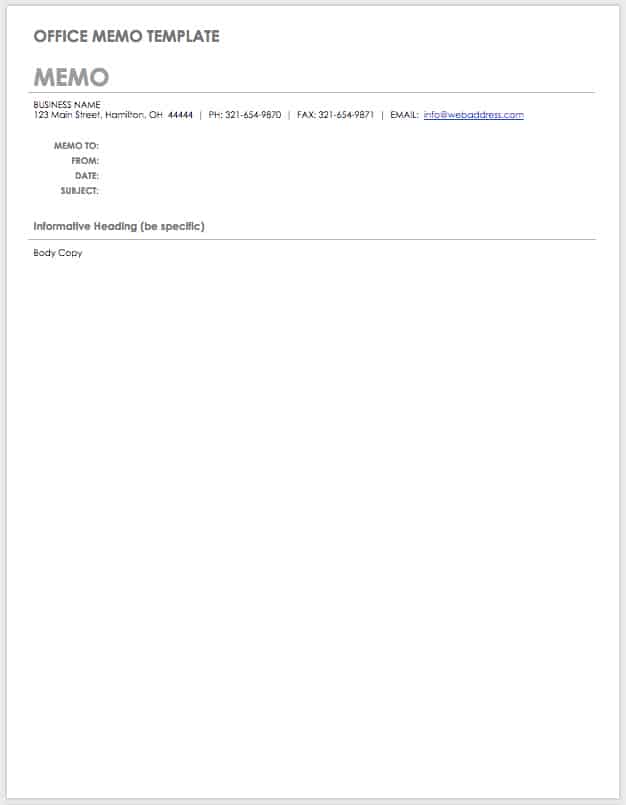
Source: Smartsheet
marketing inter departmental template word
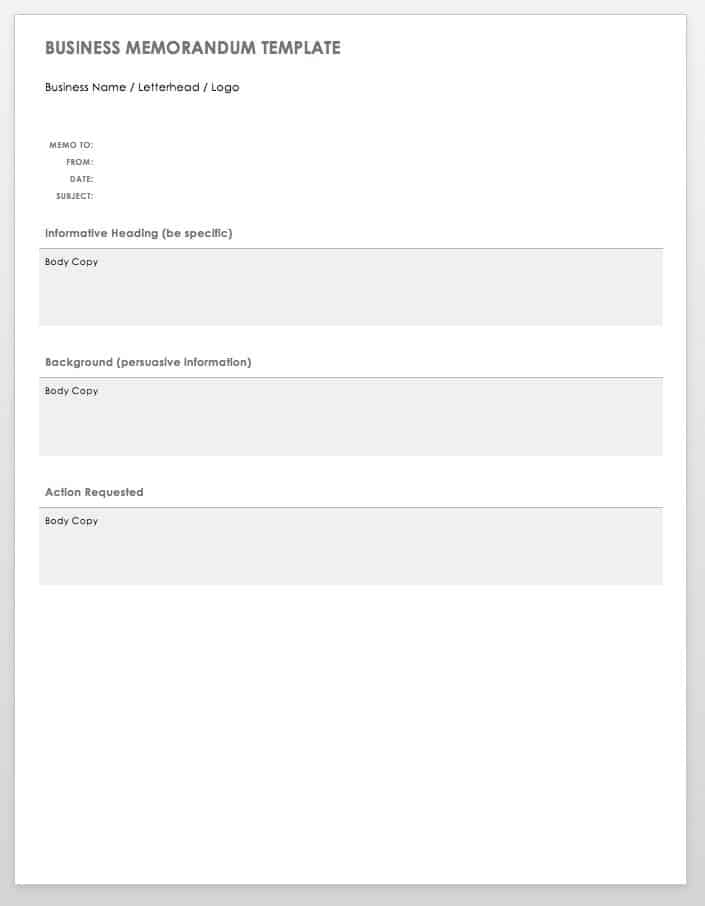
Source: Smartsheet
marketing inter departmental template examples
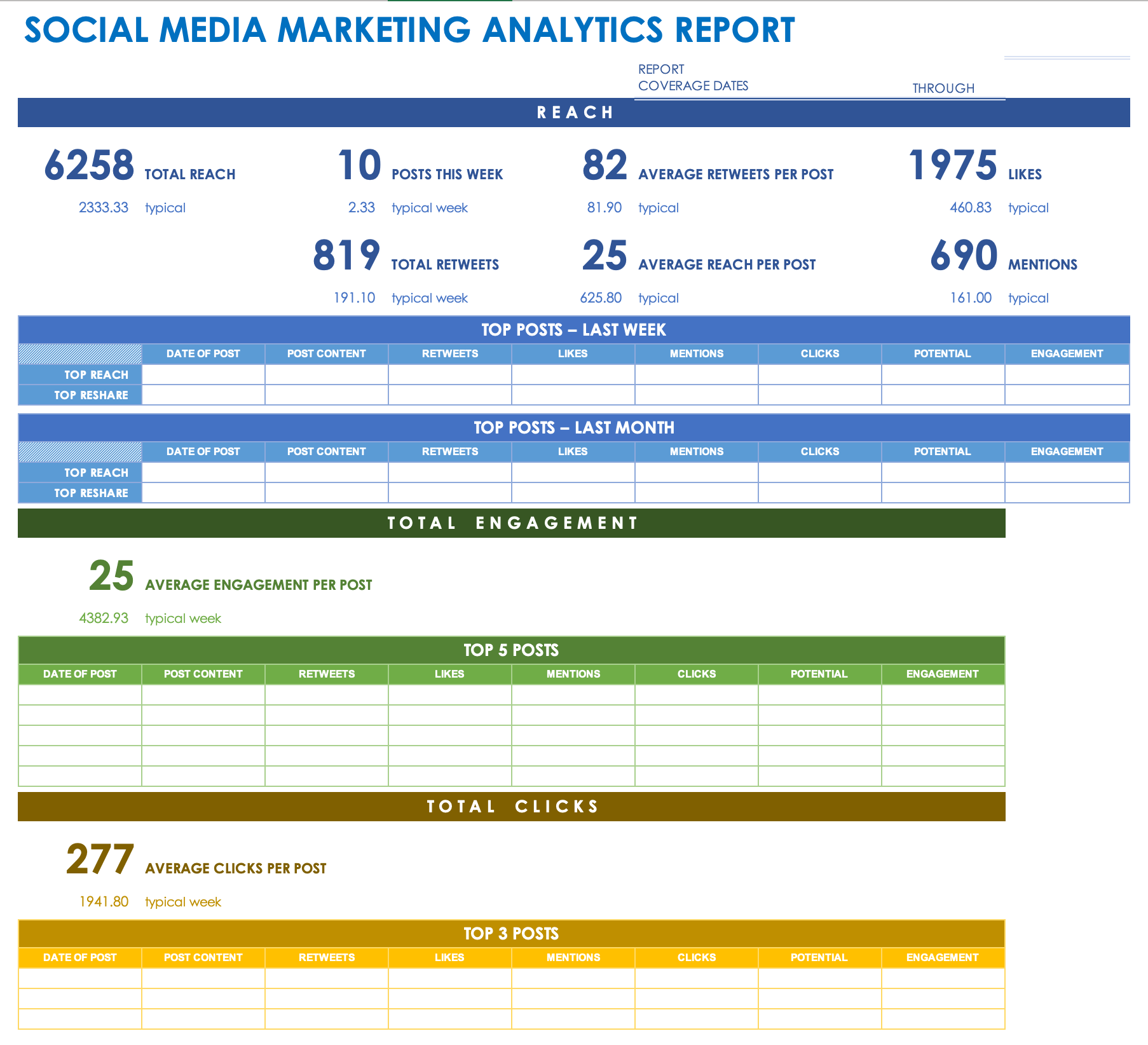
Source: Smartsheet
marketing inter departmental template google sheets
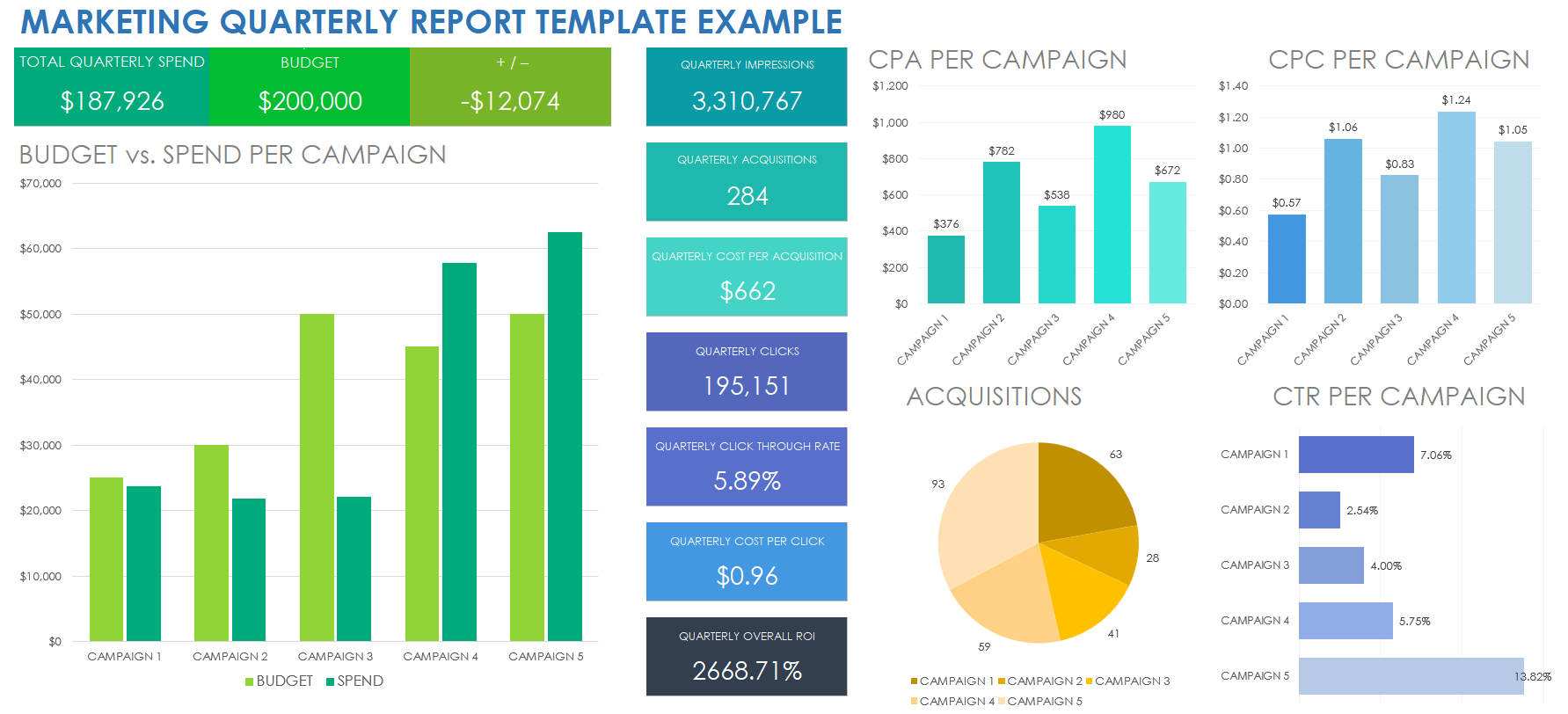
Source: Smartsheet
inter office mail template
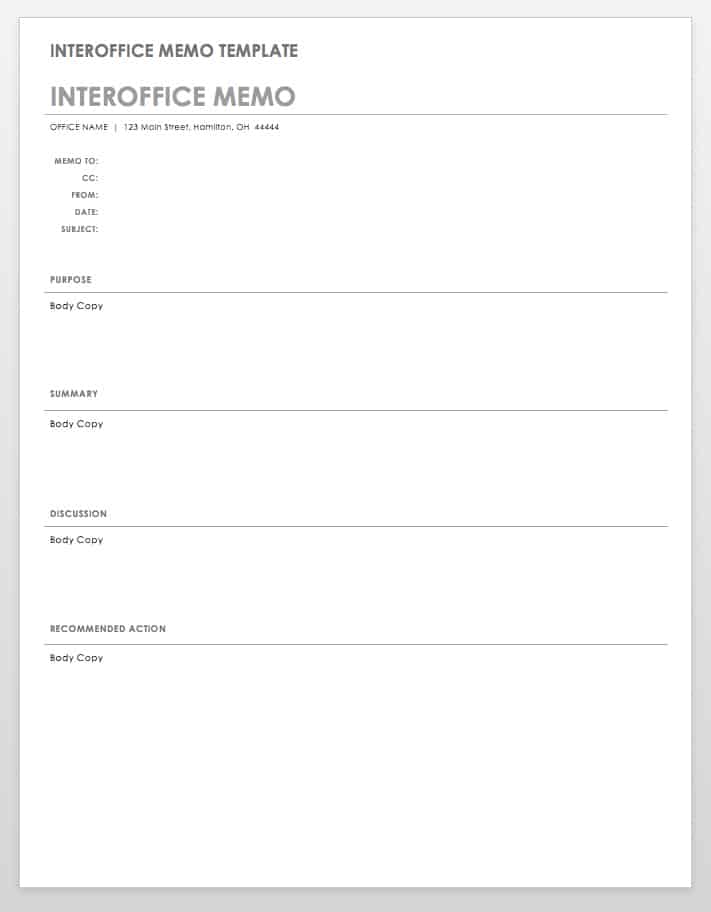
Source: Smartsheet
marketing inter departmental template uk
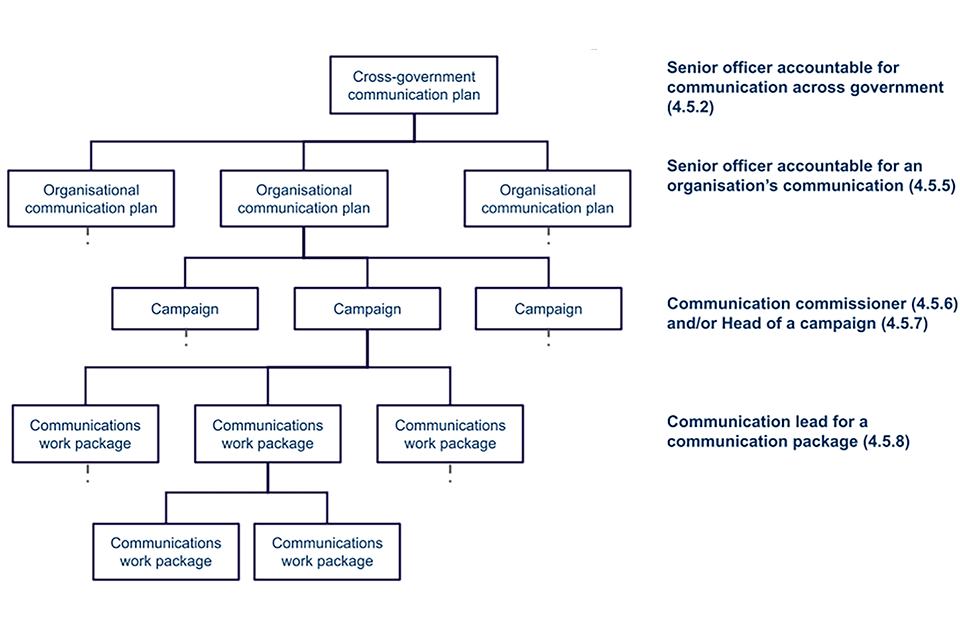
Source: GOV.UK
marketing inter departmental template doc
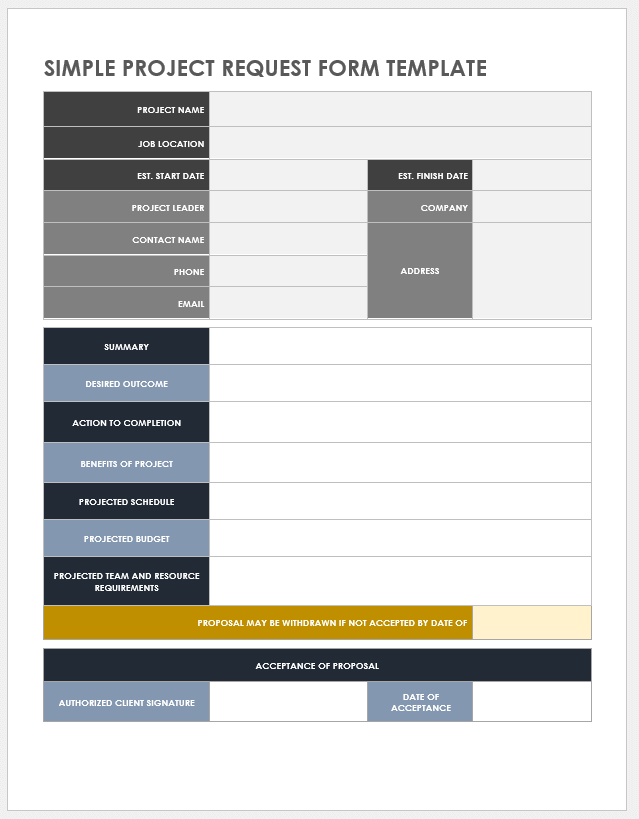
Source: Smartsheet
marketing inter departmental template download

Source: HubSpot
Frequently Asked Questions
What should a marketing inter departmental Template contain?
At minimum, include the communication purpose, requesting department, receiving department, requested action, deliverable, owner, deadline, priority, dependencies, and approval status. Add specialized fields only when they support a real workflow.
Is a memo or spreadsheet better for interdepartmental marketing communication?
Use a memo for formal or narrative communication and a spreadsheet for recurring requests, schedules, stakeholders, and status tracking. Larger organizations often benefit from using both formats for different stages of the same workflow.
Can the same template be used by every department?
A common core structure can work across departments, but specialized sections should be optional. Finance, legal, sales, product, and operations may require different information, so a modular template is usually more practical than a single oversized form.
How detailed should an interdepartmental request be?
It should contain enough information for the receiving team to understand the objective and begin work without repeated clarification. Avoid unnecessary detail that does not affect the decision, deliverable, deadline, or approval process.
How can teams prevent outdated versions?
Maintain one master version in a shared location, give it a clear name, assign an owner, and avoid circulating uncontrolled copies. Record the last update and make important decisions visible in the current document.
Should marketing templates include approval fields?
Yes when approval is genuinely required. Clearly identify what is being approved, who can approve it, the approval date, and any conditions. Do not add approval stages merely because they look professional.
What makes a template easy for other departments to use?
Clear labels, short instructions, logical ordering, specific deadlines, defined ownership, and minimal unnecessary fields make a template easier to complete. Testing the template with someone outside marketing is an effective way to identify confusing sections.
How often should an interdepartmental template be reviewed?
Review it after major campaigns and periodically during normal operations. A template should change when responsibilities, systems, compliance requirements, reporting needs, or recurring communication problems change.
Conclusion
A strong marketing inter departmental Template does more than make internal documents look consistent. It creates a shared operating language for requests, approvals, decisions, deadlines, responsibilities, and reporting. When designed around real workflows, it helps marketing collaborate with sales, finance, product, operations, legal, customer service, and leadership without forcing every communication into an informal email thread.
The most effective approach is to keep the core structure simple, define ownership clearly, make requested actions measurable, document deadlines, and choose the right format for the job. A memo, request form, communication matrix, spreadsheet, or collaborative document can each be useful when matched to the communication problem.
Templates should also evolve. Review completed communications, identify recurring misunderstandings, remove unnecessary fields, and add information that genuinely improves decision-making. The result is a practical system that makes cross-department marketing communication clearer, faster, easier to track, and more accountable.
