People searching for a health clinic letterhead template are usually trying to solve a practical problem: they need a professional document quickly, but they do not necessarily want to design a page from scratch. The most useful template therefore balances appearance, editability, printing, readability, and appropriate handling of sensitive information. Templates can be created in Microsoft Word, Google Docs, PDF-oriented workflows, or dedicated design software, depending on how the clinic creates and distributes documents.
Current template libraries demonstrate that medical letterheads commonly use a restrained header, a clear provider or organization name, contact details, and a large open area for the actual correspondence. Template providers also commonly offer medical designs in Word, Google Docs, and PDF-compatible workflows.
This guide explains what a clinic letterhead should contain, how to choose a format, how to build one from a blank page, how to adapt a free design without making it look generic, and how to use branded stationery responsibly. It also covers practical examples for individual physicians, multidisciplinary clinics, specialty practices, and institutional healthcare organizations.
The goal is not simply to find a visually attractive page. The goal is to create a reusable document system that remains readable on screen, prints cleanly, identifies the sender clearly, and supports the type of communication the clinic actually produces.
What Is a Health Clinic Letterhead Template?
A health clinic letterhead template is a reusable document layout containing the visual and informational elements that identify a healthcare practice. Depending on the organization, it may display the clinic name, logo, provider credentials, physical address, telephone number, website, email address, department, registration information, or other approved organizational details.
The central advantage of a template is consistency. Instead of manually rebuilding the header and footer every time a staff member writes a letter, the organization can start with the same approved structure. That reduces formatting variation and makes correspondence easier to recognize across departments.
Templates also create a distinction between branding information and letter content. The identity of the clinic can remain fixed while the body changes from a referral letter to an administrative notice or a professional communication. This separation is especially useful when several people prepare documents using the same organizational stationery.
A useful template should not consume most of the page with decoration. Medical correspondence frequently requires several paragraphs, dates, recipient information, subject lines, signatures, or structured details. The header and footer therefore need to establish identity without competing with the information the recipient actually needs to read.
The best designs tend to make the sender identifiable within seconds. A reader should be able to determine the organization or clinician, locate basic contact information, and understand where the body of the letter begins without navigating a complicated graphic composition.

Why Professional Letterhead Matters in Healthcare
Professional letterhead gives routine correspondence a consistent identity. A referral, clinical summary, administrative response, or professional letter can look fragmented when each document uses different fonts, spacing, logos, and contact blocks. A standardized template reduces those differences.
Consistency is also useful for internal document control. When an organization maintains several departments or practitioners, a controlled template can establish where the practice name, provider information, address, and other standard details should appear. This makes it easier for staff to review documents before they are released.
Good formatting supports comprehension as well as branding. The CDC’s health communication guidance emphasizes organization, familiar structures, short information chunks, headers, and white space because these features help readers process information more easily. :contentReference[oaicite:1]{index=1}
Letterhead can also help a recipient distinguish an official communication from an informal note. That does not mean a template itself proves that a document is authentic or clinically valid. Authenticity depends on the circumstances, authorized sender, document controls, and applicable organizational procedures.
For this reason, a healthcare organization should think of its letterhead as one component of a broader communication system. It should support accurate identification and readability rather than attempt to create authority through excessive graphics, medical symbols, or complicated visual effects.
Essential Components of a Clinic Letterhead
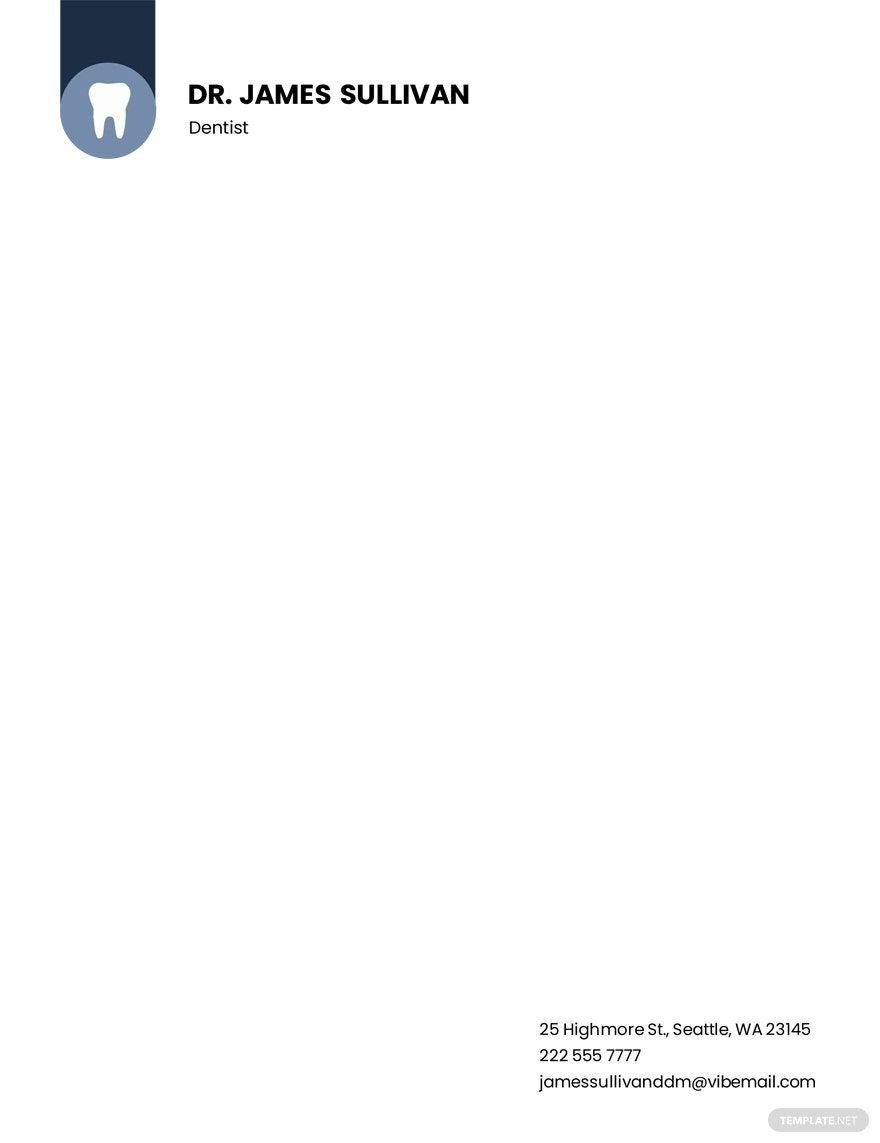
The clinic name is normally the most important identifying element. It should be prominent enough to scan quickly but should not overwhelm the page. If the organization has an approved logo, the logo and clinic name should be treated as a unified identity rather than unrelated decorations.
Provider information can be placed beneath or beside the organization name when correspondence is issued by an individual clinician. Depending on the context, this might include a professional title, specialty, degree or credential, department, and other information that the organization has approved for use.
Contact information is another core component. A practical letterhead often includes a physical address, telephone number, email address, and website. A clinic with multiple locations should be careful to make the relevant location clear instead of listing a long collection of addresses that could confuse the recipient.
The body area should receive more visual space than the branding area. A clean page allows the date, recipient, subject, salutation, message, closing, and signature to be placed naturally. If the template is intended for reports or longer correspondence, the layout should also work across multiple pages.
A footer may contain additional contact details, confidentiality language, document identifiers, or other approved notices when appropriate. Such elements should be included because they serve a real communication or administrative purpose, not simply because they make the page appear more complete.
Choosing the Right Page Format
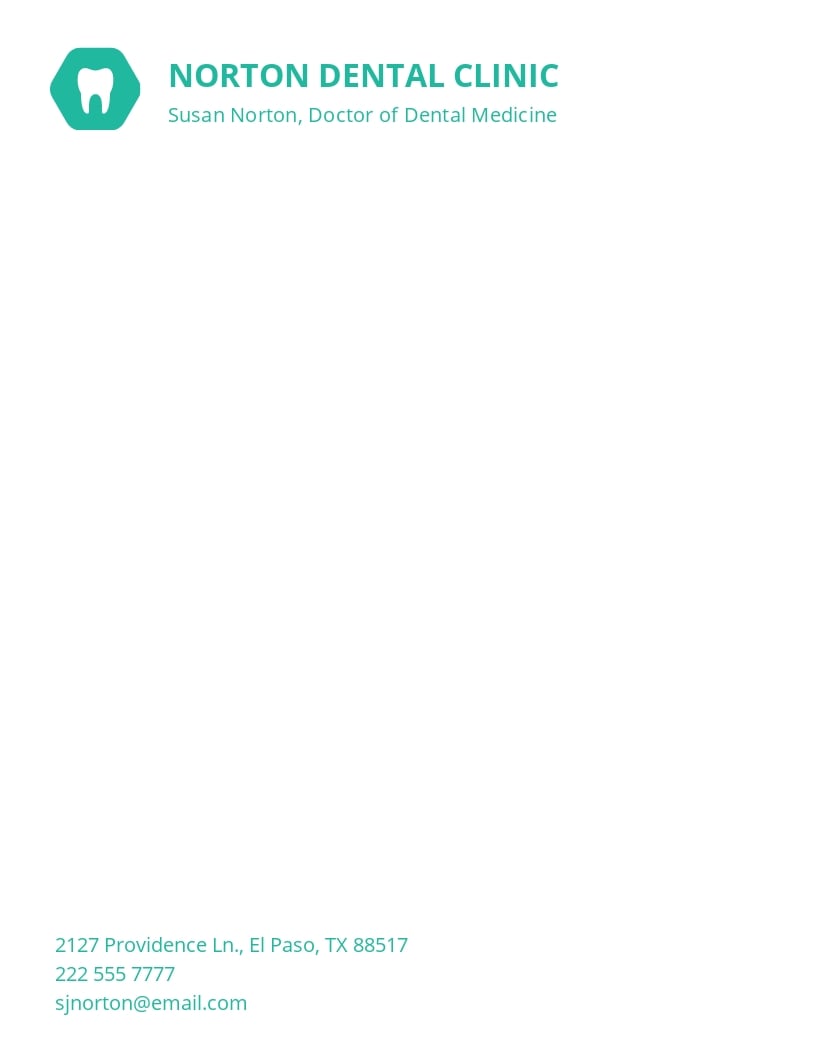
Paper size should be selected according to the clinic’s operating environment. US Letter is common in the United States, while A4 is widely used internationally. A template should be built for the paper size the organization actually prints and should not rely on last-minute scaling that changes margins or causes footer elements to move.
The page orientation is normally portrait for correspondence. Landscape layouts can be useful for specialized reports or forms, but a standard letterhead intended for ordinary correspondence should generally prioritize the familiar portrait reading experience.
Margins deserve deliberate attention. A header that sits too close to the paper edge may be clipped by office printers, while excessive margins can leave too little room for the letter. The safest approach is to test the template on the actual printer or print service used by the clinic.
Designers should also consider how the document behaves digitally. A letter may be exported to PDF, attached to an email, printed, scanned, or viewed on a monitor. Text that is clear on paper may become difficult to read if it is converted into a low-resolution image or placed over a decorative background.
A practical template therefore starts with the document’s operational requirements rather than the appearance of a single example. Decide where the document will be created, edited, stored, printed, signed, and shared before selecting the final format.
Health Clinic Letterhead Template Free Options: What to Check
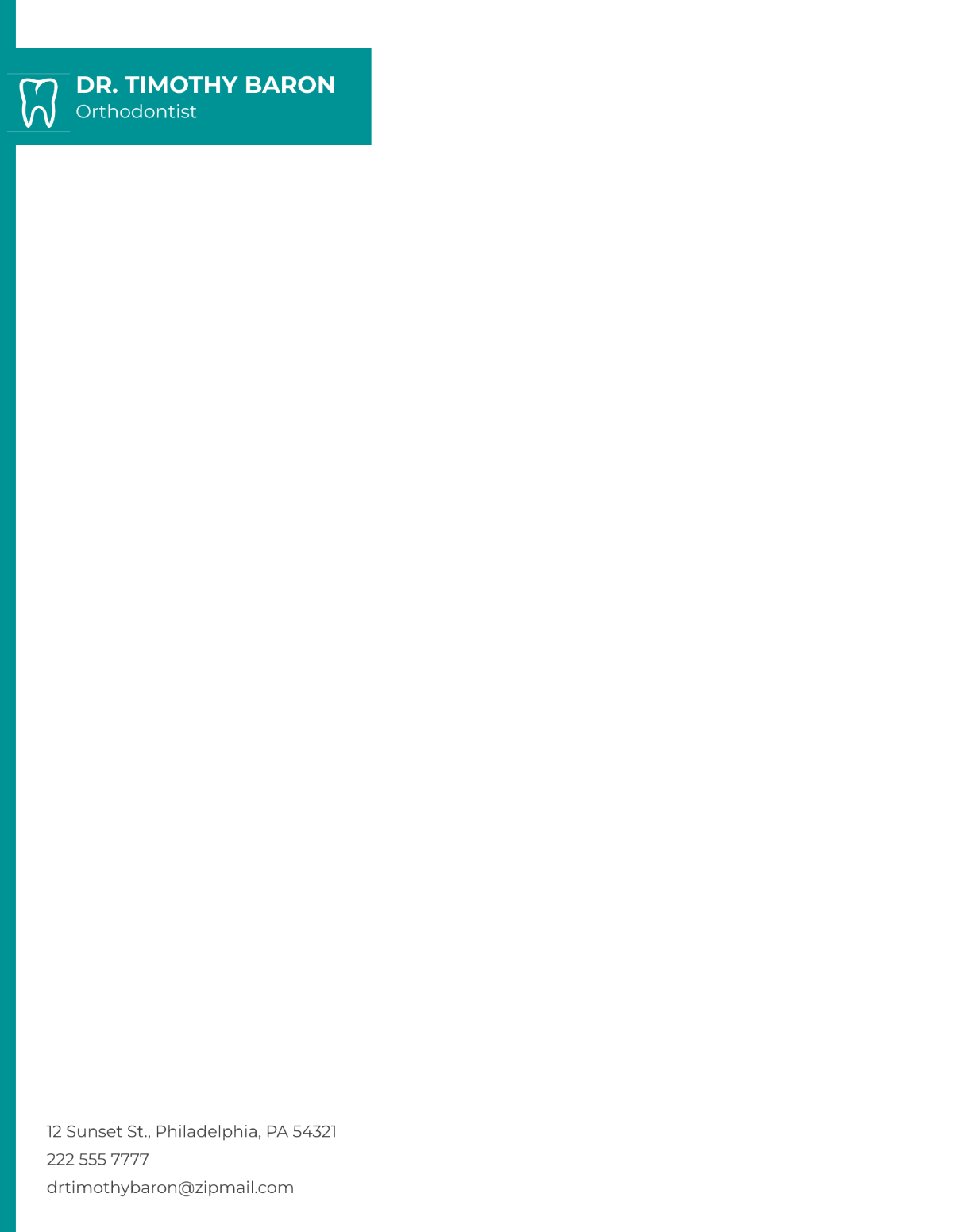
Free templates can be useful when a small practice needs a starting point without paying for custom graphic design. A health clinic letterhead template free option can provide a basic structure that is then adapted to the clinic’s legitimate branding and contact information.
However, “free” describes access or licensing in a particular context; it does not automatically mean that every element can be used without restriction. Before adopting a design, review the provider’s stated license, attribution conditions, commercial-use terms, and any restrictions on logos, icons, photographs, or embedded graphics.
Free templates should also be inspected for placeholder content. Sample addresses, phone numbers, email addresses, provider names, and credentials are often included to demonstrate the layout. Leaving even one placeholder in a final document can create confusion and may make the document appear careless.
Another consideration is editability. A template may look free while the editable source file requires a paid account. If the clinic needs to revise the document frequently, an editable format can be more valuable than a visually impressive but difficult-to-modify download.
Finally, inspect the design at normal reading size. If the template depends on tiny footer text, elaborate lines, oversized medical symbols, or decorative backgrounds, it may require more modification than a simpler design. A straightforward structure is often the better long-term choice.
Health Clinic Letterhead Template Word Workflows
A health clinic letterhead template word workflow is particularly useful when staff already prepare correspondence in Microsoft Word. Word supports headers, footers, tables, text boxes, images, page numbers, and reusable document structures, making it possible to create a professional template without specialized design software.
The most reliable Word approach is to place fixed branding elements in the header and footer rather than typing them manually into every letter. The editable body then remains separate from the identifying elements. This reduces the chance that a staff member accidentally changes the clinic address while editing a patient’s correspondence.
Tables can be useful for aligning a logo and contact block, but they should be kept visually simple. A table with hidden borders can provide reliable alignment while leaving the page looking like a normal letterhead. Excessive nested tables can make editing and conversion more difficult.
Images should be high enough in quality for the intended output but not unnecessarily large. An oversized logo file can inflate document size and make email distribution cumbersome. Where possible, use an approved vector or high-quality raster version supplied by the organization.
Before distributing a Word template, test it with short and long letters. A template that looks perfect on the first page may behave poorly when the body continues onto a second page. Check whether headers repeat correctly, whether footer content overlaps text, and whether the document still looks balanced when the message is unusually short.
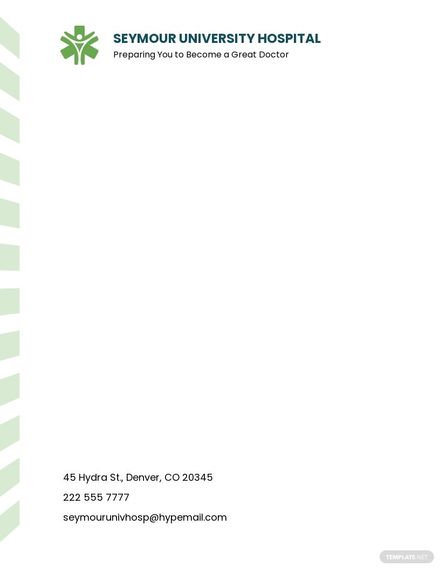
Health Clinic Letterhead Template Free Download: Evaluating the File
When searching for a health clinic letterhead template free download, the file format is as important as the visual design. A DOCX file is convenient for Word users, while a PDF is generally better suited to fixed-layout distribution and printing. A Google-based workflow can be useful for teams that collaborate in the browser.
Do not assume that a downloadable file is automatically ready for clinical use. Open it in the software your staff actually use and inspect every field. Check page size, margins, fonts, logos, placeholder text, footer positioning, and whether the file contains unnecessary elements that could accidentally appear in final correspondence.
File provenance also matters. A download should come from a source that clearly identifies what is being offered and what license applies. The existence of a file online does not establish that it is an official template for a particular hospital, health system, or medical organization.
Keep an approved master copy separate from working copies. If a clinic changes its address, telephone number, logo, or provider information, update the controlled master rather than editing dozens of unrelated documents. Version naming can help staff recognize the current file.
A practical naming system might distinguish a master template from a letter generated from that template. For example, an internal convention could identify the organization, document type, and revision date. The exact convention should match the clinic’s existing document-control procedures.
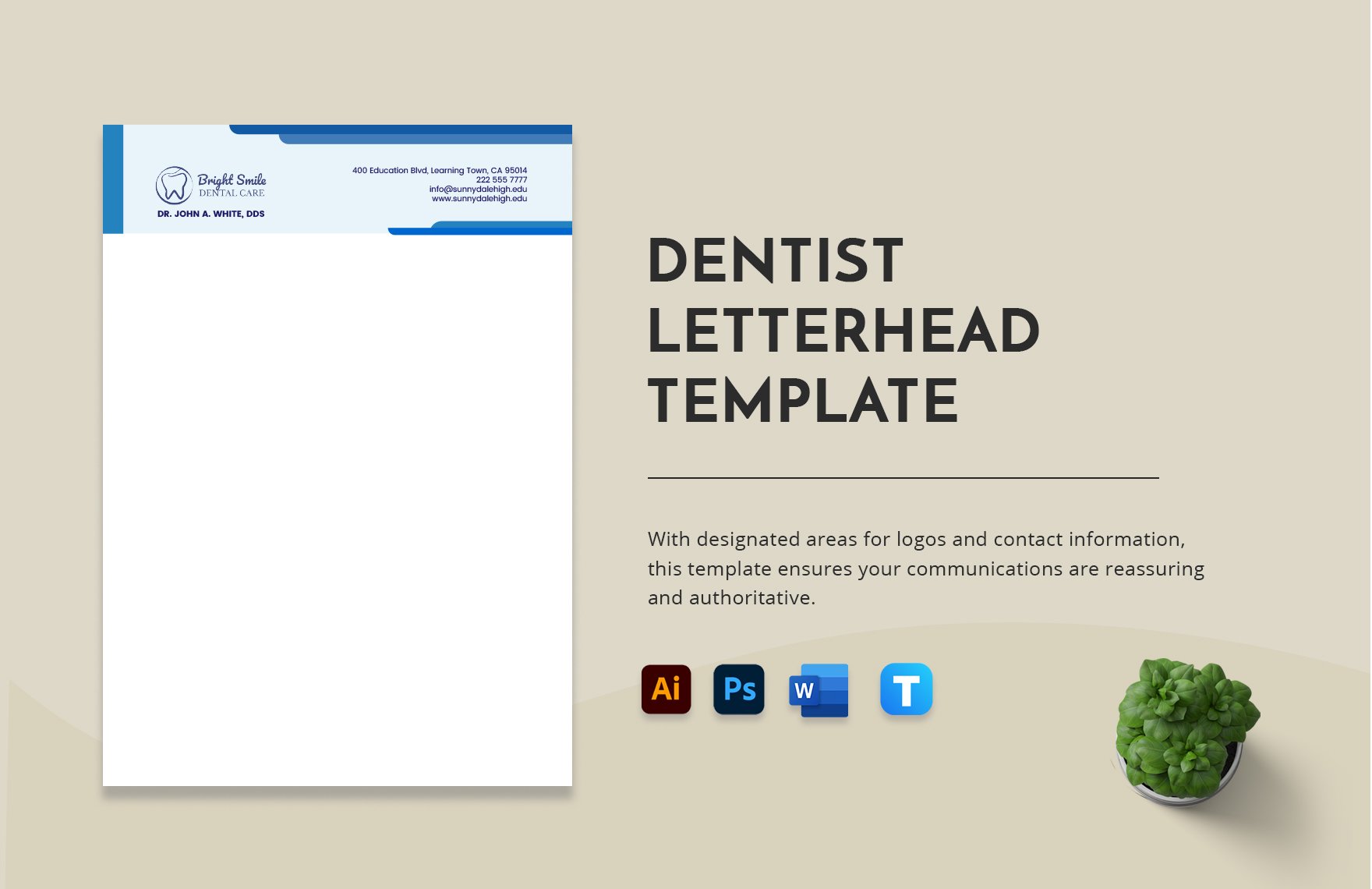
Health Clinic Letterhead Template PDF: When PDF Is the Better Choice
A health clinic letterhead template pdf is useful when the primary requirement is preserving a finished layout. PDF is well suited to situations in which the sender wants the recipient to see the document as designed rather than having fonts, spacing, or page elements reflow in another application.
PDF is especially useful for finalized correspondence that has passed an appropriate review process. It can preserve the visual relationship between the header, body, signature area, and footer more reliably than an editable document shared between different software environments.
However, a PDF should not be treated as a substitute for document governance. A locked or flattened PDF may make unauthorized changes more difficult, but it does not by itself prove who created the document or whether the contents are accurate.
When exporting from Word or another editor, inspect the final PDF rather than assuming the conversion worked perfectly. Look for missing fonts, clipped logos, unexpected page breaks, broken hyperlinks, shifted footers, and low-resolution images.
If a clinic distributes documents electronically, it should also consider whether the file contains unnecessary metadata or patient information. The correct handling process depends on the document, the organization’s policies, applicable law, and the communication channel being used.
Creating a Health Clinic Letterhead Template in Google Docs
A health clinic letterhead template google docs workflow can be attractive to small teams because the document can be edited in a browser and shared with authorized collaborators. Google Docs can also support reusable structures through templates or controlled master documents.
The first step is to set the page dimensions and margins before designing the header. This prevents a common mistake in which the template is designed visually first and then resized, causing the branding elements to shift or the body area to become too narrow.
Next, insert the approved logo and clinic identification. Keep the logo proportional and leave enough space around it. The goal is to establish a visual hierarchy: clinic identity first, supporting contact details second, and letter content third.
After creating the header and footer, test the document using realistic correspondence. Try a one-paragraph notice, a medium-length referral-style letter, and a multi-page professional communication. This exposes layout problems that are not visible in an empty template.
Access control should be considered whenever the master contains organizational branding or is used as the starting point for documents containing patient information. Staff should work according to the organization’s document-sharing, account, and information-security policies rather than assuming that a shared link is appropriate for every use.
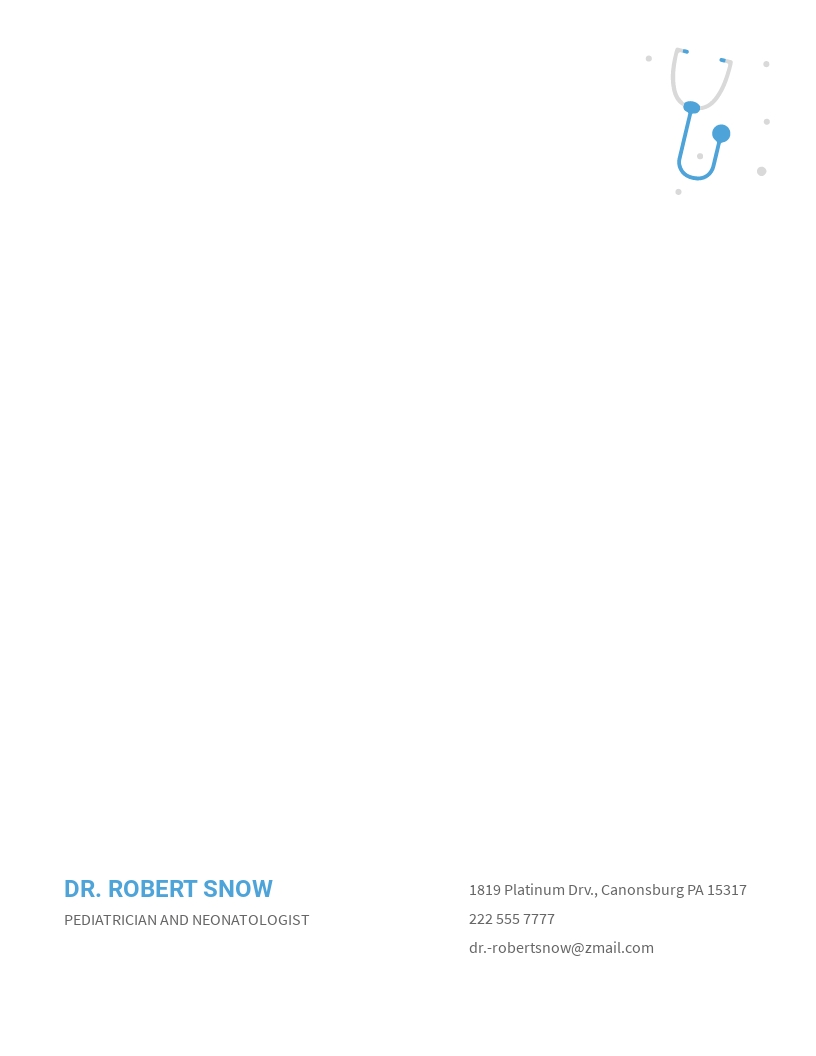
Design Principles for a Better Medical Letterhead
Use typography that remains readable at normal size. A clinic letterhead does not need an unusual typeface to look professional. A clear primary font paired with a restrained secondary treatment is usually easier to maintain than a design built around several decorative fonts.
Color should reinforce identity without reducing contrast. Healthcare organizations often use blue, green, teal, gray, or other restrained palettes, but there is no universal requirement to use a medical color. The better test is whether the text remains easy to read and whether the design remains recognizable when printed in grayscale.
White space is valuable. A page that contains a logo, multiple colored bars, medical icons, slogans, social links, and large footer graphics may look impressive in a design preview but leave little room for the actual message. Clinical correspondence benefits from a calm visual hierarchy.
Medical symbols should be used thoughtfully. A cross, caduceus-like mark, ECG line, stethoscope, or abstract healthcare icon can communicate context, but an icon should not replace clear identification of the organization or provider.
Brand consistency is more important than decoration. If the clinic already has official colors, logo rules, typography, or stationery standards, the letterhead should follow those rules. A template that is individually attractive but inconsistent with the organization’s identity can create more work than it saves.

How to Build a Letterhead From Scratch
Start by defining the document’s purpose. A general clinic letterhead, physician letterhead, specialist letterhead, laboratory letterhead, and institutional letterhead can share a visual language while requiring different information blocks.
Next, make an inventory of approved information. Gather the exact clinic name, address, telephone number, website, email address, logo, provider credentials, and any other details that legitimately belong on the stationery. Avoid copying information from an old letter without checking it against the current source of truth.
Create a simple wireframe before applying colors. Mark the header zone, body area, signature area, and footer. This step makes it easier to determine whether the document has enough writing space and whether important information is positioned consistently.
Build the header and footer using stable document features. In Word, for example, the header and footer areas can keep fixed information separate from the body. In Google Docs, the same principle can be implemented with document header and footer elements.
Finish by testing real use cases rather than judging the design only as a static image. Ask whether a receptionist, physician, administrator, or records staff member could open the template and understand what to edit without touching the fixed branding elements.
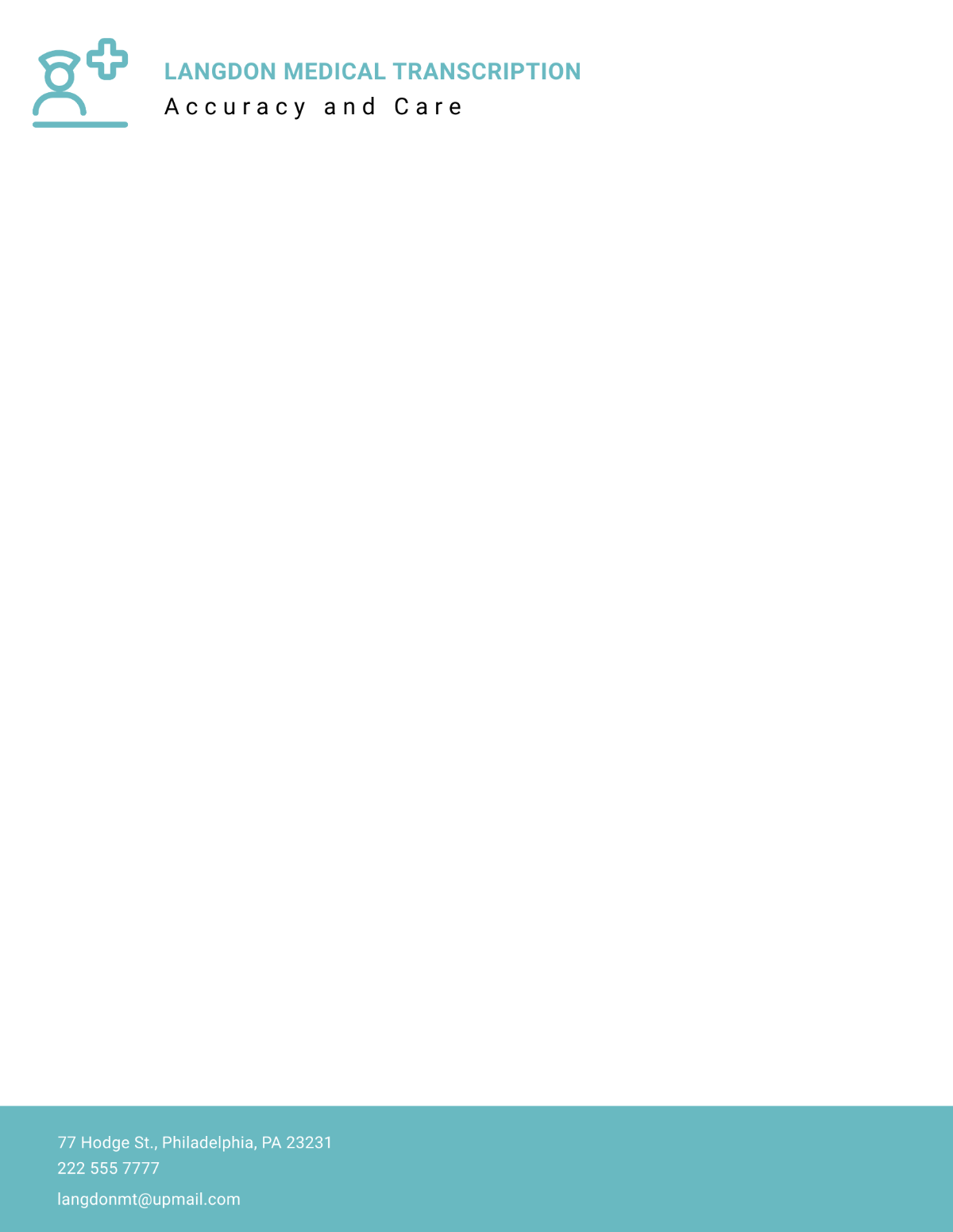
Different Types of Medical Letterhead
A general clinic letterhead is designed for broad correspondence. It usually identifies the practice and supplies contact information without emphasizing one clinician or specialty. This format works well for administrative letters, general communications, and documents issued in the clinic’s organizational name.
An individual physician letterhead places greater emphasis on the provider’s name and credentials. It can be appropriate when the correspondence is authored and issued by a specific clinician, provided that the format reflects the organization’s policies and professional requirements.
A specialty letterhead can visually or textually identify a department such as cardiology, pediatrics, orthopedics, dermatology, or another service. The specialization should be clear without overwhelming the organization name.
Institutional letterhead is typically more structured. It may identify a hospital, university medical center, research institute, or department and may include several levels of organizational information. The more complex the institution, the more important hierarchy becomes.
Research-oriented letterhead is another useful variation. A research unit may need space for the institution, department, project or center name, and contact information. The design should still distinguish institutional identity from study-specific information so that the document is not mistaken for a clinical prescription or patient-specific form.
Letterhead for Referrals, Reports, and Administrative Communication
Referral correspondence often benefits from a header that leaves enough room for a clear date, recipient, subject, patient reference information where appropriate, and the actual referral narrative. The template should not force the writer to compress clinically relevant text into an unusually small area.
Reports may need a more structured layout than ordinary letters. If a report routinely contains headings, tables, findings, recommendations, or multiple pages, consider whether a report template should be developed separately from the basic letterhead.
Administrative letters may require less clinical information but still need reliable organizational identification. Examples include appointment-related correspondence, billing communications, records requests, professional notices, and other non-clinical messages.
A template should never encourage staff to include more patient information simply because a field exists. Information should be appropriate to the purpose and handled according to applicable privacy requirements and organizational procedures.
For organizations subject to HIPAA, the U.S. Department of Health and Human Services explains that covered entities generally must make reasonable efforts to limit uses and disclosures of protected health information to the minimum necessary for the intended purpose, subject to the rule’s exceptions. :contentReference[oaicite:2]{index=2}
How to Handle Patient Information on Letterhead
Letterhead itself is generally an identification and presentation mechanism; it should not become a container for unnecessary clinical information. The body of the communication should contain only information appropriate to its purpose and recipient.
For patient-facing correspondence, verify names, dates, addresses, and other identifying details before finalizing the document. A polished design cannot compensate for a simple identity or addressing error.
For communications sent to another healthcare professional, the sender should follow the organization’s established procedures for authorization, transmission, and appropriate information disclosure. The fact that a recipient is another professional does not make every possible disclosure automatically appropriate.
Digital files deserve the same care as printed letters. Before sending a document electronically, verify the recipient, attachment, file version, and transmission method. A correct letterhead design is only one part of safe communication.
Where applicable, the organization’s privacy and security policies should determine how patient information is stored, shared, printed, scanned, and disposed of. The HIPAA Security Rule also addresses administrative, physical, and technical safeguards for electronic protected health information. :contentReference[oaicite:3]{index=3}
Practical Examples of Clinic Letterhead Structures
Consider a hypothetical family practice called Green Valley Family Medicine. A suitable header could place the practice name and approved logo at the upper left, followed by a short specialty description. The right side could contain the clinic telephone number, address, website, and general email.
For a hypothetical orthopedic specialist, the provider’s name could be the dominant text, with specialty and credentials immediately below. The footer could then contain the practice address and contact details. This arrangement works well when the physician’s professional identity is central to the communication.
A hypothetical multidisciplinary health center might instead make the clinic name the strongest element and place individual provider information in the body. This avoids redesigning the stationery whenever staffing changes and makes the document usable by several departments.
A university medical center could require a more formal hierarchy, with the university or health system at the top, the medical center beneath it, and the department or specialty below that. Such a layout should follow the institution’s own branding standards rather than being improvised from a generic template.
These examples are illustrative rather than official formats. They show how the same basic letterhead principles can be adapted to different organizational structures without implying that a particular institution requires any one design.
Common Mistakes to Avoid
One common mistake is putting too much information in the header. A clinic may be tempted to include every phone number, department, social profile, accreditation, service, and slogan. The result can be visually crowded and difficult to scan.
Another mistake is using low-resolution logos. A logo that looks acceptable on a monitor can become visibly blurred when printed. The approved brand asset should be used whenever possible.
Incorrect placeholder information is especially dangerous. Template examples frequently use fictional names, sample phone numbers, and sample addresses. Every one of these fields should be checked before the template becomes part of an operational workflow.
Overly decorative backgrounds can also interfere with reading. Large photographs, gradients, watermark graphics, or strong patterns may reduce contrast and make photocopying or scanning less reliable.
Finally, do not assume that a template is an official institutional document simply because it uses a familiar healthcare name or symbol. If a specific hospital or health system has its own stationery system, use its approved resources and procedures instead of treating an internet template as official.
Professional Considerations for Institutional Branding
Some healthcare organizations maintain centralized stationery systems rather than allowing individual departments to create independent designs. The reason is straightforward: institutional branding needs to remain consistent across many forms of communication.
UC Health, for example, publishes brand resources and identifies official resources for its organization, while University of Cincinnati Printing Services describes stationery ordering options for UC and UC Health customers. These sources illustrate why an internet template should not be assumed to be an official institutional template. :contentReference[oaicite:4]{index=4}
Banner Health likewise publishes brand and communication resources through its official channels. Its design-system resources demonstrate that organizational identity extends beyond a logo to consistent interface and communication patterns. :contentReference[oaicite:5]{index=5}
When creating stationery for an organization with established branding rules, the safest approach is to begin with the organization’s current brand guidelines or approved stationery resources. Generic designs can still be useful for inspiration, but they should not be presented as official institutional documents.
This distinction is particularly important for searches involving named organizations. A search result that happens to contain the organization’s name does not establish endorsement, approval, or official status. The organization’s own website or internal resource system is the appropriate authority for institutional branding requirements.
How to Evaluate a Template Before Adoption
Begin with usability. Can a staff member identify the fixed fields and editable fields immediately? If the answer is no, simplify the design. A good template should reduce work rather than create a new formatting task every time a document is prepared.
Check visual hierarchy. The clinic or provider should be identifiable before secondary information. The recipient should then be able to move naturally into the body of the letter without navigating decorative elements.
Check print behavior. Print a test page on the equipment normally used by the clinic. Examine the top and bottom margins, logo quality, small text, color reproduction, and whether any elements are close enough to the edge to risk clipping.
Check digital behavior. Export the document to PDF, open the PDF on another device, and inspect it at normal zoom. If the template contains hyperlinks or other interactive elements, verify that they work as intended.
Finally, check governance. Determine who owns the master template, who can change it, where the approved version is stored, and how staff will be informed when the template changes. A beautiful document is not a successful template if everyone is using a different version.
Researching Template Options Efficiently
Search results can quickly become overwhelming because many websites use similar names for different designs. Start with the actual purpose: general clinic, doctor, specialist, hospital, research center, medical office, or administrative correspondence.
Next, identify the required editing environment. If the staff uses Word, prioritize editable Word files. If several people collaborate in a browser, Google Docs may be more convenient. If the document will primarily be distributed as a fixed final file, PDF may be the preferred output format.
Then compare the actual layout rather than the marketing preview. Look at the amount of blank writing space, footer density, typography, logo placement, and whether the template accommodates long documents.
Check licensing before adopting an external design. A template may be free for personal use but subject to attribution or commercial-use restrictions. The license should be treated as part of the selection process, not as an afterthought.
Finally, retain the source information for any design that becomes part of your workflow. This makes it easier to revisit the license, obtain an updated version, or replace the template if the original resource changes.
Practical Solution: Build a Reusable Clinic Letterhead System
The most practical solution is to treat the letterhead as a controlled document system rather than a one-time graphic. Start by selecting one primary template and, if necessary, one or two variants for clearly different purposes such as general correspondence and specialist or institutional communications.
Step one is to establish the approved identity block. Confirm the exact organization name, logo, address, telephone number, website, email address, and any provider information that belongs on the stationery. Verify every field against the organization’s current information before inserting it.
Step two is to choose the working format. A Word master is appropriate when staff need extensive editing. A Google Docs master can suit collaborative browser-based workflows. A PDF can be the final distribution format after the editable document has been reviewed.
Step three is to separate fixed and variable content. The logo, clinic name, and approved contact details should be difficult to alter accidentally. The date, recipient, subject, message, and signature should remain easy to edit.
Step four is to create a test pack. Prepare several fictional examples: a short administrative letter, a longer professional letter, a referral-style communication, and a multi-page document. Use fictional data rather than real patient information while testing the layout.
Step five is to test the printed and digital outputs. Print the pages, export them to PDF, view them on a separate device, and check page breaks. Make corrections to the master template rather than manually fixing each test document.
Step six is to document ownership. Assign responsibility for approving changes. If the clinic changes its logo, address, or contact information, there should be a clear process for updating the master and retiring the previous version.
Step seven is to create a simple staff workflow: open the approved template, enter only the information required for the communication, proofread identifying details, review the final document, export or print using the approved process, and store or transmit it according to organizational policy.
Step eight is to review the template periodically. A template does not need constant redesign, but it should be checked whenever the organization changes its branding, location, contact information, document-control process, or communication requirements.
The result is more useful than simply downloading a pretty page. A controlled template gives the clinic a repeatable method for creating professional correspondence while reducing inconsistent formatting and outdated contact information.
Reference Examples
The following references illustrate different approaches to medical and healthcare stationery. They are visual examples rather than a claim that any particular design is required for every clinic. Named institutional examples should be checked against the organization’s current official branding resources before use.
health clinic letterhead template free
Source: Template.net
health clinic letterhead template word
Source: Template.net
health clinic letterhead template free download
Source: Template.net
health clinic letterhead template pdf
Source: Template.net
health clinic letterhead template google docs
Source: Template.net
health clinic letterhead template word free
Source: Template.net
health clinic letterhead template download
Source: Template.net
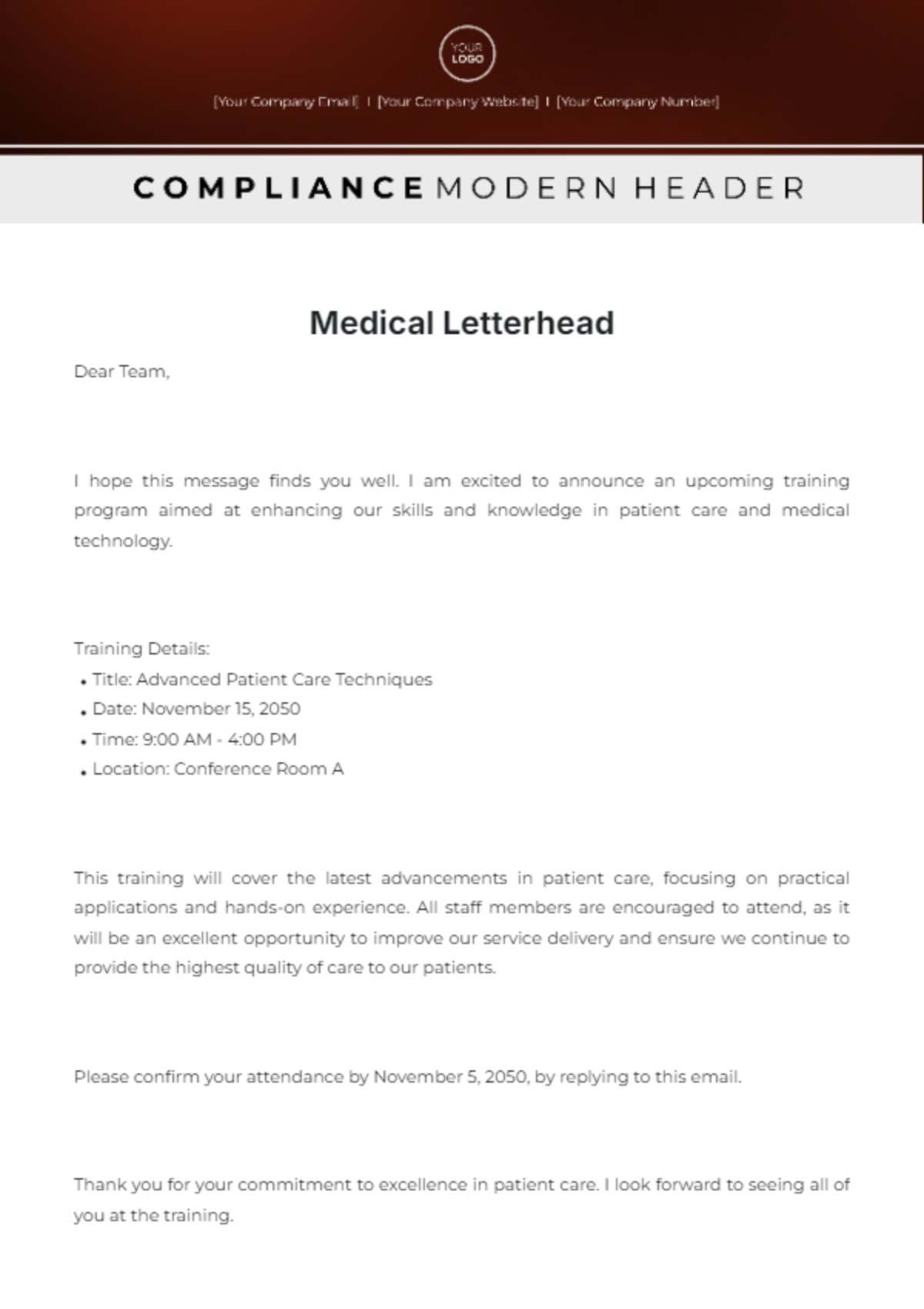
medical letterhead template free
Source: Template.net
letterhead for medical clinic
Source: Template.net
uc health letterhead template

Source: UC Health
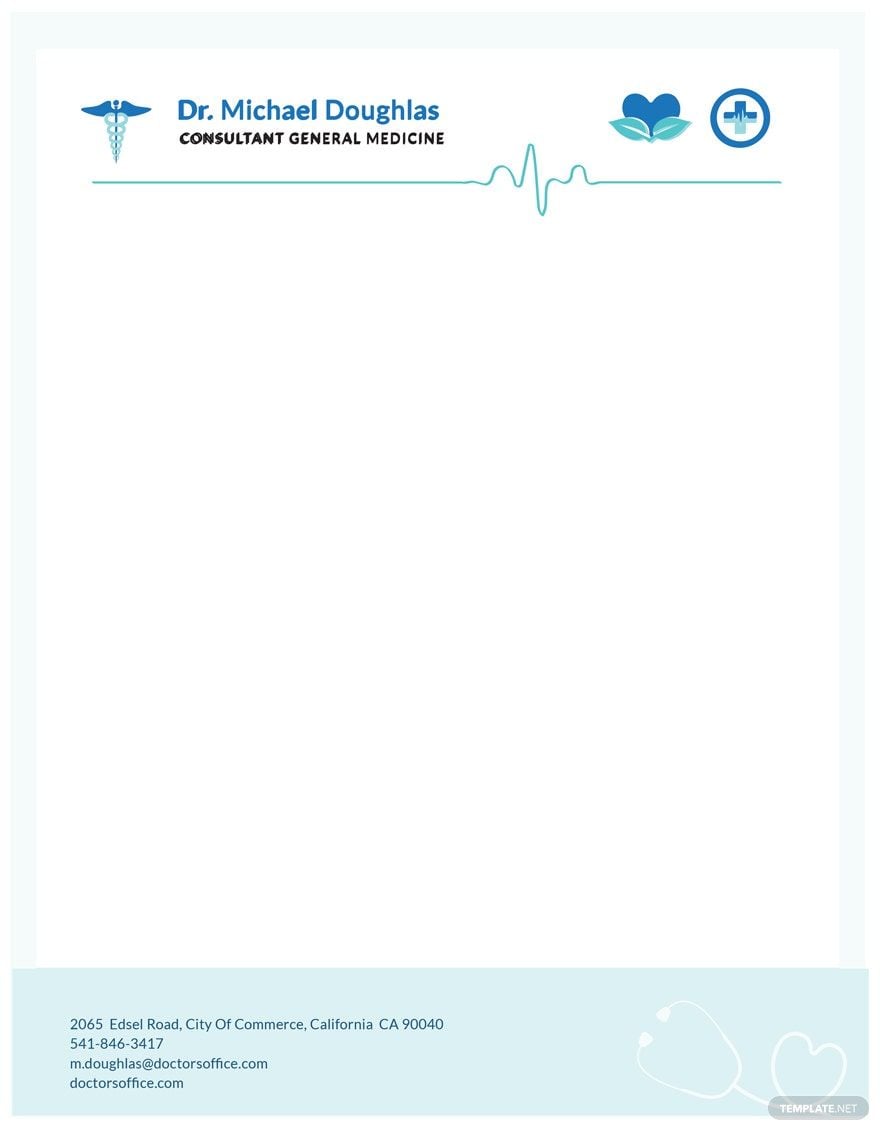
free doctor letterhead template
Source: Template.net
banner health letterhead template
Source: Banner Health
Frequently Asked Questions
What should a health clinic letterhead template include?
At minimum, it should clearly identify the clinic or authorized provider and provide appropriate contact information. Depending on the purpose, it may also include credentials, department information, an address, website, email address, or approved footer text. The body area should remain spacious enough for the actual communication.
Can I make a health clinic letterhead template in Word?
Yes. Word is well suited to reusable letterhead because headers and footers can keep fixed branding separate from editable correspondence. Build the master carefully, test it across multiple pages, and keep an approved version rather than allowing staff to create unrelated copies.
Is a free medical letterhead template safe to use?
A free template can be a useful starting point, but “free” does not automatically establish licensing, official status, accuracy, or suitability for clinical use. Check the license, remove all sample information, use approved branding, and verify the finished document before operational use.
Should a clinic use Word, Google Docs, or PDF?
Use the format that matches the workflow. Word is useful for controlled editing, Google Docs can support browser-based collaboration, and PDF is usually better for preserving a finalized layout. Many clinics can use more than one format, with an editable master and a fixed final output.
Can a generic template be used as official hospital letterhead?
Not unless the organization has approved it. A generic template can inspire a design or serve as a starting point, but institutional stationery should follow the organization’s own branding and document-control requirements.
What makes a medical letterhead look professional?
Clear hierarchy, readable typography, adequate white space, consistent branding, accurate contact information, and restrained use of graphics usually create a stronger result than excessive decoration. The design should make the correspondence easier to identify and read.
Should patient information appear in the letterhead itself?
Usually, the letterhead should focus on identifying the clinic or provider. Patient-specific information belongs in the body or appropriate document fields when it is necessary for the communication. Organizations should follow applicable privacy, security, and information-disclosure requirements.
How often should a clinic update its letterhead?
Review it whenever branding, contact information, locations, organizational structure, or relevant document policies change. It is also useful to review the template periodically to confirm that staff are still using the approved version.
What is the most important feature of a health clinic letterhead template?
Usability is the most important practical feature. A template should identify the sender clearly, preserve sufficient space for meaningful content, work in the clinic’s actual software and printing environment, and support an accurate, controlled workflow.
Conclusion
A well-designed health clinic letterhead template should make professional correspondence easier, not merely make a page look attractive. The strongest templates establish clear organizational identity, provide accurate contact information, preserve generous writing space, work reliably in the chosen editing and PDF workflow, and remain consistent across staff and departments. Whether you choose a free starting point, build a health clinic letterhead template word file, create a health clinic letterhead template google docs workflow, or distribute finalized documents as PDF, the same principles apply: accuracy, readability, appropriate branding, controlled editing, and responsible handling of information. A carefully built health clinic letterhead template becomes a practical part of the clinic’s communication system rather than a disposable design element.
